
Your physical EZ-Link card is far more than a transit pass for the MRT and public buses. In Singapore, this contactless smart card serves as a convenient payment method across a vast network of retail outlets, supermarkets, convenience stores, bakeries, and dining establishments. By leveraging the Contactless e-Purse Application Standard (CEPAS) technology, you can tap and pay for your daily essentials, quick meals, and personal care items without needing to pull out cash or credit cards. Understanding where and how to use your card for everyday shopping helps streamline your daily routines and ensures you always have a reliable backup payment option in your pocket.
Identifying EZ-Link Accepted Retail and Food Outlets
To determine if a retail store or food outlet accepts EZ-Link payments, look for visual cues at the storefront or checkout counter. The most reliable indicator is the blue CEPAS logo or the official EZ-Link decal displayed near the cash register. Because EZ-Link operates on the national CEPAS standard, any terminal displaying this logo is equipped to read your physical card. Merchants prominently display these stickers alongside other major payment network logos to signal compatibility.
When visual signage is not obvious, verify acceptance by inspecting the point-of-sale payment terminal. Look for the universal contactless payment symbol—consisting of four curved waves—which indicates that the terminal supports tap-to-pay transactions. However, because some terminals are configured only for bank cards or mobile wallets, it is best practice to ask the cashier, “Can I pay using EZ-Link?” before they ring up your items. This quick verbal check prevents checkout delays.
Products mentioned in this guide
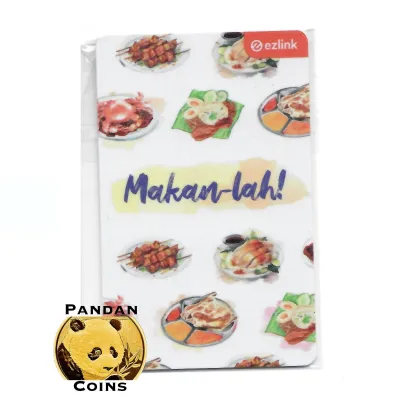
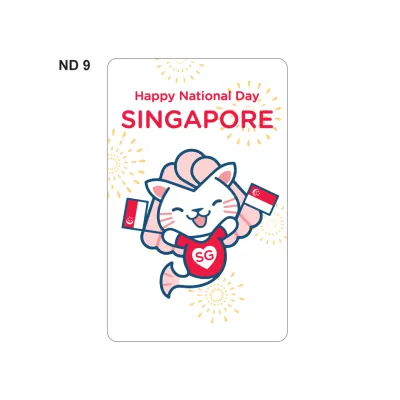
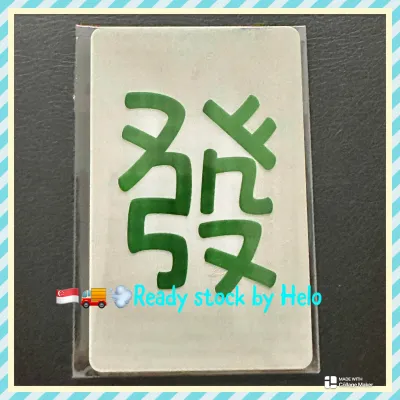
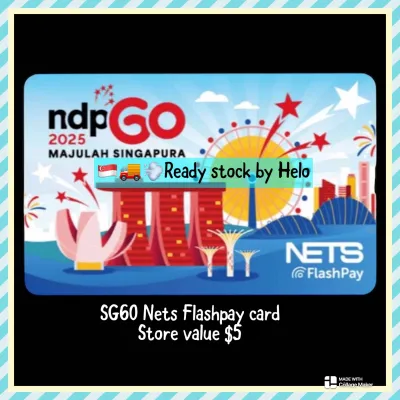
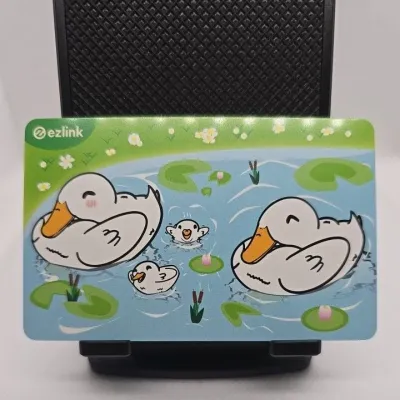
![[Exp: March 2030] Brand New EZ-Link Ezlink Blue Sanrio Hello Kitty 50th Anniversary EZ-Link Card Blue (Non SimplyGo)](https://img.lazcdn.com/g/ff/kf/Sffe01e531df94563abf64ba29a6c06d0N.jpg_400x400q80.jpg_.webp)
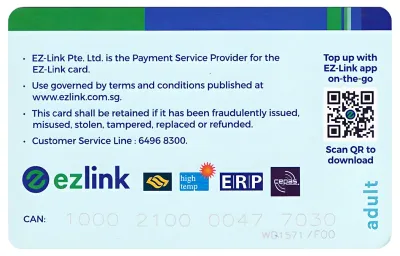
Prices are valid at publication and may change. Please refer to the product page for the latest price.
For those who prefer to plan ahead, the official EZ-Link mobile application and website offer comprehensive merchant directories. These digital tools allow you to search for participating businesses by category, such as food and beverage, shopping, or leisure, as well as by specific shopping malls or neighborhoods in Singapore. Utilizing these directories helps you identify exactly which outlets in your immediate vicinity accept the card, saving you the hassle of trial and error.
Common Shopping Scenarios for Your EZ-Link Card
Integrating your contactless card into your daily routine is straightforward once you recognize where it is accepted. From grabbing breakfast on your morning commute to picking up household essentials on your way home, the card fits seamlessly into low-value, high-frequency transactions. These quick-tap environments minimize queuing times, making your physical card an efficient alternative to cash or mobile apps.

However, payment acceptance is not always uniform across every branch of a brand. While a major chain may support EZ-Link payments at most outlets, individual franchise locations—particularly those in remote areas, school campuses, or specialized transit hubs—might operate on different point-of-sale systems. Keeping a secondary payment method handy is always wise when visiting a new branch.
Additionally, smaller independent neighborhood shops and traditional hawker stalls often utilize alternative systems. Many micro-merchants rely primarily on QR-code-based payments like SGQR or specific bank-led terminal networks that do not support physical CEPAS cards. Checking the payment terminal or asking the operator remains essential when stepping outside of major retail malls.
Convenience Stores, Supermarkets, and Pharmacies
Convenience stores are among the most common locations where you can reliably use your stored-value card. Major national chains, including 7-Eleven and Cheers, integrate CEPAS payment terminals into their checkout systems. Whether you are purchasing a quick beverage, a newspaper, or a snack, a simple tap completes the transaction in seconds, making it ideal for commuters on the go.
For larger household shopping trips, major supermarket networks also support EZ-Link payments at both manned counters and self-service kiosks. Chains such as NTUC FairPrice, Cold Storage, and Giant allow you to pay for groceries using your card, provided your balance is sufficient. When using self-checkout machines, select the “CEPAS” or “EZ-Link” option on the screen before tapping.
Health and beauty pharmacies, including Guardian and Watsons, represent another major category where your card is widely accepted. This makes it convenient to purchase personal care items, over-the-counter medications, and daily toiletries. However, certain restricted items, such as pharmacy-only medicines or government-subsidized goods, may occasionally be excluded from stored-value card payments due to specific merchant policies.
Bakeries, Cafes, and Food Chains
Bakery chains and quick-service food outlets are highly popular spots for utilizing your contactless card. When purchasing daily bread or pastries, you can look out for co-branded initiatives, such as the collectible Gardenia ezlink card, which functions as a standard CEPAS payment tool. These specialized, branded cards are fully compatible with any standard EZ-Link terminal, allowing you to tap and pay for your favorite loaf of bread or any other retail items across the island.
Beyond bakeries, casual dining establishments, fast-food chains, and major food courts—such as those managed by Kopitiam—frequently accept EZ-Link payments. At busy food courts, tapping your card at individual stalls displaying the CEPAS logo speeds up the ordering process significantly. This is particularly useful during peak lunch hours when quick transactions help keep food queues moving.
Because merchant partnerships can evolve, check the official customer service channels or websites of your favorite food brands for the most current list of participating outlets. Some specialty cafes or boutique bakeries may only accept card payments above a certain value or limit contactless payments to specific terminal types. Verifying these details beforehand ensures a smooth dining experience.
Practical Tips for Using EZ-Link at Checkout
To ensure a seamless transaction at the checkout counter, proper physical handling of your card is essential. When presenting your card to the reader, hold it flat and steady against the center of the contactless terminal for one to two seconds. Avoid waving the card rapidly or tapping it at an angle, as this can cause read errors. Wait for the terminal to emit a clear confirmation beep before removing your card.
Be mindful of potential transaction rules that individual merchants may enforce, such as minimum spend requirements. While EZ-Link transactions generally do not incur surcharges for the consumer, some smaller retailers may set a minimum purchase threshold (such as S$5 or S$10) to offset terminal processing fees. Check for any posted signs near the register regarding minimum payment limits before you queue.
If your card is declined at the register, there are several common, easily rectifiable reasons for a transaction failure. The most frequent cause is an insufficient balance, which you can quickly verify if the terminal displays your remaining funds. Other possibilities include card expiration—as standard physical cards generally have a lifespan of five years—or physical damage to the internal antenna. If the card appears in good condition, ask the cashier to reset the terminal and try tapping again.
Managing Balances and Reloading for Daily Shopping
Maintaining an adequate balance on your card is key to avoiding interruptions during your shopping trips. You can easily check your current balance through multiple convenient channels before heading to the checkout. The most straightforward method is using the official EZ-Link mobile application on an NFC-enabled smartphone to read your card’s balance instantly. Alternatively, view your remaining balance on the digital screen of transit ticketing machines, SimplyGo Kiosks, or printed at the bottom of your retail purchase receipts.
When reloading your card, you have access to both cash and cashless top-up options across Singapore. For cash top-ups, you can visit participating convenience stores, though a small service fee may apply for merchant-assisted reloads. Cashless top-ups can be performed seamlessly via the mobile app using linked debit or credit cards, or at physical transit terminals and SimplyGo Kiosks located at MRT stations and bus interchanges, which do not charge administrative fees.
Lastly, keeping track of your card’s expiry date is crucial for long-term usability, especially if you use collectible or co-branded cards. You can check the exact expiration date of your physical card via the mobile app or at any transit ticketing machine. If your card is nearing its expiry date or has already expired, you can purchase a replacement card and arrange to transfer the remaining stored value to your new card at any TransitLink Ticket Office.
Frequently Asked Questions (FAQ)
Can I use my physical EZ-Link card to pay for delivery orders from food apps?
No, physical EZ-Link cards cannot be used directly to pay for delivery orders on mobile food apps. These online platforms require digital payment methods, such as credit cards, debit cards, or linked mobile wallets, rather than physical contactless card taps. If you prefer to use your EZ-Link funds digitally, you must check if the specific delivery application supports payment via the digital wallet version of the card or a linked virtual card within your mobile device’s payment ecosystem.
Is there a maximum transaction limit when shopping with an EZ-Link card?
Yes, your transactions are limited by the maximum stored-value capacity of the physical card, which is typically capped at S$500 under the CEPAS standard. Additionally, individual merchants may impose their own daily or per-transaction limits for security reasons or to manage transaction risks. For large retail purchases, it is highly recommended to verify both your current card balance and the store’s specific payment policies before attempting to complete the transaction.

Community discussion
Share your experience or ask a question. Comments are reviewed before publication.