
Your EZ-Link card is much more than a ticket for the MRT and public buses. In Singapore, this contactless smart card serves as a versatile payment tool accepted across thousands of retail, dining, and lifestyle establishments.
Operating on the CEPAS standard, these cards are designed to be compatible with standard transit readers and retail payment terminals across the island. You can also verify your card’s compatibility with NFC-enabled smartphones to check balances and perform top-ups directly through mobile applications.
Understanding where and how to use your card’s balance can help you streamline your daily transactions and manage your budget more effectively.
Products mentioned in this guide
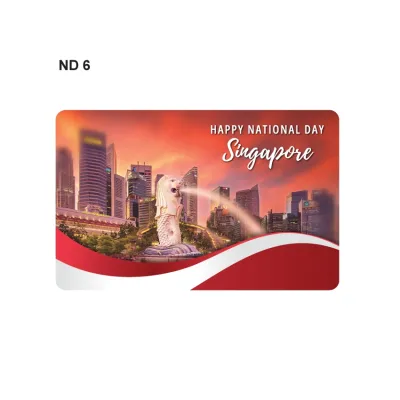
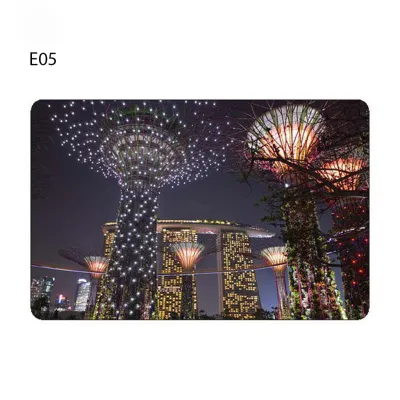
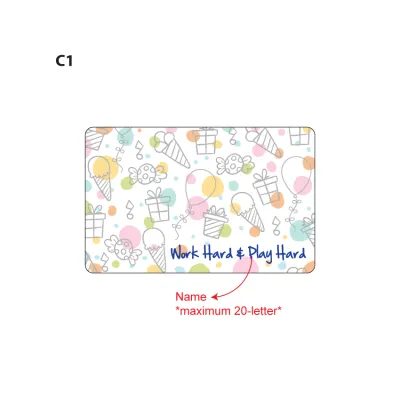
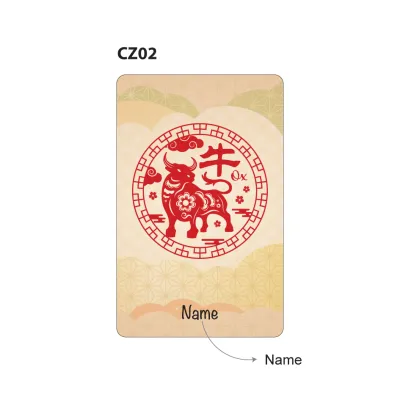
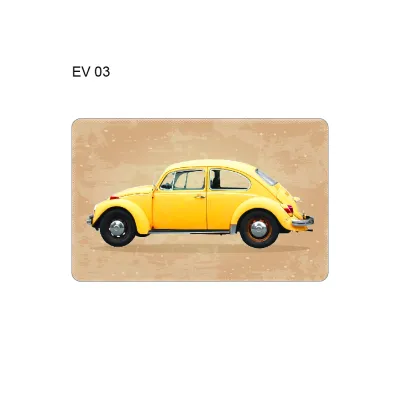
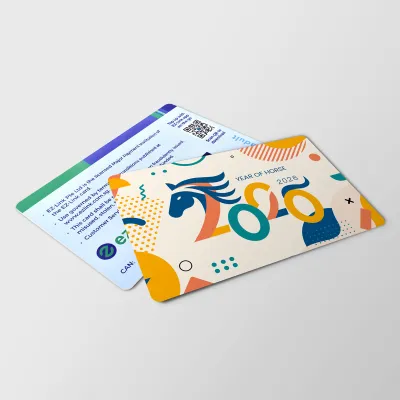
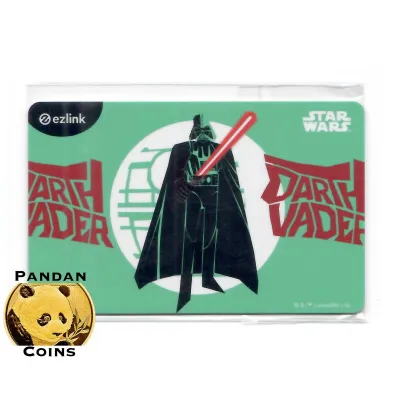
Prices are valid at publication and may change. Please refer to the product page for the latest price.
Quick Answer: Top Non-Transport Ways to Use EZ-Link
The EZ-Link card is widely accepted at major convenience stores, large supermarket chains, modern food courts, select fast-food outlets, pharmacies, and automated vending machines across Singapore.
While acceptance is broad, it is not universal. You must always look for the specific payment network logo—either the EZ-Link logo or the CEPAS logo—at the point of sale before attempting to pay.
When accepted, the card functions as a standard contactless stored-value payment method, meaning the transaction amount is deducted directly from your main wallet balance.
Using the card for these everyday purchases requires no PIN or signature, making it one of the quickest ways to complete small transactions on the go.
Convenience Stores and Supermarkets for Daily Groceries
Daily grocery shopping and quick snack runs are incredibly straightforward when using your contactless card. Major convenience store networks, such as 7-Eleven and Cheers, feature high acceptance rates across almost all their outlets islandwide.

These stores allow you to pay for your items with a simple tap at the checkout counter, bypassing the need to fumble with loose change or wait for credit card processing.
Large supermarket chains also support this payment method, making it easy to purchase your weekly groceries. You can tap your card at both manned checkout counters and self-checkout kiosks at major supermarkets like FairPrice, Cold Storage, Giant, and Sheng Siong.
At self-checkout terminals, you simply select the contactless or EZ-Link payment option on the screen and place your card on the reader when prompted.
This tap-and-go convenience significantly speeds up transactions, which is particularly helpful during peak shopping hours when queues can grow long.
However, you should remain aware that some smaller, independent neighborhood minimarts or mom-and-pop grocery shops may not have the necessary terminal infrastructure.
To avoid any inconvenience at the cashier, always visually verify acceptance by looking for the EZ-Link or CEPAS logo on the payment terminal, store entrance, or checkout counter before queuing.
If you do not see the logo, it is best to ask the cashier or prepare an alternative payment method beforehand.
Food Courts, Fast Food, and Casual Dining
Grabbing a meal or a quick beverage is another highly convenient way to utilize your card’s stored value. Major fast-food chains, including McDonald’s and KFC, accept the card at their self-service ordering kiosks and manned counters.
This allows you to customize your order, tap your card on the integrated reader, and collect your food without needing to handle physical cash or input card details.
The landscape of food courts and hawker centres in Singapore presents a mix of payment systems. Many modern, air-conditioned food courts, such as Kopitiam and Food Junction, accept the card via unified payment terminals at individual stalls or central cashiers.
These terminals are designed to consolidate multiple payment methods, allowing you to tap your card directly at the stall counter.
In contrast, individual independent hawker stalls in traditional open-air hawker centres might rely on different, specific QR-code systems, such as the SGQR label, rather than card readers.
While some SGQR labels support digital wallet payments linked to transport cards, many traditional hawkers do not have physical card terminals.
Therefore, you should always check the payment logos displayed at the specific stall or the central cashier counter before ordering your food.
Beyond sit-down meals, your card is highly useful at automated beverage vending machines and self-service snack kiosks.
These machines are commonly found in transit hubs, shopping malls, and public spaces, allowing you to tap your card to purchase cold drinks, hot coffee, or quick snacks instantly.
Retail, Lifestyle, and Entertainment Merchants
Your stored-value card also extends its utility into non-food retail, personal care, and leisure activities. Major pharmacy and health-and-beauty chains, such as Guardian and Watsons, accept the card for purchasing daily essentials, personal care items, and over-the-counter medications.
Popular bookstore networks, including Popular Bookstore, also allow you to tap and pay for stationery, books, and educational materials.
For entertainment and leisure, you can use your card at major cinema chains, such as Golden Village, to pay for movie tickets and concession snacks at the counter.
Select arcades, family entertainment centres, and theme park ticketing or retail counters also support the payment network, making it a handy tool for family outings.
However, you should keep in mind that acceptance in specialized or boutique retail can vary significantly by individual outlet, even within the same brand.
Franchised outlets or stores located in specific shopping centres might operate on different point-of-sale systems that do not support the CEPAS standard.
Using your card in these lifestyle categories is highly beneficial for managing a strict daily spending budget or splitting costs among friends.
By loading a specific amount onto your card, you can easily limit your discretionary spending on shopping and entertainment without dipping into your main bank accounts.
How to Find and Verify EZ-Link Acceptance at New Merchants
To confidently use your card at new locations, you need reliable methods to discover accepted merchants and verify their payment terminals on the spot.
The most immediate way to verify acceptance is to look for physical decals or stickers displaying the EZ-Link or CEPAS logos on store doors, windows, or directly on the card reader at the cashier.
These logos serve as a visual guarantee that the terminal is configured to process transactions from your card.
If you prefer to plan your shopping trips in advance, you can use the official EZ-Link mobile app or the official website’s merchant locator feature.
These digital tools allow you to search for accepted outlets by category, brand name, or geographical location, ensuring you know exactly where you can tap and pay before you head out.
Occasionally, you might encounter a situation where a terminal unexpectedly rejects your card during a transaction.
If this occurs, check if the specific outlet has recently opted out of the payment network, or ask the cashier if their terminal is temporarily offline or experiencing network issues.
It is also possible that your physical card is damaged, has a low battery-free chip, or has reached its official expiry date.
Because merchant partnerships and terminal configurations are dynamic, the official digital locator remains the most reliable tool for up-to-date acceptance information.
Tips for Managing Your EZ-Link Balance for Daily Spending
Managing your card’s balance effectively ensures that your retail transactions remain smooth and uninterrupted.
First, you should be aware of the maximum stored value limit, which is typically capped at S$500 under the CEPAS standard.
You can easily check your current balance and the official maximum cap via the official mobile app or at any self-service ticketing machine.
To keep your card funded without the hassle of manual top-ups, consider setting up the auto-reload service, known as EZ-Reload.
This service automatically tops up your card with a pre-selected amount from your linked bank account or credit card whenever the balance falls below a certain threshold.
Alternatively, you can top up manually using the mobile app via NFC, or visit physical add-value machines, such as SimplyGo Kiosks, top-up terminals, or AXS stations.
It is important to understand that retail transactions deduct funds directly from the card’s main stored-value purse.
These transactions do not use any specific transport concession passes or specialized transit-only wallets that might be linked to your card’s physical ID.
To prevent the inconvenience of a declined transaction at a busy checkout counter, try to keep a small financial buffer on your card.
Maintaining a balance of at least S$10 to S$20 ensures you can comfortably cover spontaneous retail purchases or quick meals without facing a declined card.
Frequently Asked Questions (FAQ)
Can I use my physical EZ-Link card for online shopping and food delivery?
The physical card is primarily designed for in-store, tap-and-pay contactless transactions and cannot be used directly as a standard credit or debit card for online checkout fields.
However, the official mobile app features a digital wallet integration, known as the EZ-Link Wallet, which allows you to make payments at select online merchants or local delivery platforms.
Keep in mind that this digital wallet is distinct from the physical card’s stored-value balance, and you must transfer funds to the digital wallet to use these online features.
Do EZ-Link cards expire, and what happens to my remaining retail balance?
Yes, physical cards have a standard validity period, which is typically up to five years from the date of manufacture.
You can verify your card’s exact expiry date by scanning it on the official mobile app, checking your receipt after a transaction, or using a self-service ticketing machine.
If your card expires, is damaged, or is no longer needed, you can obtain a refund of the remaining retail balance by visiting a SimplyGo Ticket Office or submitting a refund request through the official mobile app.
Be sure to consult the official terms and conditions, as administrative fees or specific timelines may apply to balance refunds and card replacements.

Community discussion
Share your experience or ask a question. Comments are reviewed before publication.