
Using your EZ-Link card for everyday retail purchases in Singapore is a highly convenient way to breeze through checkouts without handling physical cash or waiting for credit card terminals to process. Originally designed for public transit on MRT trains and public buses, the contactless CEPAS technology inside your physical EZ-Link card allows you to pay at thousands of retail outlets, dining establishments, and vending machines across the island. To pay, you simply need to inform the merchant, wait for the terminal to activate, and tap your card flat against the reader.
This payment method is particularly useful for quick, low-value transactions where speed is essential. By understanding how to prepare your card, identify accepting merchants, and troubleshoot common reader errors, you can confidently integrate this versatile card into your daily shopping routine.
Preparing Your EZ-Link Card for Retail Transactions
Before you head to the checkout counter, ensuring your card is active, undamaged, and sufficiently funded will help you avoid delays. Physical cards are subject to wear and tear from daily use, which can occasionally damage the internal antenna.
Products mentioned in this guide
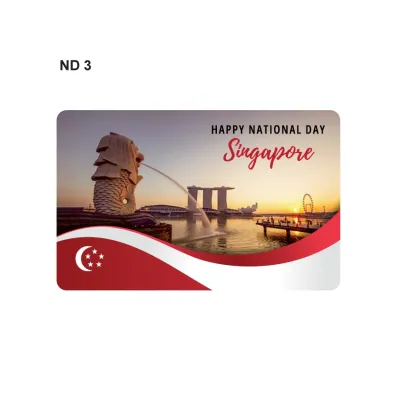
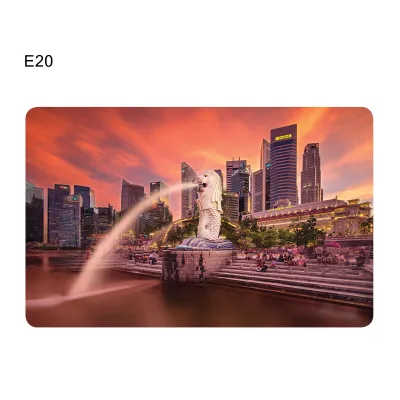
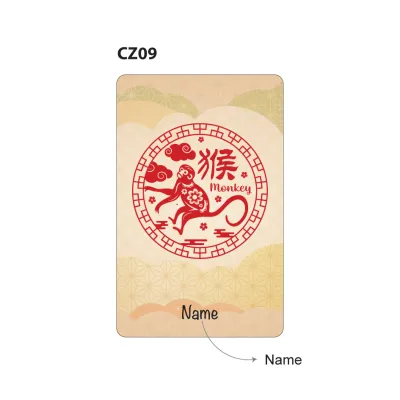
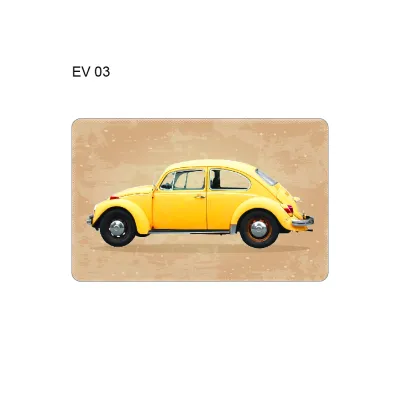
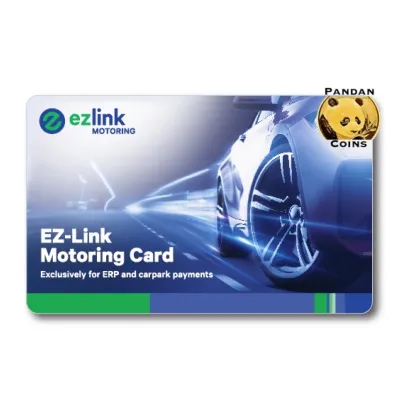
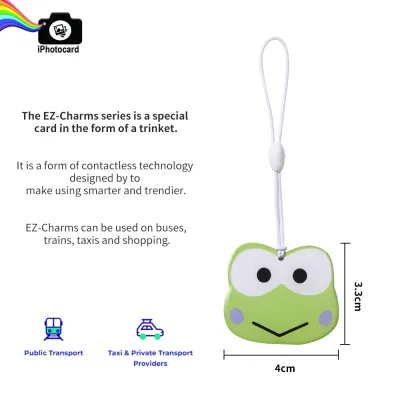
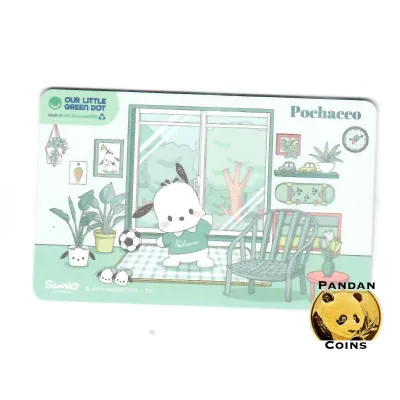
Prices are valid at publication and may change. Please refer to the product page for the latest price.
First, inspect the physical condition of your card. Check for deep scratches, cracks, or severe bends that might compromise the internal RFID chip and copper antenna loop. Additionally, keep track of your card’s expiry date; standard cards generally have a lifespan of five years from the date of manufacture. You can verify your card’s status and expiry date at any transit ticketing machine or through official mobile applications.
Second, check your current stored value to ensure it covers your intended purchase. You can easily view your balance at MRT station passenger service centres, SimplyGo Kiosks, or by tapping your card against the back of an NFC-enabled smartphone with the official app open. Keeping a buffer of at least S$10 to S$20 is highly recommended if you plan to use the card for groceries or meals.
Third, familiarize yourself with the available top-up methods before you shop. You can add funds to your card at transit station kiosks, bus interchanges, and designated convenience stores. Note that while top-ups at transit stations are free of administrative charges, certain retail partners or convenience stores may charge a nominal convenience fee, typically around S$0.50 per transaction. Alternatively, you can perform instant top-ups using local debit or credit cards directly through the official mobile application.
Finally, be aware of any distinctions between transit and retail purses if you are using a specialized or co-branded card variant. While standard cards use a single, unified purse for both transport and retail payments, some corporate or legacy cards might have restricted wallets. If you are unsure about your card’s specific capabilities, consult the official card issuer’s guidelines or customer portal.
Identifying Accepted Shops, Restaurants, and Vending Machines
Recognizing where you can use your stored-value card is key to a smooth shopping experience. While acceptance is widespread across Singapore, it is not universal, and knowing what visual cues to look for will save you time.

Always look for the official EZ-Link or CEPAS acceptance logos. These distinctive blue, yellow, or red decals are typically displayed on shop windows, near the cash register, or directly on the screen of the payment terminal. On automated vending machines, the logo is usually placed right next to the card reader or on the digital payment selection screen.
Several major retail categories across Singapore widely accept this payment method:
- Convenience Stores: Major chains like 7-Eleven, Cheers, and local transit-hub kiosks.
- Supermarkets: Leading supermarket chains, including NTUC FairPrice, Cold Storage, Giant, and Sheng Siong.
- Dining Outlets: Selected food courts, fast-food chains, bakeries, and hawker stalls equipped with unified payment terminals.
- Automated Dispensers: Vending machines in office buildings, schools, transit stations, and public parks, as well as automated laundromats.
Keep in mind that payment acceptance is ultimately at the individual merchant’s discretion. Even within the same retail chain, a specific franchise outlet or a temporary pop-up stall might not support card payments due to localized terminal configurations or connectivity issues.
If you do not see the official logo displayed, it is best to politely confirm with the cashier before they begin scanning your items. Simply asking if they accept card payment via CEPAS or EZ-Link will clarify whether you can proceed with your transaction or if you need to prepare an alternative payment method.
Step-by-Step Checkout Process at Staffed Counters
Paying with your card at a staffed retail register is a quick and straightforward process. Following a standard sequence ensures the transaction is recorded accurately and prevents system errors.
Step 1: Inform the cashier Before the cashier finalizes your bill, state clearly that you wish to pay using your stored-value card. This allows the operator to select the correct payment mode on their point-of-sale system, which in turn sends the transaction amount to the external card reader.
Step 2: Wait for terminal activation Watch the payment terminal screen. Wait until the terminal lights up, displays a prompt, or shows the exact transaction amount in Singapore Dollars (S$). Do not attempt to tap your card before the reader is fully activated, as this can cause a communication timeout between the register and the terminal.
Step 3: Tap the card flat Place your card flat against the designated reading zone, which is usually marked with a card icon or the CEPAS logo. Hold the card directly against the surface. Avoid sliding, swiping, or waving the card quickly across the reader, as these cards rely on contactless RFID/NFC technology that requires a brief moment of steady proximity to establish a secure connection.
Step 4: Hold steady for confirmation Keep the card still for one to two seconds. You will hear a distinct, clear beep, and the terminal’s indicator light will flash green or display a success message such as “Transaction Approved.” Once you see or hear this confirmation, you can safely remove your card from the reader.
Step 5: Collect your receipt Always request and collect the printed or digital receipt. The receipt serves as your official proof of purchase and will clearly display the exact amount deducted for your items, along with your remaining card balance. Verifying this information immediately helps you keep track of your daily expenses.
Tapping at Vending Machines and Self-Service Kiosks
Using your card at unmanned terminals involves a slightly different interface and timing sequence compared to staffed counters. Because there is no cashier to guide the transaction, paying attention to the on-screen prompts is essential.
At standard vending machines, the typical sequence requires you to select your product first. Press the physical button or select the item on the touchscreen to display the price. Once the amount is shown, select “Card” or “CEPAS” on the payment interface, then tap your card against the reader. The machine will process the payment, deduct the balance, and dispense your item.
For self-service kiosks at food courts, cafes, or fast-food outlets, you will customize your order on the large touchscreen. At the final checkout screen, select the stored-value card option. The adjacent payment terminal will activate, prompting you to tap your card to finalize the order and print your collection queue ticket.
Locating the correct tap zone on automated machines can sometimes be tricky. Instead of a standard PIN pad, the reader might be a protruding plastic slot, a flat blue pad, or an illuminated rectangular panel built into the machine’s housing. Look closely for the CEPAS logo to identify the precise spot where you should place your card.
If the machine successfully deducts your balance but fails to dispense your item, take immediate action. Note down the machine’s unique identification number, which is usually printed on a label on the front of the unit. Write down the exact location, the operating company’s name, the time of the transaction, and the amount deducted. Contact the customer service hotline listed on the machine to report the issue and arrange for a refund.
Troubleshooting Failed Taps and Reader Errors
Point-of-sale friction can occasionally happen, but understanding how to address common errors will help you resolve issues quickly without causing delays for other shoppers.
Insufficient Balance If the terminal displays a “Declined” or “Insufficient Balance” message, you must settle the bill using another method. You can politely ask the cashier if their system supports split payments, allowing you to deduct the remaining card balance and pay the rest in cash. If split payment is not supported, you will need to switch to an alternative payment method, such as a credit card or cash.
Card Not Detected When a reader fails to respond to your card, the most common cause is “card clash.” This occurs when multiple contactless cards, such as credit cards, office access passes, or other transit cards, are kept in the same wallet or cardholder. The reader receives multiple signals simultaneously and cannot isolate your card. To resolve this, remove your card from your wallet and tap it individually, ensuring it lies flat against the reader.
Terminal Errors If the terminal displays a system error or “Card Invalid” message, check your card for physical damage. Micro-cracks in the plastic can sever the internal antenna, preventing the card from powering up when placed near a reader. If the card works at transit stations but consistently fails at retail terminals, the retail reader itself may be experiencing connectivity issues, or your card’s retail sector might be corrupted. In such cases, you may need to visit a transit ticketing office to have the card diagnosed.
Transaction Limits For security and fraud prevention, merchants or the card network may impose per-transaction or daily spending limits on contactless cards. If your purchase exceeds these thresholds—often set around S$50 or S$100 depending on the merchant—the transaction may be blocked. To understand these security limits fully, check the official card issuer’s website for current threshold policies rather than guessing at the register.
Verifying Deductions and Managing Your Card Balance
Maintaining financial control of your stored-value card requires regular monitoring and proactive management. Fortunately, digital tools make tracking your retail spending simple and efficient.
You can review your recent transaction history by registering your card on the official mobile application. By linking your card’s unique 16-digit CAN number to your account, you can access a detailed digital ledger. This ledger displays the exact date, time, merchant name, and amount deducted for every retail transaction, helping you identify any unauthorized usage or discrepancies.
To eliminate the hassle of manually topping up your card, consider setting up an automatic top-up service. This feature links your card to a local bank account or credit card. When your card balance falls below a pre-determined threshold during a transaction, the system automatically reloads a set amount (such as S$20 or S$30) onto your card. This ensures you always have sufficient funds for daily errands and quick meals.
If your card is lost or stolen, reporting it immediately is critical to protecting your funds. If you have registered your card on the official mobile app or online portal, you can report the loss online or via the customer service hotline. This action freezes the remaining stored value on the card, preventing unauthorized retail transactions, and initiates the process to transfer your remaining balance to a replacement card or your bank account, subject to standard administrative terms.
Frequently Asked Questions (FAQ)
Can I use my EZ-Link card to pay for someone else's meal or groceries?
Yes, you can use your card to pay for another person’s items. For standard retail transactions, the card functions as a bearer instrument, meaning it is not tied to a specific individual’s identity at the point of sale. As long as you present the card at the checkout counter and there is sufficient balance, the terminal will process the payment regardless of who is purchasing the items. Note that this does not apply to highly personalized concession cards that are restricted to specific eligible transit users.
Is there a minimum spend requirement when using this card at shops?
While the card network itself does not enforce a minimum spend requirement for retail transactions, individual merchants are permitted to set their own store policies. Some small businesses, hawker stalls, or mom-and-pop shops may establish a minimum purchase amount, such as S$2 or S$5, to offset the transaction fees associated with card payments. It is always a good practice to look for posted signs near the cash register or ask the staff if a minimum spend applies.
What happens if I tap my card twice by mistake at the reader?
Modern payment terminals are equipped with built-in safeguards designed to prevent accidental double charging. Once a transaction is successfully completed, the terminal automatically locks or enters a temporary cooldown period for several seconds, ignoring subsequent taps for the same bill. If you suspect a double deduction has occurred, check your physical receipt and your transaction history on the official mobile app immediately. If a duplicate charge is confirmed, retain your receipt and contact either the merchant’s customer service or the card issuer’s support hotline to initiate a refund dispute.
Community discussion
Share your experience or ask a question. Comments are reviewed before publication.