
Quick Answer: Where to Use Your EZ-Link Card Beyond Transit
The ez link card is far more than just a transit pass for Singapore’s MRT trains and public buses. It functions as a versatile, contactless stored-value smart card accepted at thousands of retail outlets, food establishments, government services, and automated kiosks across the island. By tapping your card against a merchant’s point-of-sale (POS) reader, you can complete quick micro-transactions without needing cash or a credit card.
The primary non-transit categories where you can use your card include major convenience stores, supermarkets, fast-food outlets, mall food courts, health and beauty pharmacies, and automated vending machines. To determine if a merchant accepts this payment method, look for the distinctive blue and yellow EZ-Link logo on the cashier counter or payment terminal. While acceptance is highly widespread across Singapore, it is not completely universal, meaning you should always carry a secondary payment method like cash or a debit card.
Everyday Essentials: Supermarkets, Convenience Stores, and Retail
Convenience Stores and Supermarkets
Major convenience store and supermarket networks throughout Singapore are highly integrated with the contactless payment network. When visiting prominent convenience stores like 7-Eleven or Cheers, you can tap your card to pay for snacks, emergency toiletries, or quick meals. Similarly, major supermarket chains—such as NTUC FairPrice, Cold Storage, Giant, and Sheng Siong—allow shoppers to settle their bills at checkout counters using their stored-value cards.
Products mentioned in this guide
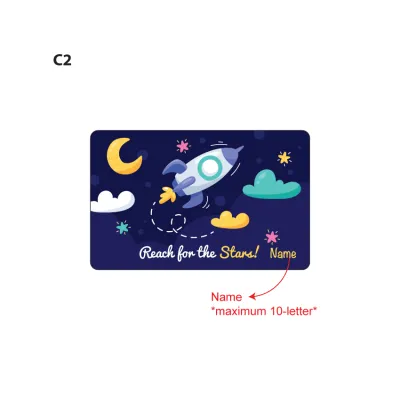
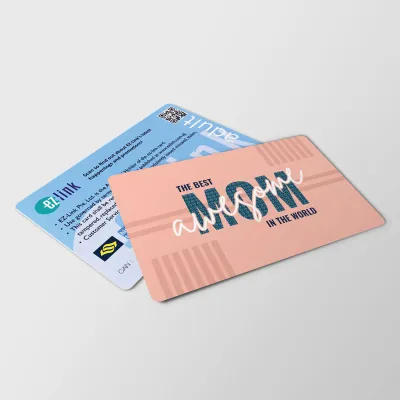
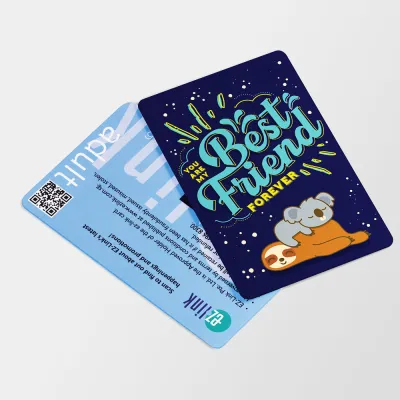
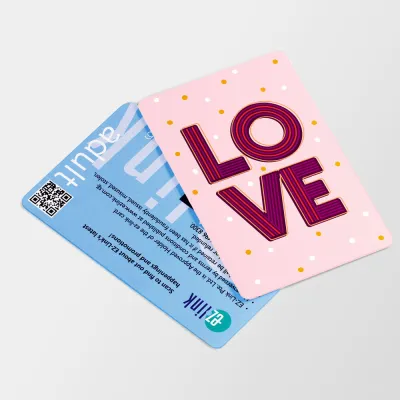
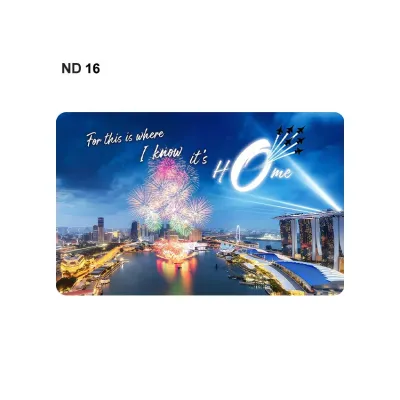
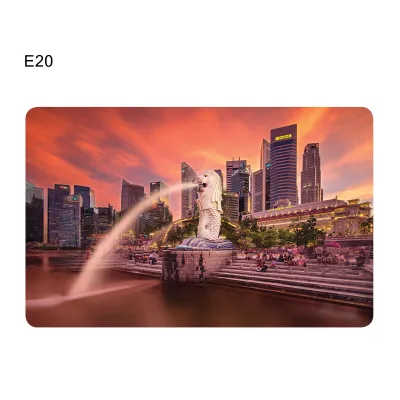
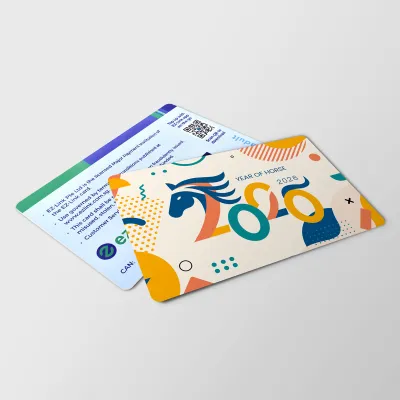
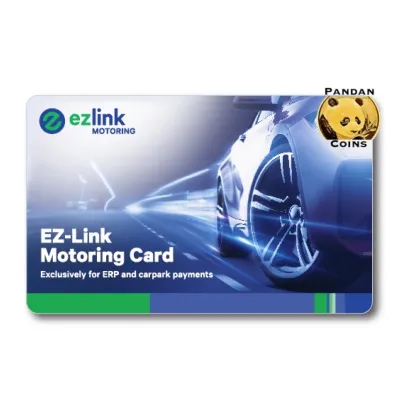
Prices are valid at publication and may change. Please refer to the product page for the latest price.

While these large, national networks offer reliable acceptance, the same cannot always be said for smaller, independent neighborhood grocery stores or traditional wet market stalls. In these local shops, cash or unified QR payment codes remain the standard. When using self-checkout kiosks at larger supermarkets, pay close attention to the payment screen. Most modern self-checkout terminals support contactless smart cards, but you must select the correct card payment option on the touchscreen before tapping your card on the reader.
Bookstores, Stationery, and General Retail
For students, office workers, and stationery enthusiasts, several major bookstore and stationery chains across Singapore accept contactless card payments. Outlets such as Popular Bookstore permit customers to purchase notebooks, pens, office supplies, and assessment books using their cards. This makes it an incredibly convenient payment option for school-aged children who may not carry mobile phones or debit cards but require daily school essentials.
Beyond stationery, you will find payment terminals installed in various general retail outlets, including department store basement sections, gift shops, and lifestyle boutiques. A crucial practical tip for retail shopping is to inform the cashier that you intend to pay with your card before they finalize the transaction on their system. Many point-of-sale (POS) systems require the cashier to manually select the specific payment mode on their register before the external card reader becomes active. Tapping your card prematurely may result in a read error or fail to register the transaction entirely.
Quick Bites: Food Courts, Fast Food, and Cafes
Food Courts and Fast Food Chains
Food courts and quick-service dining establishments are designed for high-volume, rapid-turnover service, making them ideal environments for contactless smart card payments. Major fast-food chains like McDonald’s, KFC, Subway, and Burger King feature integrated card readers at both their manned counters and self-service ordering kiosks. Tapping your card allows you to bypass the process of counting physical coins or waiting for change.
Similarly, large air-conditioned food courts located inside shopping malls—such as Kopitiam, Food Junction, and Food Republic—frequently support contactless payments. At these venues, individual food stalls are equipped with card readers mounted on the front counter. Before placing your order, look for the card terminal and the associated payment logos to verify that the stall is active on the network.
Quick-Service Cafes and Bakeries
Many popular bakery chains, bubble tea shops, and quick-service coffee outlets across Singapore also accept contactless card taps. Outlets like BreadTalk, Four Leaves, and various neighborhood confectioneries allow you to purchase buns and pastries with a quick tap.
However, it is essential to understand the limits of this payment network. Full-service, sit-down restaurants, fine dining establishments, and traditional open-air hawker center stalls typically do not accept these cards. While some hawker stalls participate in digital initiatives like the SGQR unified payment system, they usually require mobile banking apps or e-wallets rather than physical contactless smart cards. To avoid holding up the queue during busy lunch hours, check the counter for the payment logo or ask the staff before placing your order.
Health, Beauty, and Lifestyle Shopping
Pharmacies and Personal Care
Personal care and health shopping are highly convenient with a stored-value card. Major health and beauty chains across Singapore, including Guardian and Watsons, accept contactless taps at their main retail checkout counters. This allows you to easily purchase daily essentials, skincare products, cosmetics, and over-the-counter medications.
However, keep in mind that specialized sections within these stores may operate on different payment protocols. For instance, in-store prescription pharmacies, specialized travel clinics, or independent optical counters nested within a larger personal care store might require payment through separate terminals. These specialized counters often only accept standard credit cards, NETS, or cash, so it is wise to verify payment compatibility if you are purchasing prescription medication or specialized medical devices.
Entertainment and Leisure Venues
If you are planning a day of leisure, you can use your card at selected entertainment venues. Many movie theater chains, such as Golden Village, feature ticketing kiosks that accept contactless card payments for movie tickets and concession snacks. Additionally, certain family entertainment centers, arcade game venues, and gift shops at major tourist attractions support contactless transactions.
Because entertainment and leisure venues are often managed by diverse parent companies, payment acceptance can be highly localized. A specific arcade or theater chain might support contactless taps at its high-traffic downtown branches but rely on alternative payment systems at smaller suburban locations. Always observe the terminal hardware at the specific branch you are visiting to confirm compatibility before attempting to purchase tickets or tokens.
Automated Payments: Vending Machines and Self-Service Kiosks
Using a contactless card for automated, unattended services eliminates the hassle of carrying heavy coins or smoothing out crumpled paper notes. In Singapore, drink and snack vending machines located inside MRT stations, public parks, office lobbies, and school campuses are widely equipped with contactless card readers. You simply select your beverage, wait for the prompt, and tap your card to complete the purchase.
Beyond snack machines, selected self-service laundromats and public storage lockers also utilize contactless card payment systems. These machines allow you to pay for wash cycles or secure a locker rental without needing exact change.
To ensure a smooth transaction, keep a few critical usage guidelines in mind:
- Check Your Balance First: Automated machines do not have top-up facilities. You must ensure your card has sufficient stored value to cover the cost of the item before tapping.
- Wait for the Confirmation: Do not pull your card away too quickly. Wait for the machine's screen to display a confirmation message or for the dispensing sound to begin.
- Handling Dispensing Failures: If a vending machine fails to dispense your item but successfully deducts the value from your card, do not panic. Locate the physical machine ID number and the operator's contact details, which are usually printed on a sticker on the front of the machine. Note down the exact time of the transaction and contact the operator's customer service line to arrange for a refund or resolution.
Transaction Limits, Expiry, and Troubleshooting Failed Payments
Transaction and Balance Limits
To maintain security and manage financial risks, contactless smart cards operate under specific transaction and balance limits. In Singapore, the maximum amount of stored value a standard card can hold at any given time is capped at S$500. Additionally, individual merchants or the card issuer may enforce a per-transaction limit for contactless taps to prevent unauthorized spending in case a card is lost or stolen. Because these thresholds can be updated periodically, it is highly recommended to consult the official EZ-Link or SimplyGo guidelines to verify the current transaction limits and terms of service.
Common Reasons for Declined Payments
If your card tap is declined at a retail counter or vending machine, the issue is typically caused by one of the following common factors:
- Insufficient Stored Value: This is the most frequent reason for payment failure. If the transaction amount exceeds your card's current balance, the reader will flash a red light or display an error message.
- Card Expiry: Physical contactless smart cards have a limited lifespan, typically expiring five years after their date of manufacture. Once a card passes its expiry date, the internal system automatically blocks retail transactions, even if a positive monetary balance remains on the card.
- Physical Damage: Bending your card, exposing it to extreme heat, or keeping it near strong magnetic fields can damage the delicate internal chip or antenna, preventing payment terminals from reading it.
- Terminal Connectivity Issues: Occasionally, a merchant's payment terminal may lose its network connection or experience a software glitch, rendering it temporarily unable to process contactless card payments.
Resolution and Backup
To prevent unexpected transaction failures, regularly monitor your card’s balance and expiry date. You can easily check these details using the official SimplyGo or EZ-Link mobile applications, at physical ticketing machines located inside MRT stations (such as SimplyGo Kiosks), or by presenting your card at any MRT station Passenger Service Centre. Because technical glitches and terminal offline periods can occur without warning, always carry an alternative payment method, such as cash, a debit card, or a credit card, to ensure you can complete your purchases smoothly.
Frequently Asked Questions (FAQ)
Can I use my EZ-Link card for online shopping?
A physical EZ-Link card cannot be used directly to make purchases on standard online shopping websites or mobile e-commerce platforms, as these transactions require credit card numbers, CVV codes, and billing addresses. However, if you link your card to the official mobile application, you may access digital wallet features or virtual cards that support specific mobile payment integrations. For direct online shopping on major e-commerce platforms or food delivery apps, standard credit cards, debit cards, or dedicated digital payment gateways remain the primary supported payment methods.
Do I earn reward points when paying with an EZ-Link card at retail stores?
Yes, you can earn reward points on your retail transactions, provided you have registered your card on the official EZ-Link mobile application. Once registered, eligible retail purchases at participating merchants accumulate reward points that can be redeemed for retail vouchers, dining discounts, or transit credits. It is important to note that reward structures, point accumulation rates, and participating merchant lists are subject to change. You should regularly check the app’s rewards portal to review the active terms and conditions for retail spending benefits.
What happens to my stored value if my physical card expires?
If your physical card reaches its expiry date, the stored value is not lost. You can transfer the remaining balance to an active, valid card or request a refund. To do this, visit any SimplyGo Ticket Office or Passenger Service Centre located at major MRT stations across Singapore. The customer service officers can verify your expired card, assist with transferring the balance to a new card, or initiate the refund process. Alternatively, if your card is registered on the official mobile app, you may be able to initiate a digital refund directly to your bank account, depending on the specific card type and registration status.

Community discussion
Share your experience or ask a question. Comments are reviewed before publication.