
When purchasing office supplies, you will frequently encounter paper labeled as 70gsm. This specification represents a highly cost-effective option designed primarily for high-volume, everyday text printing. While it offers excellent value, choosing this lighter weight requires a clear understanding of its physical limitations, particularly regarding double-sided printing and compatibility with specific office equipment.
Deciding between this lighter paper and the more traditional 80gsm standard comes down to balancing your budget against your document requirements. While 70gsm paper helps reduce shipping weight, storage bulk, and overall paper costs, it is thinner and more translucent. This makes it less suitable for image-heavy layouts or formal presentations, but highly efficient for internal drafts and single-sided reports.
Understanding Paper Weight: What 70gsm Actually Means
The acronym GSM stands for “grams per square meter,” which is the standard metric unit used globally to measure paper density and basis weight. Rather than measuring the physical thickness of a single sheet with a caliper, the industry weighs a one-square-meter sheet of the paper to determine its rating. Therefore, a single sheet of 70gsm paper comes from a batch where a one-square-meter sheet weighs exactly 70 grams.
Products mentioned in this guide
![PaperOne™ Copier Paper 70gsm / 75gsm Copy Paper A4 [1 Box]](https://img.lazcdn.com/g/p/62f961291078a3b12171dd45eea2a9a4.jpg_400x400q80.jpg_.webp)

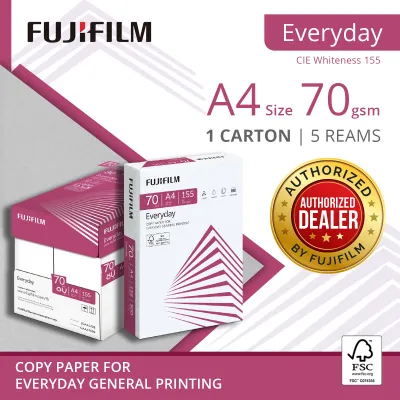
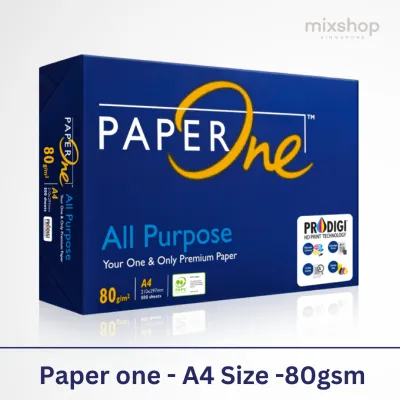
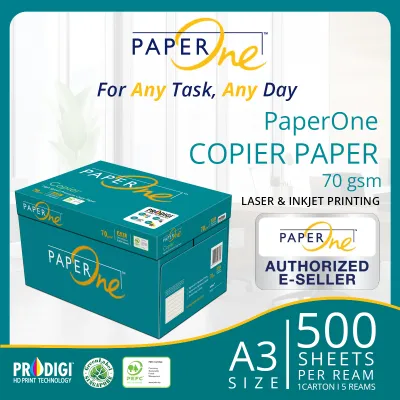
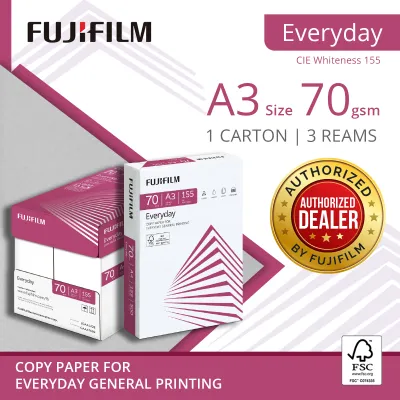
Prices are valid at publication and may change. Please refer to the product page for the latest price.
In hand, 70gsm paper feels noticeably lighter and more flexible than standard office paper. When you hold a sheet up to the light, you will observe a higher degree of translucency, meaning text or shapes on the other side are partially visible. This characteristic is a direct result of the lower fiber density used during the manufacturing process, which yields a thinner profile.
It is important to note that not all 70gsm papers feel identical. Manufacturing variations, such as the type of wood pulp used, the binding agents, and the calendering process (how the paper is pressed), can cause slight differences in stiffness and texture between brands. Some brands may feel slightly rougher or softer despite sharing the exact same weight rating, which can affect how the paper feeds through your specific printer.
70gsm vs. 80gsm: How to Choose the Right Weight for Your Tasks
The choice between 70gsm and 80gsm paper often hinges on document opacity and the risk of ink show-through. Because 80gsm paper is denser, it provides a more effective barrier against light and liquid ink. If you plan to print on both sides of the page, 80gsm is generally the standard choice to prevent text from bleeding or showing through to the opposite side, whereas 70gsm is highly suited for single-sided documents.

Paper stiffness also plays a critical role in how sheets travel through a printer’s internal rollers. Thinner 70gsm paper has less structural rigidity, making it more susceptible to curling when exposed to the intense heat of a laser printer’s fuser unit. This lack of stiffness can occasionally lead to misfeeds or paper jams in older or high-speed office copiers that are optimized for heavier media.
From a financial perspective, the cost savings of choosing 70gsm paper can be substantial when purchasing in bulk. For businesses that print thousands of pages of internal documentation, training manuals, or temporary drafts, the lower price per ream adds up quickly. However, this cost-efficiency must be weighed against the potential for minor disruptions and the slightly less premium feel of the finished document.
Ideal and Unsuitable Use Cases for 70gsm Copy Paper
To get the most value out of 70gsm paper, it helps to match it to tasks where its thinness is an advantage rather than a drawback. It is highly recommended for:
- Internal office drafts, emails, and reference guides that do not require a premium presentation.
- High-volume, single-sided black-and-white printing where minimizing paper cost is the primary goal.
- Everyday personal note-taking, brainstorming sheets, and temporary worksheets.
- Archival storage and filing, as thinner sheets take up significantly less physical space in filing cabinets and binders over time.
Conversely, there are several scenarios where 70gsm paper is highly unsuitable and may compromise your work:
- Formal client presentations, contracts, resumes, or external marketing materials where a premium tactile feel is essential.
- Documents with heavy ink coverage, such as full-color charts, high-resolution images, or dense graphics, which will cause the paper to warp or saturate.
- Double-sided (duplex) printing of dense text, which results in distracting show-through that impairs readability.
Before loading your printer tray, use this quick checklist to evaluate your task:
- Is the document single-sided?
- Is the content primarily black text with minimal graphics?
- Is the document intended for internal use or temporary reference?
If you answered yes to these questions, 70gsm paper is an excellent, economical choice.
Printer Settings and Storage Tips to Avoid Jams and Curling
Using lighter paper successfully requires a few adjustments to your printing routine and storage habits. Most modern laser printers allow you to adjust the media settings in the print driver before sending a job. Selecting “Thin Paper” or “Lightweight” instead of “Plain Paper” instructs the machine to lower the fuser temperature and adjust the feed speed, which significantly reduces the risk of the paper curling or jamming as it exits the printer.
Storage conditions are particularly critical for lighter paper weights, especially in humid environments like Singapore. Thinner paper fibers absorb moisture from the air much faster than heavier sheets, leading to wavy edges and frequent multi-sheet feeds. Always store your paper in its original moisture-resistant wrapper until you are ready to use it, and keep the reams flat in a cool, dry cupboard away from direct sunlight or air conditioning vents.
Before loading a fresh stack of 70gsm paper into your printer’s paper tray, take a moment to fan the edges. Gently flexing and fanning the stack helps break any static cling or adhesive bonds created during the cutting process at the factory. This simple step introduces air between the sheets, ensuring the printer’s pickup roller grabs only one sheet at a time.
Frequently Asked Questions (FAQ)
Can I use 70gsm paper for double-sided printing?
While you can physically run 70gsm paper through a duplex printer, it is generally not recommended for double-sided documents. The lower opacity of 70gsm paper means that text printed on one side will easily show through to the other, making the document difficult and distracting to read. If you must print double-sided, keep the text light and avoid any images, or switch to 80gsm paper for a cleaner, more professional finish.
Will 70gsm paper jam my laser or inkjet printer?
Modern printers are designed to handle a wide range of paper weights, and most will feed 70gsm paper without any issues if the paper is dry and flat. However, older machines or those with worn pickup rollers may struggle with the lower stiffness of 70gsm paper, leading to occasional jams. To minimize this risk, ensure your printer’s paper tray guides are adjusted snugly against the stack and that you have selected the correct lightweight paper setting in your print menu.

Community discussion
Share your experience or ask a question. Comments are reviewed before publication.