
Selecting the right copy paper weight is the key to achieving crisp prints, preventing frustrating printer jams, and ensuring your documents look professional. Paper weight is measured in GSM (Grams per Square Meter), with standard office paper typically ranging from 70 GSM to 100 GSM. Choosing the correct weight depends on whether you are printing high-volume internal drafts, double-sided reports, or premium client presentations. Understanding how these weights interact with your specific office equipment will help you make the most cost-effective and practical choice for your daily tasks.
What Does Paper Grammage (GSM) Actually Mean?
GSM stands for Grams per Square Meter, which is the global metric standard for measuring paper density and weight. Instead of measuring the physical thickness of a single sheet with a caliper, GSM calculates how much one square meter of the paper weighs in grams. This standardized measurement allows you to compare paper weights accurately across different brands and manufacturers without relying on subjective terms like “heavy” or “light.”
In contrast, some regions use basis weight (measured in pounds), which refers to the weight of a ream of paper in its uncut base size. Because base sizes vary significantly by paper type—such as bond, text, or cover paper—basis weight can be confusing to compare. GSM provides a consistent, universal scale where a higher number always indicates a heavier sheet of paper, regardless of its uncut dimensions.
Products mentioned in this guide
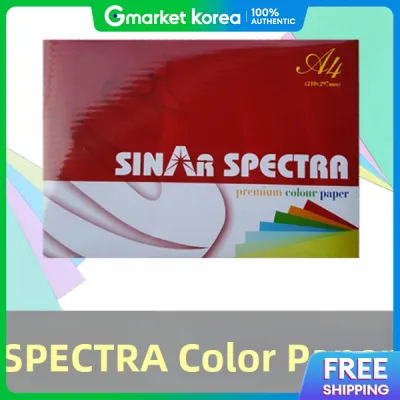
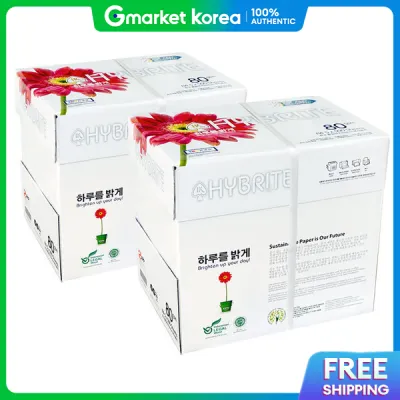

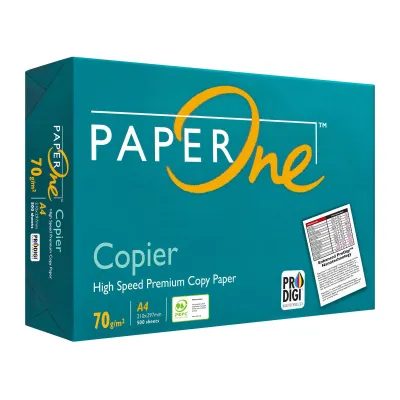
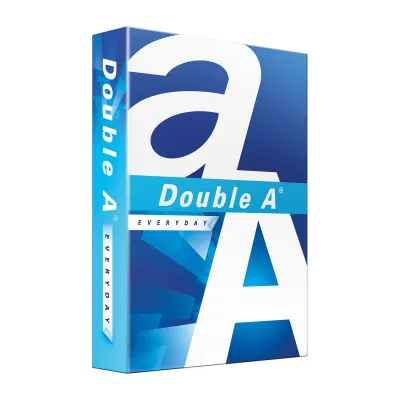
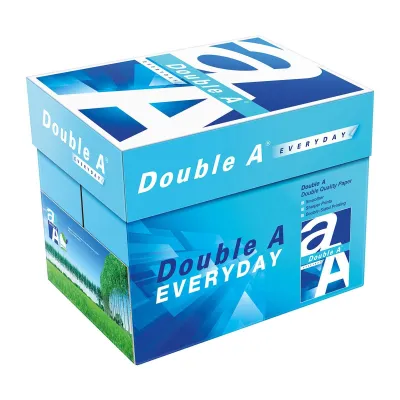
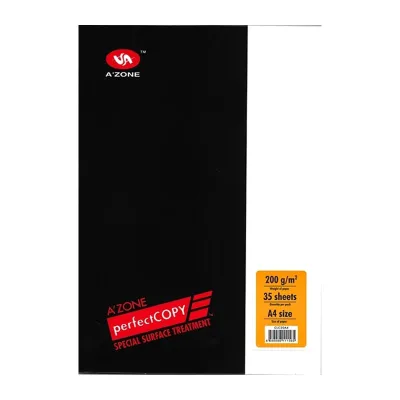

Prices are valid at publication and may change. Please refer to the product page for the latest price.
While a higher GSM generally corresponds to a thicker and stiffer sheet, thickness is not solely determined by weight. The manufacturing process, fiber composition, and the level of compression applied during production can make a 70 GSM sheet from one brand feel slightly different from another. You can verify the physical feel, stiffness, and suitability of a specific brand by handling a sample sheet before purchasing in bulk.
How GSM Affects Your Printing and Copying Results
The weight of your paper directly influences how smoothly it moves through your office equipment. Very light paper may lack the structural stiffness required to feed reliably through automatic document feeders, leading to multi-sheet pulls or crumpling. Conversely, exceptionally heavy paper may fail to bend around the tight rollers of standard desktop printers, causing immediate paper jams and potential roller wear.

Ink behavior also changes significantly depending on the paper density. Lighter papers have lower opacity, which increases the risk of ink bleed-through and show-through, particularly when using liquid inkjet inks or printing double-sided documents. Laser printers, which use dry toner fused by heat, are slightly more forgiving but still require adequate paper density to prevent the text on the reverse side from distracting the reader.
Ultimately, the GSM you choose shapes the overall presentation quality and durability of your printed materials. Heavier sheets feel more substantial in hand, resist tearing, and convey a sense of professionalism. Matching the paper weight to your specific printer type and document purpose ensures clean, legible results without causing unnecessary wear on your machine’s internal components.
Choosing the Right Paper Weight for Your Daily Tasks
For high-volume, everyday office tasks, 70 GSM paper is a highly cost-effective choice. It is ideal for single-sided internal drafts, utility bills, and archiving where minimizing physical storage space is a priority. Because it is thinner, you can fit more sheets into a standard binder or filing cabinet, though it is best reserved for standard black-and-white text printing rather than color-heavy graphics.
When it comes to standard business correspondence, double-sided printing, and external reports, 80 GSM is the industry standard. This weight offers the optimal balance of opacity, stiffness, and feed reliability for both inkjet and laser printers. It provides enough resistance to show-through to make duplex printing highly legible, making it the go-to choice for daily office operations and professional communications.
For premium reports, certificates, or client-facing proposals, upgrading to 90 GSM or 100+ GSM paper is recommended. These heavier weights offer a luxurious, substantial feel that immediately elevates the perceived value of your work. They provide excellent opacity for full-color graphics and heavy ink coverage, ensuring your most important documents leave a lasting impression on your clients.
Beyond GSM: Other Copy Paper Specs to Verify
While grammage is a critical factor, other specifications also play a major role in print quality. Brightness and whiteness levels determine how vivid your text and colors appear on the page. Higher brightness ratings reflect more light, creating a sharp contrast that makes black text easier to read and colors appear more vibrant.
The surface finish and smoothness of the paper affect both print clarity and printer maintenance. Smoother paper allows toner and ink to bond evenly, resulting in crisp text and solid color fills without speckling. Additionally, smooth paper generates less paper dust, which helps prevent buildup on your printer’s internal rollers and extends the lifespan of your equipment.
In humid environments, such as Singapore’s tropical climate, moisture content and storage conditions are vital considerations. Paper naturally absorbs moisture from the air, which can cause sheets to curl, stick together, and jam during the high-heat printing process. To maintain optimal performance, store your paper in its original moisture-resistant wrapper until you are ready to load it, and keep opened reams in a cool, dry cabinet.
Frequently Asked Questions (FAQ)
Can I use 70 GSM paper for double-sided printing?
While you can physically run 70 GSM paper through a duplex printer, it is generally not recommended for double-sided printing. The lower opacity of lighter paper means that text and images from the reverse side will easily show through, making the document difficult to read. If you must use 70 GSM for duplex tasks, it is best to perform a test print with a single sheet to check if the show-through level is acceptable for your specific ink and printer settings.
Will heavier paper damage my standard office printer?
Using paper that exceeds your printer’s maximum supported weight can lead to paper jams, roller wear, and potential damage to the fusing unit. Standard office printers typically handle up to 120 GSM through their main paper trays, but you should always consult your specific printer manual to verify its exact limits. For very heavy cardstock or specialty media, many printers feature a manual bypass tray designed to provide a straighter paper path, reducing strain on the internal feed rollers.

Community discussion
Share your experience or ask a question. Comments are reviewed before publication.