
When shopping for glossy photo paper, the term GSM stands for “Grams per Square Meter.” This metric represents the weight and density of the paper, directly influencing how thick, rigid, and durable your printed photos will feel. Choosing the right GSM ensures your prints look professional, resist curling, and feed smoothly through your home or office printer without causing frustrating paper jams.
What GSM Means for Glossy Photo Paper
GSM, or Grams per Square Meter, measures the mass of a single sheet of paper cut to a one-meter by one-meter square. In the context of glossy photo paper, this measurement tells you how much material is packed into the sheet. It is a reliable indicator of density and weight, though it does not always translate directly to a specific physical thickness.
Glossy photo paper is a multi-layered product. It consists of a base paper or plastic-coated core, topped with an ink-receptive chemical layer and a highly reflective glossy topcoat. These additional coatings add significant weight compared to standard, uncoated office copy paper, which typically ranges from 70 to 80 GSM.
Products mentioned in this guide
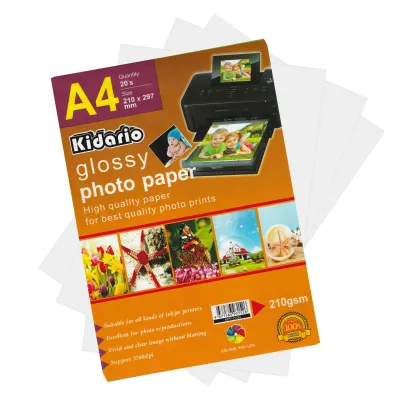
![[SG Seller][Astar][Glossy 135gsm]Astar Glossy Fast Dry Photo Paper 135gsm Photograph Inkjet Printing A4 Photo Paper](https://img.lazcdn.com/g/p/70e6c4f49fa5c491e3aff5c4fbe4c4de.png_400x400q80.png_.webp)
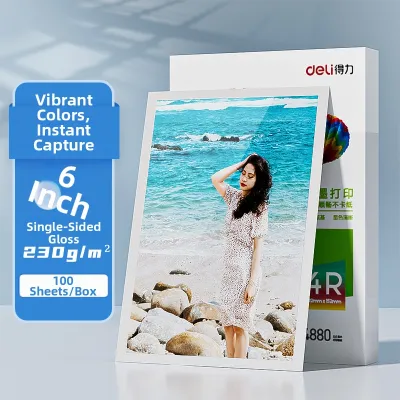
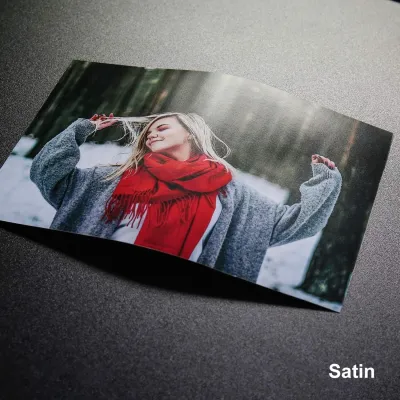
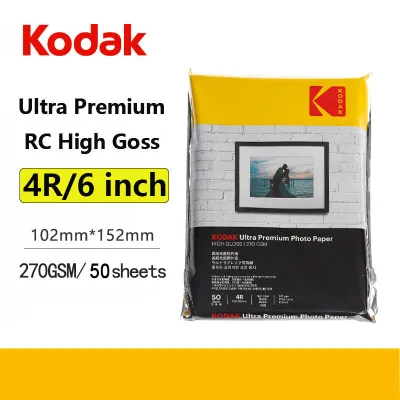
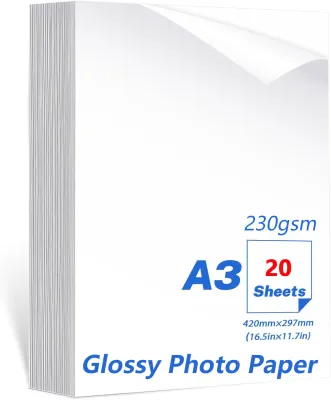
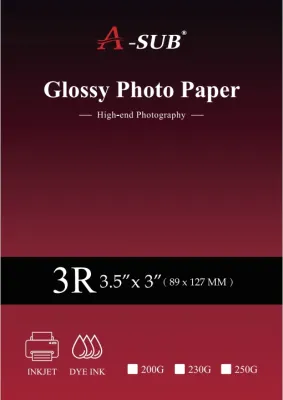
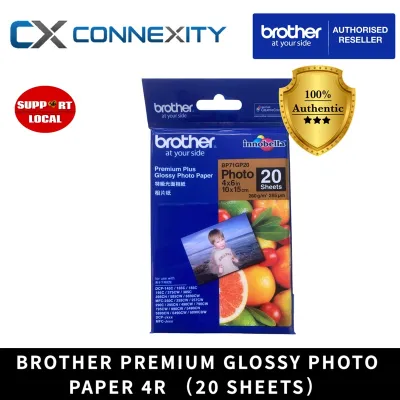
Prices are valid at publication and may change. Please refer to the product page for the latest price.
Because different manufacturers use varying chemical formulations and base materials, two different brands of 200 GSM glossy paper might have slightly different physical thicknesses or stiffness levels. One might use a denser resin-coated base, while another relies on a thicker but less dense wood pulp core. Therefore, while GSM is the industry standard for weight, you should treat it as a measure of density rather than an absolute thickness gauge.
How Weight Influences Print Quality and Durability
The weight of your glossy photo paper plays a critical role in how well it handles wet ink and long-term display. When an inkjet printer deposits high-resolution color images, it applies a substantial volume of liquid ink to the page. Heavier papers possess the structural integrity to absorb this moisture without warping, cockling, or curling at the edges.

Tactile feedback is another major differentiator. A higher GSM paper feels rigid, substantial, and premium in the hand, closely mimicking the traditional darkroom prints of professional photography studios. Conversely, lightweight glossy papers feel flexible and delicate, making them prone to creasing or bending during casual handling.
Beyond physical handling, structural properties like opacity and base color are closely tied to paper weight. Heavier sheets generally offer higher opacity, preventing light from shining through the back of the print and washing out the image contrast. When selecting paper, check the product label for these structural details to ensure your final prints maintain deep blacks and vibrant colors under various lighting conditions.
Choosing the Right GSM for Your Photo Projects
Selecting the ideal paper weight depends entirely on how you plan to use, handle, and store your finished prints. There is no single weight that suits every application, so matching the GSM to your specific project is key to achieving professional results.
For everyday prints, casual sharing, and standard pocket photo albums, lower to mid-range weights between 150 and 200 GSM are highly practical. These sheets are flexible enough to slide easily into plastic sleeves and do not add unnecessary bulk to your albums. They offer a cost-effective way to print everyday memories without sacrificing the vibrant finish of glossy paper.
If you plan to frame your photos or display them in professional portfolios, look for mid-to-high weights ranging from 200 to 260 GSM. This weight class provides the necessary stiffness to stay flat behind glass or acrylic frames, preventing the paper from sagging or buckling over time. It also offers a premium feel when clients or family members handle the unmounted prints.
For demanding projects like postcards, custom greeting cards, or stand-up displays, you will need the highest GSM ranges available, typically 270 GSM and above. These heavy sheets provide the structural rigidity required to stand upright on a desk or mantelpiece without support. They also offer a sturdy backing that can handle handwritten messages without ink bleeding through to the glossy side.
When shopping, always look for the exact GSM number printed on the packaging. Marketing terms such as “premium,” “heavyweight,” “studio grade,” or “ultra-glossy” are not standardized across the stationery industry. A “premium” sheet from one brand might only be 180 GSM, while another brand uses the same term for a 250 GSM product.
Checking Printer Compatibility for Heavier Paper
Before purchasing heavy glossy photo paper, you must verify that your printer can physically handle the thickness. Feeding paper that exceeds your machine’s mechanical limits can lead to misfeeds, roller damage, or permanent printhead issues.
Start by consulting your printer’s user manual or the manufacturer’s official website to find the maximum supported paper weight, usually listed in GSM or millimeters. Standard home printers often have strict limits, particularly if they rely on a front-loading paper cassette. These front-feed systems force the paper to make a sharp U-turn inside the machine, which can cause stiff, heavy sheets to jam.
Printers equipped with a straight-through rear feed tray are much better suited for heavier glossy papers. Because the paper path is relatively straight, the machine does not have to bend the stiff sheet as it feeds through the printing mechanism. If your printer has both options, always use the rear feed for high-GSM media.
To avoid wasting expensive paper, always test a single sheet before printing a large batch. Watch closely for signs of trouble, such as ink smudging, faint roller marks on the glossy surface, or the printhead scraping against the paper (known as a head strike). If the printer struggles to pull the sheet or makes unusual noises, stop immediately and switch to a lower GSM paper, or consider using a professional local printing service.
Frequently Asked Questions (FAQ)
Is higher GSM always better for glossy photo paper?
No, higher GSM is not always the ideal choice and depends heavily on your project and equipment. While heavier paper feels more luxurious and resists curling, it can easily exceed the mechanical feeding limits of standard home printers, leading to severe paper jams. Additionally, if you are creating a multi-page photo book or filling a pocket album, excessively thick sheets will make the final product bulky, heavy, and difficult to close or bind properly.
How can I tell the GSM of glossy photo paper if it is not on the box?
If the packaging lacks a clear GSM rating, you can estimate the weight by weighing a known quantity of unprinted sheets on a precise digital kitchen or postal scale. Measure the dimensions of the sheet to calculate its area in square meters, multiply by the number of sheets weighed, and divide the total weight in grams by that total area. Alternatively, locate the product code, SKU, or barcode on the packaging and search the manufacturer’s official website or contact their customer support for the exact specifications.

Community discussion
Share your experience or ask a question. Comments are reviewed before publication.