
When selecting photo paper, the weight of the paper—measured in Grams per Square Meter (GSM)—is the primary factor determining how your finished print will physically behave. Choosing the right GSM prevents disappointing results, ranging from limp, warped prints that buckle under heavy ink to severe paper jams that can damage your printer’s internal mechanisms. To get the perfect print, you must match the paper weight to your specific display plans, whether you are slip-casing everyday family memories or framing professional gallery-grade portraits.
While weight is crucial for structural integrity, it is a common misconception that heavier paper automatically produces richer colors or sharper details. Understanding how GSM interacts with your printer, ink type, and display environment is the key to achieving professional-quality prints at home.
What GSM Actually Measures (and What It Doesn't)
GSM stands for Grams per Square Meter, which is a standardized metric scale representing the weight of a single sheet of paper measuring one square meter. Because it measures weight rather than physical thickness, GSM is a reliable indicator of paper density. A higher GSM paper feels more substantial, offers greater stiffness, and provides higher opacity, which prevents light or double-sided ink from showing through the sheet.
Products mentioned in this guide
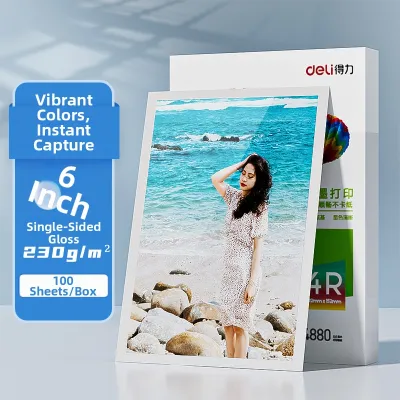
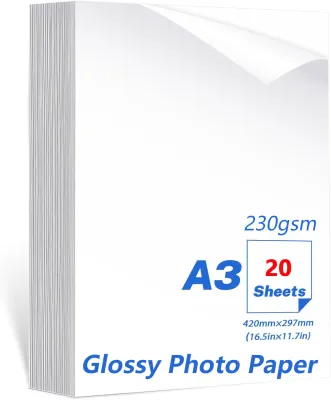
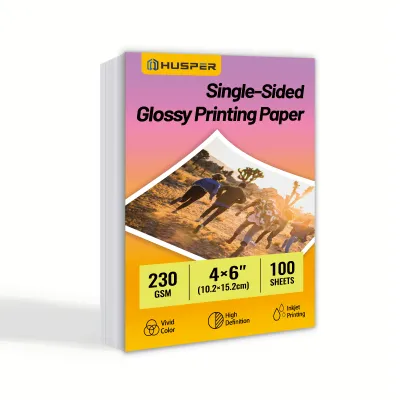
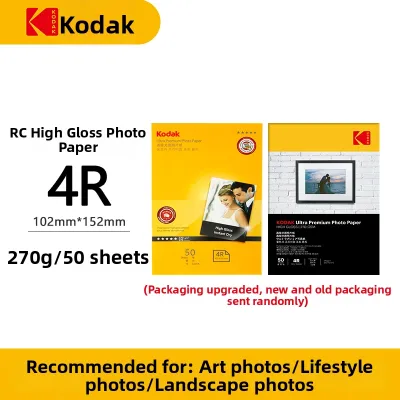
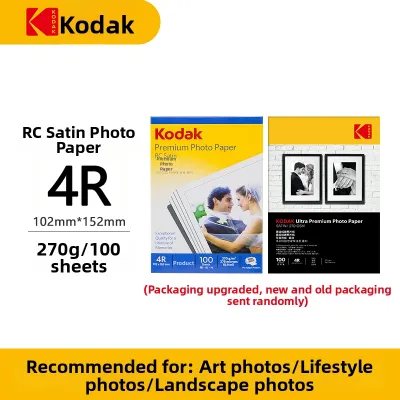
Prices are valid at publication and may change. Please refer to the product page for the latest price.
However, GSM does not directly dictate print resolution, color vibrancy, or image sharpness. Those visual characteristics are determined by the chemical coating applied to the top layer of the photo paper, such as micro-porous or swellable coatings. These specialized surface layers control how ink droplets are absorbed, fixed, and reflected.
To simplify your purchasing decisions, isolate your requirements into two categories. Use GSM to determine the physical durability, handling stiffness, and structural needs of your project. Then, look at the paper’s coating technology and surface finish to satisfy your visual and color expectations.
Photo Paper Weight Categories and Their Best Use Cases
Navigating the photo paper weight spectrum requires balancing your aesthetic goals with how the print will ultimately be handled and displayed. Matching the correct GSM range to your specific project ensures both cost efficiency and physical longevity.

Lightweight (120–150 GSM): Drafts and High-Volume Handouts
Lightweight photo papers are thin, highly flexible, and feel similar to premium flyer paper but feature a coated surface on one side. Because of their thin base, these papers are prone to curling or rippling when saturated with high volumes of liquid ink. They also offer lower opacity, meaning bright light can easily shine through the sheet.
These papers are highly cost-effective and are best reserved for internal office presentations, draft proofs, high-volume event flyers, and school projects. They are ideal when bulk distribution and low cost per page are more important than long-term archival stiffness.
Medium Weight (180–200 GSM): Everyday Photos and Brochures
Medium-weight papers represent the standard consumer tier, offering a noticeable step up in stiffness and resistance to curling. They feel like standard commercial photo prints and can easily stand upright in plastic photo sleeves, scrapbooks, or basic desk frames without sagging.
This versatile range is highly recommended for everyday family photos, tri-fold brochures, product catalogs, and standard A4 or 4×6 prints. It strikes an excellent balance between physical durability and budget-friendliness for high-volume home printing.
Heavyweight (230–260 GSM): Premium Prints and Albums
Heavyweight photo papers are highly rigid and mimic the premium feel of traditional, chemically developed photo lab prints. They have excellent opacity, a substantial hand-feel, and a dense base that resists warping even under heavy ink saturation from high-resolution print settings.
Choose this range for framed photographs, high-end wedding albums, professional portfolios, postcards, and any prints that will be handled frequently without the protection of a sleeve. This is the go-to standard for serious hobbyists and professional photographers alike.
Ultra-Heavyweight (280+ GSM): Fine Art and Gallery Displays
Ultra-heavyweight papers are thick, dense sheets often made from premium cotton rag or alpha-cellulose fibers. These museum-grade papers are extremely stiff, highly durable, and designed to last for decades without degrading or yellowing when paired with archival inks.
These papers are designed for fine art giclée prints, gallery exhibitions, high-end greeting cards, and standalone table displays where the paper must support its own weight without bending. They often require specialized printer handling due to their extreme physical thickness.
How to Verify Your Printer’s Maximum GSM Limit
Before purchasing heavyweight or ultra-heavyweight photo paper, you must verify your printer’s physical feeding capabilities to avoid hardware damage. Inkjet printers generally feed paper using one of two mechanical paths: a bottom-loading tray or a rear-feed slot. Bottom-loading trays force the paper to make a tight, 180-degree U-turn around internal rollers, which can cause rigid papers above 220 GSM to jam, slip, or cause print head strikes that leave black ink smudges on the edges of your paper.
Conversely, rear-feed (top-loading) printers utilize a much straighter, shallower paper path. This design allows the printer to handle significantly higher GSM limits because the paper does not need to bend tightly. Most dedicated photo printers feature a rear manual feed slot specifically designed for thick fine art papers.
To find your printer’s exact limits, locate the “Maximum Media Weight” or “Paper Weight Support” specification in your printer’s official user manual or on the manufacturer’s website. Never attempt to force paper that exceeds this rating through a bottom-loading tray.
When printing on heavier stocks, always open your printer driver’s settings menu on your computer and select the appropriate paper type, such as “Thick Paper,” “Cardstock,” or “Heavyweight Glossy.” This setting prompts the printer to physically widen the gap between the print head and the paper surface, slows down the feed rate, and adjusts the ink drying time to ensure a clean, smudge-free print.
Balancing GSM with Paper Finish and Ink Type
Achieving an exceptional print requires understanding how physical paper weight interacts with surface finishes and ink chemistry. While GSM dictates the physical presence of the print, the surface finish (glossy, matte, or luster) dictates the visual style. For example, a 260 GSM glossy paper is ideal for vibrant, high-contrast commercial portraits, whereas a 260 GSM matte paper is better suited for glare-free, textured fine art reproductions.
Environmental factors also play a critical role in how ink behaves on heavy paper. In humid climates, such as Singapore’s year-round tropical weather, high relative humidity can significantly slow down ink drying times. On heavyweight glossy papers with swellable coatings, the ink may remain tacky for hours. For humid environments, choosing a heavyweight paper with a micro-porous coating is highly advantageous, as it absorbs ink almost instantly and resists moisture-induced bleeding.
Additionally, you must match your printer’s ink type—dye-based or pigment-based—to the paper’s coating. Pigment inks consist of tiny solid color particles that sit on top of the paper fibers, making them highly resistant to water and fading, especially when paired with premium heavyweight matte or luster papers. Dye-based inks are liquid solutions that absorb deep into the paper’s coating, offering outstanding color vibrancy on glossy heavyweight sheets, though they require careful drying in humid conditions.
Frequently Asked Questions (FAQ)
Is a higher GSM always better for photo quality?
No, a higher GSM does not guarantee better image resolution, sharper details, or superior color accuracy. GSM only measures the physical weight and density of the paper base. The visual quality of your print is determined by the specialized chemical coating on the paper’s surface and your printer’s capabilities, not the weight of the paper itself.
Can I use thick photo paper in any inkjet printer?
No, not all inkjet printers can accommodate thick photo paper. Standard printers with bottom-loading paper trays have strict bending limitations and typically struggle with papers exceeding 220 GSM. Always consult your printer’s manual to verify its maximum supported paper weight before attempting to print on heavyweight or ultra-heavyweight media.
How do GSM and paper thickness (mil) differ?
GSM measures the weight of the paper per square meter, while mil (thousandths of an inch) or microns measure the actual physical thickness of the sheet. Two different photo papers can have the exact same GSM but different physical thicknesses depending on the density of the paper fibers and the thickness of the applied surface coatings.
Community discussion
Share your experience or ask a question. Comments are reviewed before publication.