
When purchasing copy paper A4 size for your home or office, the term “GSM” is the most critical specification on the packaging. GSM stands for Grams per Square Meter, a metric that measures the density and weight of the paper rather than its physical thickness. Understanding this measurement is essential because the weight of your paper directly dictates print clarity, ink absorption, double-sided readability, and how smoothly the sheets feed through your printer. Selecting the wrong weight can lead to frustrating paper jams, messy ink bleeding, or limp documents that fail to look professional.
What Does GSM Mean for A4 Copy Paper?
To understand copy paper A4 specifications, you must first look at how paper is manufactured. Grams per Square Meter (GSM) represents the weight of a single sheet of paper measuring exactly one square meter. For standard A4 paper, which measures 210mm by 297mm, a single sheet of 80 gsm paper actually weighs approximately 4.99 grams.
While a higher GSM typically corresponds to a thicker and stiffer sheet, thickness and weight are not technically the same. Two different brands of paper can both be rated at 80 gsm but have slightly different physical thicknesses due to variations in wood pulp density, fiber composition, and manufacturing compression. A highly compressed sheet might feel thinner but remain exceptionally sturdy and opaque.
Products mentioned in this guide
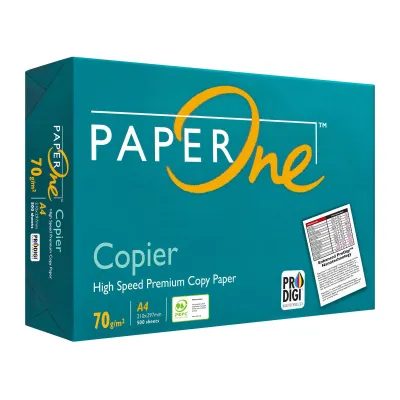
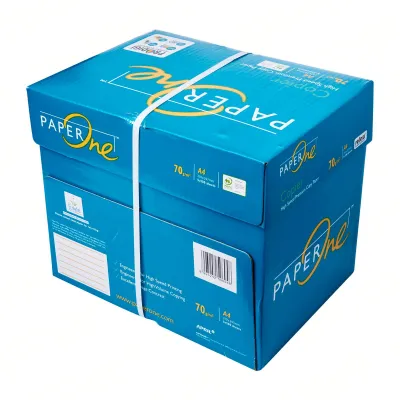
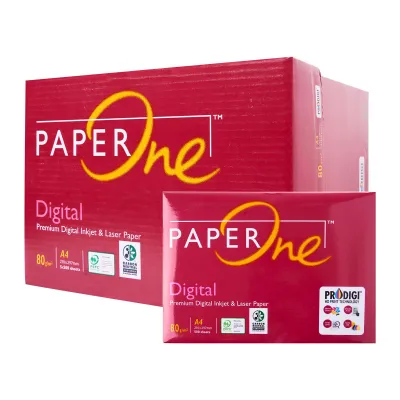
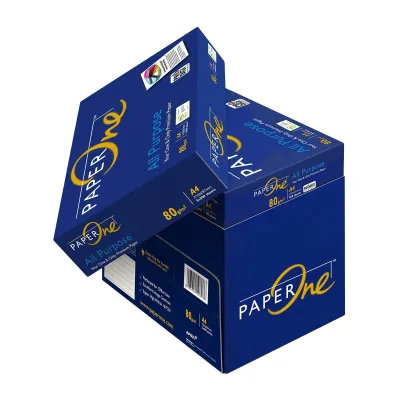
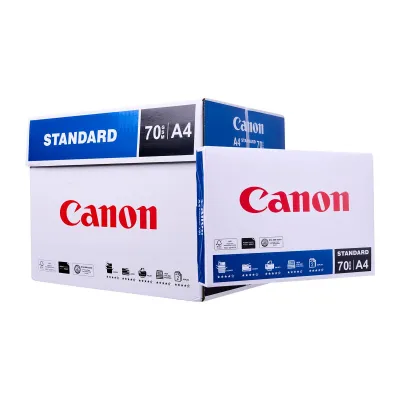
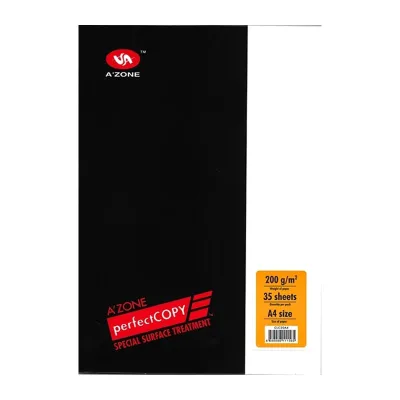
Prices are valid at publication and may change. Please refer to the product page for the latest price.
It is a common misconception that higher GSM paper is universally superior. In reality, the best paper weight depends entirely on your specific printing hardware and your document’s purpose. Heavy-weight paper is excellent for formal presentations, but using it for everyday high-volume printing is an unnecessary expense that can easily overwhelm standard office feeding mechanisms.
How GSM Affects Print Quality and Printer Compatibility
The weight of your copy paper A4 sheets has a profound impact on how ink or toner behaves once it hits the page.

Show-Through and Opacity
One of the most noticeable differences between paper weights is opacity, or how much light passes through the sheet. Lower GSM papers, such as 70 gsm, have lower opacity. If you attempt double-sided (duplex) printing on thin paper, the text or graphics from the reverse side will show through, creating a distracting shadow effect that compromises readability. Higher GSM papers contain more fibers per square inch, blocking light more effectively and ensuring clean, legible double-sided prints.
Ink and Toner Handling
When printing graphic-heavy documents, color charts, or solid blocks of text, the amount of liquid ink or dry toner deposited on the paper increases significantly. Lighter papers absorb moisture from inkjet inks rapidly, causing the wood fibers to swell, warp, and curl. This warping not only ruins the visual appeal of your document but can also cause the paper to scrape against the print head during the printing process. Heavier paper weights handle high ink saturation without warping, preserving a flat, crisp finish.
Printer Compatibility and Paper Jams
Every printer, whether a compact home inkjet or a heavy-duty office laser copier, has strict physical limits regarding the paper weights it can reliably feed. Standard office machines are optimized for a specific weight range. When you load paper that is too heavy—such as 100 gsm or above—into a tray designed for lighter stock, the printer’s pickup rollers may struggle to grab the stiff sheets. This can lead to misfeeds, multi-sheet pulling, or severe internal paper jams. Always consult your printer’s user manual to verify the maximum supported paper weight before purchasing premium heavy reams.
Matching Paper Weight to Your Printing Tasks
Selecting the right copy paper A4 weight is a balance between cost, presentation quality, and device compatibility.
70 GSM (Everyday Drafts)
This is the most lightweight option widely available. It is highly cost-effective and ideal for printing high-volume, single-sided internal documents, such as draft reports, temporary packing slips, or basic emails. Because it uses fewer raw materials, a carton of 70 gsm paper is lighter and easier to store. However, because of its thinness, you should avoid using it for double-sided printing or documents containing heavy color graphics, as bleed-through is highly likely.
80 GSM (Standard Office Use)
The universal standard for corporate environments and home offices alike is 80 gsm. This weight offers the perfect compromise between structural stiffness, opacity, and cost. It is thick enough to support clean double-sided printing with minimal show-through, yet light enough to feed flawlessly through almost any standard laser or inkjet printer. Use this for general correspondence, invoices, meeting hand-outs, and daily office tasks.
100 GSM and Above (Presentations and Contracts)
When you need to make a strong impression, 100 gsm and heavier papers provide a premium, smooth feel. This paper is noticeably stiffer, brighter, and completely opaque, making it the ideal choice for client-facing proposals, legal contracts, certificates, and marketing brochures. It handles heavy color toner and wet inks beautifully. However, because of the thickness, you must verify your printer’s tray specifications, as some home models may require you to feed these heavier sheets manually through a bypass tray.
| GSM Range | Best Use Case | Double-Sided Suitability | Printer Compatibility Notes |
|---|---|---|---|
| 70 GSM | High-volume internal drafts, single-sided emails, packing slips | Poor (high risk of text showing through) | Excellent for almost all standard office copiers |
| 80 GSM | Everyday office documents, invoices, general correspondence | Good (minimal show-through for standard text) | The universal standard; compatible with all printers |
| 100 GSM+ | Client presentations, legal contracts, color graphics, resumes | Excellent (maximum opacity, zero show-through) | Check manual; may require manual bypass feed on smaller printers |
Beyond Weight: Other Specs to Check on the Packaging
While GSM is a vital factor, other physical properties of your copy paper A4 reams will influence your final print results, especially when operating in Singapore’s unique environment.
Brightness and Whiteness
Paper brightness refers to the percentage of light reflected off the page, often measured using the CIE Whiteness index. A higher whiteness rating (such as CIE 160 or above) provides a starker contrast against black ink and makes colored graphics appear more vibrant. Whiteness is completely independent of paper weight; you can find highly bright 70 gsm papers and duller 100 gsm papers. For high-contrast professional documents, look for both high GSM and a high CIE rating.
Moisture Resistance and Packaging
Singapore’s tropical climate features consistently high relative humidity, often exceeding 80%. Unprotected paper fibers act like a sponge, absorbing moisture from the air. When paper becomes damp, it loses its structural stiffness, leading to severe curling, ink bleeding, and frequent printer jams. To prevent this, look for copy paper brands that use moisture-proof, PE-shielded wrapper packaging. Keep your paper reams sealed until they are ready to be loaded into the printer, and avoid leaving unused paper in open trays for extended periods.
Cut Quality
The precision of the paper’s cut edges plays a quiet but critical role in printer maintenance. High-quality paper is cut cleanly using advanced rotary blades, which minimizes the release of loose paper dust. Cheaply cut paper leaves microscopic paper fibers and dust inside your printer. Over time, this dust accumulates on the rubber pickup rollers and optical sensors, causing the rollers to lose traction and leading to frequent misfeeds. Opting for reputable brands with precise edge-cutting technology protects your hardware and ensures smoother paper paths.
Frequently Asked Questions (FAQ)
Can I use 100gsm paper in a standard home printer?
Yes, most modern home printers can handle 100 gsm paper, but it is highly recommended to check your printer’s manual first. While high-end inkjet and laser printers feed 100 gsm sheets effortlessly, some budget or ultra-compact home models are optimized strictly for 70 to 80 gsm stock. Using heavier paper in these compact devices can cause the feed rollers to slip or result in paper jams. If your printer struggles, try feeding the 100 gsm sheets one by one through the manual feed slot rather than loading a full stack into the main paper tray.
Does higher GSM mean the paper is brighter?
No, GSM and brightness are completely separate specifications. GSM measures the physical weight and density of the paper, while brightness (often indicated by a CIE whiteness value) measures how much light reflects off the paper’s surface. It is entirely possible to have a highly bright, premium 70 gsm paper that delivers sharper text contrast than a duller, off-white 100 gsm paper. If your main goal is vibrant colors and sharp text contrast, look specifically for a high CIE whiteness rating on the wrapper, regardless of the paper’s weight.

Community discussion
Share your experience or ask a question. Comments are reviewed before publication.