
Using a NETS FlashPay card simplifies daily commuting, parking, and shopping by providing a swift, contactless payment method. This stored-value card is widely accepted across Singapore’s public transport network, electronic road pricing (ERP) gantries, numerous carparks, and thousands of retail merchants. To make the most of this card, you simply need to ensure it is loaded with sufficient funds, tap it flat against compatible readers, or insert it securely into your vehicle’s In-Vehicle Unit (IU). Mastering these basic steps helps you avoid delays at transit gantries, prevent vehicle barrier issues, and enjoy a seamless checkout experience at your favorite stores.
Getting Started: Preparing and Topping Up Your Card
Before using your NETS FlashPay card, inspect its physical condition. Look closely at the card surface for any deep scratches, cracks, or significant bending, as these physical defects can damage the internal antenna and chip, leading to transaction failures. Additionally, keep the card away from strong magnetic fields, such as those generated by large speakers or magnetic clasps on bags, to minimize the risk of demagnetization.
To use the card, you must first load it with sufficient funds. Authorized top-up channels are conveniently located across the island. You can add value at transit ticketing machines situated inside MRT stations and bus interchanges. Alternatively, you can visit participating convenience stores, or use compatible automated teller machines (ATMs) displaying the card’s logo. For a digital approach, many users leverage official mobile applications on NFC-enabled smartphones, allowing you to top up your card directly using a linked bank account or debit card.
Products mentioned in this guide
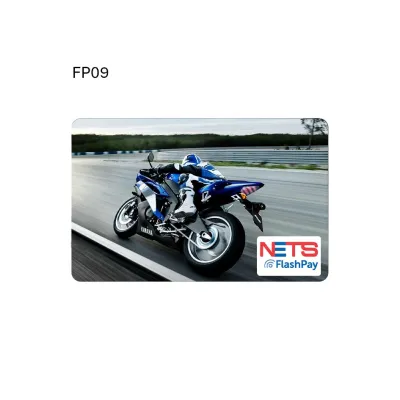
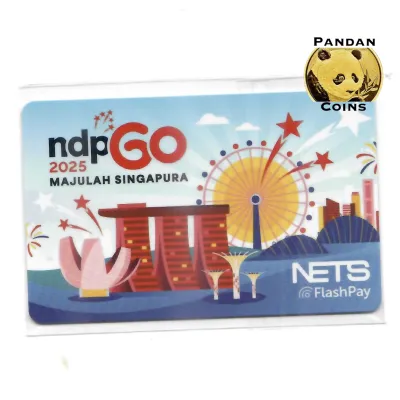
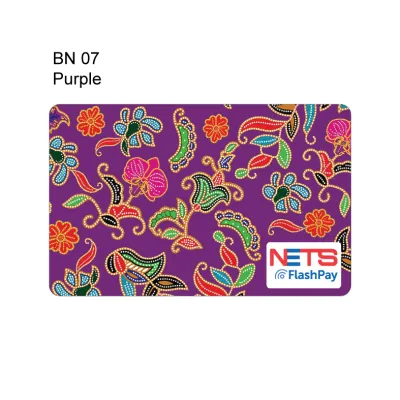
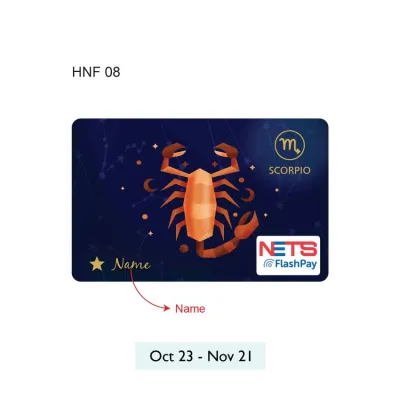
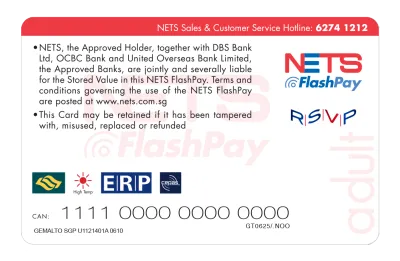
Prices are valid at publication and may change. Please refer to the product page for the latest price.
Regardless of the method you choose, always verify that the top-up transaction was completed successfully. When using a physical machine, wait for the terminal screen to display your updated balance and transaction confirmation before removing the card. If you top up at a retail counter, request a printed receipt and check that the loaded amount matches your payment. This simple habit ensures you never leave a top-up point with an incomplete transaction or an unexpected low balance.
Tapping for Public Transport: MRT and Buses
Navigating the public transport system with your card requires proper tapping technique to ensure smooth entry and exit. When approaching an MRT gantry or boarding a bus, hold your card flat and steady against the designated reader. Avoid waving the card rapidly or tapping it at an extreme angle, as these movements can disrupt the connection between the card’s internal chip and the reader, resulting in a read error.

One of the most critical rules of transit travel is using the exact same card for both your tap-in and tap-out. If you tap in at an MRT station or bus entrance with one card and attempt to tap out with a different card, or a mobile payment device, the transit system will treat these as two separate, incomplete journeys. This oversight leads to maximum fare deductions, commonly referred to as penalty fares, on both cards. To prevent this, keep your primary transit card easily accessible and separate from other contactless cards in your wallet to avoid card clash, where the reader accidentally scans the wrong card.
Always pay attention to the visual and audio feedback provided by the transit validators. A successful tap is confirmed by a single, clear beep and a green light on the reader. The validator screen will also briefly display your remaining card balance or the exact fare deducted for that leg of your journey. If you hear multiple rapid beeps or see a red light, the transaction has failed, and you must tap again or seek assistance from the station staff at the passenger service center.
Navigating Carparks and ERP Gantries
For motorists, the card serves as a reliable tool for managing road tolls and parking fees. To prepare for your drive, insert the card firmly into your vehicle’s In-Vehicle Unit (IU). Ensure the card is oriented correctly, with the gold chip facing the direction specified by your particular IU model. Once inserted, look at the IU’s digital display screen; it should show your current stored value, indicating that the unit has successfully recognized the card.
As you drive through Electronic Road Pricing (ERP) gantries or enter electronic parking system (EPS) carparks, the overhead or entry readers will automatically communicate with your IU to deduct the required amount. When entering a carpark, observe the barrier arm and the reader display. The screen at the gantry typically displays a welcome message and confirms that your card has been read. Upon exit, the screen will show the total parking fee deducted and your remaining balance as the barrier arm lifts.
If you encounter a situation where the gantry does not open, or your IU emits a warning beep indicating insufficient value or a read error, remain calm. Do not attempt to reverse your vehicle immediately, as this can cause accidents with vehicles behind you. Instead, safely stop your vehicle, verify that the card is pushed fully into the IU, or check if the card has expired. If the barrier still fails to lift, press the intercom button at the gantry to contact the carpark operator, who can assist you or guide you on how to make a manual payment at the exit terminal.
Paying at Participating Retail Merchants
Beyond transport and motoring, your card is widely accepted for quick retail purchases. To identify where you can use your card, look for the official payment decals or logos displayed at checkout counters, food court stalls, vending machines, and convenience stores. These visual markers indicate that the merchant’s point-of-sale terminal is equipped to process your transaction.
When you are ready to pay, inform the cashier that you would like to use your card. Wait for the cashier to key in the purchase amount and activate the payment terminal. Once the terminal screen prompts you, tap your card flat against the contactless reader. In some traditional retail setups, the cashier may request that you hand over the card so they can insert or tap it on their terminal on your behalf.
Before walking away from the counter, always take a moment to verify the transaction. Check the customer-facing display on the terminal or look at your printed receipt to confirm that the correct amount was deducted. If there is a discrepancy, point it out to the cashier immediately so they can void the transaction or issue a refund according to their store policy.
Managing Your Card: Checking Balance and History
Keeping track of your card’s balance is essential to avoid the inconvenience of a declined transaction. The most straightforward way to check your remaining funds is by using the general ticketing machines or top-up terminals located at any MRT station or bus interchange. Simply place your card on the reader slot, and the screen will instantly display your current balance and card expiry date.
For greater convenience, you can manage your card digitally if your specific card variant supports mobile linking. By downloading the official mobile application on an NFC-enabled smartphone, you can register your card and scan it against the back of your phone. This allows you to view your real-time balance, check your card’s expiration details, and access your transaction history directly from your mobile device without needing to find a physical terminal.
Regularly reviewing your transaction history is a highly recommended practice. Whether you check your digital logs via an app or keep printed receipts from your retail purchases, monitoring your spending helps you track your daily transport expenses. It also allows you to quickly identify any unusual or unrecognized deductions, giving you peace of mind and helping you manage your personal budget more effectively.
Troubleshooting Common Tap and Payment Issues
Even with regular use, you may occasionally encounter payment glitches or card errors. If a terminal displays a read failure or an “insufficient value” message, the first step is to try tapping the card again, ensuring it is held flat and still. If you keep your card in a wallet with other contactless payment cards, remove it from the slot and tap it individually to eliminate card interference, which is a frequent cause of transaction errors.
In rare instances, a card may become physically stuck inside an IU or a transit slot. If this happens, do not use excessive force or sharp tools to pry it out, as this can permanently damage both the card’s internal circuitry and the reader device. Instead, try gently wiggling the card from side to side while pulling outward. If it remains lodged, seek assistance from a professional mechanic or the station staff, depending on where the incident occurs.
If your card consistently fails to register at multiple terminals despite having a healthy balance and no physical damage, it may have reached its expiry date or suffered internal antenna failure. In such cases, stop attempting to use the card to avoid delaying others. Visit a passenger service center at any MRT station or contact the card issuer’s customer service line. The staff can run a diagnostic check on your card, assist with transferring your remaining balance to a new card, or guide you through the official refund process.
Frequently Asked Questions (FAQ)
What should I do if I lose my NETS FlashPay card?
If you lose your card, your immediate course of action depends on the specific card variant and whether you have registered it. Because standard stored-value cards operate similarly to physical cash, unregistered cards generally cannot be blocked, and any remaining balance on a lost card cannot be recovered. However, if you are using a co-branded card or a registered variant, you should consult the card issuer’s official guidelines or contact their customer service immediately to report the loss. They can advise you on whether your card supports balance freezing, replacement, or a refund of the remaining stored value.
Can I use multiple cards to pay for a single transaction?
For public transport journeys, you cannot split payments or use multiple cards; the transit system requires a single card to be used for both the entry and exit taps of a single trip to calculate the correct distance-based fare. For retail purchases, the ability to split a transaction across multiple cards depends entirely on the individual merchant’s point-of-sale system and store policies. Some merchants may allow you to pay a portion of the bill with your stored-value card and settle the remaining balance with cash or another card, so it is best to check with the cashier before they initiate the payment process.

Community discussion
Share your experience or ask a question. Comments are reviewed before publication.