
Navigating Singapore’s public transport network is incredibly seamless when you have a fully topped-up EZ-Link card. Whether you are commuting daily on the MRT, taking a feeder bus through your neighborhood, or making quick purchases at local retail outlets, keeping your transit card funded is essential for uninterrupted travel. Fortunately, Singapore offers a wide array of physical and digital reload channels designed to fit different lifestyles, schedules, and payment preferences.
Understanding the various top-up methods ensures you never find yourself stuck at a gantry with insufficient funds. From automated ticketing machines at transit hubs to instant digital reloads on your smartphone, managing your card balance is straightforward once you know where to look. This guide outlines every available reload method in Singapore, helping you choose the most convenient option for your daily routine.
Preparing for Your EZ-Link Card Reload
Before heading to a top-up point or initiating a digital transaction, take a moment to inspect your physical card. Over time, daily use can cause physical wear, minor cracks, or peeling edges on the card’s plastic layers. If the internal antenna or chip is damaged, card readers at transit stations or retail shops may fail to recognize it, rendering top-up attempts unsuccessful.
Products mentioned in this guide
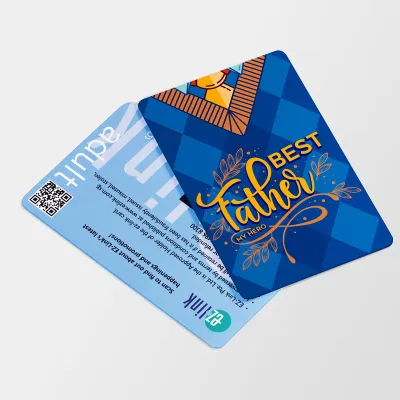
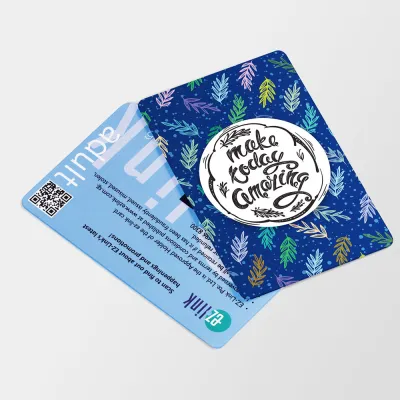
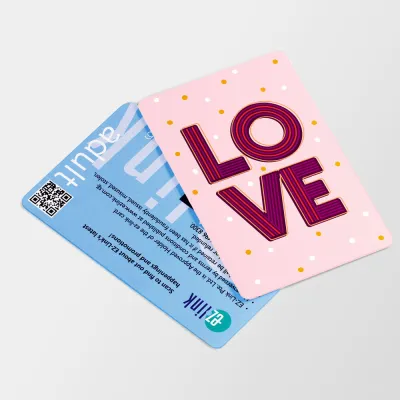
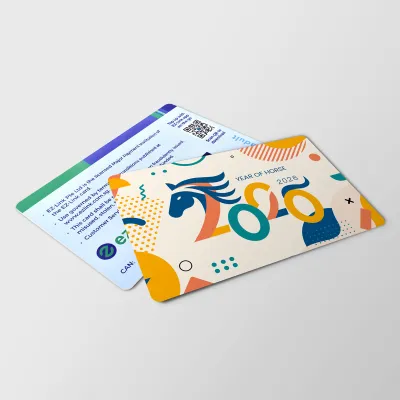
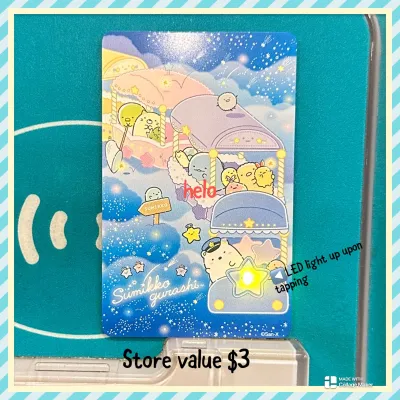
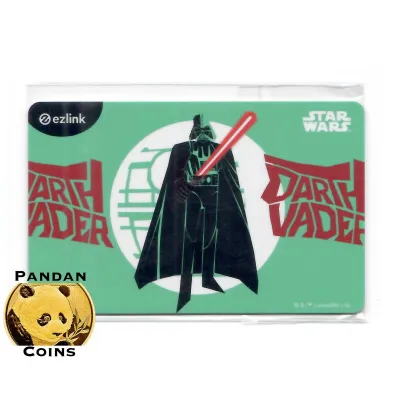
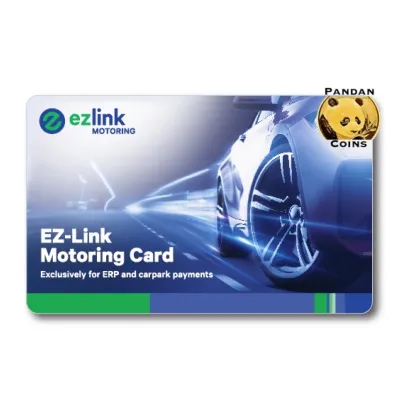

Prices are valid at publication and may change. Please refer to the product page for the latest price.
Next, identify the specific type of card you hold. Standard adult EZ-Link cards, concession cards for students or seniors, and co-branded bank cards all have slightly different reload rules and compatible channels. For instance, certain concession cards must be updated at specific passenger service points, while co-branded cards might handle funds directly through your bank account.
Finally, check your current balance and card expiry date. You can easily view these details at any MRT station transit gate screen as you tap out, or by placing your card on a self-service ticketing machine. Keeping track of your card’s expiration ensures you do not accidentally attempt to reload a card that is nearing the end of its operational lifespan.
Top-Up Methods at Transit Stations
The most common and accessible places to reload your card are the transit stations scattered across Singapore’s MRT and LRT networks. Every station is equipped with self-service ticketing machines, now commonly integrated with the SimplyGo system, which allow for quick and independent transactions.

To use a General Ticketing Machine or SimplyGo Kiosk, place your card firmly onto the designated reader slot. The screen will immediately display your current balance and card details. Select the top-up option on the touchscreen, choose your desired reload amount in S$, and select your preferred payment method. These machines typically accept NETS, local debit or credit cards, and in some older machine models, physical cash. Follow the on-screen prompts to complete the payment.
If you encounter any issues during this process, or if you are managing a concession card that requires manual verification, you can visit the Passenger Service Centre located near the station control room. The station staff can assist with card errors, process specific top-ups, or help you obtain a printed transaction receipt if you need to track your travel expenses.
Regardless of the station method you choose, always perform a final verification before walking away. Wait for the machine screen or the staff member to display a success prompt confirming that the transaction is complete. Removing your card prematurely from the reader slot can interrupt the data transfer, potentially causing a failed top-up or a temporary hold on your funds.
Reloading at Retail and Convenience Stores
When you are not near an MRT station, neighborhood retail outlets and convenience stores offer an excellent alternative for a quick top-up. Major convenience store chains, such as 7-Eleven and Cheers, as well as selected supermarkets across Singapore, provide over-the-counter reload services.
To identify a participating store, look for official transit card decals or SimplyGo signage near the entrance or close to the cash register. If you do not see any signage, simply ask the cashier if they support transit card top-ups before queuing.
The over-the-counter process is highly straightforward. Hand your card to the cashier and state the exact S$ amount you wish to add to your balance. You can then complete the payment using cash, card, or other digital payment methods accepted by the retailer.
Keep in mind that retail top-ups often come with specific limitations. Some convenience stores enforce a minimum top-up amount, and they may apply a small convenience fee per transaction. Always ask the cashier about any additional surcharges before they process the payment, and make sure to request a printed receipt to verify that the correct amount has been credited to your card.
Using Automated Kiosks and Bank ATMs
For those who prefer self-service options outside of transit stations, Singapore’s extensive network of automated kiosks and bank ATMs offers a reliable alternative. These terminals are widely distributed across shopping malls, community clubs, and residential estates, making them highly convenient for neighborhood top-ups.
AXS Stations and SAM Kiosks are two of the most common automated terminals you will encounter. Both platforms feature dedicated on-screen menus for transit card services. Simply place your card on the integrated reader, navigate to the top-up section, and follow the prompts to pay using your bank card or linked digital payment options.
Additionally, participating local bank ATMs—such as those operated by DBS, POSB, OCBC, or UOB—support transit card top-ups. Insert your bank card, enter your PIN, and select the transit card top-up option from the main menu. Place your EZ-Link card on the ATM’s card reader slot when prompted, select your top-up amount, and confirm the transaction.
Before finalizing any transaction at a kiosk or ATM, carefully review the details displayed on the screen. Check for any transaction fees or minimum S$ reload requirements that the specific service provider might impose. Ensuring you read these prompts helps prevent unexpected charges on your bank statement.
Digital and Contactless Top-Up Options
For ultimate convenience, digital and contactless top-up methods allow you to manage your card balance directly from your smartphone. This eliminates the need to queue at physical machines or interact with cashiers entirely.
By downloading the official SimplyGo or EZ-Link mobile application on an NFC-enabled smartphone, you can top up your card anytime, anywhere. Simply open the app, register your card by tapping it against the back of your phone, and link your preferred local credit or debit card. When you need to reload, select the top-up option in the app, enter the S$ amount, and hold your physical card against your phone’s NFC antenna to write the new balance directly to the card.
If you prefer a completely hands-off approach, you can set up an automatic reload service, such as EZ-Reload or SimplyGo Auto-Reload. This feature links your transit card directly to a credit card, debit card, or bank account. Whenever your card balance falls below a specific threshold during a transit tap, the system automatically reloads a pre-determined S$ amount onto your card, ensuring you never face an insufficient balance at the gantry.
When performing manual digital top-ups via your phone, safety and patience are key. Ensure your smartphone remains completely flat and still against your physical card throughout the entire process. Moving the card too quickly can break the NFC connection, which may result in a failed transaction or a pending balance sync that requires manual troubleshooting.
Choosing the Best Method for Your Routine
Selecting the right reload method depends heavily on your daily commute, preferred payment modes, and how often you travel. While digital options offer unparalleled convenience, physical machines remain essential for those who prefer using cash or need immediate physical receipts.
Daily commuters who travel during peak hours often benefit most from setting up auto-reload features, as this completely eliminates the need to stop at kiosks or open apps. Occasional riders or tourists, on the other hand, may find the convenience of a quick top-up at a neighborhood convenience store or an MRT ticketing machine more practical for their sporadic trips.
The table below summarizes the primary reload channels available in Singapore to help you compare your options at a glance:
| Reload Channel | Typical Availability | Key Considerations |
|---|---|---|
| Transit Station Kiosks | During station operating hours | Accepts NETS and cards; some accept cash; no convenience fees |
| Convenience Stores | Often 24/7 (depending on outlet) | May incur a small convenience fee; cash and card accepted |
| Bank ATMs & Kiosks | 24/7 or mall operating hours | Requires a compatible bank card; check screen for potential fees |
| Mobile Apps (NFC) | 24/7 | Requires an NFC-enabled phone; cashless payment only; highly convenient |
| Auto-Reload Services | Automatic during transit taps | Requires one-time online setup; linked directly to your bank card |
Troubleshooting Common Reload Issues
Even with highly reliable systems, you may occasionally encounter issues when attempting to reload your card. Knowing how to troubleshoot these situations can save you time and prevent unnecessary stress during your commute.
If a physical ticketing machine or retail reader rejects your card, first inspect the card surface. Gently wipe any dirt or moisture off the card and try placing it on the reader again. If the issue persists across multiple machines, check the card’s expiry date via an app or ask a station staff member to verify if the card has reached the end of its lifespan or suffered internal antenna damage.
In cases where a digital top-up fails but your bank account or credit card has already been charged, do not panic. Open your mobile app to check the transaction history and see if the payment is listed as pending. Often, the system will automatically reverse failed transactions within a few business days, or sync the balance the next time you tap your card at a transit reader.
If you are unable to resolve the issue independently, avoid making repeated top-up attempts to prevent duplicate charges. Instead, head directly to the nearest Passenger Service Centre or contact the official customer service hotline listed on the back of your card. The support team can access your transaction logs and guide you through the refund or card replacement process.
Frequently Asked Questions (FAQ)
Can I reload my card if it has expired?
Once your transit card has officially expired, you can no longer reload it or use it for travel. However, any remaining S$ balance on the expired card is not lost. You can visit a Passenger Service Centre or a designated ticketing office at selected MRT stations to transfer the remaining funds to an active card or apply for a refund. The staff will guide you through the replacement process and help you obtain a new card if necessary.
Is there a maximum limit for a single top-up?
Yes, transit cards in Singapore have maximum stored value limits as well as per-transaction limits to protect users in case of card loss. These limits can vary depending on whether you are using a standard card, a concession card, or a digital SimplyGo account. To find the exact maximum capacity and single-transaction limits for your specific card type, check the information displayed on the ticketing machine screen, refer to the official mobile app, or visit the official transit website.
Do I need to pay a fee to reload my card?
Whether you pay a fee depends entirely on the reload channel you choose. Top-ups made at official transit station ticketing machines, Passenger Service Centres, and through the official mobile apps generally do not incur any additional transaction fees. However, third-party retail outlets, convenience stores, and certain self-service kiosks may charge a small convenience fee per transaction. Always check the payment screen or ask the cashier about potential surcharges before confirming your payment.

Community discussion
Share your experience or ask a question. Comments are reviewed before publication.