
Choosing the right photo paper weight is essential for transforming digital images into physical prints that look and feel exactly as intended. The ideal weight depends on how you plan to display, handle, and store the final image, as well as the mechanical limits of your specific printer. By matching the weight of your paper to your project’s physical demands, you avoid common issues like paper jams, ink pooling, and premature warping.
Understanding Photo Paper Weight and GSM Standards
To make an informed choice, you must first understand how paper weight is measured. The standard metric used globally is GSM, which stands for Grams per Square Meter. This measurement represents the physical mass of a single sheet of paper cut to one square meter. A higher GSM generally indicates a denser, stiffer sheet that feels more substantial and premium in the hand, while a lower GSM indicates a lighter, more flexible sheet.
Photo papers are broadly categorized into lightweight, medium-weight, and heavyweight options. Lightweight papers are highly flexible and easy to bend, making them suitable for temporary proofs. Medium-weight papers offer a balance of flexibility and structure, often used for everyday photo printing. Heavyweight papers are thick and rigid, designed to mimic the feel of traditional darkroom prints or fine art gallery sheets.
Products mentioned in this guide
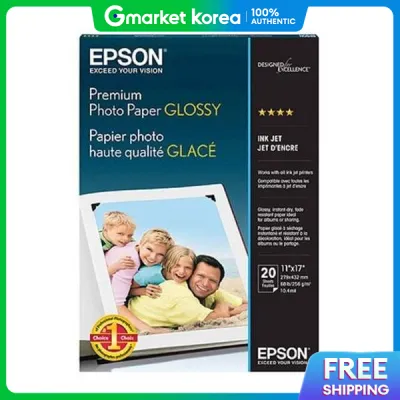
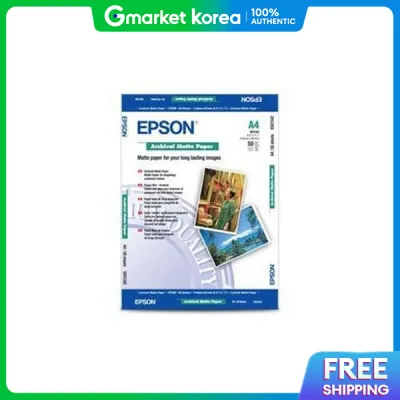
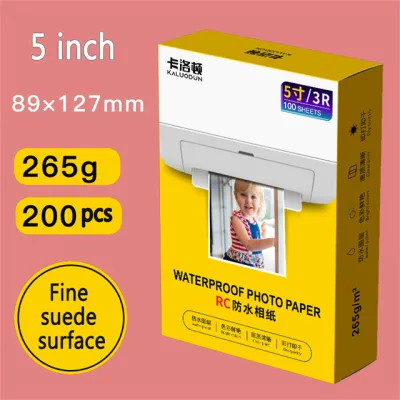
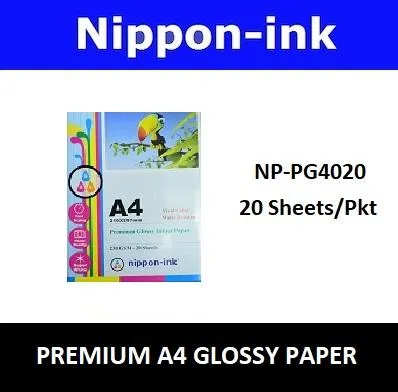
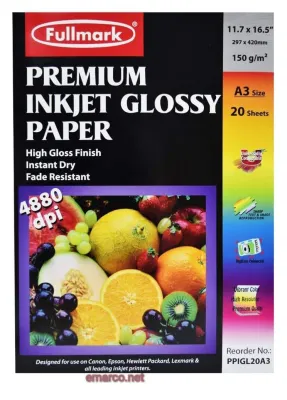
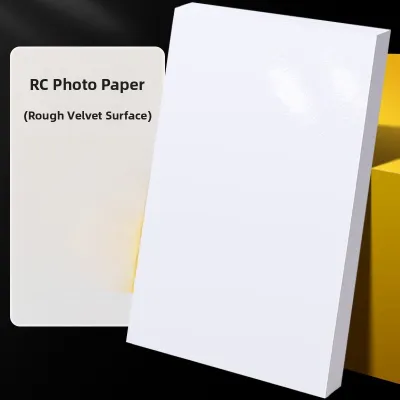
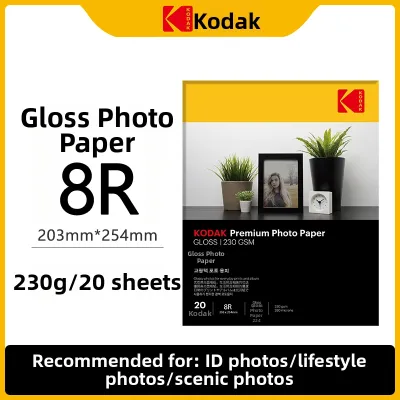
Prices are valid at publication and may change. Please refer to the product page for the latest price.
However, weight is not the same as thickness. While GSM measures mass, thickness is measured in mils (thousandths of an inch) or microns. A paper can have a high GSM but remain relatively thin if the fibers are highly compressed. Conversely, a textured matte paper might feel thick to the touch but have a lower GSM because the paper fibers are less dense. Both metrics are critical because your printer’s rollers rely on specific thickness clearances, while the feed motor is calibrated for certain weight thresholds.
Diagnosing Your Printing Needs: Matching Weight to Project Type
Selecting the right paper weight requires a clear understanding of how the final print will be handled, displayed, or stored. A heavy, rigid paper that works beautifully in a gallery frame may be completely impractical for a compact family photo album. By evaluating the physical environment and handling requirements of your project, you can narrow down the ideal weight range before you begin printing.

The primary trade-off in this decision framework is between flexibility and rigidity. Flexible papers are easier to bind, store, and handle in high volumes, but they are prone to bending and curling. Rigid papers resist warping and provide a premium tactile experience, but they require specialized handling and compatible display hardware to prevent damage.
Everyday Prints, Handouts, and Photo Albums
For projects that involve frequent handling, such as everyday family snapshots, school handouts, or physical photo albums, lighter to medium-weight papers are typically the most practical choice. These papers are designed to bend slightly without cracking or creasing, allowing them to survive being passed around from person to person. Their flexibility makes them highly resilient to the minor physical stresses of daily life.
When assembling a photo album, paper thickness is just as important as weight. If you use heavyweight paper for every print, the accumulated thickness will cause the album pages to bulge, putting immense strain on the binding and potentially splitting the plastic sleeves. Medium-weight papers slide easily into standard album page protectors without causing friction or tearing the delicate plastic edges.
Before purchasing paper for an album project, check the album manufacturer’s specifications for the maximum allowable page thickness. For slip-in albums, ensure your printed paper slides in smoothly. For scrapbooks, a medium-weight paper provides enough stability to support adhesive backing without warping, keeping the completed book manageable.
Framed Displays, Art Prints, and Professional Portfolios
For projects destined for wall display, professional portfolios, or high-end art exhibitions, heavyweight papers are the industry standard. The substantial weight of these papers provides a premium, gallery-like feel that immediately signals quality to the viewer. More importantly, the physical rigidity of heavyweight paper prevents it from sagging or bowing under its own weight when mounted or displayed.
In humid environments, such as Singapore, ambient moisture can cause lighter papers to warp or curl over time. Heavyweight papers resist these environmental changes much more effectively, maintaining their flat profile. This resistance is crucial when displaying prints behind glass, as a curling print can press against the glazing, leading to moisture traps and ink transfer.
When preparing a print for framing, verify the compatibility of your paper weight with your framing hardware. Thick, heavyweight papers require adequate depth in the frame channel and mat board cutouts to sit flat. Additionally, ensure that any mounting corners, hinge tapes, or adhesive backboards you use are rated to support the physical weight of a heavier sheet without slipping.
Checking Printer Compatibility and Feed Mechanisms
Before committing to a specific paper weight, ensure your printer can physically handle it. Feeding paper that is too heavy or thick can cause paper jams, misfeeds, or print head damage. A common issue is a “head strike,” where thick paper curls slightly and scrapes against the moving print head, leaving ink smudges and potentially damaging the delicate nozzles.
To prevent these issues, consult your printer’s user manual or specification sheet for the maximum supported GSM and thickness limits. Standard home printers often utilize a bottom or front-loading paper cassette, forcing the paper to make a sharp U-turn. Heavyweight papers are too rigid to make this turn, resulting in immediate jams.
If you plan to print on heavy papers, your printer should ideally feature a rear feed slot or a straight-through paper path. These feeds allow the paper to pass through with minimal bending, reducing the risk of jams. Before printing, access your printer driver settings to select the correct “Media Type” and, if available, adjust the “Paper Thickness” or “Platen Gap” settings to physically raise the print head.
Evaluating Paper Finish and Surface Coating Alongside Weight
The final appearance of your print is determined by a combination of paper weight, surface finish, and ink absorption. Glossy, semi-gloss, luster, and matte finishes each interact differently with the underlying paper base. Heavyweight papers are often engineered with advanced micro-porous coatings designed to handle high ink saturation, which is essential for high-contrast images or deep, dark shadows.
Without a high-quality coating, heavy ink application can cause the paper fibers to swell and warp, a defect known as cockling. Because different finishes absorb ink at varying rates, conduct a small test print on a scrap piece of your chosen paper. This allows you to observe the drying speed, check for ink bleeding, and verify that the surface does not smudge.
Additionally, check the paper packaging for recommended printer color profiles, or ICC profiles, which calibrate your printer to output the exact colors intended for that specific paper weight and finish. Finally, verify that the paper is compatible with your printer’s ink type. Some heavyweight papers are optimized specifically for pigment-based inks, while others perform best with dye-based inks.
Frequently Asked Questions (FAQ)
Can I use heavyweight Epson photo paper in my standard home inkjet printer?
Whether you can use heavyweight paper depends entirely on your printer’s specific feed mechanism and its maximum supported GSM limit. Standard home printers with front-loading cassettes usually struggle with thick sheets because the paper must bend around tight internal rollers. If your printer has a rear feed tray or a manual bypass slot, it is much more likely to support heavier media. Always check your printer’s manual first, and perform a test run with a single sheet to ensure it feeds smoothly without jamming or causing head strikes.
Does a higher GSM always mean better print quality?
No, a higher GSM does not automatically guarantee superior image quality. GSM is strictly a measure of physical weight and density, which affects the stiffness and tactile feel of the paper. The actual print quality—including color accuracy, sharpness, and contrast—depends on the chemical formulation of the ink-receptive surface coating and how well it interacts with your printer’s ink. A lightweight paper with a high-quality micro-porous coating can produce a sharper, more vibrant image than a heavyweight paper with a basic, low-grade coating.

Community discussion
Share your experience or ask a question. Comments are reviewed before publication.