
Selecting the right Epson photo paper requires balancing two primary physical characteristics: paper weight, measured in grams per square meter (GSM), and surface finish. These specifications dictate not only how a printed photograph looks under different lighting conditions but also how well the paper feeds through your printer without causing mechanical issues. By understanding how these factors interact with your printer’s capabilities and your specific project goals, you can achieve crisp, vibrant prints that last.
Decoding Paper Weight (GSM) for Photo Printing
Paper weight is standardly measured in Grams per Square Meter (GSM), which indicates the density and thickness of the paper sheet. While a higher GSM often correlates with a heavier, more substantial feel reminiscent of traditional darkroom prints, it is not a direct indicator of image resolution or color reproduction. Instead, GSM primarily influences the physical stiffness and durability of the print.
Before purchasing heavy photo paper, it is essential to verify your printer’s physical handling limits. Heavier papers, typically those exceeding 250 GSM, are stiffer and may struggle to navigate the tight rollers of a standard front-loading paper tray. Feeding excessively thick paper can lead to misfeeds, roller marks, or severe paper jams. To prevent these issues, consult your specific Epson printer manual to check the maximum supported paper weight for each feed path. Many models feature a dedicated rear paper feed designed specifically to handle thicker, high-GSM media along a flatter path.
Products mentioned in this guide
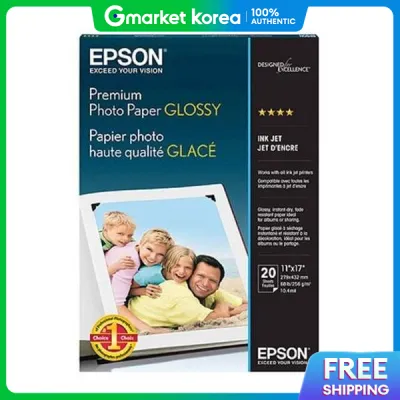
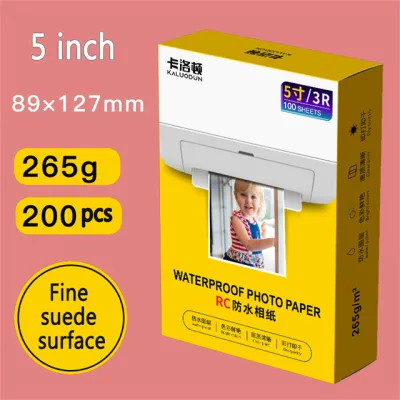
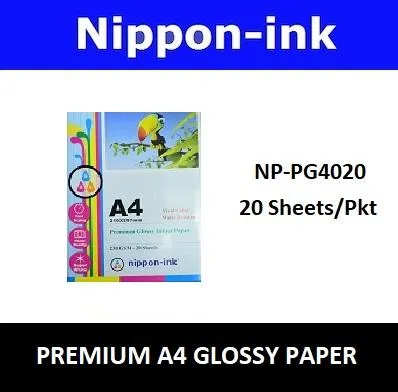
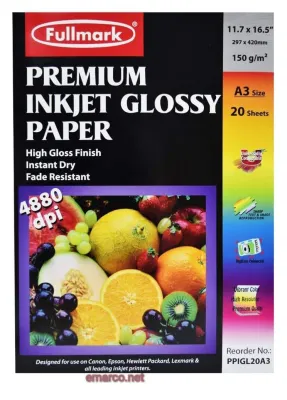
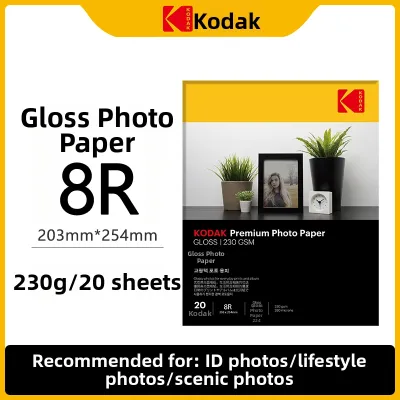
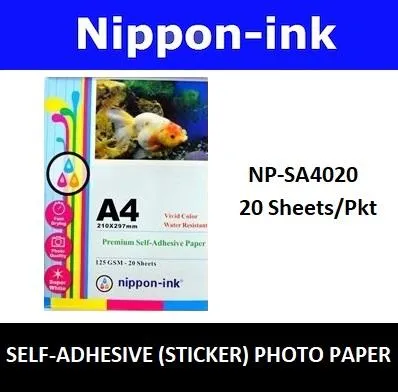
Prices are valid at publication and may change. Please refer to the product page for the latest price.
Comparing Photo Paper Finishes: Glossy, Matte, and Semi-Gloss
The surface finish of your photo paper determines how light reflects off the print, directly affecting perceived contrast, color saturation, and viewing comfort.

Glossy finishes are highly popular for their ability to deliver striking color vibrancy and deep, rich blacks. The smooth, reflective surface allows light to bounce directly back to the viewer, making details pop. However, this high reflectivity makes glossy prints highly susceptible to glare under bright overhead lights or direct sunlight. They also easily attract fingerprints and smudges, meaning they require careful handling or protective sleeves.
Matte finishes offer a completely glare-free viewing experience, making them excellent for prints displayed in brightly lit rooms or framed behind glass. The textured, non-reflective surface is highly resistant to fingerprints. While matte paper provides excellent detail for text-heavy images, fine art reproductions, and monochrome portraits, it generally yields slightly more muted color saturation and softer blacks compared to its glossy counterparts.
Semi-gloss finishes, often labeled as luster, satin, or pearl, represent a versatile middle ground. These surfaces feature a subtle texture that breaks up direct reflections, significantly reducing glare while still maintaining much of the color vibrancy and deep contrast found in glossy papers. This balance makes semi-gloss an ideal choice for wedding albums, portfolio portfolios, and general photo handling where prints will be touched frequently.
How GSM and Finish Impact Print Quality and Durability
The physical combination of GSM and surface finish directly influences how ink behaves when it hits the page. Different finishes utilize distinct chemical coatings to receive ink. Glossy coatings often require a brief period to dry completely, especially in humid environments like Singapore, where ambient moisture can slow down the evaporation process. Handling a freshly printed glossy sheet too quickly can lead to smudging or surface marring.
While a heavier GSM provides physical resistance against bending, creasing, and tearing, it does not automatically guarantee long-term image preservation. Fade resistance, water resistance, and archival longevity are determined by the chemical formulation of the paper’s receiving layer and the type of ink used (dye-based versus pigment-based).
To ensure your prints remain vibrant over time, check the product packaging or official manufacturer specifications for verified claims regarding archival life, water resistance, or instant-dry properties. For instance, some premium papers feature microporous coatings that lock in ink instantly, offering immediate smudge resistance even under humid conditions.
Matching Epson Photo Paper to Your Printer and Project
To achieve the best results, match your paper selection to both your hardware capabilities and the final display environment. First, verify that your printer supports the specific dimensions and weight of the paper you intend to use, particularly if you plan to print borderless photos, as some entry-level models restrict borderless printing to specific standard sizes and weights.
Next, align the paper characteristics with the project’s destination. Lightweight glossy papers are highly cost-effective and practical for everyday snapshots, school projects, or casual photo albums. Conversely, heavy matte or luster papers are better suited for framed gallery prints, professional portfolios, or gifts that require a premium, substantial feel.
Finally, always adjust your printer driver settings before clicking print. Selecting the correct media type (such as Ultra Premium Glossy or Presentation Paper Matte) in the Epson print dialog ensures the printer applies the precise volume of ink and color profiling required for that specific surface, preventing over-saturation or muddy colors.
Frequently Asked Questions (FAQ)
Can I use third-party photo paper in an Epson printer?
Yes, third-party photo papers can physically feed through Epson printers, but results may vary. Epson papers are engineered with specific micro-coatings optimized for Epson’s proprietary dye and pigment inks. When using non-OEM paper, you may need to experiment with generic media settings in your printer driver, and you might observe differences in color accuracy, drying speed, or overall bleed resistance compared to using matched brand media.
Does a higher GSM always mean better photo quality?
No, a higher GSM does not guarantee better photo quality. GSM measures only the physical weight and thickness of the paper, not its printing resolution or color gamut. The actual image quality is determined by the quality of the paper’s surface coating, the printer’s resolution, and the ink chemistry. A lighter paper with a high-quality, advanced receiving coating will produce sharper details and better color accuracy than a heavy, poorly coated paper.

Community discussion
Share your experience or ask a question. Comments are reviewed before publication.