
Finding the right balance between cost and reliability is essential when stocking up on everyday printing supplies. While premium papers offer higher brightness and thickness, most daily documents—such as drafts, internal memos, and school assignments—only require basic clarity and smooth feeding. This guide outlines how to evaluate affordable A4 paper options, verify essential specifications on the packaging, and avoid common quality traps that could end up costing more in printer maintenance or wasted ink.
In Singapore, where high humidity can quickly affect paper quality, choosing the right budget-friendly option requires looking beyond the price tag. A paper that seems like a bargain on the shelf can become a costly headache if it constantly jams your printer or absorbs too much moisture from the air. By understanding your specific printing habits and learning how to read paper specifications, you can confidently select affordable paper that keeps your office or home printer running smoothly.
Defining Your Daily Printing Needs and Budget Priorities
Before purchasing any paper, assessing your actual monthly printing volume is the first step toward managing costs. High-volume environments, such as home offices or small businesses printing hundreds of pages a week, benefit significantly from bulk pricing. Conversely, if you only print a few pages a month, buying in large quantities might lead to storage issues, where the paper can degrade before you have a chance to use it.
Products mentioned in this guide
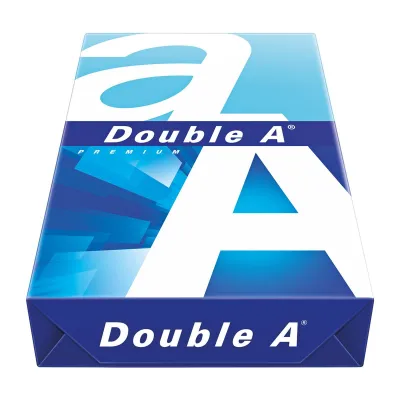
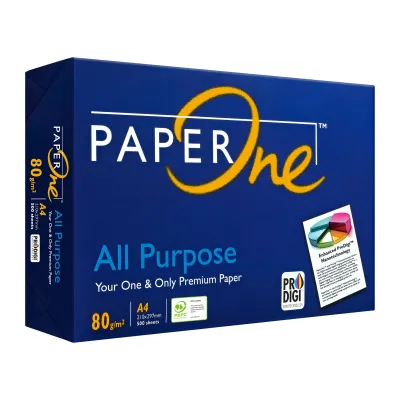
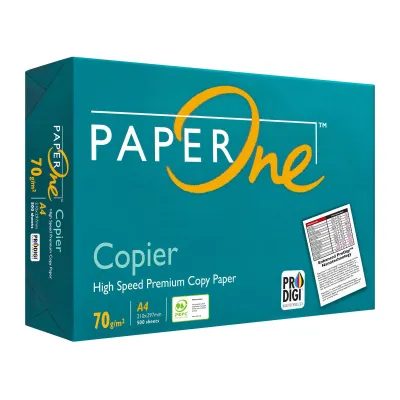
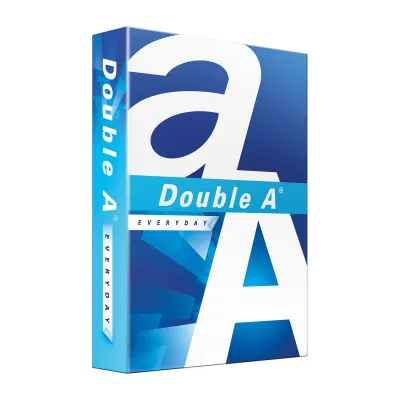
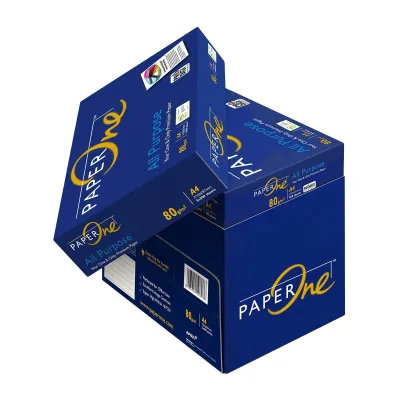
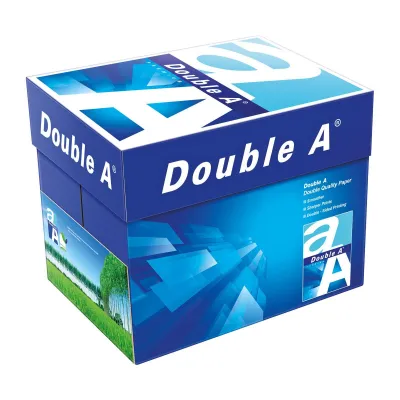
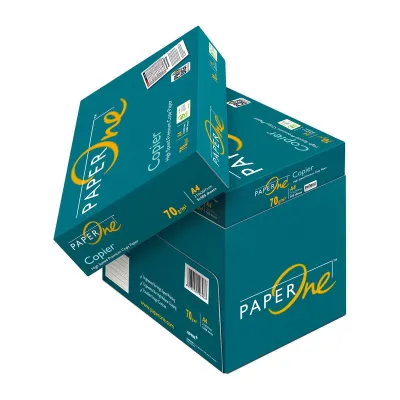
Prices are valid at publication and may change. Please refer to the product page for the latest price.
The ratio of single-sided to double-sided printing also dictates your paper requirements. Double-sided printing, or duplexing, demands a paper with sufficient opacity to prevent text from showing through to the other side. If your daily output consists mostly of single-sided drafts, receipts, or temporary checklists, you can safely opt for lighter, more economical paper grades without worrying about visual bleed-through.
Distinguishing between internal and external documents helps you allocate your stationery budget more effectively. Internal documents, such as reference guides, brainstorming notes, and personal records, do not require high-brightness or heavy-weight paper. Standard budget paper is perfectly adequate for these tasks. For external, client-facing materials, proposals, or official contracts, investing in a slightly higher grade of paper ensures a professional presentation.
Establishing a clear budget limit per ream or carton before shopping prevents impulsive buying or overspending on unnecessary features. In Singapore, budget A4 paper is typically sold in individual reams of 500 sheets or in cartons containing five reams. Setting a target price range, such as S$4 to S$6 per ream, allows you to filter out premium options that offer features you do not need for daily text printing.
Essential Specifications to Verify on the Packaging
When evaluating budget A4 paper, the paper weight, measured in grams per square meter (GSM), is the most critical specification to check. Standard copy paper typically ranges from 70gsm to 80gsm. You must verify your printer manufacturer’s specifications to ensure the machine supports your chosen weight. While 70gsm paper is often the most economical choice, some older or high-speed office printers are calibrated specifically for 80gsm paper and may experience feeding issues with lighter sheets.

Cutting precision is another vital factor that is often overlooked on budget brands. Standard A4 dimensions must be exactly 210 x 297 mm. Poorly cut paper, which can occur with low-quality manufacturing processes, results in sheets that are slightly uneven or have rough edges. These imperfections can cause multiple sheets to feed simultaneously, leading to frequent paper jams and sensor errors inside your printer. Look for brands that explicitly state standard compliance or precise cutting on their packaging.
Understanding the difference between brightness and whiteness ratings helps you avoid paying a premium for unnecessary aesthetic qualities. Brightness measures the amount of blue light reflected from the paper, typically on a scale up to 100. Whiteness measures the reflection of all wavelengths of light across the visible spectrum. For standard black-and-white text documents, a moderate brightness rating of 90% to 94% is perfectly sufficient and highly readable, making ultra-bright papers an unnecessary expense.
Given Singapore’s tropical climate, moisture-resistant packaging is a crucial feature to look for on the label. High relative humidity can cause paper fibers to swell, leading to curling, misfeeds, and ink bleeding. Quality budget brands wrap their reams in moisture-barrier packaging, often lined with a thin plastic or wax layer, to protect the paper from ambient humidity before it is opened. Checking for this protective wrapping ensures your paper remains flat and dry until you are ready to print.
Strategies for Lowering the Cost Per Sheet
To maximize your savings, compare the unit cost of buying full cartons against individual reams. A carton of A4 paper usually contains five reams, totaling 2,500 sheets. Purchasing by the carton almost always offers a lower cost per sheet compared to buying single reams. However, you must balance these savings against your available storage space and consumption rate, ensuring you can store the carton in a dry, cool area to prevent moisture absorption over time.
Leveraging bulk purchase tiers and business accounts on major ecommerce platforms is an effective way to reduce your baseline costs. Many online marketplaces offer volume discounts when you purchase multiple cartons at once. If you run a registered business or a home office, signing up for a corporate or business seller account can unlock lower wholesale pricing and exclusive bulk deals that are not available to standard retail consumers.
When shopping online, always account for hidden costs such as delivery fees and minimum spend thresholds. Paper is heavy, and shipping charges can quickly negate any savings you gain from a low purchase price. Look for sellers that offer free local delivery when you meet a specific spending limit, or consider consolidating your stationery orders to reach that threshold. If you choose to buy from physical retail stores, factor in the physical effort and transport costs of moving heavy cartons back to your location.
Monitoring seasonal sales, such as back-to-school promotions or mid-year office supply clearances, can yield significant savings. However, it is important to verify the regular price of the paper before committing to a purchase. Some promotions may inflate the original price to make the discount appear larger than it is. Keeping a record of standard prices per ream helps you quickly identify genuine deals and avoid marketing traps.
Quality Traps and Red Flags to Avoid When Buying Cheap Paper
Before purchasing any budget paper, inspect the physical condition of the ream wrapper. Torn packaging, dented corners, or signs of water exposure are major red flags. Damaged wrappers allow moisture and dust to penetrate the paper. Excessive paper dust is particularly problematic, as it transfers onto your printer’s pickup rollers and fuser units, causing slippage, premature wear, and costly maintenance issues over time.
Avoid unbranded or loosely wrapped bulk paper that lacks clear specifications on the packaging. Reputable manufacturers always print the GSM, exact dimensions, sheet count, and country of origin clearly on the wrapper. Unlabeled paper is often surplus stock or factory seconds that may not meet standard quality controls, leading to inconsistent thickness, poor ink absorption, and unpredictable printer performance.
When trying a new budget brand, it is wise to test a small batch before committing to a large carton purchase. Buy a single ream first and run a few test prints on your specific printer model. Check for excessive curling after the paper passes through the hot fuser of a laser printer, as well as static cling that causes sheets to stick together in the output tray. For inkjet printers, observe whether the ink bleeds through the paper or feathers along the edges of text.
Be skeptical of prices that seem too low to be viable. Extremely cheap paper may be manufactured from low-grade recycled fibers that have not been properly processed, resulting in a rough texture and high dust content. These papers are often unsuitable for high-resolution laser printing, where smooth surfaces and heat resistance are required. If a price is significantly lower than the market average, it may also indicate that the stock has been stored in poor, humid conditions, rendering it prone to jamming.
Frequently Asked Questions (FAQ)
Is 70gsm paper too thin for double-sided printing?
Yes, 70gsm paper is generally too thin for high-quality double-sided printing, especially when using inkjet printers or printing documents with heavy ink coverage, dark graphics, or bold headings. The lower density of 70gsm paper allows ink to saturate through the fibers, causing visible show-through on the reverse side. If you must use 70gsm paper for duplex printing, adjust your printer settings to draft mode or reduce the ink density to minimize transparency issues. For clean, professional double-sided documents, upgrading to 80gsm paper is highly recommended.
Does cheaper paper damage my printer?
The low price of the paper itself does not cause damage, but the physical characteristics of substandard paper can harm your printer over time. Cheap paper that is poorly cut or produces excessive paper dust can coat the internal rollers, causing them to lose grip and misfeed. Furthermore, paper with high moisture content from improper storage can curl severely when heated by a laser printer’s fuser, leading to frequent jams that strain the mechanical components. Choosing budget paper from reputable manufacturers who maintain strict quality control prevents these hardware issues.
How should I store bulk A4 paper to prevent moisture damage?
To protect bulk A4 paper from Singapore’s high humidity, always keep the sheets in their original moisture-resistant wrapper until you are ready to load them into the printer. Store paper cartons off the floor, preferably on a shelf or pallet, to avoid moisture transfer from concrete surfaces. Keep the storage area cool, dry, and away from direct sunlight, open windows, or air conditioning vents that cause rapid temperature fluctuations. Once a ream is opened, store any remaining sheets in a resealable plastic container or a dedicated paper storage box to maintain their dryness.

Community discussion
Share your experience or ask a question. Comments are reviewed before publication.