
Choosing between a hot and cold laminator depends on the heat sensitivity of your documents, how often you use the machine, and the level of rigidity you require. Hot laminators use thermal rollers to melt adhesive, creating a permanent, stiff, and highly durable seal ideal for standard paper, office documents, and menus. Cold laminators rely on physical pressure to activate adhesive-coated plastic, making them the essential choice for preserving heat-sensitive items like photographs, thermal receipts, and delicate inks.
To make the right choice, it helps to understand how these two technologies function. Thermal laminating machines feature internal heating elements that warm the rollers to a specific temperature. As the document, encased in a thermal pouch, passes through, the heat melts the solid adhesive layer on the inside of the plastic, fusing it directly to the paper fibers. Once cooled, this creates a rigid, water-resistant barrier that is exceptionally difficult to peel apart.
In contrast, cold lamination is a purely mechanical process. The laminating pouches or films used in these machines are coated with a pressure-sensitive adhesive that remains tacky at room temperature, protected by a backing liner. When fed through the rollers, the intense, even pressure forces the adhesive to bond with the document’s surface. Because no heat is introduced, this method eliminates the risk of thermal damage, making it highly versatile for delicate materials.
Products mentioned in this guide
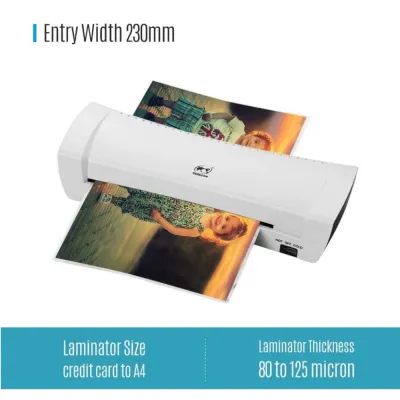
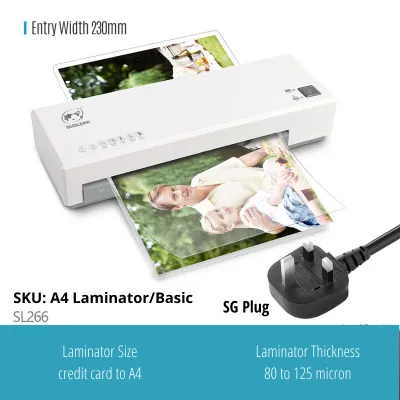
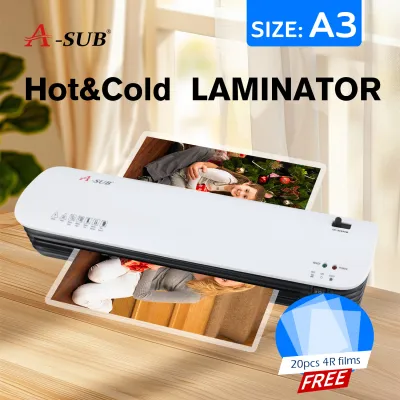
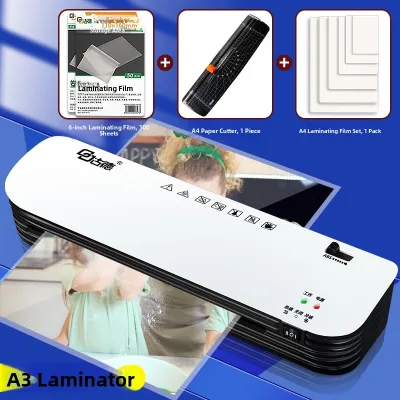
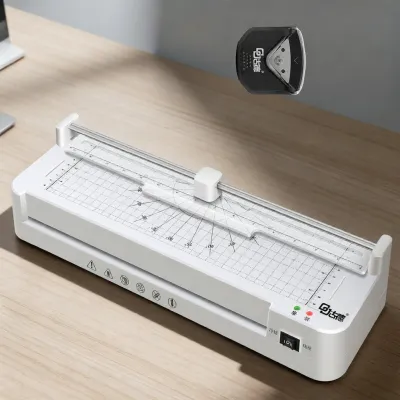
![[SG] GBC 240HS Home Office A3 Laminator | Fast Warm-Up Jam-Free Technology [Evergreen Stationery]](https://img.lazcdn.com/g/p/6d9e8892e7124e1b78cc71c262f1b954.jpg_400x400q80.jpg_.webp)
![[SG] GBC Inspire Plus A4/A3 Laminator + FREE 100pcs A4 Laminating Pouch | WHILE STOCKS LAST [Evergreen Stationery]](https://img.lazcdn.com/g/p/2a4715d31debd35f8897e5c972d306d7.jpg_400x400q80.jpg_.webp)
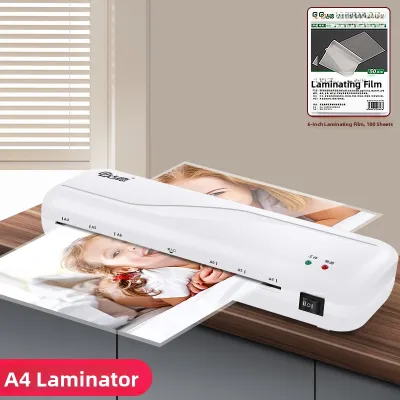
Prices are valid at publication and may change. Please refer to the product page for the latest price.
When deciding which system to integrate into your workspace, you must weigh several practical factors. These include the chemical composition of your documents, the physical environment of your workspace, and your ongoing budget for consumables. By evaluating these elements, you can select a machine that protects your important papers without causing accidental damage.
Key Comparison Dimensions for Everyday Use
Document Compatibility
The primary differentiator between hot and cold lamination is how they interact with different paper types and inks. Standard copy paper, cardstock, and laser-printed documents handle heat exceptionally well, making them perfect candidates for hot lamination. The high temperatures ensure a crystal-clear finish and a tight seal around the edges of these robust materials.
However, heat-sensitive items require a gentler touch. Photographs, especially older prints or those produced on glossy inkjet paper, can warp, bubble, or suffer from color shifting when exposed to thermal rollers. Thermal paper, commonly used for retail receipts and shipping labels, will turn completely black if run through a hot laminator, rendering the information unreadable. For these materials, cold lamination is the only safe option, as it preserves the integrity of the inks and paper coatings without thermal stress.
Durability and Finish
The structural finish of the laminated document also varies significantly between the two methods. Thermal lamination produces a stiff, rigid plastic shell that provides excellent structural support. This rigidity is ideal for items that need to stand upright, such as table menus, or items subjected to heavy handling, like ID badges and instructional signs. The thermal bond is permanent, meaning the plastic cannot be removed without destroying the underlying document.
Cold lamination, on the other hand, yields a much more flexible finish. The pressure-sensitive film conforms easily to curves and bends, which is advantageous for decals, window signs, or maps that need to be rolled up for storage. Additionally, some cold laminating films are designed to be repositionable or removable, allowing you to salvage the original document if necessary. This flexibility makes cold lamination highly adaptable for creative projects and temporary displays.
Warm-up and Speed
Operational efficiency is another critical factor, particularly in fast-paced office environments or home settings where time is limited. Hot laminators require a warm-up period, typically ranging from three to ten minutes, to allow the heating elements and rollers to reach a stable operating temperature. If you only need to laminate a single sheet, waiting for the machine to heat up can be inconvenient.
Cold laminators offer instant readiness. Because they do not rely on heating elements, you can turn the machine on—or simply use a manual hand-crank model—and begin laminating immediately. This makes cold machines highly efficient for spontaneous, low-volume tasks. If your daily routine involves frequent, small-scale laminating jobs throughout the day, the instant-on capability of a cold laminator can save significant time.
Consumable Availability and Cost
The long-term cost of operating your laminator is largely determined by the price and availability of the consumables. Thermal laminating pouches are incredibly common and widely manufactured, making them highly affordable. You can easily find them in various sizes and thicknesses at almost any local stationery store or online marketplace.
Cold laminating consumables, including pressure-sensitive pouches and continuous rolls, tend to be more specialized and expensive. The manufacturing process for pressure-sensitive adhesive is more complex, which is reflected in the retail price per sheet. Additionally, you may need to source these materials from specialty office supply vendors, as they are less commonly stocked in standard retail outlets. If you plan to laminate large volumes of standard documents, the lower cost of thermal pouches makes hot lamination the more economical choice over time.
When to Choose a Hot Laminator
A hot laminator is the ideal choice for environments that require high-volume, heavy-duty protection for standard paper items. In schools, offices, and restaurants, these machines excel at creating durable, long-lasting materials. If your primary goal is to protect classroom posters, reference sheets, or outdoor signs from moisture and wear, the permanent, rigid seal of thermal lamination is unmatched.

To operate a hot laminator safely and effectively, you must consider your physical workspace. Because these machines generate heat, they require adequate ventilation to disperse the mild plastic odor that occurs when the adhesive melts. In humid climates, such as Singapore, paper can absorb ambient moisture from the air. Running damp paper through a hot laminator can cause the moisture to vaporize, resulting in unsightly bubbles or a cloudy finish. To prevent this, store your paper in a dry, climate-controlled area before laminating.
Before feeding any document into a thermal machine, perform a quick material safety check. Ensure the document does not contain heat-sensitive elements like wax crayons, oil pastels, or thermal inks, as these will melt inside the machine. This can ruin the artwork and coat the rollers in sticky residue, leading to frequent jams and potential hardware failure. Always verify that the paper and ink are rated to withstand high temperatures.
When to Choose a Cold Laminator
Cold laminators are the superior option when your work involves delicate, irreplaceable, or heat-sensitive materials. If you are working with historical documents, glossy photo prints, or watercolor paintings, cold lamination protects your items without the risk of heat degradation. It is also the perfect tool for laminating self-adhesive vinyl, stickers, and temporary window displays.
The operational simplicity of cold lamination makes it highly accessible. Many cold laminators are manual, utilizing a hand crank to feed the document through the rollers. This design requires no electrical power, making the machine highly portable and safe to use in classrooms or homes with young children, as there are no hot surfaces that could cause burns. It also eliminates the risk of overheating, allowing for continuous operation without cool-down breaks.
When using a cold laminator, it is important to check the specifications of your adhesive film. Ensure the film’s adhesive is compatible with the specific pressure output of your machine’s rollers to avoid air bubbles or silvering—a phenomenon where tiny air pockets remain trapped under the film, causing a hazy appearance. Gently smoothing the document as it enters the rollers can help ensure a flawless, bubble-free bond.
Decision Framework: Which Laminator Should You Buy?
To finalize your decision, evaluate your specific needs against this practical framework. Your choice should align with your primary document types, your tolerance for preparation time, and your long-term operating budget.
Choose a Hot Laminator if:
- Your primary tasks involve standard office paper, cardstock, or laser-printed documents.
- You require a highly rigid, permanent, and water-resistant seal for items like menus, ID cards, or outdoor signs.
- You laminate in high volumes and want to keep consumable costs as low as possible.
- You do not mind waiting a few minutes for the machine to warm up before use.
Choose a Cold Laminator if:
- You frequently laminate photographs, thermal receipts, inkjet prints, or historical documents that could be damaged by heat.
- You need a flexible finish that can bend, roll, or be applied as a decal or window cling.
- You require instant, on-demand lamination without any warm-up time.
- You prefer a highly portable, electricity-free option that is completely safe around children.
Verify First: Before purchasing any model, verify its physical compatibility with your intended projects. Check the maximum pouch thickness the machine can accept, usually measured in microns (such as 80 to 250 microns) or mils. Ensure the entry width of the rollers is wide enough for your largest documents, such as A4 or A3 sizes. Finally, look for safety features like a manual jam-release lever, which allows you to disengage the rollers and safely retrieve a misfed pouch without damaging the internal gears.
Frequently Asked Questions (FAQ)
Can I use cold laminating pouches in a hot laminator?
No, you should never use cold laminating pouches in a hot laminator set to a thermal heat setting. Cold laminating pouches use pressure-sensitive adhesives that are designed to remain stable at room temperature. If exposed to the high heat of a thermal laminator, this adhesive will melt rapidly, liquefy, and seep out of the pouch. This can coat the internal rollers, causing severe document jams, smoke, and permanent damage to the machine’s heating elements. Always consult your machine’s manual to verify which pouch types are compatible with its specific operating modes.
How do I clear a jammed pouch from my laminator?
If a pouch becomes jammed, immediately turn off the laminator and unplug it from the electrical outlet to prevent overheating or electrical hazards. If your machine is equipped with a jam-release lever or reverse button, engage it to release the roller pressure, then gently and evenly pull the pouch backward out of the entry slot. Avoid pulling the pouch forcefully, as this can tear the plastic and leave fragments wrapped around the rollers. If the pouch is completely wrapped around the rollers or melted adhesive is visible, do not attempt to scrape it off with sharp tools; instead, consult the manufacturer’s manual or contact customer support for safe cleaning instructions.

Community discussion
Share your experience or ask a question. Comments are reviewed before publication.