
Creating a personalized photo calendar in Singapore is a wonderful way to showcase memories, but the final product’s appeal depends heavily on print quality. With Singapore’s high relative humidity, choosing the wrong paper or printing method can quickly lead to warped pages, faded colors, and a disappointing display. To secure a calendar that remains crisp and vibrant throughout the year, you must look beyond promotional claims and focus on technical specifications. Evaluating paper weight, ink types, binding durability, and proofing workflows will help you select a service that delivers professional-grade results.
Key Criteria for Evaluating Photo Calendar Print Quality
To assess the print quality of a personalized calendar service, you must first understand how digital images translate onto paper. High-quality photo printing relies on precise color calibration and contrast retention. When reviewing a printer’s portfolio or ordering a test print, look closely at the shadow details in darker areas of the photographs. Lower-grade printing systems often suffer from “crushed blacks,” where subtle gradations in dark tones merge into solid, muddy blocks. A superior print service maintains distinct details in both the brightest highlights and the deepest shadows, ensuring that your landscape or portrait photos retain their depth.
The type of ink or toner used plays a critical role in the longevity of your calendar. Most commercial calendar printing utilizes either digital dry toner presses or high-end inkjet systems, often referred to as giclée or pigment printing. Dry toner systems are highly efficient and offer excellent sharpness, making them ideal for standard calendar layouts. However, pigment-based inks generally provide superior color depth and exceptional fade resistance. Because calendars are exposed to ambient indoor light and occasionally direct sunlight near windows, pigment-based prints are less likely to experience color shifting or fading over twelve months.
Products mentioned in this guide
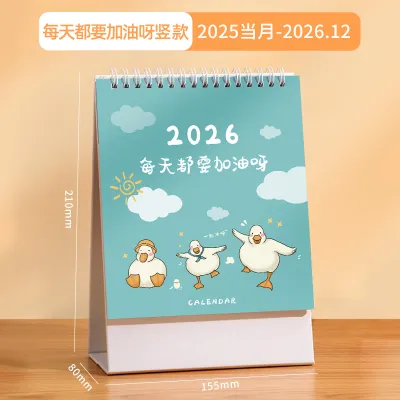
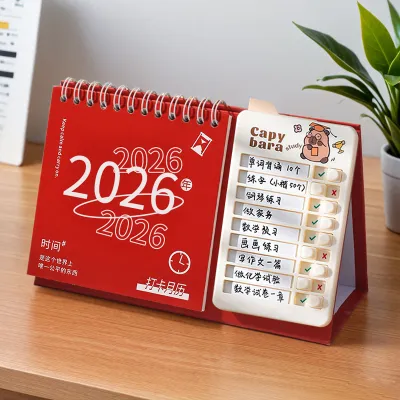
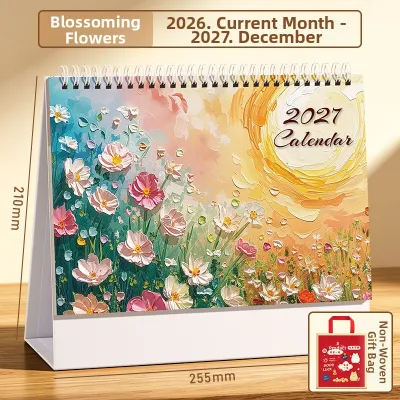
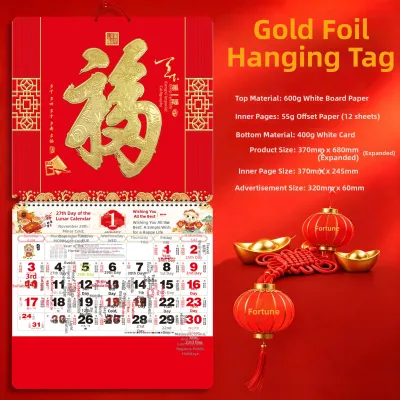
Prices are valid at publication and may change. Please refer to the product page for the latest price.
Consistency across a production run is another vital marker of quality. When examining sample galleries or physical proofs, check for banding, which appears as visible horizontal or vertical lines caused by misaligned print heads. The colors should remain uniform from the first page to the last, with no noticeable shifts in skin tones or neutral grays. If you are ordering multiple copies as gifts, verifying that each copy matches the next is essential. Reading verified customer reviews specifically for mentions of color consistency and print alignment can offer valuable insights into a vendor’s quality control standards.
Choosing the Right Paper and Finish for Your Photos
The interaction between paper texture, coating, and light determines how your photos will look on display. Glossy finishes offer high contrast and vibrant color saturation, making them popular for high-action or highly detailed photographs. However, glossy paper reflects a significant amount of light, which can create distracting glare under Singapore’s bright fluorescent office lights or natural sunlight. Matte finishes, on the other hand, scatter light to eliminate glare, providing a softer, more artistic look that excels in black-and-white photography or portraiture. Silk or satin finishes offer a balanced middle ground, providing subtle sheen and rich colors without the harsh reflections of full gloss.

Paper weight, measured in grams per square meter (GSM), directly impacts the durability and structural integrity of your calendar. For a desk calendar, the pages must be sturdy enough to stand upright without sagging; a minimum paper weight of 200 GSM to 250 GSM is recommended. Wall calendars, which hang from a single point, require similar thickness to prevent the bottom corners from curling upward. In Singapore’s humid tropical climate, lightweight papers absorb moisture from the air more rapidly, leading to unsightly warping. Opting for premium paper stocks of 250 GSM or higher, or choosing pages with a protective laminate coating, significantly improves resistance to environmental moisture.
The binding method must also be compatible with your chosen paper weight and calendar format. Wire-O binding, or twin-loop wire, is the industry standard for both desk and wall calendars because it allows the pages to turn a full 360 degrees and lie completely flat. When evaluating wire-o binding, ensure the wire is robust and resistant to bending, as thin wires can easily deform, causing pages to catch or tear. Spiral binding offers similar flexibility but uses a continuous plastic coil, which is highly durable but may lack the premium aesthetic of metal wire. Saddle-stitched, or stapled, calendars are suitable only for lightweight, booklet-style wall calendars, as thick paper stocks will not fold flat and may spring open under tension.
Navigating Custom Calendar Services Available in Singapore
When selecting a printing service in Singapore, you will generally choose between local boutique print shops and large-scale online marketplaces. Local boutique printers often cater to photographers and designers, offering highly personalized services such as physical paper swatch books, custom color profiling, and hands-on proofing. While these services typically carry a higher price point, they provide unmatched control over the final output. Conversely, mass-market online platforms utilize highly automated workflows to offer competitive pricing and rapid turnaround times. These platforms are highly convenient but offer limited opportunities for manual adjustments if your photos require specialized color correction.
The physical location of the production facility is another critical factor to verify. Many online platforms operating in Singapore actually outsource their printing to regional hubs or overseas facilities. While overseas production can lower costs, it introduces longer shipping times and increases the risk of transit damage. Furthermore, paper products shipped across different climate zones may experience rapid moisture absorption upon arrival in Singapore’s humid air, leading to immediate warping. Choosing a vendor that prints locally in Singapore ensures faster delivery, reduces the carbon footprint of transit, and allows for easier resolution of any quality disputes.
Before committing to a large order, evaluate the responsiveness and transparency of the vendor’s customer support. A reliable printing service should be willing to answer technical questions regarding their printer models, paper brands, and color profiles. Many premium services offer the option to purchase a single physical proof or a sample pack containing various paper finishes and weights. Utilizing these samples allows you to perform an observable trial: you can feel the texture, check the stiffness, and even test how easily the paper resists fingerprints or smudges before finalizing your custom design.
Pre-Order Checklist and Proofing Best Practices
To avoid disappointing print errors, you must prepare your digital files according to professional printing standards. The most common cause of blurry or pixelated calendar photos is insufficient image resolution. For a crisp print, your images should have a resolution of at least 300 pixels per inch (PPI) at the final print size. For example, if you are printing an A4-sized wall calendar, your photo file should ideally be around 3508 by 2480 pixels. Avoid using images downloaded from social media platforms, as these systems automatically compress files and strip away crucial detail.
Always request and carefully review a digital proof, often provided as a PDF, before authorizing the print run. When reviewing the proof, pay close attention to the bleed and safe zones. The bleed area is an extra margin around the edge of the page that is trimmed during finishing; any background colors or full-bleed photos must extend completely to this outer edge to prevent thin white borders. Conversely, keep all essential elements, such as text, dates, and faces, well within the safe zone—typically at least 5mm to 10mm away from the trim line and binding holes—to ensure they are not cut off or obscured by the wire coils.
Finally, familiarize yourself with the vendor’s revision and reprint policies. Because personalized calendars are custom-made, standard return policies do not apply. Most reputable printers will offer a free reprint or a refund only if there is a clear manufacturing defect, such as misaligned binding, severe color banding, or physical damage sustained during transit. If the poor quality is due to low-resolution files or uncalibrated colors on your own screen, the responsibility typically falls on the customer. Clarifying these terms beforehand ensures you approach the design process with the necessary precision.
Frequently Asked Questions (FAQ)
What is the minimum image resolution needed for a clear calendar print?
For a sharp, professional-looking print, your photos should have a minimum resolution of 300 pixels per inch (PPI) at their actual printed dimensions. If you are printing a standard desk calendar, approximately A5 size, your image files should be at least 2048 x 1536 pixels. You can check your file properties on a computer by right-clicking the image, selecting properties or info, and viewing the pixel dimensions. Uploading files below 150 PPI will likely result in visible pixelation, soft edges, and a blurry final product.
Can I use smartphone photos for a high-quality personalized calendar?
Yes, modern smartphone photos are highly suitable for personalized calendars, provided they are captured under optimal conditions. Photos taken in bright, natural light will print beautifully, whereas low-light images often contain digital noise that becomes highly visible when printed on paper. To ensure the best quality, avoid using digital zoom, which crops and degrades the image. Always export the photos from your phone at their actual size or maximum resolution rather than using compressed versions sent via messaging applications.
How should I prepare my files before uploading them to a printing service?
To prepare your files, first convert your images to the color profile recommended by the printer, typically sRGB for automated online platforms or CMYK for professional press workflows. Save your final designs in high-quality formats such as JPEG, with minimal compression, or PDF. Remove any heavy digital filters or artificial sharpening, as these effects can look harsh and unnatural when printed. Finally, double-check that your calendar grid dates align correctly with the days of the week for the upcoming year to avoid functional errors.

Community discussion
Share your experience or ask a question. Comments are reviewed before publication.