
Choosing between Double A 70gsm and 80gsm A4 paper depends primarily on your printer’s specifications, the need for double-sided printing, and your daily document volume. While 80gsm offers higher opacity and a stiffer feel for professional presentations, 70gsm is a cost-effective choice for high-volume, single-sided internal drafts. Before committing to a bulk purchase, verify your printer’s supported weight range and test a single ream to ensure smooth feeding in your specific office environment.
Understanding Paper Weight: 70gsm vs 80gsm Basics
To make an informed decision, it is essential to understand what paper weight actually represents. The term “gsm” stands for grams per square meter, which is a standard metric unit used globally to measure the density and weight of paper. When you compare 70gsm and 80gsm paper, you are looking at the weight of a single sheet of paper measuring one square meter. This measurement directly influences the physical thickness, stiffness, and overall density of each individual sheet.
A higher gsm rating generally translates to a thicker and more rigid sheet of paper. In standard office applications, 80gsm paper is the traditional benchmark for everyday printing and copying. It feels substantial to the touch, resists bending when held by one corner, and offers a clean, professional appearance. In contrast, 70gsm paper is slightly thinner and more flexible, making it feel lighter in hand.
Products mentioned in this guide
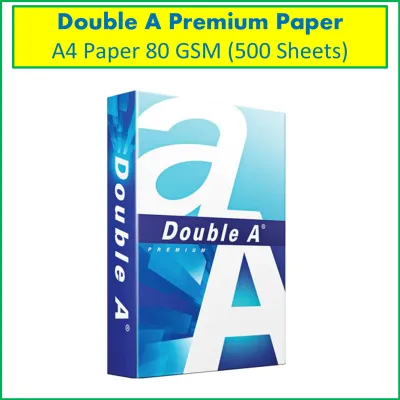
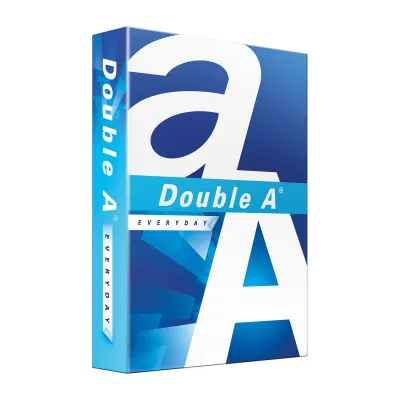
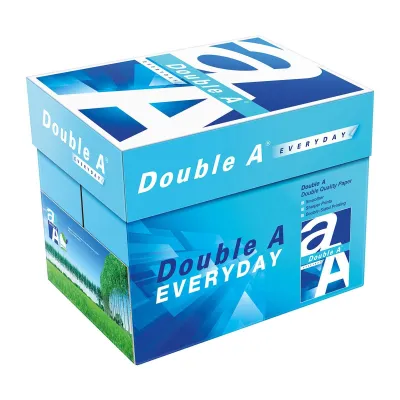
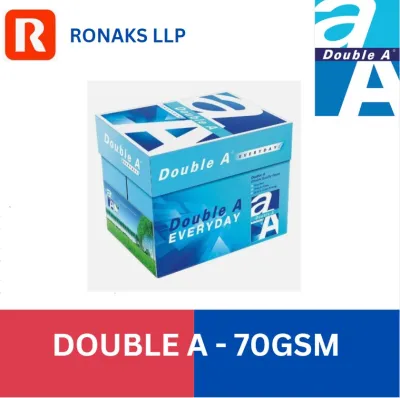
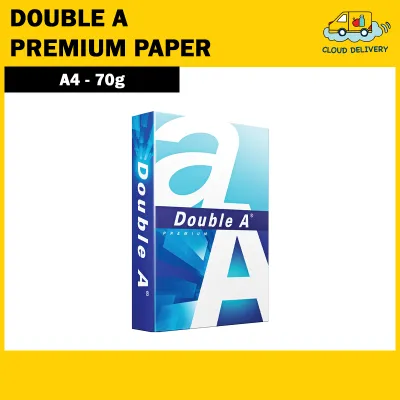
Prices are valid at publication and may change. Please refer to the product page for the latest price.
This difference in thickness directly impacts the paper’s opacity, which refers to how much light can pass through the sheet. Because 80gsm paper has more fiber density, it blocks light more effectively than its 70gsm counterpart. This higher opacity is crucial when you plan to print on both sides of the page, as it prevents text and images from showing through to the reverse side. With 70gsm paper, the lower density means that high-contrast text or dark images printed on one side may be visible from the back, which can make double-sided documents difficult to read.
Stiffness is another physical characteristic determined by paper density. The added rigidity of 80gsm paper helps it stand upright in binders and folders without sagging. Meanwhile, the lighter structure of 70gsm paper makes it highly flexible, which can be advantageous for certain folding applications but may feel less premium during face-to-face presentations.
Checking Printer Compatibility and Jamming Risks
Before purchasing any paper in bulk, you must verify that your office equipment can handle the specific weight you select. Every printer, copier, and multi-function device has a designated paper weight range specified by the manufacturer. You can find this information in your printer’s user manual or on the manufacturer’s official specification sheet, typically listed under media handling or paper tray specifications. Most standard office printers easily accommodate weights ranging from 60gsm to 105gsm, but some high-speed copiers or compact home printers may have narrower limits.

Environmental factors also play a significant role in how paper behaves inside your printer. In Singapore, the consistently high relative humidity can quickly affect paper fibers. Paper is naturally hygroscopic, meaning it absorbs moisture from the surrounding air. When thin paper like 70gsm absorbs moisture, it loses its structural stiffness and becomes more prone to curling. This curling can interfere with the printer’s internal rollers, leading to frequent paper jams, misfeeds, or multi-page pickups where the printer accidentally grabs several sheets at once.
The stiffness of 80gsm paper provides better resistance against humidity-induced curling, allowing it to feed more reliably through complex paper paths. However, if your printer’s rollers are worn or if the paper tray’s tension guides are improperly adjusted, even heavier paper can experience feeding issues. To prevent these problems, you should perform regular observable checks on your printer’s feeding mechanism.
When testing a new paper weight, observe how the sheets lie in the input tray. If you notice the edges curling upward or if the sheets stick together due to static electricity, fan the stack gently before loading it. Watch the exit tray during a print run; if the paper emerges with significant curling or if you hear the internal rollers slipping, it may indicate that the paper weight or moisture level is not optimal for your device’s current settings.
Matching Paper Weight to Your Daily Printing Needs
Selecting the right paper weight requires a clear understanding of your daily document types and printing volume. By matching the paper’s physical properties to the specific purpose of your documents, you can optimize both presentation quality and operational efficiency.
You should choose 70gsm paper if your primary focus is high-volume, single-sided printing. This weight is highly suitable for internal drafts, temporary worksheets, email printouts, and daily administrative logs where aesthetic presentation is not a priority. Because 70gsm paper is thinner, it takes up less physical space when filed in binders or folders, allowing you to archive more documents in a single storage box. It is an excellent choice for fast-paced environments that generate large quantities of short-lived paperwork.
Conversely, you should choose 80gsm paper if your work involves double-sided printing, client-facing proposals, official contracts, or formal correspondence. The superior opacity of 80gsm paper ensures that text printed on the back does not interfere with the readability of the front, maintaining a clean and professional look. The added stiffness also conveys a sense of quality and attention to detail when handing physical documents to clients, partners, or stakeholders.
You must verify compatibility first if your daily tasks involve printing heavy graphics, charts, or solid color blocks. High ink saturation from inkjet printers or heavy toner coverage from laser printers can cause paper to warp or buckle. While 80gsm paper handles moderate ink coverage better than 70gsm, extremely heavy graphics may require specialized coated paper or even heavier weights, such as 100gsm or 120gsm, to prevent the paper from wrinkling under the moisture of the ink.
Evaluating Cost, Storage, and Handling Differences
Beyond printing performance, practical logistics such as procurement budgets, storage space, and physical handling should influence your choice between 70gsm and 80gsm paper.
From a financial perspective, 70gsm paper generally carries a lower price point per ream compared to 80gsm paper due to the lower raw material content. When managing a large office budget, this price difference can accumulate into significant savings over a fiscal year. To ensure accurate budgeting, you should check current retail prices in S$ on local office supply websites or consult your corporate stationery vendor for bulk contract pricing.
Physical storage is another critical factor to consider. A standard carton of A4 paper typically contains five reams, totaling 2,500 sheets. Because 80gsm paper is denser and thicker, a carton of 80gsm paper is noticeably heavier and bulkier than a carton of 70gsm paper. If your office has limited storage space, weak shelving, or requires staff to manually carry cartons across multiple floors, the lighter weight of 70gsm cartons can reduce physical strain and simplify inventory management.
Regardless of the weight you choose, pay close attention to the product packaging. High-quality brands like Double A package their paper in moisture-resistant wrappers designed to protect the sheets from environmental humidity. When receiving a delivery, inspect the cartons for any signs of damage or tears in the protective wrapping. Additionally, look for sustainability indicators and certifications on the packaging to ensure the paper aligns with your organization’s environmental procurement policies.
Decision Framework: Which Double A A4 Paper to Buy?
To make the final decision, you can use a simple framework based on your specific printing environment and document requirements.
First, review your printer’s manual to confirm it supports both 70gsm and 80gsm weights. Next, evaluate your typical print jobs: if more than thirty percent of your printing is double-sided or client-facing, 80gsm is the more appropriate choice to maintain professional standards. If your printing is almost exclusively single-sided internal drafts, 70gsm will help you reduce paper costs and storage bulk.
Before committing to a large bulk purchase or a long-term supply contract, it is highly recommended to purchase a single ream of your preferred weight. Run this test ream through your office printer under normal daily operating conditions. Observe the feed reliability, check for any signs of jamming or curling, and assess the print quality to ensure it meets your expectations.
Finaly, proper storage is vital to maintaining the performance of either paper weight. Keep unused paper sealed in its original moisture-resistant wrapper until you are ready to load it into the printer tray. Store the cartons in a cool, dry place away from direct sunlight and air conditioning vents, as rapid temperature and humidity fluctuations can compromise the paper’s flatness and feed reliability.
Frequently Asked Questions (FAQ)
Can I mix 70gsm and 80gsm paper in the same printer tray?
You should avoid mixing different paper weights, such as 70gsm and 80gsm, within the same input tray. Printers rely on consistent friction and resistance to pull a single sheet of paper from the stack at a time. When you mix papers of different thicknesses and stiffness levels, the feeding mechanism may fail to separate the sheets properly, leading to multi-sheet feeds, misalignments, or immediate paper jams. If you need to use both weights, utilize separate paper trays if your printer has them, or feed the alternative weight through the manual bypass slot.
Does 80gsm paper use more ink than 70gsm?
No, 80gsm paper does not inherently consume more ink or toner than 70gsm paper. The amount of ink or toner used is determined entirely by your printer’s print settings, the digital document’s coverage, and the selected print resolution. However, because 80gsm paper is thicker and more opaque, it can handle high ink saturation and dense toner coverage much better than 70gsm paper without warping, wrinkling, or showing through to the other side of the sheet.
Is Double A copy paper suitable for inkjet printers?
Standard Double A copy paper is highly versatile and designed to perform well in both laser and inkjet printers. However, because inkjet printers deposit liquid ink onto the paper surface, the drying speed and bleed resistance will depend on the specific ink formulation and print settings. For high-density color inkjet printing, you should check your printer’s manual for recommended media settings and perform a test print to ensure the ink dries quickly without smudging or causing the paper to curl.

Community discussion
Share your experience or ask a question. Comments are reviewed before publication.