
When stocking up on copy paper for your home or office, you will inevitably encounter the term “GSM” printed on every ream wrapper. This specification is the universal standard for measuring paper weight, and it directly dictates how your printed documents look, feel, and perform. Choosing the wrong weight can lead to flimsy reports, ink bleeding through the page, or frequent, frustrating printer jams. Selecting the right paper weight is not about finding a single superior paper, but rather about matching the physical properties of the sheet to your specific printing task, your machine’s mechanical limits, and your local environmental conditions.
What Does GSM Mean in Copy Paper?
GSM stands for Grams per Square Meter. It is a metric measurement that represents the weight of a single sheet of paper measuring exactly one square meter (one meter by one meter). For example, if you were to cut a sheet of standard copy paper to those precise dimensions and place it on a scale, an 80 GSM paper would weigh exactly 80 grams. This system provides a highly consistent, global benchmark that allows buyers to compare different paper products regardless of their final cut size, whether you are purchasing standard A4 sheets or larger ledger sizes.
It is a common misconception that GSM measures the physical thickness (often referred to as caliper) of the paper. While a higher GSM paper is generally thicker and stiffer than a lower GSM paper, thickness is also heavily influenced by the manufacturing process. Factors such as the type of wood pulp used, the density of the fibers, and how tightly the paper is pressed during production all affect the final caliper. Two different brands of 80 GSM paper might have slightly different physical thicknesses and textures due to these manufacturing variations.
Products mentioned in this guide
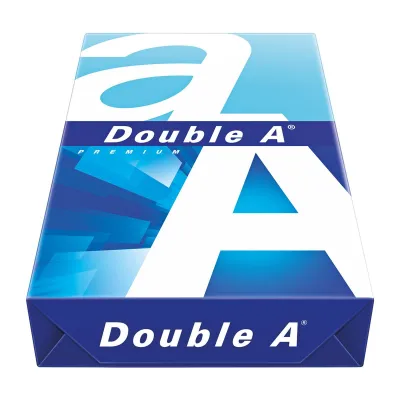
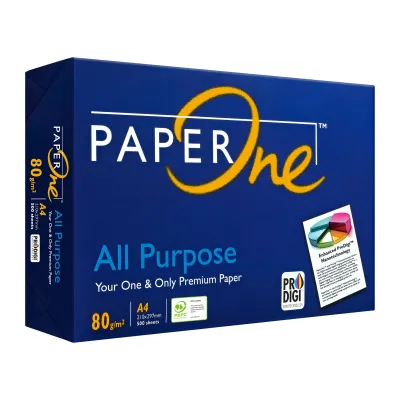
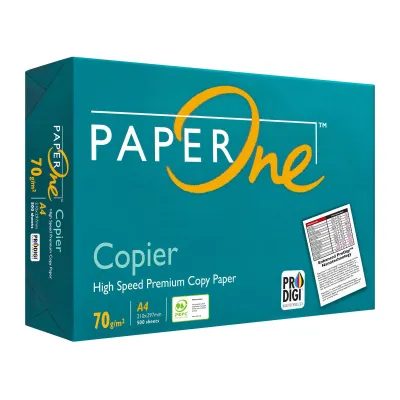
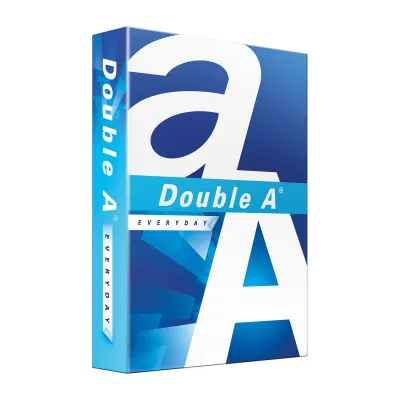
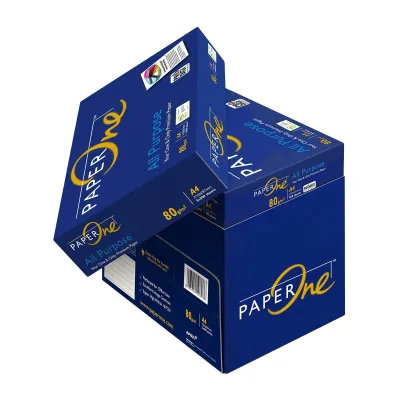
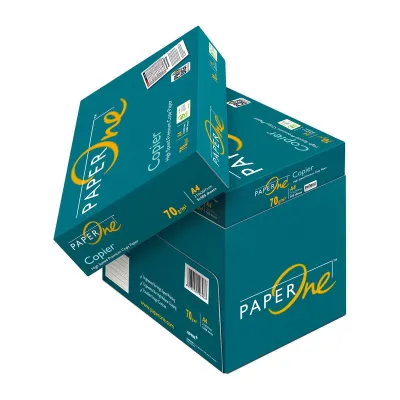
Prices are valid at publication and may change. Please refer to the product page for the latest price.
Furthermore, a higher GSM does not automatically indicate superior paper quality. Instead, it represents a different set of physical properties tailored to specific applications. You should also avoid confusing paper weight with optical brightness or opacity. Brightness refers to how much light the paper reflects, while opacity refers to how translucent the paper is. While heavier papers naturally tend to be more opaque because they contain more physical fibers to block light, manufacturers can use specific additives and coatings to make lighter papers highly opaque as well.
How Different Paper Weights Affect Print Quality and Feel
The weight of your copy paper plays a critical role in how ink behaves on the surface and how the document feels in a reader’s hands. Heavier papers provide greater structural rigidity and contain more fibers to absorb liquid ink, which directly prevents the ink from warping the sheet or bleeding through to the other side.

Because bleed resistance, ink drying speed, and surface smoothness depend heavily on the exact combination of paper fibers, surface coatings, and your printer’s ink type (such as pigment-based versus dye-based inks), it is always best to perform a quick test. To verify compatibility, print a high-density color block or a bold text sample on a single sheet and inspect the reverse side for physical fiber warping, feathering, or ghosting before running a large print job.
70 GSM: The Everyday Standard
At 70 GSM, copy paper is lightweight, highly flexible, and economical. This weight is primarily engineered for high-volume, single-sided printing where cost-efficiency is the primary goal. It is highly suitable for printing internal drafts, temporary worksheets, and basic text documents that will be read once and recycled.
However, 70 GSM paper has physical limitations. Because the paper is thin, it has low opacity, making it highly prone to “show-through” or ghosting. If you attempt to print double-sided documents on 70 GSM paper, the text from the reverse side will likely be visible, making the document difficult to read. Additionally, the lightweight sheets can feel flimsy and less professional when handed directly to clients or external business partners.
80 GSM: The Premium Everyday Choice
At 80 GSM, you reach the standard weight for professional offices and standard business correspondence. This weight offers a balanced compromise between cost, tactile feel, and mechanical reliability. It provides a noticeable increase in stiffness and opacity compared to 70 GSM sheets, making it the entry-point standard for double-sided (duplex) printing in modern office environments.
The added structural rigidity of 80 GSM paper means it resists curling under the intense heat of laser printer fusers. It also feeds more reliably through the automatic document feeders of standard office copiers. For everyday letters, invoices, and standard multi-page reports, this weight delivers a clean, professional presentation without inflating your stationery budget.
100 GSM and Above: For Presentations and Heavy Ink
When you move to 100 GSM and beyond, you enter the premium tier of copy paper. This paper feels distinctly thick, smooth, and substantial to the touch. It is specifically designed to handle heavy ink coverage, such as full-color charts, detailed graphics, and high-resolution images, without buckling or warping.
The high fiber density of 100 GSM paper provides exceptional bleed resistance, ensuring that even heavy liquid inks from inkjet printers remain crisp and sharp on the surface. This makes it the ideal choice for client-facing proposals, formal presentations, certificates, and marketing materials. However, because of its thickness, you must verify your printer’s feeding capabilities, as some standard office machines may struggle to pull multiple heavy sheets from the main paper tray without misfeeding.
Matching Paper Weight to Your Printing Tasks
Choosing the right paper weight is a balancing act between the visual demands of your project, your budget, and environmental sustainability. Opting for a heavier paper than necessary leads to unnecessary spending and increased paper waste, while choosing a paper that is too light can compromise the professionalism of your work.
To help you select the most appropriate weight, consider the following application guide:
| Document Type | Recommended GSM Range | Primary Benefit |
|---|---|---|
| Internal drafts, email printouts, high-volume single-sided packing slips | 70 GSM | Maximum cost savings, lower environmental impact, and reduced physical storage space. |
| Standard business letters, double-sided office reports, invoices, and contracts | 80 GSM | Excellent balance of opacity and stiffness, minimal show-through, and highly reliable printer feeding. |
| Client-facing proposals, color presentations, resumes, and documents with heavy graphics | 100 GSM to 120 GSM | Premium tactile feel, superior ink absorption with zero bleed-through, and crisp color reproduction. |
By matching the paper weight to the specific task, you can optimize your office’s stationery budget. For instance, a ream of premium 100 GSM paper typically costs significantly more than a standard ream of 70 GSM or 80 GSM paper. Reserving the heavier stock exclusively for client-facing materials while utilizing lighter weights for daily internal operations is a highly effective way to manage costs without sacrificing quality where it matters most.
Checking Printer Compatibility to Prevent Paper Jams
Before purchasing copy paper in bulk, you must verify that the weight of the paper is compatible with your specific printer model. Every printer, whether it is a compact home inkjet or a heavy-duty commercial laser copier, is designed to operate within a specific GSM range. This information is typically located in the technical specifications section of your printer’s user manual or on the manufacturer’s website.
Using paper that falls outside your printer’s recommended limits can lead to mechanical issues:
- Paper that is too light (under 60 GSM): May cause the printer's pickup rollers to grab multiple sheets at once, resulting in frequent multi-feed jams.
- Paper that is too heavy (over 105 GSM for standard trays): Can fail to bend properly around the printer's internal paper path, causing immediate jams, accelerated roller wear, or failure of the fuser unit to properly bond the toner to the paper fibers.
For heavier paper stocks (such as 100 GSM to 120 GSM), many printers require you to use a dedicated manual feed tray or bypass tray. This tray typically utilizes a straighter, flatter paper path that minimizes the bending required to pass the sheet through the printing mechanism, drastically reducing the risk of a jam.
Additionally, environmental factors play a significant role in paper performance. In humid climates, such as in Singapore, paper fibers naturally absorb moisture from the surrounding air. This moisture absorption causes the paper to lose its natural rigidity and curl, which significantly increases the likelihood of paper jams—especially with heavier, more absorbent paper stocks. To maintain optimal feeding performance, store your copy paper in a cool, dry, air-conditioned environment, and keep the paper reams completely sealed in their original moisture-barrier packaging until you are ready to load them into the printer.
Frequently Asked Questions (FAQ)
Is 80gsm paper always better than 70gsm?
No, 80 GSM is not universally better than 70 GSM paper; it simply serves a different purpose. While 80 GSM paper offers superior opacity and stiffness for double-sided printing and formal business correspondence, 70 GSM paper is highly efficient for high-volume, single-sided internal printing. Using 70 GSM for everyday drafts is more cost-effective, saves storage space, and reduces overall wood pulp consumption.
Can I use 100gsm paper in a standard office printer?
Yes, most standard office printers can easily accommodate 100 GSM paper, but you should always check your machine’s user manual to verify its exact paper weight limits. When printing on 100 GSM paper, it is highly recommended to load the paper through the printer’s manual bypass tray rather than the standard paper drawer to ensure a smoother, jam-free paper path.
Does higher GSM mean the paper is brighter?
No, GSM and brightness are completely independent specifications. GSM measures the physical weight of the paper per square meter, whereas brightness measures how much light reflects off the paper’s surface on a scale (such as CIE or ISO brightness). A lightweight 70 GSM paper can be manufactured to be optically brighter and whiter than a heavy 100 GSM paper depending on the specific pulp bleaching process and the use of optical brightening agents.

Community discussion
Share your experience or ask a question. Comments are reviewed before publication.