
Selecting the right copy paper for your home or office involves looking closely at the three-letter acronym printed on almost every ream: GSM. GSM stands for Grams per Square Meter, a metric that measures the density and weight of the paper. Choosing the correct weight is not just about how premium a sheet feels in your hand; it directly impacts how smoothly the paper feeds through your printer, how well it absorbs ink or toner, and whether your double-sided prints will suffer from distracting show-through. By matching the GSM to your specific printing tasks and hardware capabilities, you can optimize both print quality and operational costs.
What GSM Actually Means for Copy Paper
Grams per Square Meter (GSM) is the global standard for measuring paper weight. Specifically, it represents the weight of a single sheet of paper measuring one square meter. A common misconception is that GSM is a direct measurement of paper thickness, often referred to in the industry as caliper. While it is true that a higher GSM paper often feels thicker, the two terms are not interchangeable.
The actual thickness of a sheet of paper is heavily influenced by the manufacturing process rather than just the weight of the raw materials. Factors such as fiber composition, the type of wood pulp used, and the calendering process—where paper is pressed between heavy rollers to smooth it out—play a significant role. For instance, a highly calendered paper will be pressed very flat, resulting in a thinner sheet that still retains a high GSM because its fibers are densely packed. Conversely, a lightly pressed paper might feel bulkier and thicker to the touch despite having a lower GSM.
Products mentioned in this guide
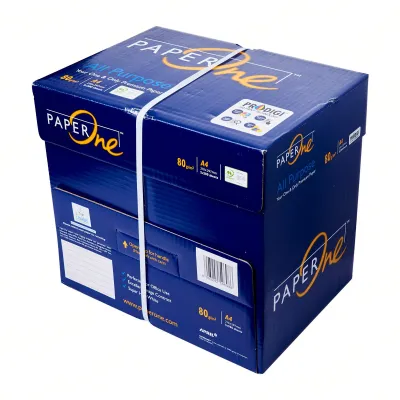
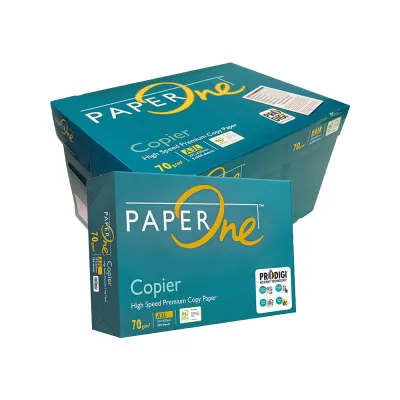
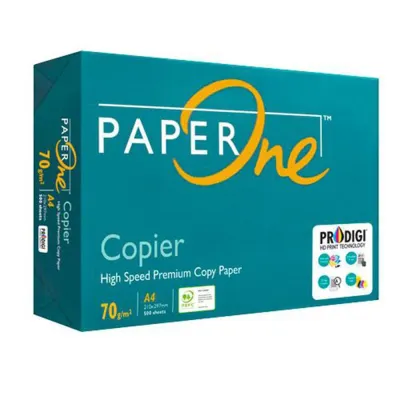
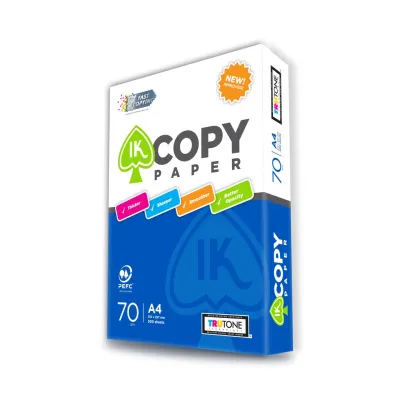
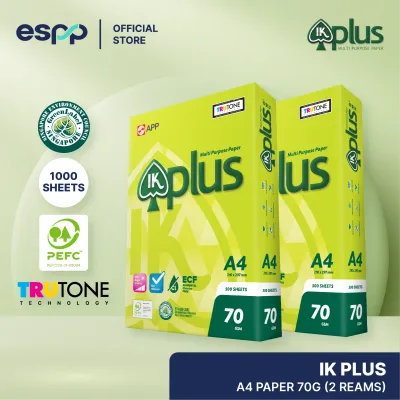
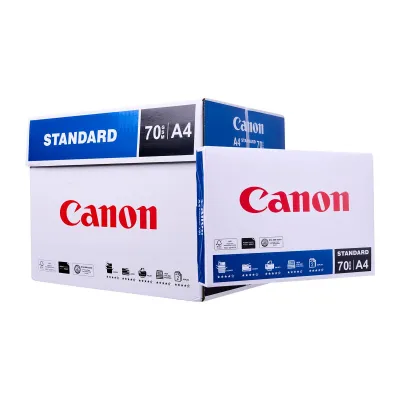
Prices are valid at publication and may change. Please refer to the product page for the latest price.
Because of these manufacturing variations, you cannot rely solely on GSM if the physical thickness of the paper is critical to your project, such as when fitting documents into specific binders, envelopes, or high-precision feeding machinery. In these specialized scenarios, you must consult the manufacturer’s technical specification sheet to verify the exact caliper measurement, usually expressed in microns or points, alongside the stated GSM.
How Paper Weight Affects Print Quality and Printer Performance
The weight of your copy paper has a profound effect on how it interacts with printing technology. Heavier papers generally offer greater opacity, which is crucial for double-sided printing. When you apply liquid ink from an inkjet printer or dry toner from a laser printer, a denser sheet with a higher GSM absorbs and holds the medium more effectively on the surface. This prevents the ink or toner from bleeding through to the reverse side, ensuring that text and images remain crisp and legible on both sides of the page.

Beyond print quality, GSM is a primary factor in printer reliability and hardware longevity. Every printer, whether a compact home inkjet or a heavy-duty office multifunction copier, is engineered to handle a specific range of paper weights. The internal rollers and feed mechanisms rely on precise friction and paper flexibility to pull a single sheet from the tray. If you load paper that is too light, the rollers may grab multiple sheets at once, leading to misfeeds and internal crumpling. In humid climates like Singapore, storing paper in its original moisture-resistant wrapping until use is also essential, as lighter sheets are particularly prone to absorbing ambient moisture, which increases the risk of multi-sheet feeding errors.
Conversely, attempting to run paper that exceeds your printer’s maximum supported GSM can cause severe paper jams. Heavy, rigid sheets may fail to bend around the tight curves of the printer’s internal paper path, getting stuck midway and potentially damaging sensitive internal components. To avoid costly hardware damage and frustrating downtime, always consult your printer manufacturer’s official user manual to verify the supported GSM limits for each input tray before purchasing bulk quantities of non-standard paper.
Choosing the Right GSM for Your Specific Tasks
Selecting the ideal paper weight requires balancing the purpose of the document against your budget. For everyday office tasks, such as printing internal drafts, quick email printouts, and basic text memos, lower GSM papers are highly practical. These lighter sheets are not only more economical when purchased in bulk, but they also consume less physical storage space and generate less waste, making them the logical choice for high-volume, temporary documents.
On the other hand, high-stakes documents demand a more substantial weight to convey professionalism and ensure durability. Client-facing presentations, official proposals, certificates, and marketing materials featuring heavy color graphics or saturated backgrounds require a higher GSM. The added weight gives the document a premium tactile feel that influences how the recipient perceives your work, while the increased density prevents the paper from warping or wrinkling under heavy ink coverage.
To make the right choice, you can apply a simple decision framework based on three key criteria: lifespan, printing style, and handling. First, consider how long the document needs to last; archival records and frequently handled reference guides benefit from heavier, more durable paper. Second, determine if you are printing on both sides, as double-sided layouts require the superior opacity of higher GSM grades. Finally, assess the physical environment where the document will be used, ensuring the paper can withstand constant flipping, folding, or manual sorting.
Standard Copy Paper Weights and Their Typical Applications
Copy paper is generally categorized into distinct weight brackets, each suited to specific printing environments and hardware setups. Understanding these standard ranges allows you to match your paper inventory to your daily operational needs.
The 70 to 80 GSM range represents the standard for general office and home printing. This weight is highly compatible with almost all standard automatic document feeders, making it the go-to choice for high-speed, high-volume copying and printing. It is lightweight, flexible, and highly cost-effective, though it offers limited opacity for double-sided prints with heavy ink.
Stepping up to the 90 to 100 GSM range provides a premium feel suitable for everyday business correspondence, reports, and light double-sided documents. This weight offers a noticeable increase in opacity and stiffness, reducing show-through for standard text and simple charts while still feeding smoothly through standard paper trays without special adjustments.
For specialized applications, papers rated at 120 GSM and above function as light cardstock or heavy presentation paper. These sheets are ideal for covers, brochures, and high-impact graphics. However, because of their rigidity, they often require the use of a printer’s manual feed tray or bypass slot to bypass the sharp turns of the standard paper path.
| GSM Range | Typical Applications | Opacity Expectation | Printer Feed Consideration |
|---|---|---|---|
| 70–80 GSM | Internal drafts, high-volume copying, basic text emails | Low to Moderate; best for single-sided printing | Excellent compatibility with standard automatic paper trays |
| 90–100 GSM | Client proposals, resumes, light double-sided reports | Moderate to High; minimal show-through for standard text | Highly compatible; works well in standard trays of most printers |
| 120+ GSM | Covers, brochures, certificates, heavy graphic prints | High; virtually no show-through even with heavy ink | Often requires manual feed tray or bypass slot to prevent jams |
Frequently Asked Questions (FAQ)
Can I use 80 GSM paper for double-sided printing?
Yes, 80 GSM paper can be used for double-sided printing, but its suitability depends heavily on the content. For text-heavy documents with minimal formatting, 80 GSM performs adequately. However, if your document includes heavy graphics, dark backgrounds, or highly saturated colors, you will likely experience noticeable show-through, which can make the text on the reverse side difficult to read. For critical professional documents or graphic-heavy layouts, stepping up to a 90 or 100 GSM grade is recommended to ensure clean, legible double-sided prints.
Why does my printer jam when I use thicker paper?
Printer jams with thicker paper usually occur because standard automatic document feeders and rollers are calibrated for specific weight and flexibility ranges. Heavy paper is more rigid and requires a larger turning radius; when forced through the tight, curved internal paths of a standard printer, it can slip, fail to bend, or trigger sensor errors. To prevent this, check your printer’s manual to identify the maximum supported GSM for the main tray, and utilize the manual feed tray or bypass slot—which typically offers a straighter paper path—for heavier paper stocks.
Is higher GSM always better for professional documents?
While higher GSM paper provides a more luxurious, premium feel, it is not always the best choice for every professional scenario. Heavier paper increases the physical bulk of your documents, which can make them difficult to staple, bind, or store in standard folders. Additionally, heavier documents can significantly increase mailing and shipping costs if you distribute physical copies. For high-speed office equipment like automatic collators and sorters, excessively thick paper can also cause operational delays, making it wiser to match the paper weight to the specific handling and distribution requirements of the project.

Community discussion
Share your experience or ask a question. Comments are reviewed before publication.