
Evaluating LED drawing boards for architectural and technical drafting requires looking beyond generic consumer reviews to focus on the precise demands of technical illustration. Unlike casual tracing, professional drafting demands high light uniformity, structural rigidity that supports heavy drafting tools, and an active illumination area that precisely matches standard paper sizes. To find the right board, you must analyze how different brands handle light diffusion, frame ergonomics, and power stability under extended use.
Key Specifications to Compare Across LED Drawing Board Brands
Architectural tracing often involves heavy media like vellum, high-weight tracing paper, or even multi-layered bond paper overlays. A standard light pad might struggle to penetrate these layers, making it difficult to discern fine lines. When comparing brands, look for boards that specify their brightness levels. For technical work, a high-output board is essential to clearly resolve fine lines through thick media. However, raw brightness is useless without uniformity. When testing a board, observe the edges and corners. Low-quality brands often exhibit hotspots near the LED strips—usually along one or two edges—and significant dimming toward the center. This unevenness strains your eyes and can lead to tracing errors.
Next, distinguish between the active illumination area and the physical dimensions of the board. This is a critical distinction that many buyers overlook. An A3 drawing board might refer to the overall physical size of the device, while the actual illuminated window is smaller, forcing you to crop your drawings or work on a cramped surface. Always verify the exact dimensions of the active light zone. For architectural standards, your active area should comfortably accommodate standard ISO sizes like A4, A3, or A2 with at least a few millimeters of clearance on all sides. If you frequently tape down your sheets, ensure there is enough non-illuminated bezel space to apply drafting tape without blocking the light or covering the ruler markings printed on the acrylic surface.
Products mentioned in this guide
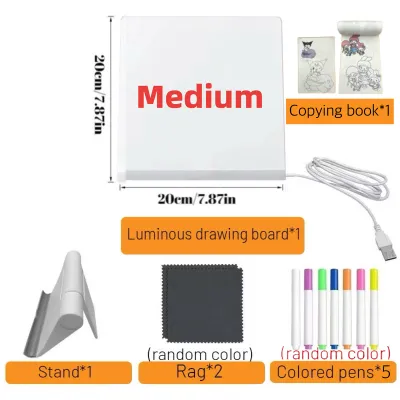
![[SG STOCK] Reusable LED Drawing Board DIY Luminous Acrylic Message Memo Note Pad Night Light Kids Writing Gift发光画板](https://img.lazcdn.com/g/p/b6ca5dd62620b3d0f99601d72aee6499.jpg_400x400q80.jpg_.webp)
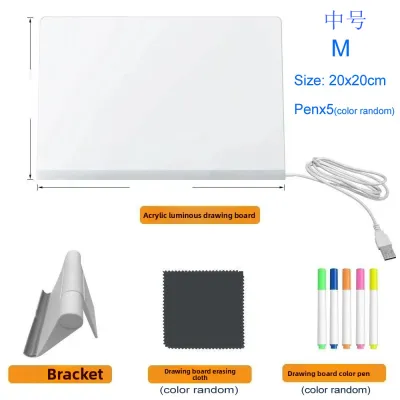
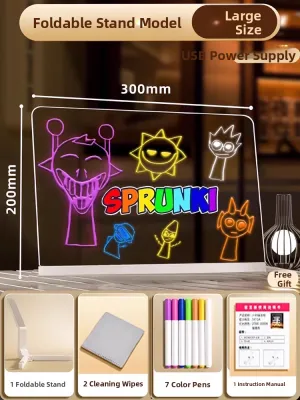
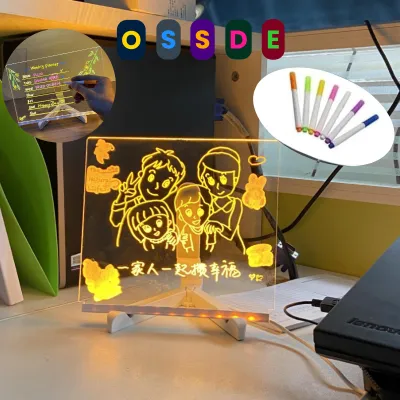
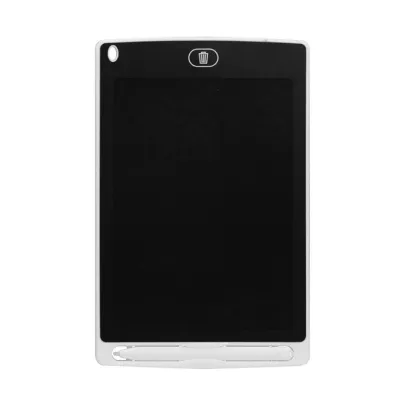
![[✅SG Ready Stock] 8.5 inch / 12 inch LCD Pad Writing Tablet For kidsKids Drawing Pad Portable Electronic Tablet Board](https://img.lazcdn.com/g/p/fee43f1d7f9017a12c1bc992432adbda.jpg_400x400q80.jpg_.webp)
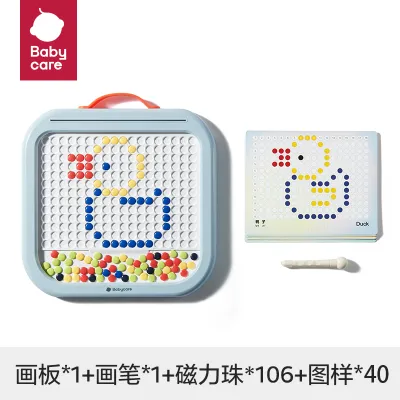
Prices are valid at publication and may change. Please refer to the product page for the latest price.
Surface material and optical clarity also dictate long-term usability. Most LED boards use an acrylic (PMMA) upper panel. High-grade acrylic features advanced light guide plates that use micro-dots or matrix patterns to diffuse light evenly across the surface. Inspect the surface texture; a slight matte finish is highly beneficial as it reduces glare from overhead studio lighting and provides a more natural tactile resistance when drawing with graphite or technical pens. Avoid boards with highly reflective, glossy surfaces, which cause distracting double-images when tracing through thick paper and accelerate eye fatigue during long drafting sessions.
Evaluating Build Quality and Ergonomics for Professional Use
The physical integration of an LED board into your drafting setup can make or break your workflow. Consider the bezel and edge design. Traditional drafting relies heavily on sliding tools like T-squares, parallel rulers, and adjustable triangles. If the LED board has a thick, raised frame, your rulers will catch on the edges, lifting off the paper and causing line deviation. For seamless drafting, prioritize boards with a completely flush, edge-to-edge glass or acrylic top. If a bezel exists, it should feature a gentle, sloped chamfer that allows your tools to glide smoothly over the transition.

Panel thickness and structural rigidity are equally vital. Ultra-thin boards are highly portable, but they can suffer from structural flex. When you apply downward pressure with a compass point, a heavy technical pen, or a mechanical pencil, any bowing in the panel will distort your lines and potentially damage the internal light guide plate. If you work on a soft drafting mat or an angled drawing table, choose a board with a reinforced aluminum alloy frame or a thicker, rigid backplate. Press firmly on the center of the board during a trial; there should be zero audible creaking or visible deflection.
Thermal management is an often-overlooked factor that directly impacts paper stability. LEDs generate heat, and in poorly ventilated, compact enclosures, this heat transfers directly to the drawing surface. Over hours of continuous operation, a warm surface can cause tracing paper or vellum to expand, buckle, or warp, ruining precise alignments. When evaluating a board, let it run at maximum brightness for at least thirty minutes. The surface should remain cool or only slightly warm to the touch. Brands that utilize aluminum frames often perform better here, as the metal acts as a natural heat sink, drawing warmth away from the acrylic work surface.
Price Tiers and Feature Value for Technical Drafting
Navigating the market requires understanding what you are paying for across different price tiers. In the local market, entry-level LED boards can be found on online marketplaces for under S$30. While tempting, these budget options often utilize thin plastic housings, suffer from noticeable light fall-off at the center, and lack robust power connections. Professional-grade boards, which can range from S$80 to over S$250 depending on the size, justify their premium through advanced optical engineering, rigid aluminum chassis, and highly stable power regulation that prevents micro-flickering.
When comparing features, distinguish between essential utilities and unnecessary gimmicks. Stepless dimming—the ability to smoothly adjust brightness from 10% to 100% by holding down the power button—is an essential feature. It allows you to match the light output precisely to your paper thickness and ambient room light, preventing eye strain. A memory function that remembers your last brightness setting when powered back on is highly convenient. Conversely, features like built-in rechargeable batteries might seem useful but often add unnecessary weight, limit the board’s lifespan due to battery degradation, and can introduce safety risks if left plugged in constantly on a studio desk. USB-C power delivery is highly desirable, as it ensures a secure, modern connection that is less prone to wearing out than older Micro-USB ports.
Warranty and local support should also influence your investment. A professional drawing board is a daily tool. Check the manufacturer’s warranty terms, specifically looking for coverage on LED degradation, power port failures, and touch-sensor responsiveness. Opting for brands with established local distributors in Singapore ensures that if a panel defect or power failure occurs, you can secure a replacement or repair without dealing with expensive international shipping.
Decision Framework: Selecting the Right Board for Your Workflow
To finalize your choice, align the board’s specifications with your primary working environment and medium. If your workflow revolves around large-format architectural overlays, detailed site plans, or multi-layered A3 and A2 vellum sheets, prioritize a large-format, high-brightness board. These professional units provide the expansive active area and intense light penetration required to trace through multiple layers of heavy paper without losing fine details.
If you are a student or a practicing architect who frequently travels for site visits, client consultations, or moves between a home office and a studio, a compact, ultra-thin A4 board is the logical choice. These lightweight units slip easily into a portfolio bag and can be powered directly by a laptop or a portable power bank, making them highly versatile for quick on-site sketching and revisions.
Finally, always verify the power input requirements before purchasing. If you plan to use the board in various environments, ensure it operates on standard 5V USB power, which allows compatibility with universal wall adapters and portable power banks. For larger A2 boards that require higher wattage, verify whether they use a proprietary DC wall adapter or a standard USB-C PD protocol, and ensure your workspace can accommodate the necessary cable reach and voltage standards.
Frequently Asked Questions (FAQ)
Can I use a standard LED drawing board for cyanotype or UV-sensitive drafting processes?
Standard white LED drawing boards are designed for visual clarity and eye comfort, meaning they emit light primarily in the visible spectrum while deliberately filtering out ultraviolet (UV) light. Cyanotype printing, solar prints, and UV-sensitive drafting films require specific UV-A wavelengths (typically around 365nm to 400nm) to initiate the chemical curing process. A standard drawing board will not provide sufficient UV output to expose these materials. If you require a light source for alternative photographic or chemical drafting processes, you must use a specialized UV exposure unit or verify the manufacturer’s spectral output data to confirm UV emission.
Does the LED light source degrade over time, and how does it affect tracing accuracy?
Yes, all LED light sources experience gradual lumen depreciation over their lifespan, meaning they slowly lose brightness over thousands of hours of use. For technical drafting, this degradation can eventually impact your ability to trace through thick media. More importantly, low-quality LEDs may begin to flicker or develop uneven color shifts (turning slightly yellow or blue in certain areas) as they age. This uneven degradation directly impairs tracing accuracy by creating false shadows or reducing contrast in critical areas of your drawing. To maintain consistent visibility, inspect your board periodically for micro-flickering or dark spots, and plan to replace the unit if the light output falls below your required tracing contrast.

Community discussion
Share your experience or ask a question. Comments are reviewed before publication.