
Selecting the right rechargeable writing pad for architectural drafting requires balancing digital precision with the tactile intuition of traditional sketching. For professional architects, structural engineers, and design students, a standard consumer-grade notepad is rarely sufficient. The ideal solution depends on your specific workflow: conceptual designers benefit from the paper-like friction and outdoor visibility of E-Ink smart notebooks, while technical drafters require high-resolution smart tablets or portable pen displays that integrate directly with computer-aided design (CAD) and building information modeling (BIM) software.
In the modern architectural workflow, the term “rechargeable writing pad” spans several distinct device classes. Understanding how these tools function under professional drawing conditions is the first step toward making an informed investment. By evaluating hardware specifications, stylus mechanics, and software compatibility, you can choose a device that serves as a seamless extension of your drafting table.
Clarifying "Rechargeable Writing Pads" for Professional Drafting
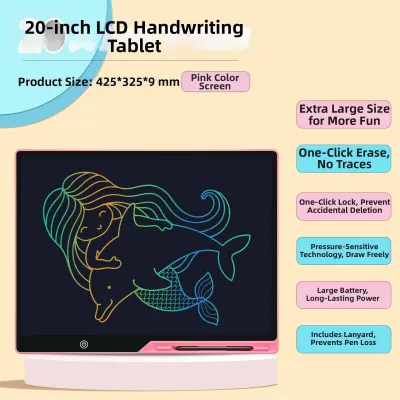
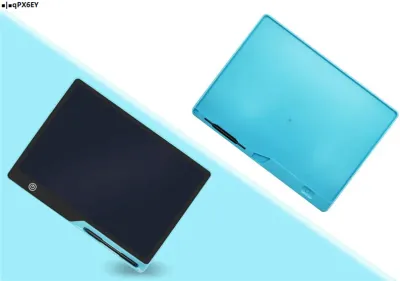
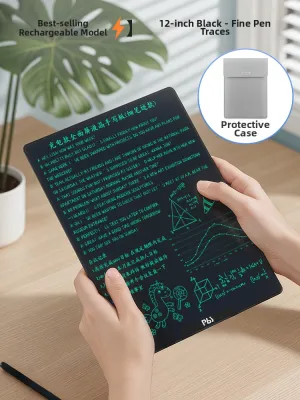
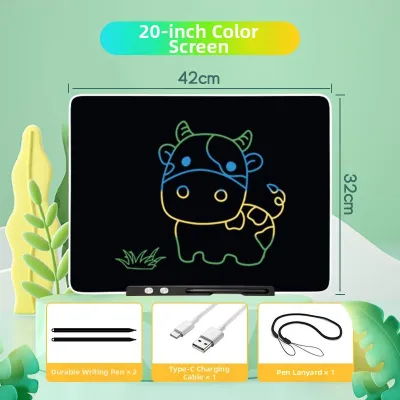
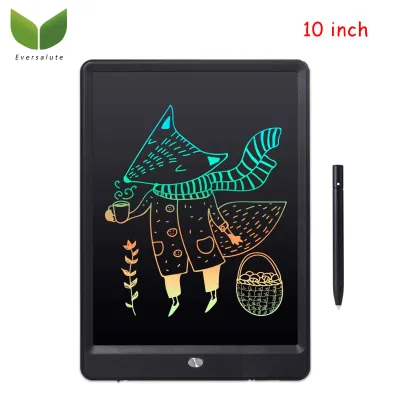
When searching for a rechargeable writing pad, it is easy to confuse basic liquid crystal display (LCD) writing tablets with professional digital drafting tools. Basic LCD pads, often marketed as paperless memo boards, are simple, pressure-sensitive screens that display temporary lines. They lack vector export capabilities, pressure-level adjustments, layer management, and software compatibility. For architectural work, these basic tablets are only useful for fleeting, non-exportable shorthand notes, making them entirely unsuitable for professional drafting or schematic design.
Products mentioned in this guide
Prices are valid at publication and may change. Please refer to the product page for the latest price.
In a professional context, a true rechargeable writing pad refers to a high-precision digital input device. These systems consist of a rechargeable tablet or display paired with either an active rechargeable stylus or a battery-free electromagnetic resonance (EMR) pen. The device must capture intricate hand movements, translate varying line weights, and export drawings in formats that CAD systems can read.
Architectural drafting demands a level of precision that standard office tablets cannot deliver. Your chosen device must offer sub-millimeter coordinate accuracy, minimal parallax error (the physical distance between the stylus tip and the digital line on screen), and robust palm rejection. Without these features, drawing precise structural joints, scaling floor plans, or annotating detailed elevations becomes a frustrating, imprecise exercise.
Essential Hardware Features for Architectural Precision
To evaluate a rechargeable writing pad for technical drawing, you must look closely at its hardware specifications. The interaction between the stylus tip and the screen surface dictates the quality of your digital line work.

Precision and Tilt Recognition
Technical drafting relies on varying line weights to distinguish between structural walls, partition lines, and dimension markers. A professional device should offer at least 4,096 levels of pressure sensitivity, though 8,192 levels is the industry standard for fluid transitions. Tilt recognition is equally critical, allowing you to shade elevations or sketch conceptual masses naturally by changing the angle of your hand.
Screen Size and Aspect Ratio
Canvas space directly impacts your drawing efficiency. While highly portable 8-inch screens are easy to carry, they require constant zooming and panning to view full floor plans. A screen size of 10.3 inches to 13.3 inches represents the sweet spot for portable drafting. Additionally, look for aspect ratios like 4:3 or 3:2, which offer more vertical workspace for site plans and sections compared to widescreen 16:9 entertainment displays.
Stylus Technology
Stylus design splits into two primary technologies: rechargeable active styluses and battery-free EMR pens. Active styluses contain internal lithium-ion batteries and communicate with the screen via Bluetooth or proprietary high-frequency protocols, often allowing for customizable physical shortcut buttons and high reporting rates. Battery-free EMR pens are powered inductively by a digitizer layer behind the screen; they are lighter, require zero charging maintenance, and are highly favored for their natural, pen-like weight distribution.
Battery Life and Portability
Architects frequently split their time between the studio and active construction sites. For on-site inspections, your writing pad must feature a battery capable of lasting a full eight-hour workday under continuous screen-on use. The physical build should also be robust enough to withstand dusty construction environments, and the screen must remain legible under bright ambient light.
Device Categories Suited for Architectural Workflows
No single device class fits every architectural workflow perfectly. The right choice depends on whether your daily tasks focus on early-stage schematic ideation, mobile 3D modeling, or marking up dense PDF blueprints on site.
High-Performance Smart Tablets with Active Styluses
Premium smart tablets equipped with active rechargeable styluses are highly versatile tools for modern architects. These devices feature powerful internal processors and high-resolution screens that can render complex 3D models and high-density vector graphics without lagging.
Because they run full mobile operating systems, these tablets can host dedicated architectural applications like Morpholio Trace, Concepts, and Shapr3D. This allows you to transition smoothly from a loose hand-drawn schematic to a precise, exportable 3D model on a single device. The high refresh rates of these screens (often up to 120Hz) minimize input latency, making the digital ink feel as though it is flowing directly from the pen tip.
However, the glossy glass screens of standard tablets can feel slick and unnatural to those accustomed to paper. To simulate the tactile friction of physical drafting paper, many architects apply aftermarket matte screen protectors. While these films improve drawing control, they can slightly reduce screen sharpness and accelerate the wear of your stylus nibs, requiring you to keep replacement tips on hand.
Portable Pen Displays with Integrated Batteries
Portable pen displays with built-in rechargeable batteries are designed specifically for professional digital artists and drafters. These devices function either as standalone pen computers running full desktop operating systems or as secondary drawing monitors that connect to your primary workstation laptop.
Their primary advantage is their uncompromised focus on drawing ergonomics. They often feature physical shortcut keys (express keys) built into the bezel, allowing you to map common CAD commands like “undo,” “line,” or “trim” directly to your non-drawing hand. The screens are typically laminated to eliminate parallax error, ensuring that the digital line aligns perfectly with the physical tip of the stylus.
These displays prioritize precision and color accuracy over general-purpose computing. Consequently, they tend to be heavier and bulkier than standard consumer tablets. Their internal battery runtimes are also shorter due to the high power demands of their professional-grade digitizers and color-accurate panels, making them better suited for studio use or temporary field offices rather than long site walks.
E-Ink Smart Notebooks for Conceptual Sketching
Electronic ink (E-Ink) smart notebooks offer a highly focused, distraction-free environment for conceptual sketching and document review. These devices utilize reflective monochrome screens that mimic the appearance of real paper, using very little power and causing minimal eye strain during long drawing sessions.
For architects who spend hours reviewing large-format PDF blueprints, E-Ink tablets are exceptional markup tools. You can write annotations directly onto imported documents and sketch clean, black-and-white schematic layouts. Because E-Ink screens rely on ambient light rather than bright backlighting, they remain perfectly readable even under direct midday sunlight on active construction sites.
Despite these benefits, E-Ink technology has clear limitations. The low screen refresh rate causes visible ghosting and delay when panning or zooming through complex, multi-layered CAD files. Furthermore, the lack of color reproduction makes them unsuitable for rendering or colored presentation drawings, positioning them as an excellent digital replacement for your physical trace-paper roll rather than a primary drafting workstation.
Software Ecosystem and Compatibility Checks
Before committing to any rechargeable writing pad, you must verify how well the device integrates with your existing software stack. A high-quality drawing tool is of little use if its file outputs cannot be easily imported into your primary design programs.
Sketching and Trace Apps
If you choose a smart tablet, ensure it supports professional-grade sketching applications. Programs like Morpholio Trace emulate physical yellow tracing paper, allowing you to stack sketch layers over imported site plans, adjust layer opacity, and draw to scale using digital rulers and protractors. Ensure the device’s digitizer is responsive enough to handle the rapid, multi-touch gestures these applications require.
CAD and BIM Integration
For technical drafting, evaluate how the device handles industry-standard CAD and BIM platforms. While mobile versions of AutoCAD and SketchUp are convenient for quick field edits, they have reduced feature sets compared to their desktop counterparts. If your workflow requires running full-scale desktop software on site, you will need a Windows-based pen computer or a portable pen display tethered to a powerful laptop.
File Export and Layer Management
Verify the export options provided by the device’s native software or third-party apps. For architectural workflows, you must be able to export drawings as vector files (such as PDF, SVG, or DXF) rather than flat raster images (like JPEG or PNG). Vector exports preserve your line work as scalable paths, allowing you to import your hand-drawn sketches directly into AutoCAD, Revit, or Rhino to begin formal modeling without redrawing everything from scratch.
Pre-Purchase Verification Checklist for Buyers in Singapore
To ensure your new rechargeable writing pad meets your professional needs and is fully supported locally in Singapore, complete these verification steps before purchasing:
- Verify Active Area Dimensions: Do not rely solely on diagonal screen measurements. Check the manufacturer's spec sheet for the actual active drawing area to ensure it fits your drafting style.
- Test Tactile Friction and Latency: The smoothness of your drawing experience depends on the screen and nib material combination. If possible, visit a physical retail store to test the device. Check for visible latency and draw slow, diagonal lines to verify that the digitizer does not suffer from diagonal line wobble.
- Check Stylus Consumables: Confirm the availability and cost of replacement stylus nibs. Felt nibs offer excellent paper-like friction but wear down quickly on matte screens, while harder POM (polyoxymethylene) plastic nibs last longer but can feel slick on glass.
- Confirm Local Warranty and Support: Ensure the manufacturer has an authorized local service center in Singapore (often located in central retail hubs like Funan or Sim Lim Square). This ensures you can access quick repairs or replacement parts without shipping your primary work tool overseas.
- Check Charging Compatibility: Verify that the device includes or is compatible with a charging adapter that supports Singapore’s standard Type G plug, operating at 230V and 50Hz.
Frequently Asked Questions (FAQ)
Can I use a basic LCD writing tablet for architectural floor plans?
No, basic LCD writing tablets are not suitable for professional architectural floor plans. These devices lack pressure sensitivity, layer support, and digital export capabilities. They are designed for temporary, non-exportable notes and doodles, meaning you cannot save, edit, or import your line work into CAD or BIM software. For professional drafting, you require a device with an active digitizer screen and a compatible smart stylus.
Is a rechargeable stylus necessary, or are battery-free EMR pens better?
Both technologies are highly capable, but they offer different trade-offs. Rechargeable active styluses often feature physical shortcut buttons and high reporting frequencies, but they require periodic charging via magnetic attachment or a USB-C cable. Battery-free EMR pens are powered inductively by the tablet screen, making them lighter, maintenance-free, and highly reliable, though they depend entirely on the tablet’s built-in digitizer layer.
How should I manage screen glare during outdoor site inspections?
To manage screen glare on glossy smart tablets during outdoor site walks, you should install a high-quality matte screen protector. These anti-glare films scatter reflected light, making the screen legible under direct sunlight while adding a tactile, paper-like friction to your stylus. Be aware that matte films can slightly reduce overall screen sharpness and will cause stylus nibs to wear down faster, so it is wise to keep spare nibs in your field kit.

Community discussion
Share your experience or ask a question. Comments are reviewed before publication.