
When purchasing printer paper, the term GSM is the most critical specification on the packaging, directly influencing how your printed documents look, feel, and perform. GSM stands for “Grams per Square Meter,” which measures the density and weight of the paper rather than its absolute physical thickness. For standard A4 printing, choosing the correct weight—typically ranging from 70 GSM to 100 GSM—ensures your documents have the right level of opacity, stiffness, and professional appeal while preventing frustrating printer jams.
What Does Paper GSM Mean for Your Prints?
To understand GSM, imagine a single sheet of paper cut to exactly one meter by one meter. The weight of that sheet in grams is its GSM rating. While a higher GSM indicates a heavier and generally sturdier sheet, it is important to distinguish weight from thickness (often referred to as caliper). Two different brands of 80 GSM paper might have slightly different physical thicknesses depending on the wood pulp density, manufacturing pressure, and surface coatings applied during production.
The GSM rating directly dictates two essential characteristics of your printouts: stiffness and opacity. Higher GSM papers contain more compacted fibers, which naturally block light and prevent ink from showing through to the opposite side. This structural density also prevents the paper from drooping, giving your documents a crisp, premium feel. Conversely, lower GSM papers are more pliable and translucent, which affects how they behave under heavy ink coverage and how they feed through mechanical printer rollers.
Products mentioned in this guide
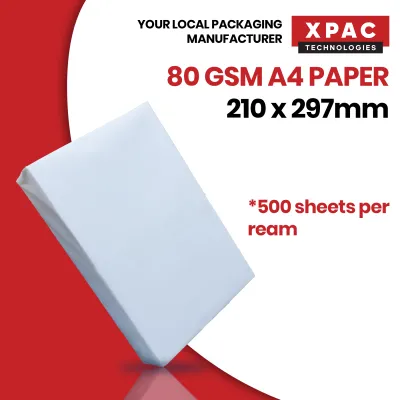
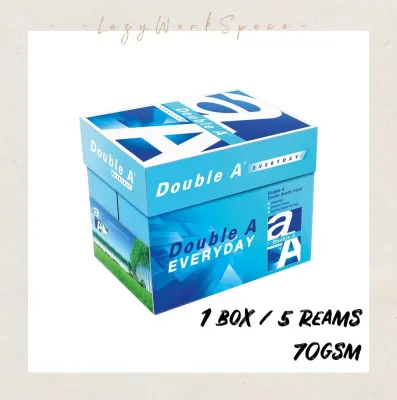

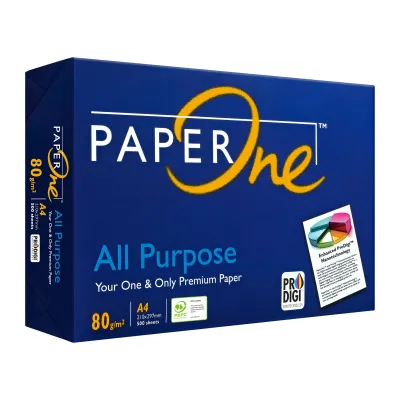
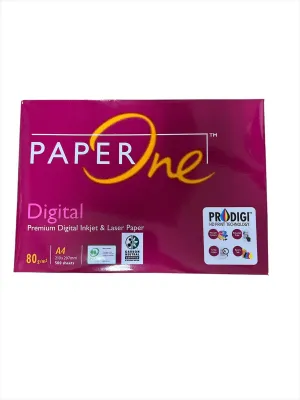
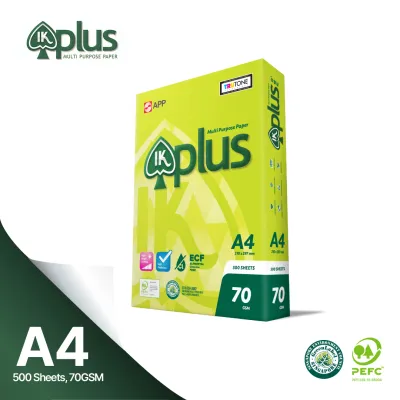
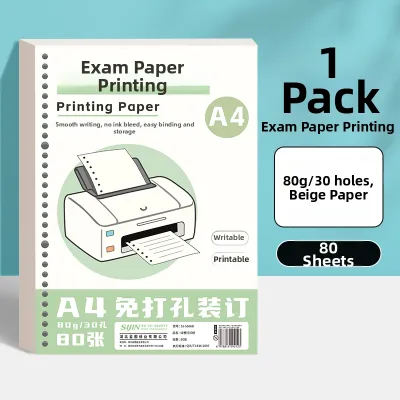
Prices are valid at publication and may change. Please refer to the product page for the latest price.
70, 80, and 100 GSM: Which A4 Weight Fits Your Project?
In offices, schools, and home workspaces, A4 paper reams are readily available in three primary weight tiers: 70 GSM, 80 GSM, and 100 GSM. Selecting the ideal weight requires balancing cost, presentation standards, and the specific printing technology you use.

70 GSM: Cost-Effective for Internal Drafts
The primary advantage of 70 GSM paper is its economic efficiency. Because each sheet uses fewer raw materials, a 70 GSM A4 paper ream is highly budget-friendly and often sold in high-volume carton boxes. This makes it the go-to choice for massive print runs, internal reference sheets, and temporary drafts where aesthetic presentation is not a priority.
However, 70 GSM paper has distinct limitations. Its lower density makes it highly prone to show-through, meaning double-sided printing is rarely practical as text from the reverse side will easily bleed through. Additionally, the lightweight sheets can feel flimsy and lack the professional weight required for external communications. Use 70 GSM primarily for single-sided drafts, packing slips, and high-volume archiving where physical filing space must be minimized.
80 GSM: The Reliable Standard for Daily Office Use
The 80 GSM weight is the undisputed industry standard for general copying and printing. It strikes an optimal balance between cost-effectiveness, durability, and overall print quality. Most standard office copiers and home printers are calibrated specifically around 80 GSM paper, ensuring smooth feeding with minimal risk of misfeeds or static-induced double-feeding.
This weight offers sufficient opacity for standard double-sided printing of text-heavy documents, such as essays, administrative reports, and standard emails. While heavy color graphics might still show through slightly, normal text remains highly readable on both sides. It is the most versatile option for student assignments, daily office correspondence, and routine business documentation.
100 GSM: Premium Feel for Client-Facing Documents
When you need to make a strong impression, 100 GSM paper provides a tactile, high-quality feel that immediately signals professionalism. The extra weight gives the paper a noticeable stiffness, ensuring that sheets do not curl or warp, even when subjected to the high heat of laser printer fusers or the heavy liquid saturation of inkjet ink.
The high opacity of 100 GSM paper makes it the perfect medium for double-sided documents with color charts, diagrams, or high-density graphics. It is highly recommended for client proposals, formal presentations, marketing brochures, legal contracts, and certificates. However, because the paper is thicker, it takes up more physical space in folders and may require checking your printer’s paper tray capacity.
How to Match Paper Weight to Your Printer and Needs
Before purchasing a bulk supply of any A4 paper ream, you must verify its compatibility with your specific hardware and environmental conditions.
Printer Compatibility and Feed Paths Always check your printer’s user manual to verify the maximum supported paper weight. While standard office multifunction copiers easily handle heavy cardstock, basic home inkjets and compact laser printers are often optimized for 70 to 80 GSM. Feeding a thick 100 GSM sheet through a standard bottom paper cassette can occasionally cause jams, especially if the printer utilizes a tight, curved paper path. To safely print on 100 GSM or heavier stock, utilize the manual bypass tray or the rear feed slot if your printer features one, as this provides a straighter path that reduces mechanical strain.
Ink and Toner Performance The interaction between your printer’s consumables and the paper surface is critical. Inkjet printers deposit liquid ink, which can cause lighter 70 GSM paper to buckle, wrinkle, or bleed. A heavier 100 GSM sheet absorbs this moisture much better, maintaining its flat shape and allowing the ink to dry cleanly without warping the page. If you use a laser printer, the dry toner is melted onto the page using high-heat fuser rollers. Extremely thin paper can static-cling or curl aggressively under this heat, whereas 80 GSM and 100 GSM papers retain their structural integrity.
Singapore’s Humid Climate and Storage Singapore’s high relative humidity poses a unique challenge for paper storage. Unprotected paper quickly absorbs ambient moisture, which softens the fibers, increases the risk of static cling, and leads to frequent paper jams regardless of the GSM rating. To prevent this, always store your paper reams in their original moisture-resistant wrapper until you are ready to load them into the printer. Keep stored paper off concrete floors and away from open windows, ideally in a dry, air-conditioned space.
Mailing and Postage Considerations If you regularly mail physical documents through local courier or postal services like SingPost, keep in mind that paper weight directly impacts your postage costs. A standard envelope containing several sheets of 100 GSM paper will weigh significantly more than one containing 70 GSM sheets. For high-volume mailings where postage budgets are tight, opting for 80 GSM or even 70 GSM can keep your packages within lower weight tiers, saving substantial mailing fees over time.
Quick Guide: Choosing the Right A4 Paper Ream by Task
| Printing Task | Recommended GSM | Key Benefit | Double-Sided Suitability |
|---|---|---|---|
| Internal Drafts & Notes | 70 GSM | Most economical, saves physical storage space | Low (best for single-sided only) |
| Standard Office Reports | 80 GSM | Balanced cost, reliable feeding, versatile | Moderate (suitable for standard text) |
| Client Proposals & Brochures | 100 GSM | Premium tactile feel, high opacity, professional | High (ideal for color graphics) |
| Certificates & Presentations | 100 GSM or higher | Maximum stiffness, luxurious texture, zero bleed | Excellent (heavy ink coverage) |
Frequently Asked Questions (FAQ)
Can I use 100 GSM paper in a standard home inkjet printer?
Yes, most standard home inkjet printers can handle 100 GSM paper, but you should verify your specific model’s maximum paper weight limit in the user manual. To minimize the risk of paper jams, avoid overloading the paper tray. If your printer has a rear-loading tray or a manual feed slot, use it for 100 GSM sheets, as this provides a direct, straight feed path that prevents the thick paper from bending excessively around internal rollers.
Does higher GSM always mean better print quality?
Not necessarily. GSM only measures the weight and density of the paper, not its surface smoothness, brightness, or coating quality. A premium 80 GSM paper with a high brightness rating and a specialized smooth finish can produce sharper text and more vibrant colors than a rough, unrefined 100 GSM sheet. For the best print results, look for paper that combines an appropriate GSM with high brightness and smoothness ratings tailored to your specific ink or toner type.

Community discussion
Share your experience or ask a question. Comments are reviewed before publication.