
Choosing the right 80gsm photocopy paper in Singapore requires looking beyond brand names and focusing on how physical paper properties interact with your specific printing equipment. While many brands claim to offer the highest print quality or jam-free performance, the actual results depend heavily on variables like brightness standards, surface smoothness, moisture resistance, and cutting precision. By understanding how these technical specifications affect ink absorption and paper feeding, you can systematically evaluate different options to find the ideal match for your home or office workflow.
Key Factors That Define 80gsm Paper Print Quality
CIE whiteness measures the paper’s appearance under a full spectrum of light, including ultraviolet. A higher CIE rating (often ranging from 150 to 170 for premium office papers) indicates a bluish-white shade that makes black text look sharper and colors appear more vibrant. Conversely, lower CIE ratings represent a warmer, slightly yellowish white, which can be easier on the eyes for long-form reading but may make color prints look muted.
Surface smoothness is another critical variable. For laser printers, a smooth surface ensures that the dry toner powder transfers evenly from the drum and fuses completely under heat and pressure. If the paper is too rough, toner may fail to adhere to microscopic valleys, leading to speckled text or patchy solid areas. For inkjet printers, the surface must balance smoothness with controlled absorption. If the paper fibers are too loose or untreated, liquid ink will feather along the grain, causing blurry edges on text and bleeding through the sheet.
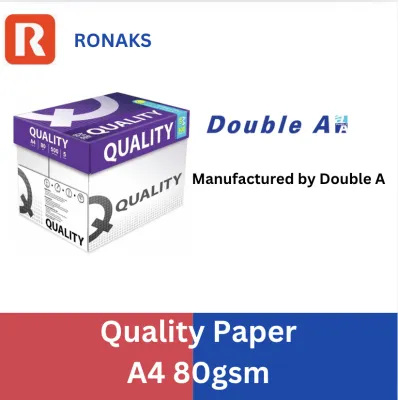
Products mentioned in this guide
![[SG] HP Everyday A4 80gsm Copy Paper (FSC certified) - 500 sheets/ream | MAX 2 CARTONS/ORDER [Evergreen Stationery]](https://img.lazcdn.com/g/p/4d69b380263aab581a770f5fbe22ae5d.png_400x400q80.png_.webp)
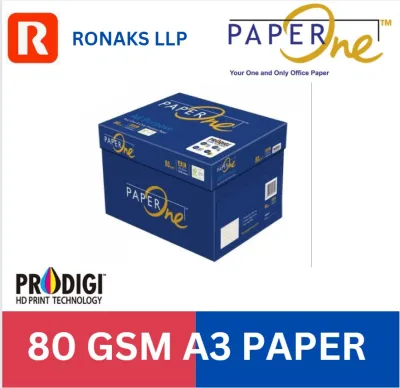
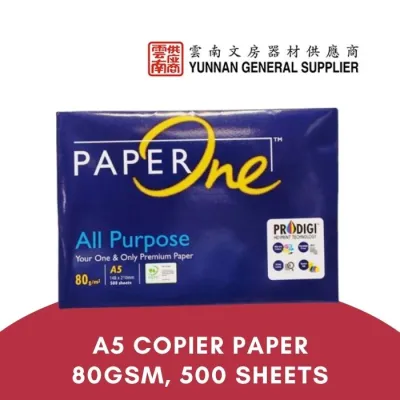
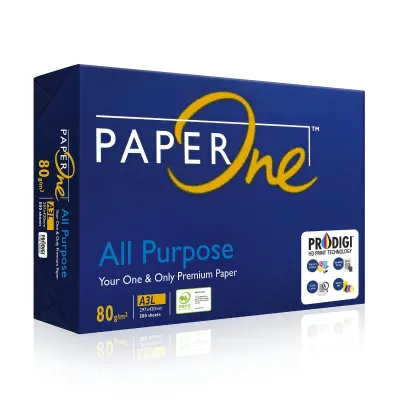
Prices are valid at publication and may change. Please refer to the product page for the latest price.
Opacity determines how much light passes through a single sheet of paper. For 80gsm (grams per square meter) paper, opacity typically ranges between 90% and 95%. High opacity is essential for double-sided printing, as it prevents the text or images on the reverse side from showing through and distracting the reader. Thickness consistency, or caliper, ensures that the printer’s feed rollers apply uniform pressure across the entire sheet, preventing uneven ink or toner distribution.
Evaluating Jam-Free Performance and Printer Compatibility
Paper jams are rarely caused by the printer alone; they are frequently the result of poor paper manufacturing or improper storage. One of the most common culprits is edge cutting quality. High-quality paper brands use rotary precision knives to cut sheets from large rolls, leaving clean, sharp edges. Lower-quality cutting processes can leave microscopic paper dust and rough edges. As sheets pass through the printer, this dust accumulates on the rubber pickup rollers and optical sensors, reducing friction and causing misfeeds, multi-sheet pulls, or sensor errors over time.

In Singapore’s tropical climate, relative humidity often exceeds 80%, making moisture control a critical factor for paper performance. Paper is naturally hygroscopic, meaning it absorbs moisture from the surrounding air. When 80gsm paper absorbs excess moisture, it loses its structural stiffness and becomes limp. During the printing process, the intense heat from a laser printer’s fuser causes this absorbed moisture to rapidly evaporate, leading to severe paper curling and subsequent jams in the output tray. Furthermore, high humidity can cause sheets to cling together due to static charge or surface tension, leading to double-feeding.
To ensure reliable operation, it is essential to cross-reference the paper’s specifications with your printer manufacturer’s guidelines. Most office copiers and laser printers are optimized for standard 80gsm paper, but some high-speed machines or specific tray configurations may require precise stiffness or surface friction coefficients. Checking the printer manual will reveal the supported weight ranges and any specific recommendations regarding paper texture, coating, or grain direction.
How to Evaluate 80gsm Paper Brands Before Buying
When shopping for photocopy paper at local stationery suppliers or online marketplaces, you can make an informed decision by carefully reading the packaging labels. Look for specific, standardized metrics rather than generic marketing terms like “premium” or “super white.” Reliable manufacturers print the exact CIE whiteness rating, ISO brightness percentage, and opacity level directly on the ream wrapper. Some brands also highlight specific manufacturing technologies, such as anti-curl treatments or dust-free cutting processes, which provide a clearer indication of performance than unverified claims.
Environmental certifications are another valuable indicator of manufacturing quality and corporate responsibility. Look for logos from recognized organizations such as the Forest Stewardship Council (FSC) or the Programme for the Endorsement of Forest Certification (PEFC). These certifications guarantee that the wood pulp used to make the paper was harvested from responsibly managed forests. Additionally, some papers carry local or regional eco-labels, which verify that the manufacturing process limits chemical usage and water pollution.
Before committing to a bulk purchase of several cartons, it is wise to test a single ream. You can perform several simple, observable checks to evaluate the paper’s quality. Open the ream and run your finger along the cut edges; if you notice a visible white powder or rough fibers on your skin, the paper may generate excessive dust inside your printer. Bend a single sheet slightly to check its stiffness; it should resist bending and spring back quickly. Finally, print a test page with both text and solid color blocks to observe how well the ink or toner adheres and whether the paper curls significantly after passing through the fuser.
Decision Framework: Which Paper Profile Fits Your Workflow?
To select the right paper profile, you must align the paper’s physical characteristics with your daily printing tasks. If your workflow involves printing client-facing presentations, marketing brochures, or detailed color charts, you should prioritize high-brightness (typically 160+ CIE) and ultra-smooth paper profiles. The high whiteness provides a stark contrast that makes colors pop and text appear incredibly sharp, while the smooth surface ensures flawless toner transfer and crisp lines, giving your documents a highly professional look and feel.
For high-volume, text-heavy daily office drafts, internal memos, and simple black-and-white documents, a standard-brightness profile (around 145 to 150 CIE) is often the more practical and cost-effective choice. These papers still offer excellent readability without the premium cost associated with ultra-white sheets. In these high-volume scenarios, your primary focus should be on reliable-feed characteristics, such as consistent thickness and low dust generation, to keep your office copiers running smoothly without frequent maintenance interruptions.
Additionally, before purchasing paper in bulk, verify if your office printing equipment is covered under a strict lease or maintenance warranty. Some service agreements specify that only papers meeting certain low-dust or specific manufacturing standards should be used. Using sub-standard paper that leaves heavy dust deposits can sometimes void these warranties or lead to costly service charges for roller replacements. Checking these terms beforehand ensures that your choice of paper supports both your print quality goals and your equipment’s long-term reliability.
Frequently Asked Questions (FAQ)
Does 80gsm paper work for double-sided printing?
Yes, most high-quality 80gsm photocopy papers are suitable for double-sided printing, but their performance depends on opacity. Standard 80gsm paper typically has an opacity of 90% to 94%. While this is sufficient for standard text documents, high-density prints, bold headings, or colorful graphics may show through to the other side. To test a paper’s suitability before printing a large double-sided job, hold a printed sheet up to normal office lighting. If the text on the reverse side is clearly legible and distracting, you may need to adjust your printer settings to a lighter ink density or opt for a paper with a higher opacity rating.
How should I store copy paper in a humid environment?
To prevent paper from absorbing moisture and causing printer jams in Singapore’s humid climate, keep the paper in its original moisture-resistant wrapper until you are ready to load it into the printer. Avoid storing loose sheets or open reams directly on the floor or near open windows. Instead, store paper cartons in a cool, dry cabinet or a temperature-controlled room. If you have an open ream that will not be used immediately, reseal the wrapper with tape or store the remaining sheets in a sealable plastic container to maintain their original dryness and stiffness.

Community discussion
Share your experience or ask a question. Comments are reviewed before publication.