
Choosing between 70gsm and 80gsm A4 copier paper for high-volume office printing is not a matter of finding a single, universal winner. Instead, the optimal choice depends on your specific office printer models, the typical documents your team produces, and your overall procurement budget. The decision represents a direct trade-off between upfront material costs and the physical stiffness required for reliable, jam-free paper feeding.
Understanding Paper Weight: What 70gsm and 80gsm Actually Mean
To make an informed decision, it is essential to understand what these numbers represent. The term “GSM” stands for grams per square meter, which is the standard metric unit used to measure paper density and weight. It does not measure thickness directly, though higher-grammage papers are almost always thicker due to the volume of wood fibers packed into each sheet.
Because an A4 sheet is exactly one-sixteenth of a square meter (measuring the standard dimensions of 210mm by 297mm), you can calculate the exact weight of a single sheet. A single sheet of 80gsm A4 paper weighs exactly 5 grams, while a 70gsm sheet weighs 4.375 grams. This 10gsm difference might seem negligible on a single sheet, but it significantly alters the paper’s physical stiffness, tensile strength, and structural rigidity.
Products mentioned in this guide
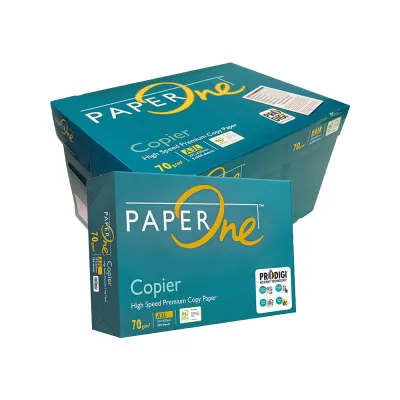
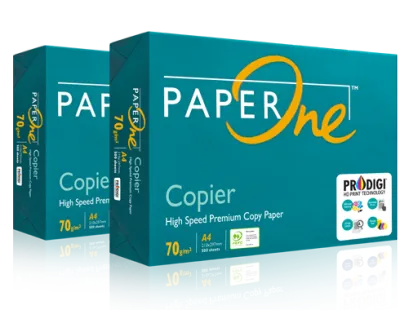
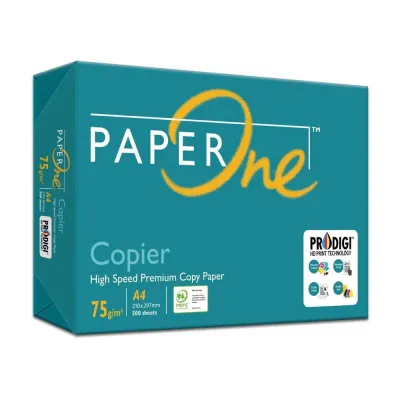
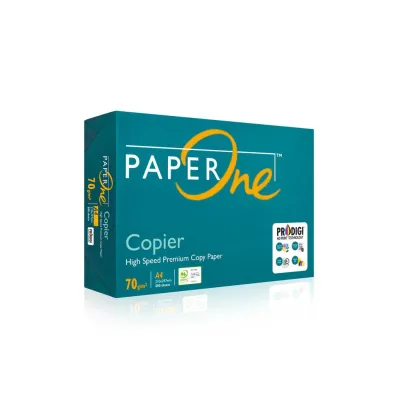
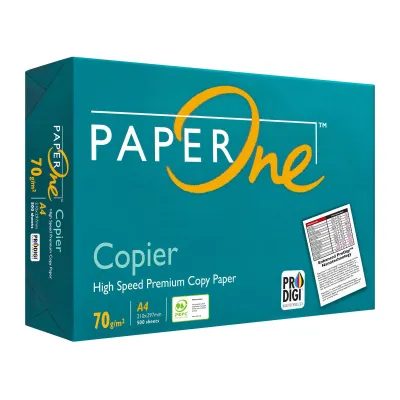

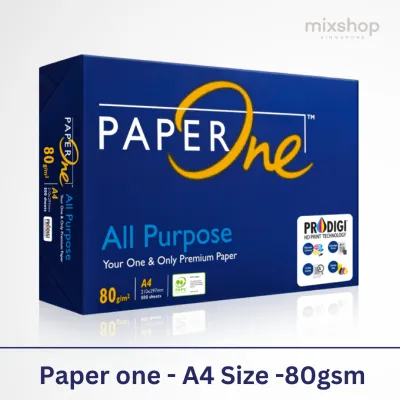
Prices are valid at publication and may change. Please refer to the product page for the latest price.
However, weight alone does not guarantee flawless printer performance. Actual feed reliability also depends heavily on manufacturing quality, including moisture content, fiber alignment, and edge-cut precision. A poorly manufactured 80gsm sheet with rough edges can cause more feed issues than a high-quality, precision-cut 70gsm sheet.
Cost Efficiency vs. Print Reliability: The Core Trade-Offs
For high-volume office environments, paper procurement is a balancing act. You must weigh the immediate financial savings of buying lighter paper against the potential hidden costs of printer downtime, maintenance, and lost productivity caused by frequent paper jams.

Evaluating Cost per Ream and Long-Term Savings
To calculate the true financial impact of your paper choice, start by requesting current pricing from your local office stationery suppliers. Compare the cost per ream (typically containing 500 sheets) in S$. Even a seemingly minor price difference of S$0.50 to S$1.00 per ream can accumulate rapidly when scaled across a high-volume office.
For example, if your office goes through 100 reams of paper per month, a savings of S$0.80 per ream on 70gsm paper translates to S$80 in monthly savings, or S$960 annually. However, you must also factor in bulk purchasing logistics and shipping weight. A standard carton of five reams of 80gsm paper weighs 25 kg, whereas a carton of 70gsm paper weighs approximately 21.8 kg. In large-scale operations, this weight difference can influence delivery fees, storage rack load limits, and manual handling safety.
Assessing Jamming Risks and Printer Compatibility
Lighter paper like 70gsm has less structural rigidity, making it more flexible. When subjected to the high heat and rapid roller movement of modern office copiers, 70gsm paper is more prone to curling. This curling can lead to multi-feeding—where the printer pulls multiple sheets at once—or accordion-style jams inside the paper path.
In contrast, 80gsm paper offers superior stiffness, allowing it to resist bending and feed smoothly through high-speed rollers. Before switching your entire office to a lighter weight, check your printer’s physical specification label or user manual for the officially supported GSM range. If your office uses older or high-speed commercial multi-function printers, running paper near the lower limit of the supported range may increase jam frequencies. Observe your current jam rates over a typical work week to establish a baseline before making any changes.
Key Comparison Dimensions for Daily Office Use
When evaluating paper for daily office tasks, you can assess several physical and functional characteristics through simple, observable traits.
Opacity and show-through are critical for document readability. Because 70gsm paper is thinner, it has lower opacity, meaning light passes through it easily. If you print double-sided (duplex) documents, the text or images from the reverse side will often show through, creating a distracting shadow. 80gsm paper provides higher opacity, ensuring clean, legible double-sided prints.
Stiffness and feedability directly affect how paper behaves in automated document feeders (ADFs) and sorting trays. 80gsm paper maintains its flat shape under tension, allowing pickup rollers to grab a single sheet cleanly. 70gsm paper can flex too easily, leading to misfeeds, particularly in high-humidity environments where paper absorbs moisture and loses its natural rigidity.
Document feel and professionalism influence how external clients perceive your business. 80gsm paper feels substantial, crisp, and durable, making it the standard choice for contracts, proposals, and external presentations. 70gsm paper feels noticeably thinner and more flexible, which is perfectly suitable for internal drafts, packing slips, and temporary worksheets.
| Dimension | 70gsm Copier Paper | 80gsm Copier Paper | Verification Method |
|---|---|---|---|
| Opacity & Duplexing | Lower opacity; visible show-through on double-sided prints. | Higher opacity; minimal show-through, clean double-sided prints. | Hold a printed double-sided sheet up to office lighting to check readability. |
| Feed Reliability | Moderate; higher risk of curling and multi-feeds in high-speed machines. | High; excellent rigidity for smooth feeding in high-speed copiers. | Run a 100-page continuous print job and count any feed interruptions. |
| Tactile Quality | Lightweight and flexible; feels like utility-grade paper. | Substantial and crisp; feels professional and durable. | Hand-test both sheets blindfolded to compare stiffness and texture. |
| Best Use Cases | Internal drafts, single-sided printing, high-volume utility documents. | Client proposals, double-sided reports, official correspondence. | Match document purpose against recipient profile (internal vs. external). |
Decision Framework: Which Weight Fits Your Office Workflow?
To streamline your procurement strategy, use this structured decision framework based on your daily office operations.
Choose 70gsm if your primary use is internal, high-volume, single-sided drafting, and minimizing procurement costs is your top priority. It is highly suitable for printing temporary logs, warehouse packing lists, or internal reference documents. It is also an excellent fit if your office printers are relatively new, well-maintained, and officially rated to handle lighter paper weights without feeding issues.
Choose 80gsm if your office frequently prints double-sided documents, uses high-speed commercial printers, or produces client-facing materials requiring a premium feel. It is the necessary choice if you regularly print legal contracts, formal proposals, or marketing materials where a cheap-feeling paper could compromise your brand image. Additionally, if you operate high-speed commercial printers (printing over 40 pages per minute), 80gsm provides the mechanical reliability needed to prevent costly downtime.
Verify first if you are currently experiencing frequent paper jams, misfeeds, or messy ink bleed-through. Before committing to a bulk order of either weight, check your printer’s hardware specifications. Order a single test ream of the alternative weight to run a trial under normal operating conditions.
How to Test and Optimize Your Current Paper Setup
Never transition your entire office’s paper supply based on theoretical specifications alone. Start by purchasing a single ream of the target paper weight. Load this test batch into your primary office printer and run a variety of high-volume print jobs, including single-sided, double-sided, and multi-page collated documents.
Observe how the paper behaves as it exits the printer. If you notice excessive curling, static cling, or multi-sheet feeding, your printer’s feed rollers or fuser temperature may not be optimized for that specific weight. Many modern office printers allow you to adjust the paper settings directly in the print driver menu or on the machine’s physical control panel. Change the media type setting from “Plain Paper” to “Light Paper” (for 70gsm) or “Heavy Paper/Bond” (if your 80gsm is causing issues) to adjust the fuser temperature and roller speed accordingly.
Environmental factors also play a critical role in paper performance, especially in tropical or high-humidity climates like Singapore. Paper is highly hygroscopic, meaning it readily absorbs moisture from the air. When paper absorbs moisture, it loses its structural stiffness and becomes prone to curling and jamming, regardless of whether it is 70gsm or 80gsm. Always store your paper in its original moisture-resistant wrapper until the moment you load it into the printer tray. Keep spare cartons off the floor, away from air conditioning vents, and in a dry, climate-controlled storage room to maintain optimal feedability.
Frequently Asked Questions (FAQ)
Can I mix 70gsm and 80gsm paper in the same printer tray?
No, you should avoid mixing different paper weights within a single printer tray. Printer feed mechanisms rely on consistent friction and thickness to separate and pull one sheet at a time. Mixing 70gsm and 80gsm paper alters the physical resistance the pickup rollers encounter, which frequently leads to multi-feeding, misaligned prints, or immediate paper jams. If your office requires both weights, utilize multi-tray printers and assign 70gsm to one tray for drafts and 80gsm to another tray for official documents.
Does 70gsm paper use more ink than 80gsm?
No, the weight of the paper does not affect the volume of ink or toner your printer dispenses. Ink and toner consumption are determined entirely by your digital document’s layout, print resolution, and printer driver settings (such as draft or high-quality modes). However, because 70gsm paper is thinner and often slightly more porous, liquid ink from inkjet printers may spread or bleed deeper into the fibers. This can make the print appear slightly less sharp or cause more visible show-through on the reverse side, but the actual amount of ink consumed remains identical.
Is 70gsm paper more environmentally friendly?
From a raw material perspective, manufacturing 70gsm paper requires approximately 12.5% less wood fiber per sheet compared to 80gsm paper, which reduces the initial resource footprint and lowers transportation emissions due to the lighter cargo weight. However, the true environmental impact of your paper depends heavily on the manufacturer’s forestry practices, chemical bleaching processes, and recycling standards. To ensure you are making a sustainable choice, look for recognized eco-labels on the packaging, such as FSC (Forest Stewardship Council) or PEFC certifications, rather than relying solely on the paper’s grammage.

Community discussion
Share your experience or ask a question. Comments are reviewed before publication.