
Choosing the right GSM (Grams per Square Meter) for 4R photo paper—which measures 4 by 6 inches, or approximately 102 by 152 mm—depends on how you plan to handle, store, and display your prints. For everyday photo albums, scrapbooks, and high-volume printing, a lighter weight of 180 to 210 GSM offers excellent flexibility and prevents bulky pages. If you are printing professional portraits, standalone desk displays, or framed artwork, a heavier weight of 230 to 300 GSM provides the necessary rigidity, premium tactile feel, and resistance to curling. Matching the paper weight to your specific project and your printer’s feeding mechanism ensures crisp, durable prints without risking mechanical jams.
What GSM Means for 4R Photo Paper
GSM stands for Grams per Square Meter, which is the standard metric unit used to measure paper density and weight. It is important to understand that GSM measures the mass of the paper over a specific area rather than its direct physical thickness. While a higher GSM generally correlates with a thicker sheet, the actual thickness can vary depending on the raw materials, manufacturing processes, and coatings applied to the paper surface.
When you handle a sheet of 4R photo paper with a higher GSM, you will immediately notice increased rigidity and a more substantial, premium feel in your hand. This stiffness prevents the paper from flopping or bending under its own weight. However, because different brands use varying base materials and coating technologies—such as cast-coated versus resin-coated (RC) systems—two different packs of 260 GSM photo paper might have slightly different physical thicknesses when measured in mils or microns. Therefore, while GSM is an excellent indicator of weight and stiffness, you should also consider the paper’s structural composition.
Products mentioned in this guide
![[Singapore Stock] Bestink High Quality Inkjet Photo Paper 4R 4x 6 Semi Glossy Satin Photo Paper 240gsm 100 sheets](https://img.lazcdn.com/g/p/b2753441a54043a1a6827328f66f2c87.jpg_400x400q80.jpg_.webp)
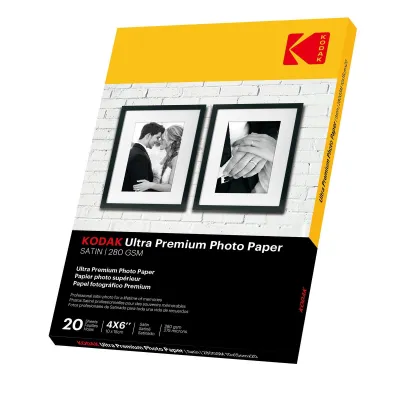
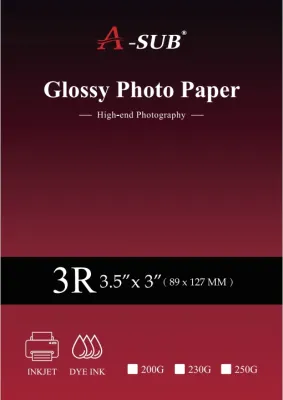
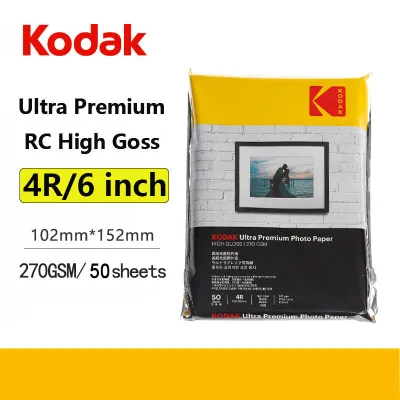
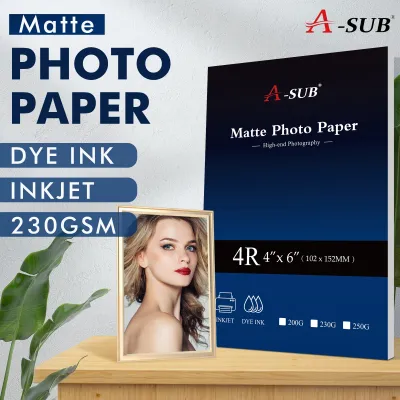
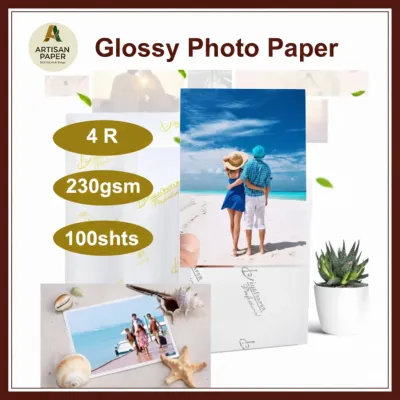
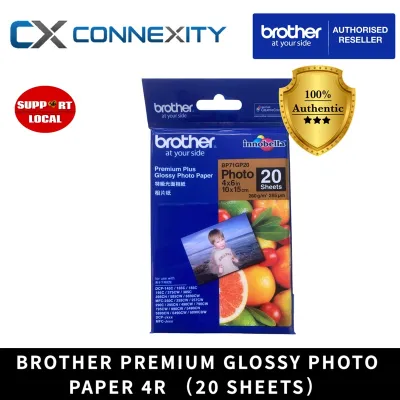
Prices are valid at publication and may change. Please refer to the product page for the latest price.
Matching GSM to Your Printing Projects
Selecting the ideal paper weight requires a clear understanding of how the final print will be used, handled, and stored. For everyday photo albums and scrapbooks, lighter to medium weights ranging from 180 to 210 GSM are highly practical. These sheets remain flexible and bend easily, allowing them to slide smoothly into standard plastic album sleeves without causing the album pages to bulge or warp. Using lighter paper also makes it easier to paste prints flat onto scrapbook pages using standard adhesives.

For professional displays, gallery prints, and framing, heavier weights between 230 and 300 GSM are the preferred choice. These robust papers naturally resist curling, which is a common issue when heavy amounts of wet ink are applied to lighter sheets. A heavy-weight print lays flat under its own weight, making it much easier to mount behind a mat board or place inside a frame without requiring a rigid backing board to keep it smooth. The substantial feel of these prints also conveys a sense of professional quality when handed directly to clients or guests.
If you are creating custom crafts, postcards, or greeting cards, mid-to-heavy weights around 210 to 260 GSM offer the perfect balance of durability and workability. These papers are sturdy enough to withstand frequent handling and can be folded cleanly without cracking, provided you score the paper first. They also feature a more stable backing that allows you to write personalized messages on the reverse side using standard pens without the ink bleeding through to the printed image on the front.
Checking Your Printer's Paper Weight Limits
Before purchasing a large pack of heavy-weight 4R photo paper, you must verify your printer’s hardware capabilities to avoid frustrating paper jams and potential mechanical damage. Every printer model has a maximum paper weight limit specified by the manufacturer. Attempting to feed paper that exceeds this limit can strain the internal motors, wear down the feed rollers, or cause the sheet to get stuck halfway through the printing path.
The physical design of your printer’s paper tray plays a significant role in how well it handles heavy media. Printers with a rear-feed tray feature a relatively straight paper path, which allows thick, rigid photo paper to pass through with minimal bending. In contrast, printers that rely solely on a bottom or front-loading cassette force the paper to make a sharp 180-degree turn around the internal rollers. For these curved-path printers, sticking to lighter or medium weights (under 230 GSM) is highly recommended to ensure reliable feeding.
To achieve the best results, always adjust your printer driver settings before hitting the print button. Selecting the correct media type, such as “Photo Paper” or “Heavyweight Glossy,” instructs the printer to adjust its roller tension, slow down the feed speed, and optimize the ink volume for thicker paper. This simple step ensures proper ink absorption, prevents head strikes where the print head scrapes against the paper surface, and allows adequate drying time to avoid smudging.
Evaluating Other Paper Specs Beyond GSM
While GSM determines the physical presence of your print, other specifications like surface finish and coating properties dictate the visual outcome and longevity. The choice between glossy, matte, and satin or luster finishes depends on your aesthetic preference and display environment. Glossy finishes offer high contrast and vibrant colors, making them ideal for colorful family snapshots, though they easily attract fingerprints and reflect glare. Matte finishes provide a smooth, glare-free surface that resists fingerprints, making them excellent for black-and-white portraits, though colors may appear slightly softer. Satin or luster finishes offer a professional middle ground, combining the color depth of glossy paper with the subtle texture and fingerprint resistance of matte.
Ink compatibility is another critical factor to verify on the paper packaging. Inkjet printers use either dye-based or pigment-based inks, and different photo papers are optimized for specific ink types. For instance, resin-coated (RC) papers work exceptionally well with both ink types, offering rapid drying and excellent water resistance. If you are printing cherished memories that you want to last for decades, look for papers labeled as acid-free and lignin-free. These archival properties prevent the paper from yellowing and the colors from fading over time, which is especially important in warm, humid climates like Singapore’s where environmental moisture can accelerate paper degradation.
Frequently Asked Questions (FAQ)
Can I use heavy GSM photo paper in any inkjet printer?
No, you cannot use heavy GSM photo paper in every printer. All inkjet printers have strict maximum weight and thickness limits defined in their user manuals. Using paper that exceeds these limits can cause severe paper jams, ink smudging from the print head scraping the surface, or permanent damage to the feed rollers. Always check your printer’s specifications before purchasing paper heavier than 230 GSM.
Does a higher GSM always mean better print quality?
No, a higher GSM does not automatically guarantee better print quality, sharper details, or more accurate colors. GSM only measures the physical weight and stiffness of the paper. The actual image quality, color vibrancy, and sharpness depend on the quality of the chemical coating on the paper surface, the type of ink your printer uses, and the printer’s resolution settings. A lighter paper with a premium coating will often produce a more vibrant print than a heavy paper with a basic, low-grade coating.

Community discussion
Share your experience or ask a question. Comments are reviewed before publication.