
A NETS card can be used at tens of thousands of acceptance points across Singapore, spanning supermarkets, retail outlets, food courts, hawker centres, public transport, car parks, and online portals. However, where and how you can use your card depends heavily on the specific type of NETS card you hold. Understanding these distinctions ensures smooth transactions whether you are tapping at a transit gantry, inserting your card into a vehicle unit, or scanning a QR code at a local food stall.
Understanding Your NETS Card Type
To use your card effectively, you must first identify which version of the NETS payment system you hold. The most common type is the bank-issued NETS debit or ATM card, which is linked directly to your personal bank account. These cards typically require a Personal Identification Number (PIN) for traditional terminal transactions, though many modern versions also support contactless tapping for smaller amounts.
Another common option is the NETS Prepaid Card. Unlike bank-linked cards, this is a standalone card that you top up with funds beforehand. It does not require a bank account link and is highly popular for managing personal budgets or giving to family members.
Products mentioned in this guide
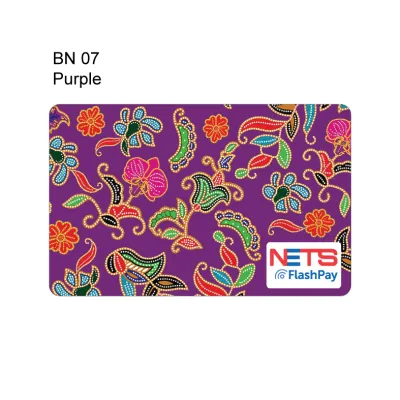
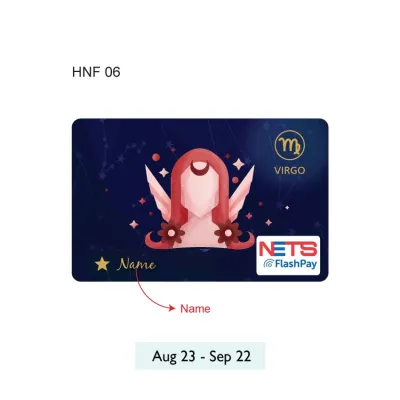
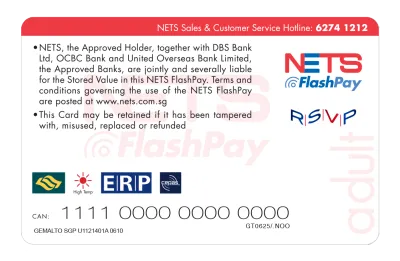
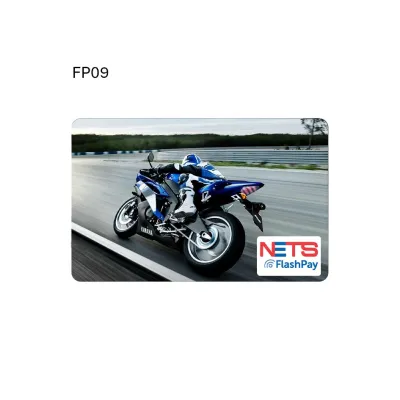
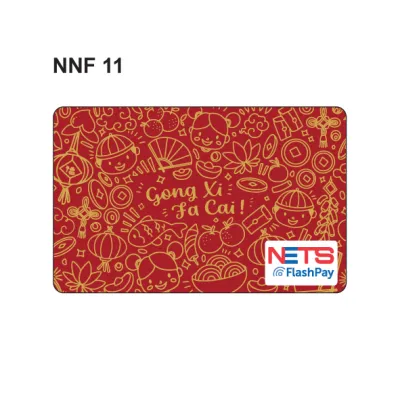
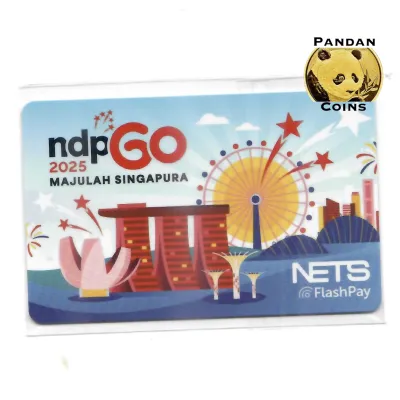
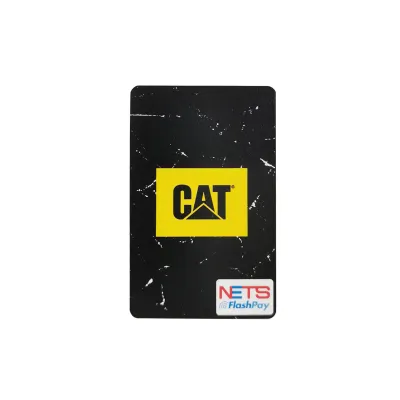
Prices are valid at publication and may change. Please refer to the product page for the latest price.
Finally, there are stored-value cards, such as the NETS FlashPay card. These cards store monetary value directly on the physical chip. Because of this design, they are highly compatible with transit readers and vehicle units, but they require physical top-ups at designated terminals or via compatible mobile applications before use.
Before heading to the checkout, examine the physical features of your card. Look for the distinct NETS logo, a contactless wave symbol, or specific branding like “FlashPay” or “Prepaid” on the front or back. Checking your card issuer’s terms will confirm whether your card supports contactless payments, online transactions, or automatic top-up features.
How to Identify NETS-Accepted Merchants
Finding out where you can pay with your card is straightforward if you know what visual cues to look for. Most physical merchants display the standard blue and red NETS logo on their storefront windows, cash registers, or payment terminals. This logo indicates that the merchant’s point-of-sale system is connected to the NETS network.

In recent years, payment methods have diversified, leading to variations in these visual indicators. You may see decals for NETS QR, which allows you to pay using a mobile banking app, or specific decals for stored-value cards like NETS FlashPay. If you are planning to use a specific card type, such as a stored-value card for a small retail purchase, look closely for the corresponding logo on the terminal.
When in doubt, the most reliable approach is to ask the cashier before they ring up your purchase. You can simply ask if they accept your specific card type. This is particularly useful at smaller shops or temporary pop-up stalls where payment stickers might not be clearly displayed or updated.
Keep in mind that some merchants, especially smaller food stalls or independent boutiques, may only accept NETS QR payments rather than physical card inserts or taps. In these cases, you will need to scan the displayed QR code using your bank’s mobile app rather than presenting your physical card to the cashier.
Common Payment Scenarios and How to Pay
Using your card at a physical terminal is designed to be quick and secure. For contactless-enabled cards, you simply tap the card against the designated screen or surface of the payment terminal when prompted by the cashier. For older cards or transactions that exceed contactless limits, you will need to insert the card chip-first into the terminal slot and enter your secure PIN on the keypad.
If you are using a mobile banking app to pay via NETS QR, you will need to open your app, select the scan function, and point your camera at the merchant’s printed QR code. Once the merchant’s details appear, you enter the payment amount, confirm the transaction, and show the successful payment screen to the cashier. Keeping your card or phone ready in your hand before reaching the front of the queue helps keep the payment flow efficient for everyone.
Retail Stores and Supermarkets
In major supermarkets, convenience stores, and department stores, the checkout process is highly automated. When you reach the cashier or a self-checkout kiosk, select NETS as your payment method on the screen. If you are using a self-checkout machine, the card terminal will light up, prompting you to either tap your card or insert it.
For high-value purchases at department stores, the terminal will almost always require you to insert your card and enter your PIN for security. Once the transaction is processed, always wait for the terminal to beep and display an approval message before removing your card. Check your printed or digital receipt immediately to verify that the correct amount was deducted and that the transaction went through successfully.
Food and Beverage Outlets
Dining establishments offer a variety of payment setups depending on their service style. At sit-down restaurants, the waitstaff will typically bring a portable payment terminal to your table or ask you to pay at the front counter after your meal. These terminals easily accept contactless taps or chip-and-PIN inserts from your bank-issued card.
In contrast, fast-casual joints, food courts, and traditional hawker centres require payment upfront when you order. At hawker centres, traditional card terminals are rare due to space and connectivity constraints. Instead, you will find that NETS QR codes or stored-value card readers are the standard. To pay for your meal, you will tap your stored-value card on the small reader mounted on the stall counter or scan the unified QR code label containing the NETS option with your mobile phone.
Public Transport and Motoring
Transit and motoring payments have strict card-type requirements that you must follow to avoid delays. For public buses and Mass Rapid Transit (MRT) trains, you can tap your stored-value NETS card or a compatible contactless bank card directly at the gantry or bus reader. Ensure you tap clearly when entering and exiting to allow the system to calculate the correct distance-based fare.
For motoring, the payment process is integrated with your vehicle’s In-Vehicle Unit (IU). When driving through Electronic Road Pricing (ERP) gantries or entering compatible car parks, the system automatically deducts the toll or parking fee from the card inserted in your IU. For this to work, you must use a compatible stored-value card, ensure it has a sufficient balance, and make sure it is inserted correctly into the unit before you begin your journey.
Online and Digital Payment Scenarios
Your NETS card is not limited to physical storefronts; it can also be used for online shopping and digital bill payments. When checking out on supported local e-commerce platforms or government transaction portals, select NETS as your payment gateway. You will then be redirected to a secure payment page where you can choose your issuing bank.
Once you select your bank, you will be prompted to log in to your online banking portal or use your bank’s mobile app to authorize the transaction. This process typically involves a secure digital token or an SMS one-time password (OTP) sent to your registered mobile phone number. This multi-factor authentication ensures that online payments remain secure and protected against unauthorized use.
It is important to note that physical stored-value cards, such as standard FlashPay cards, generally cannot be used directly for online shopping carts. These cards require physical contact with a reader to deduct funds. However, if you link your compatible prepaid or bank-issued card to a supported digital wallet or mobile payment app, you can often use those digital platforms to make online purchases seamlessly.
Troubleshooting and Usage Tips
Even with a reliable payment system, you may occasionally encounter a declined transaction or a terminal error. One of the most common reasons for a decline is an insufficient balance, especially on prepaid or stored-value cards. For bank-issued cards, a transaction might fail if you have exceeded your daily spending or withdrawal limits set by your bank.
If your card is declined, you can quickly check your balance or adjust your transaction limits. For stored-value cards, use a local ATM, a self-service transit terminal, or a compatible mobile app to view your remaining funds. If you suspect a technical issue with your bank-issued card, logging into your banking app or contacting your bank’s customer service hotline can help clarify if there is a temporary hold or block on your account.
To avoid inconvenience at the checkout counter, it is always wise to carry a backup payment method, such as cash or an alternative card. Physical cards can suffer from wear and tear, and magnetic strips or chips can become damaged over time. If a terminal is temporarily offline or unable to read your card’s chip, having a backup ensures you can complete your purchase without stress.
Frequently Asked Questions (FAQ)
Can I use my NETS card to pay for someone else's purchase?
Yes, you can physically use your card to pay for another person’s items at a terminal. However, sharing bank-issued debit or ATM cards with others violates the terms and conditions of your issuing bank and poses significant security risks. For stored-value cards or prepaid cards, you can safely hand the card to a family member or friend to tap for their transit or retail purchases, provided no secure PIN entry is required.
What should I do if my NETS card is lost or stolen?
If you lose a bank-issued NETS card, you must contact your issuing bank immediately or log into your banking app to block the card and prevent unauthorized transactions. For lost prepaid cards, you should report the loss through the official companion app to lock the remaining balance. Unfortunately, standard unregistered stored-value cards are treated like cash; if you lose them, the remaining balance generally cannot be recovered or refunded, so it is best to keep them secure.
Community discussion
Share your experience or ask a question. Comments are reviewed before publication.