
Choosing the right A4 paper for your printer involves more than grabbing the first ream you see. The key to finding the perfect match lies in understanding paper weight, which is measured in grams per square meter (gsm). Selecting the correct weight ensures your documents look professional, your printer runs smoothly, and you do not overspend. For standard daily printing, 80gsm is the reliable, all-purpose standard, while lighter 70gsm paper is ideal for high-volume drafts, and heavier options like 100gsm or 120gsm are reserved for high-impact presentations and certificates.
What Does GSM Actually Measure in A4 Paper?
When shopping for A4 paper, the most prominent number on the packaging is the GSM rating. GSM stands for “Grams per Square Meter.” This measures the paper’s density and mass rather than its physical thickness. If you take a sheet of paper measuring exactly one meter by one meter, its weight in grams equals its GSM rating. Because an A4 sheet is exactly one-sixteenth of a square meter, a single sheet of 80gsm A4 paper weighs exactly 5 grams.
While a higher GSM rating generally correlates with a thicker sheet, manufacturing techniques can alter this relationship. For instance, paper mills use calendering, where paper is pressed between heavy rollers to smooth out the surface. High levels of calendering compress the fibers, resulting in a sheet that is heavy and dense but physically thinner than an uncalendered sheet of the same weight. Therefore, GSM is primarily a measure of density rather than absolute thickness.
Products mentioned in this guide

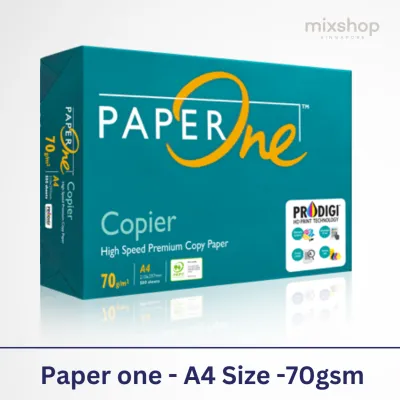


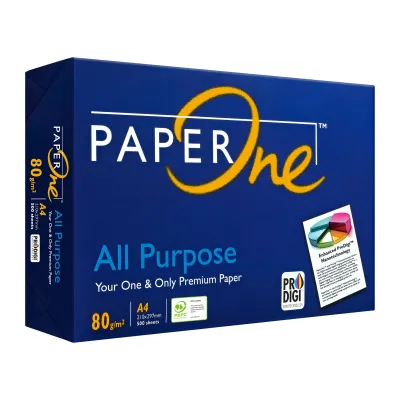
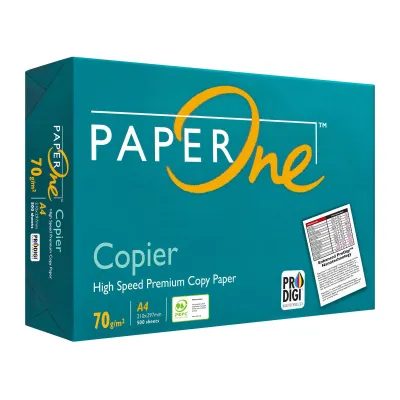
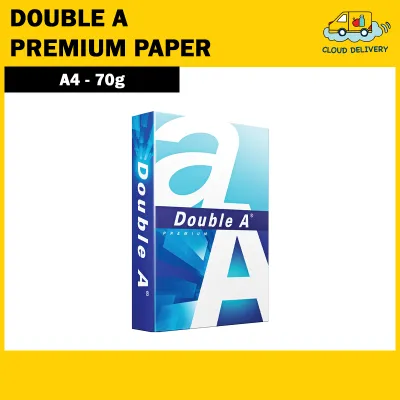
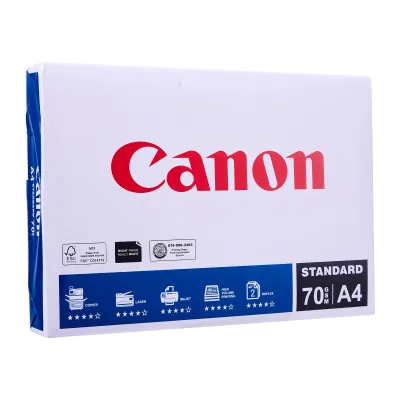
Prices are valid at publication and may change. Please refer to the product page for the latest price.
It is also vital to separate paper weight from brightness, whiteness, and opacity. Brightness and whiteness refer to how light reflects off the paper surface, affecting color vibrancy. Opacity, however, is closely tied to weight. A high-brightness 70gsm paper will still be relatively translucent, meaning that text from the reverse side will easily show through. Buying premium, high-brightness paper in a lightweight 70gsm format will not solve show-through issues if you plan to print double-sided documents; for that, you need the physical density provided by a higher GSM.
70gsm vs 80gsm vs Heavier Weights: Practical Differences
The physical difference between weight classes of A4 paper becomes immediately apparent when you handle the sheets or watch them feed through an office printer. The jump between standard weight tiers affects how the paper behaves under printer heat, how it absorbs ink, and the tactile impression it leaves on whoever holds the document.

70gsm: Best for High-Volume Drafts and Internal Use
At 70gsm, A4 paper feels noticeably light, flexible, and thin. It has a lower opacity compared to heavier sheets, making it highly susceptible to show-through, where text printed on one side is visible from the other side. Consequently, 70gsm paper is best reserved for single-sided printing where aesthetic presentation is secondary to utility.
This weight is the ideal choice for high-volume, black-and-white print jobs. In busy office environments, 70gsm paper is commonly used for rough drafts, internal memos, standard worksheets, and archival copies. Using 70gsm paper for these tasks reduces physical bulk in filing cabinets and lowers overall paper costs. However, avoid using it for double-sided printing, heavy color graphics, or documents containing large blocks of solid ink, as the ink or toner will saturate the thin fibers and cause the paper to warp or bleed.
80gsm: The Reliable Standard for Double-Sided and Professional Printing
At 80gsm, you reach the industry standard for everyday office and home printing. This weight offers a balanced compromise between physical thickness, opacity, and cost-effectiveness. It provides a noticeable upgrade in stiffness and tear resistance compared to 70gsm, making it resilient enough to pass through high-speed office copiers and dual-sided duplex printers without tearing or curling.
For most professional environments in Singapore, 80gsm is the expected baseline for external correspondence, client-facing reports, and standard business documentation. It offers sufficient opacity to prevent distracting show-through during double-sided printing, ensuring that text remains legible on both sides of the page. Whether you are printing standard office invoices, meeting agendas, or multi-page contracts, 80gsm paper delivers a clean, professional look and feel that commands respect without inflating your stationery budget.
100gsm and Above: Premium Choices for Certificates and Presentations
Once you cross the threshold into 100gsm, 120gsm, and heavier weights, you enter the realm of premium specialty papers. These sheets have a distinct tactile rigidity, a smooth finish, and near-total opacity. When you hold a sheet of 100gsm or 120gsm paper, it does not droop or bend easily under its own weight, conveying an immediate sense of quality and prestige.
These heavier weights are specifically designed for documents that need to make a lasting impression or withstand frequent handling. Typical use cases include professional resumes, legal contracts, formal proposals, marketing brochures, and certificates of achievement. The dense fiber structure of 100gsm+ paper handles heavy ink saturation exceptionally well, making it the perfect medium for high-resolution color graphics and detailed charts printed on inkjet or laser systems. However, because of this extreme rigidity, these papers do not bend easily, requiring careful handling and specific feed settings on standard office printers to avoid mechanical issues.
How to Match Paper Weight to Your Printing Tasks
Selecting the ideal paper weight requires balancing document needs against costs and physical storage. Instead of relying on vague marketing terms like “premium” or “executive grade,” base your purchasing decisions on the specific demands of your printing tasks.
For everyday archiving, internal drafting, and high-volume reference printing, 70gsm paper is the most sensible choice. It is highly cost-effective and takes up less physical storage space. Additionally, for large-batch physical mailings, opting for 70gsm paper can marginally reduce the total weight of each envelope, lowering postage fees.
For client-facing documents, double-sided manuals, standard business reports, and daily office correspondence, 80gsm paper is the undisputed standard. It ensures that double-sided prints remain readable and professional while feeding reliably through standard printing hardware. Avoid buying expensive, highly polished 70gsm paper for these tasks; no matter how smooth a 70gsm sheet is, it cannot match the natural opacity and professional stiffness of a standard 80gsm sheet.
For prestige documents, heavy color graphics, certificates, and archival-quality records, invest in 100gsm or 120gsm paper. These weights prevent any trace of ink show-through and provide the physical durability required for documents that will be handled repeatedly or framed.
Checking Printer Compatibility Before Buying Heavier Paper
Before purchasing heavyweight paper, such as 100gsm, 120gsm, or heavier cardstock, verify your printer’s physical limitations. Every printer model, whether a compact home inkjet or a large office laser printer, has a maximum supported paper weight limit. This specification is typically listed in the user manual or online product datasheet under “supported media weights.”
Feeding paper that exceeds this maximum GSM limit can lead to immediate and long-term hardware issues. The most common problem is frequent paper jams, as stiff paper cannot navigate the tight curves of standard internal paper paths. Over time, forcing heavy paper through standard rollers accelerates wear on feed rollers and drive gears. In laser printers, heavy paper absorbs more heat, which can result in poor toner fusing, causing the print to smudge or flake. In inkjet printers, stiff paper can cause head strikes or ink smudging if the print head contacts the thick sheet.
To print safely on heavier paper, check your printer’s settings and physical feed options. If your printer supports heavier media, use the dedicated manual feed tray or bypass tray rather than the standard bottom paper cassette. These manual trays feature a straight-through paper path that allows the rigid sheet to pass directly through the printing mechanism without bending sharply, preventing damage to your equipment.
Frequently Asked Questions (FAQ)
Does higher GSM always mean the paper is thicker?
While higher GSM paper is generally thicker, the two terms are not identical. GSM measures the weight of the paper per square meter, whereas physical thickness is measured in microns or caliper. Manufacturing processes like calendering compress the paper fibers to create a smoother, denser sheet. Consequently, a highly calendered 80gsm paper can actually feel thinner than a bulkier, less compressed 70gsm sheet, even though the 80gsm paper remains heavier and more opaque.
Will using 70gsm paper damage my printer?
Using 70gsm paper is completely safe for almost all modern home and office printers. Most standard printing equipment is engineered to handle weights ranging from 60gsm to 90gsm through standard paper trays. The primary risks of printer damage or severe jams do not come from using lightweight 70gsm paper, but rather from using paper that exceeds the maximum supported weight limit, or using low-quality paper that sheds excessive paper dust and has poorly cut, uneven edges.
Community discussion
Share your experience or ask a question. Comments are reviewed before publication.