
Choosing between a thermal and cold laminator machine depends entirely on the materials you need to protect and how often you will use the device. Thermal lamination uses heat to melt adhesive for a permanent, durable seal, making it ideal for standard paper and high-traffic documents. Cold lamination relies on pressure-sensitive adhesives, which is the only safe choice for heat-sensitive items like thermal receipts, fresh inkjet prints, or delicate materials. This guide breaks down the mechanics, ideal use cases, and practical decision factors to help you select the right equipment for your specific needs.
How Thermal and Cold Lamination Actually Work
To make an informed decision, it is essential to understand the mechanical differences between these two lamination methods. Thermal laminator machines utilize built-in heating elements, such as heated rollers or plates, to melt a solid adhesive layer coated on the inside of the laminating pouch or film. As the document passes through the machine, the heat liquefies this adhesive, allowing it to penetrate the paper fibers. Once the laminated document exits the machine and cools down, the adhesive solidifies again, creating a rigid, permanent, and durable bond that is highly resistant to moisture and wear.
In contrast, cold laminator machines do not use heat at all. Instead, they rely on pressure-sensitive adhesives and physical force to seal the document. The laminating film used in cold processes features a sticky adhesive backing that is protected by a removable release liner. When you feed the document and the film through the cold laminator, high-pressure rollers squeeze the layers together. This intense pressure activates the adhesive, forcing it to bond tightly with the surface of the document. Because no heat is involved, this process is entirely mechanical and chemical, relying solely on the physical contact and pressure applied by the rollers.
Products mentioned in this guide
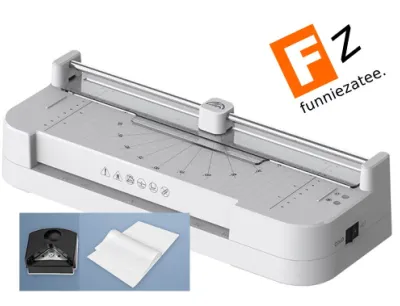
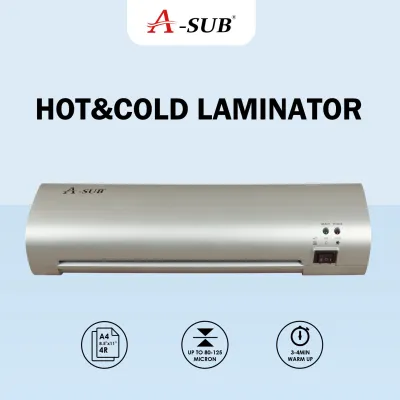
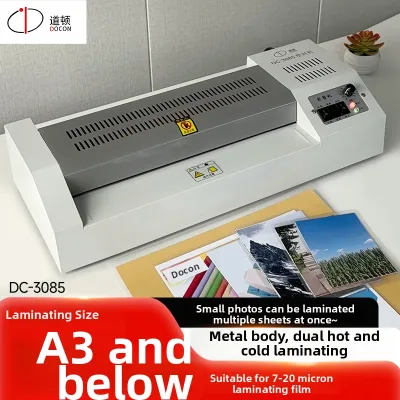
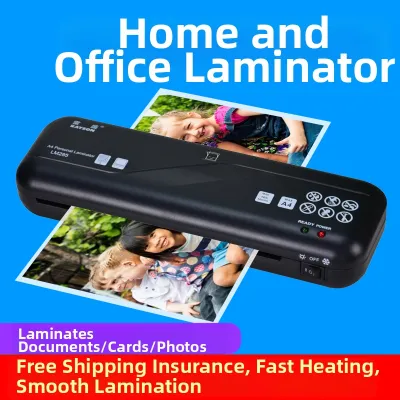
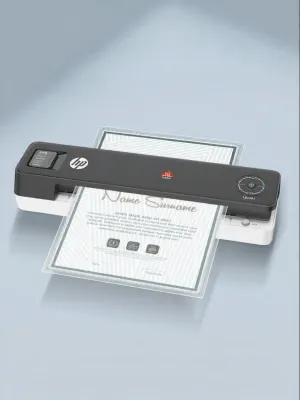
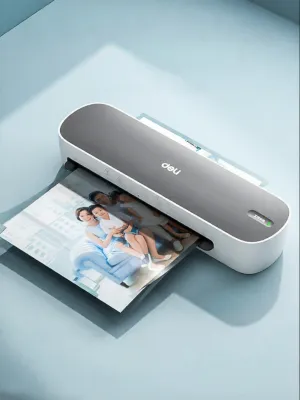
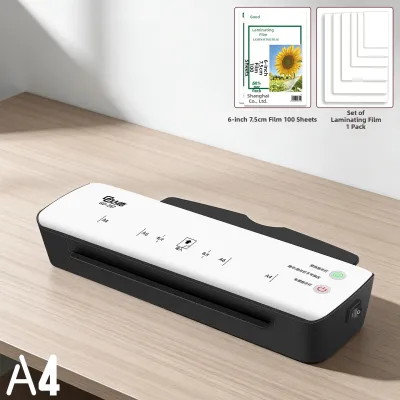
Prices are valid at publication and may change. Please refer to the product page for the latest price.
These differing mechanisms directly affect the final sealed edge, clarity, and material stress of your laminated items. Thermal lamination typically produces a highly secure, completely sealed edge because the melted plastic flows slightly around the borders of the paper, fusing the top and bottom sheets of film together into a single unit. However, the intense heat can cause significant thermal stress, leading to warping, curling, or color shifting in sensitive materials. Cold lamination preserves the flat, original state of the document without any risk of heat damage, but the edge seal depends entirely on the tackiness of the adhesive and the precision of the roller pressure. If the rollers do not apply uniform pressure, or if the document is too thick, the edges of a cold-laminated item may eventually lift or peel over time.
Best Use Cases for Thermal Laminator Machines
Thermal laminator machines are the industry standard for high-durability applications and standard paper documents. The most suitable materials for thermal lamination include standard copy paper, heavy cardstock, printed photographs, and ID cards. These materials possess the structural integrity to withstand high temperatures without warping, melting, or discoloring. Cardstock and standard paper are particularly well-suited because their porous surfaces easily absorb the melted adhesive, resulting in an incredibly strong, permanent bond that cannot be easily peeled apart.

The primary benefit of thermal lamination is its enhanced durability, making it the ideal choice for items that will experience frequent handling or exposure to harsh environments. For example, restaurant menus, classroom flashcards, instructional reference guides, and outdoor signage benefit immensely from the rigid, water-resistant barrier created by heat sealing. The melted plastic completely seals the edges, preventing water, dirt, grease, and finger oils from penetrating the paper fibers. This ensures that frequently handled documents remain clean, legible, and intact for years.
However, thermal lamination comes with strict exclusions and risks that you must carefully observe. You should never attempt to thermally laminate heat-sensitive items, such as thermal receipts, carbonless copy invoices, or certain types of fax paper. The heat from the rollers will cause these materials to turn completely black, rendering the text entirely illegible. Additionally, fresh inkjet prints with wet ink, wax-based crayon drawings, and delicate plastics or vinyls can melt, smear, or warp under high temperatures. Always verify the ink type and material composition of your document before running it through a thermal machine to prevent irreversible damage.
Best Use Cases for Cold Laminator Machines
Cold laminator machines serve as the essential alternative when you need to protect delicate, heat-sensitive, or freshly printed materials. The ideal candidates for cold lamination include thermal receipts, carbonless invoices, fresh inkjet prints, delicate fabrics, metallic foils, and glossy photographs that might bubble or discolor under heat. Because the process relies entirely on pressure, there is no risk of altering the chemical composition of heat-sensitive inks or melting delicate synthetic fibers.
One of the greatest practical advantages of cold lamination is user safety and convenience. Because these machines do not feature heating elements, they require absolutely zero warm-up time. You can turn the machine on—or simply use a manual hand-crank model—and begin laminating immediately, saving valuable time and electricity. The absence of heat also eliminates the risk of accidental burns, making cold laminators an excellent choice for environments where safety is paramount, such as primary school classrooms, busy shared workspaces, or homes with young children.
Despite these benefits, cold lamination involves several trade-offs that you must verify before purchasing. Cold laminating consumables, including pouches and rolls, generally carry a higher price point than thermal alternatives due to the specialized pressure-sensitive adhesive chemistry. Additionally, because the bond relies on pressure rather than melted plastic, the edges of cold-laminated items can sometimes experience lifting over time, especially if the document is thick or if the rollers do not apply uniform pressure. Users must manually verify that the machine’s roller pressure is properly calibrated for the specific thickness of the cardstock or board being laminated.
How to Decide: A Practical Checklist for Your Documents
To determine which laminator machine most closely fits your workflow, start with a thorough document material audit. Examine the items you plan to laminate most frequently. If your primary goal is to preserve standard office documents, classroom worksheets, or heavy cardstock signs, a thermal laminator is the most efficient choice. However, if your projects involve thermal receipts, delicate artwork, or fresh inkjet prints, a cold laminator is a necessity. If you are ever unsure about how a material will react to heat, perform a small test on a scrap piece of the same material or default to cold lamination to avoid ruining an irreplaceable document.
Next, consider your expected volume and frequency of use. If you laminate hundreds of standard pages on a weekly basis, a thermal laminator is highly cost-effective because thermal pouches are widely available and inexpensive. For occasional use on a diverse range of delicate materials, a cold laminator or a dual-mode machine—which offers both thermal and cold settings—provides the greatest versatility. Dual-mode machines allow you to switch between heat-based lamination for standard documents and pressure-based lamination for sensitive items, though you must allow the machine to cool down completely before switching to the cold mode.
Operational constraints should also influence your decision. Think about your physical workspace, preparation time, and tolerance for noise or heat. Thermal laminators require several minutes to reach their operating temperature and must be allowed to cool down completely before they can be safely stored. They also generate a small amount of heat and mild odors as the adhesive melts, which may require a well-ventilated space. Cold laminators, on the other hand, are completely silent, produce no heat or fumes, and are ready to use instantly, making them highly convenient for quick, spontaneous projects.
Finally, verify consumable compatibility and long-term availability before making a purchase. Check the entry width of the machine to ensure it can accommodate your standard document sizes, such as A4 or A3. Review the manufacturer’s specifications for maximum pouch thickness, which is typically measured in microns (such as 80 to 250 microns). Ensure that the specific brand of laminator you choose does not lock you into proprietary pouches, and that generic, budget-friendly consumables are readily available and compatible with your selected machine.
Comparing Thermal and Cold Lamination Features
To help you quickly compare the core differences between these two lamination technologies, refer to the summary table below. This comparison highlights the key operational factors, ideal materials, and typical user profiles for each method.
| Feature | Thermal Lamination | Cold Lamination |
|---|---|---|
| Mechanism | Heat-activated adhesive melting and roller pressure | Pressure-sensitive adhesive bonding without heat |
| Ideal Documents | Standard paper, cardstock, photos, ID cards | Thermal receipts, fresh inkjet prints, delicate foils |
| Documents to Avoid | Thermal receipts, wet inks, wax crayons, thin vinyl | Very thick boards exceeding roller pressure limits |
| Consumable Cost | Generally lower and widely available | Generally higher due to adhesive chemistry |
| Warm-up Time | Typically 3 to 5 minutes | Zero (instant use) |
| Typical User | Teachers, office administrators, high-volume users | Artists, archivists, occasional home crafters |
Note: Specific thickness capacities, maximum document widths, and roller pressure limits must always be verified against individual manufacturer specifications before attempting to laminate non-standard materials.
Frequently Asked Questions (FAQ)
Can I use cold laminating pouches in a thermal laminator machine?
No, you should never use cold laminating pouches in a thermal laminator machine while the heating element is active. Cold laminating pouches use pressure-sensitive adhesives that are designed to bond under physical force, not heat. If you subject these pouches to the high temperatures of a thermal laminator, the adhesive will melt excessively, liquefy, and run out of the pouch. This sticky residue can coat the internal rollers, causing the machine to jam, emit smoke, or suffer permanent mechanical damage. Always check the packaging labels carefully to ensure your pouches match the operating mode of your machine.
How do I prevent bubbles or wrinkles when laminating?
To prevent bubbles, wrinkles, or silvering defects, always ensure your document is completely clean, dry, and free of dust or oils before laminating. If you are laminating a fresh print, allow the ink to dry completely for several hours to prevent moisture from evaporating and trapping gas bubbles under the film. When feeding the document into the machine, always insert the sealed edge of the pouch first; inserting the open end first traps air inside and causes severe wrinkling. If your machine allows, adjust the temperature or speed settings to match the exact micron thickness of your pouch, as overheating is a common cause of bubbling in thermal lamination.
Is it cheaper to buy a laminator or use a professional service?
Deciding whether to purchase a laminator or outsource your projects depends on your lamination frequency and volume. If you only need to laminate a few documents per year, using a local print shop or office supply store is highly convenient and avoids the upfront cost of purchasing hardware and storing consumables. However, if you laminate documents on a monthly or weekly basis, buying a budget-friendly home or office laminator is significantly more economical. To find your personal break-even point, compare the retail price of a laminator and a pack of pouches against the per-page service fees charged by local print shops.
Community discussion
Share your experience or ask a question. Comments are reviewed before publication.