
Choosing the right label sticker system depends on your specific labeling environment, frequency of use, and durability requirements. Nimbot offers highly portable, app-driven convenience for casual home, school, and light retail organization. Brother excels in heavy-duty, industrial, and high-volume office environments where extreme durability and physical keyboards are required. Dymo strikes a balance, serving retail, shipping, and administrative tasks with robust desktop and handheld options. By evaluating how each brand handles print technology, software integration, and consumable costs, you can select an ecosystem that fits your workflow without incurring unnecessary long-term expenses.
Core Differences in Label Maker Ecosystems
Every label maker brand designs its ecosystem around a specific type of user. Understanding these design philosophies helps you narrow down your choices before looking at individual model specifications.
Nimbot focuses heavily on the modern, mobile-first consumer. Their devices are typically compact, rechargeable, and completely dependent on a smartphone or tablet connection. This makes them highly suitable for quick, on-the-go labeling tasks like organizing home pantries, labeling school supplies, or pricing small retail items. The hardware is designed to be lightweight and visually appealing, prioritizing portability over ruggedness.
Products mentioned in this guide
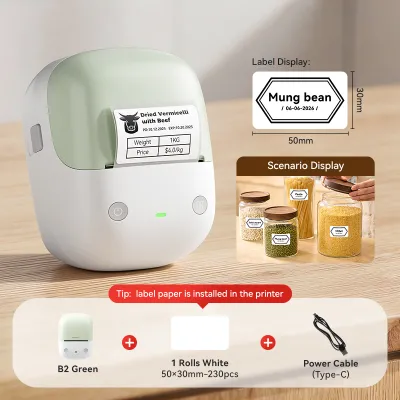
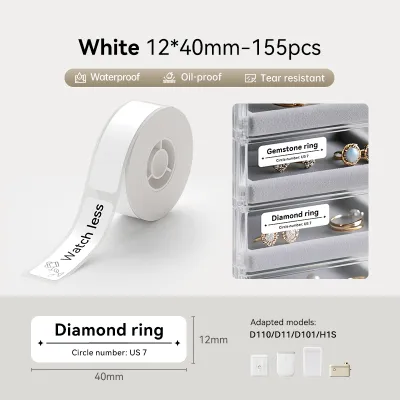
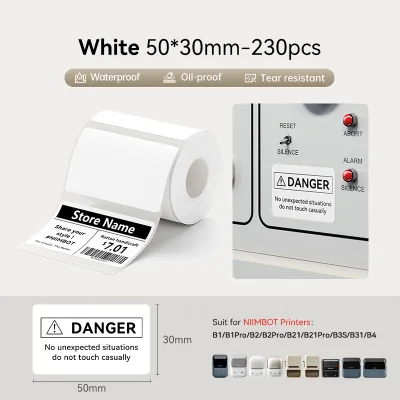
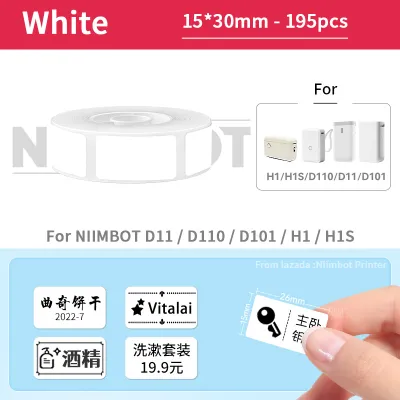
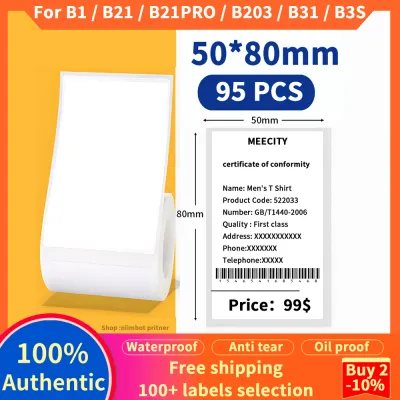
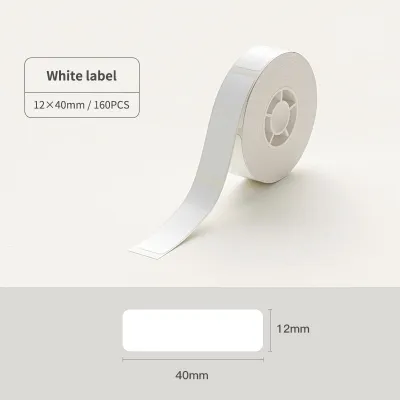
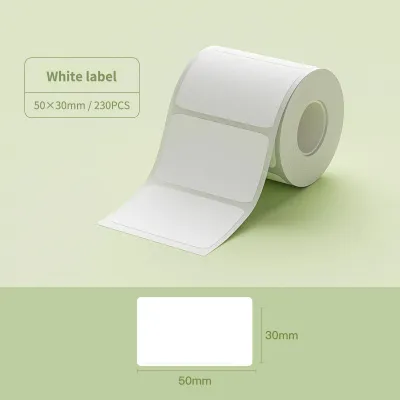
Prices are valid at publication and may change. Please refer to the product page for the latest price.
Brother, conversely, built its reputation on industrial-grade reliability and versatile office solutions. Their product lineup ranges from simple handheld labelers with physical keyboards to advanced desktop units that connect to local networks. Brother systems are engineered for high-volume printing, physical durability, and long-term architectural or industrial marking. They are a staple in warehouses, server rooms, and professional offices where labels must survive harsh conditions.
Dymo occupies a middle ground, offering a diverse portfolio that caters to both home users and professional shipping departments. While they produce compact handheld labelers, they are highly regarded for their desktop address and shipping label printers. Dymo systems are designed to streamline administrative workflows, making them a preferred choice for retail mailing, file folder organization, and warehouse dispatching.
To help you visualize how these ecosystems compare, the table below outlines the primary characteristics of each brand:
| Brand | Typical Use Cases | Primary Print Technology | Standard Label Widths |
|---|---|---|---|
| Nimbot | Home organization, personal desk labeling, light retail pricing | Direct Thermal | 12 mm to 50 mm (varies by model) |
| Brother | Industrial marking, cable wrapping, high-volume office archiving | Thermal Transfer & Direct Thermal | 3.5 mm to 36 mm (varies by model) |
| Dymo | Shipping, retail pricing, office filing, mailing | Direct Thermal & Thermal Transfer | 6 mm to 104 mm (varies by model) |
Before purchasing any hardware, you should identify your primary workflow. If you plan to label items occasionally around the house, a compact, app-driven system is highly efficient. If you need to print hundreds of shipping labels daily or mark outdoor piping, you will require a system built for high-volume output or extreme environmental resistance.
Print Technology and Label Longevity
The technology used to apply text to a label directly impacts how long that label remains legible. Label makers generally utilize either direct thermal printing or thermal transfer printing. Understanding the difference is crucial for matching your labels to their intended environment.

Direct thermal printing uses heat-sensitive paper that darkens when it passes over the heated print head. This technology eliminates the need for ink or toner, making the printers highly compact and easy to maintain. However, direct thermal labels are sensitive to heat, ultraviolet (UV) light, and friction. Over time, exposure to sunlight or high temperatures will cause the entire label to darken or the text to fade. Most Nimbot models and standard desktop shipping printers use direct thermal technology, making them ideal for indoor, short-to-medium-term applications.
Thermal transfer printing uses a heated ribbon to melt ink onto the label material. This process creates a highly durable bond that resists fading, moisture, and chemical exposure. Brother utilizes this technology in their laminated TZe tape series, which sandwiches the printed text between two protective layers of polyester film. If your labels will be exposed to outdoor weather, kitchen dishwashers, chemical cleaners, or heavy abrasion, thermal transfer technology is highly recommended.
When evaluating labels, always check the manufacturer’s specifications for environmental resistance. Look for explicit details regarding water resistance, UV protection, and temperature limits. Additionally, pay close attention to adhesive types. Standard adhesives work well on flat, clean plastic or paper surfaces. If you are labeling textured plastics, powder-coated metals, or curved cables, verify if the brand offers specialized strong-adhesive or flexible-ID tape options in their consumable catalog.
Software, Connectivity, and Design Tools
A label maker is only as useful as the software used to design the labels. The ease of creating, customizing, and printing labels varies significantly across these three ecosystems.
Nimbot relies almost exclusively on its mobile companion application. The app is designed for rapid, creative customization, offering a wide array of fonts, icons, borders, and pre-designed templates. Users who prefer designing on a smartphone will find the interface intuitive. Before buying, check the app store feature lists for advanced capabilities such as automatic barcode generation, image-to-text import, and batch printing from Excel files, as these features can save hours of manual entry.
Brother and Dymo offer a more hybrid software experience. While both brands have developed mobile apps for their Bluetooth-enabled models, they also provide robust desktop software for Windows and macOS. Desktop programs like Brother P-touch Editor allow for precise layout control, database linking, and integration with office software suites. This makes them far superior for complex administrative tasks, such as printing sequential asset tags or importing large address lists for mailing.
Connectivity options should also align with your workspace. Bluetooth is excellent for quick, wireless printing from a phone or tablet within a short range. If you plan to share a label printer among multiple office workstations, look for models that support Wi-Fi connectivity or local area network (LAN) ports. Always verify operating system compatibility on the official product pages to ensure the hardware supports your specific computer or mobile device version.
Consumable Availability and Long-Term Costs
The initial purchase price of a label maker is only a fraction of the total cost of ownership. The ongoing expense of purchasing label refills can quickly surpass the cost of the hardware itself.
Many modern label makers utilize cartridge lock-in mechanisms. Some brands design their printers to accept only proprietary cassettes that contain both the label material and, in some cases, the ink ribbon. Furthermore, several newer models feature radio-frequency identification (RFID) chips or physical notches on the cartridges. These sensors allow the printer to automatically detect the label size and material, but they also prevent the machine from operating if a third-party or non-authorized label roll is inserted. Before choosing a system, research whether the hardware requires proprietary consumables or if it features an open-slot design that accepts generic rolls.
Hardware flexibility is another critical cost factor. Every printer has physical limitations regarding the minimum and maximum label widths it can support. A compact pocket labeler might only support tapes up to 15 mm wide, which is insufficient for shipping addresses or detailed warning signs. Ensure the hardware you select can accommodate the widest label you anticipate needing for future projects.
Finally, consider local availability. Before committing to an ecosystem, confirm the stock status and pricing of specific label refills at authorized stationery suppliers or online marketplaces in Singapore. Opting for a brand with widely distributed consumables ensures you can easily source replacement rolls in local currency (S$) without facing long shipping delays or high import fees when a project is underway.
Decision Framework: Which System Should You Choose?
To make your final decision, match your verified workflow requirements against the strengths of each brand’s ecosystem.
Choose Nimbot if:
- Portability is your priority: You need a lightweight, rechargeable device that fits easily into a drawer or bag.
- You prefer mobile design: You want to design labels quickly using a smartphone app with creative fonts, icons, and pre-made templates.
- Your tasks are light-duty: You are organizing home storage, labeling personal belongings, or managing small-scale retail pricing where labels will not face extreme environmental stress.
Choose Brother if:
- Durability is non-negotiable: You require labels that can withstand outdoor exposure, extreme temperatures, industrial chemicals, or frequent washing.
- You need versatile physical options: You prefer a standalone device with a physical keyboard so you do not have to rely on a smartphone or computer connection.
- You manage complex infrastructure: You need specialized materials like heat-shrink tubing for wire identification or flexible tapes for wrapping cables.
Choose Dymo if:
- You run a shipping or mailing operation: You need a high-speed desktop printer dedicated to producing standard shipping labels, address labels, and postage.
- You require office administrative labeling: You want a reliable system for organizing physical files, binders, and office assets using a computer-based design interface.
- You want a balance of consumer and professional features: You need straightforward, reliable hardware that bridges the gap between simple home labeling and professional business administration.
Before finalizing your purchase, always check the specialty consumable catalog of your chosen brand. If your workflow requires highly specialized materials—such as tamper-evident security tape, iron-on fabric labels, or magnetic tapes—verify that these specific materials are compatible with the exact printer model you plan to buy.
Frequently Asked Questions (FAQ)
Can I use third-party label rolls in Nimbot, Brother, or Dymo printers?
Compatibility depends entirely on the specific printer model and its cartridge design. Many modern label makers utilize proprietary cassettes or rolls equipped with RFID chips or physical sensors that detect genuine manufacturer consumables. If you attempt to use a third-party roll in an RFID-locked printer, the device may refuse to print. For open-slot printers that do accept generic thermal paper, using low-quality third-party rolls can lead to uneven printing, adhesive residue buildup, or premature print head wear. Always consult the user manual for explicit statements regarding third-party consumable compatibility and warranty terms before purchasing alternative labels.
How do I clean the print head to prevent faded labels?
To maintain clear print quality and prevent faded or streaky labels, regular cleaning of the thermal print head is recommended. First, turn off the label maker and disconnect it from any power source or remove the batteries. Open the cartridge compartment to expose the print head, which is typically a small, dark metal strip near the paper feed path. Gently wipe the print head using a dedicated thermal print head cleaning pen or a lint-free microfiber cloth lightly dampened with isopropyl alcohol, strictly following the instructions in your user manual. Never use abrasive materials, metal tools, or sharp objects to scrape the print head, and avoid applying excessive liquid, as this can permanently damage the delicate heating elements.

Community discussion
Share your experience or ask a question. Comments are reviewed before publication.