
Quick Answer: Which Label Maker Type Fits Your Pricing Needs?
The ideal label maker for printing pricing stickers depends on your daily inventory volume, the environment where your products are sold, and your budget. For small-scale boutique owners, home crafters, or pop-up market vendors in Singapore, a portable handheld label maker using direct thermal technology is often the most practical choice. These compact devices allow you to print small batches of pricing stickers on the spot without needing a computer connection.
Conversely, high-volume retail operations, warehouse setups, or businesses managing extensive inventories require desktop thermal transfer or high-capacity direct thermal printers. These systems handle continuous rolls of labels, print at much higher speeds, and integrate directly with point-of-sale (POS) systems. When comparing brands, the hardware itself is only one part of the equation; you must prioritize the availability of compatible consumables in your local market and the usability of the brand’s design software, as these factors dictate your long-term operational costs and daily efficiency.
Core Features to Compare Across Label Maker Brands
To find the right brand ecosystem for your business, you must evaluate how the machines connect to your existing workflow. Modern label makers offer several connectivity options, including USB, Wi-Fi, and Bluetooth. Bluetooth-enabled models are highly convenient for mobile operations, allowing you to design and print pricing stickers directly from a smartphone or tablet during stocktakes on the retail floor.
Products mentioned in this guide
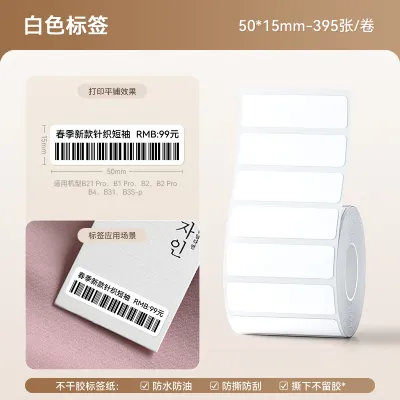
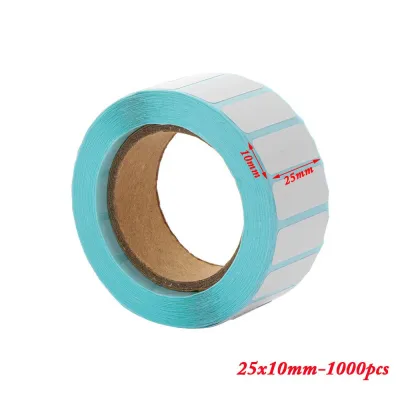
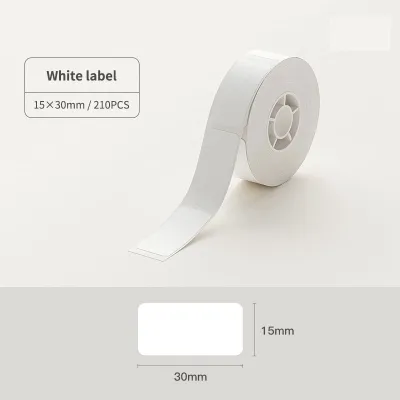
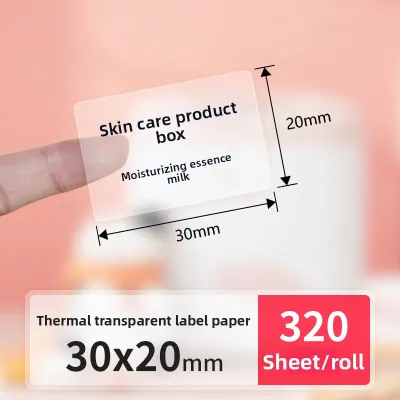
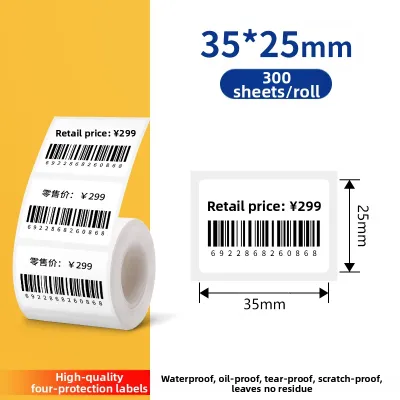
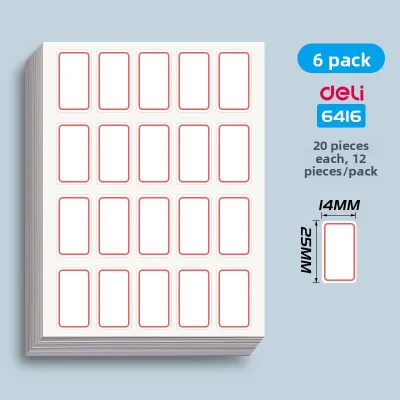
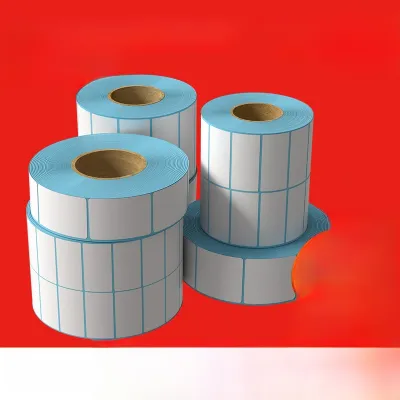
Prices are valid at publication and may change. Please refer to the product page for the latest price.

For back-office setups where a single printer serves multiple staff members, Wi-Fi connectivity is highly beneficial. It allows the printer to remain stationary while receiving print jobs from various computers across your local network. USB connections remain the most stable and reliable option for dedicated, single-station desktop printing, eliminating any potential wireless interference or pairing issues.
The software companion provided by each brand is another critical point of comparison. Some brands offer highly intuitive mobile apps with pre-made templates for pricing stickers, retail tags, and promotional labels. You should verify whether the software supports automatic generation of standardized barcodes (such as EAN-13 or UPC-A) and scannable QR codes, which are essential for modern inventory tracking.
If your business relies on complex inventory management systems or e-commerce platforms, check if the label maker’s software allows for bulk data importing. The ability to upload a CSV or Excel spreadsheet containing product names, SKUs, and prices can save hours of manual typing and prevent costly pricing errors.
Physical design and power sources also vary significantly between brand categories. Handheld models typically run on rechargeable lithium-ion batteries or standard AA batteries, making them highly portable but limited in print speed and roll capacity. Desktop models require a continuous AC power adapter connection but offer the stability needed for heavy-duty batch printing.
Keyboard layouts are another ergonomic consideration. Some portable label makers feature built-in QWERTY or ABC keyboards, allowing for standalone operation without any external device. While convenient for quick, single-label corrections on the shelf, these built-in keyboards can be slow and cumbersome for designing complex layouts compared to a desktop computer or a responsive smartphone screen.
Matching Printer Technology to Your Business Volume
Understanding the underlying printing technology is essential for selecting a machine that matches your product environment. Direct thermal printing is the most common technology used in entry-level and mid-range label makers. This method uses heat-sensitive paper that darkens when it passes under the print head, eliminating the need for ink, toner, or ribbons.
While direct thermal printing keeps operational costs low and maintenance simple, it has distinct limitations. Because the paper is heat-sensitive, the printed pricing stickers can fade, discolor, or turn completely black when exposed to direct sunlight, high temperatures, or friction. This makes direct thermal labels less suitable for outdoor markets, hot display cases, or products that undergo heavy handling.
For maximum durability, thermal transfer printing is the preferred choice. This technology uses a heated print head to melt a wax or resin ribbon onto the label material. The resulting print is highly resistant to fading, moisture, chemicals, and physical abrasion, ensuring your pricing stickers remain legible throughout the product’s shelf life.
Thermal transfer printers are particularly valuable for items stored in humid environments, cold storage, or outdoor display areas. However, they require you to purchase and load both label rolls and matching ink ribbons, which increases the initial setup complexity and requires a slightly higher upfront investment.
Print resolution, measured in dots per inch (DPI), directly impacts the clarity of your pricing stickers. Standard label makers typically offer 203 DPI, which is perfectly adequate for large text and simple, medium-sized barcodes. If you need to print very small price tags, dense barcodes, or intricate brand logos, look for brands that offer 300 DPI or higher to ensure scannability.
Print speed is another metric that separates light-use hobbyist brands from industrial-grade retail systems. High-volume desktop printers can produce dozens of labels per minute, allowing you to label large shipments of incoming stock rapidly. For small boutiques, a slower print speed is a reasonable trade-off for a more compact and affordable machine.
Evaluating Consumables and Pricing Sticker Compatibility
Before committing to a specific brand, you must analyze the ongoing costs and physical limitations of their consumable ecosystems. The maximum label width supported by a machine determines the layout possibilities for your pricing stickers. Small, handheld devices often max out at widths of 12mm or 24mm, which limits you to basic text and simple prices.
If your pricing stickers need to display multiple lines of information—such as the product name, SKU, barcode, price, and country of origin—you will likely need a printer that supports labels up to 50mm or 100mm wide. Ensure the brand you choose offers a wide variety of label widths within their product lineup to accommodate future business growth.
The choice between proprietary cartridges and open-format label rolls is one of the biggest financial decisions you will make. Many consumer-focused brands use proprietary plastic cartridges that house both the label tape and the ink ribbon. While these cartridges are incredibly easy to drop in and swap, they carry a much higher cost per sticker, sometimes exceeding S$0.10 per label.
Commercial and industrial brands typically accept generic, continuous label rolls or die-cut labels from third-party manufacturers. Buying generic labels in bulk can bring your cost per pricing sticker down to less than S$0.01. If you anticipate printing thousands of stickers monthly, choosing an open-format printer will save significant operational capital over time.
Adhesive compatibility is another critical factor that depends on your specific product surfaces. Standard paper labels with permanent adhesive work well on cardboard boxes and paper packaging, but they can leave a sticky, unsightly residue on glass, plastic, or ceramic items when customers try to peel them off.
For high-end gifts, homeware, or books, look for brands that offer high-quality removable or peelable labels that leave no residue behind. If you sell frozen goods, specialty foods, or outdoor plants, you will need to verify that the brand supports synthetic, water-resistant, or freezer-grade label materials that can withstand moisture and extreme temperatures without peeling off.
Pre-Purchase Verification Checklist
To ensure a smooth integration into your business operations, follow this practical checklist before making your final purchase:
- Verify Label Specifications: Identify the exact label material and size you require for your products, and verify that the manufacturer's official specifications explicitly list compatibility with that specific SKU or roll dimension.
- Test the Software: Download the brand's companion mobile app or desktop software from the official app store or manufacturer's website. Most brands allow you to explore the design interface or sign up for a free trial without owning the hardware, giving you a risk-free opportunity to test the layout tools, barcode generation features, and bulk data import capabilities.
- Assess Consumable Availability: Check the availability and pricing of replacement consumables from local office supply stores or reputable online marketplaces in your region. Relying on a niche brand with limited local distribution can lead to costly operational delays if you run out of labels during a busy sales season.
- Confirm Support and Warranty: Review the manufacturer's warranty terms and confirm the presence of local technical support or authorized service centers. Having access to prompt local assistance or quick replacement parts is invaluable if your primary pricing tool experiences a hardware malfunction.
- Measure Workspace Clearance: Measure your physical workspace to ensure the printer's footprint, cable routing, and label loading clearance fit comfortably on your packing desk or retail counter without creating clutter.
Frequently Asked Questions (FAQ)
Can I use a standard office label maker for retail pricing stickers?
While a standard office label maker can print basic text labels, it is generally not ideal for professional retail pricing stickers. Most entry-level office label makers print at a lower resolution, which can cause small barcodes to blur and fail to scan at the point of sale. Additionally, standard office labels often use permanent adhesives that are difficult to remove from delicate retail products, potentially damaging the merchandise or leaving a sticky residue that frustrates customers.
How do I ensure my printed pricing barcodes will scan correctly?
To guarantee reliable barcode scanning, always print with high contrast, preferably using crisp black ink on a solid white background. Avoid scaling or stretching barcode images manually in your design software, as this can distort the precise spacing of the lines; instead, use the software’s built-in barcode generator to maintain the correct aspect ratio. Before labeling your entire inventory, print a small test batch and scan them under various lighting conditions using your actual point-of-sale scanner or a smartphone-based scanning application.

Community discussion
Share your experience or ask a question. Comments are reviewed before publication.