
Selecting the right paper is just as important as choosing the right printer or ink when it comes to achieving high-quality prints. For inkjet printing, paper weight—measured in Grams per Square Meter (GSM)—plays a critical role in how the paper handles liquid ink, resists warping, and feeds through your machine. Choosing the correct GSM ensures your text remains sharp, your colors stay vibrant, and your printer runs smoothly without frustrating paper jams.
Understanding the relationship between paper weight, ink absorption, and printer mechanics allows you to match your media to your specific project. Whether you are printing everyday office drafts, double-sided business reports, or high-resolution gallery photographs, selecting the appropriate grammage is the first step toward professional-grade results.
What GSM Means for Inkjet Paper
GSM stands for Grams per Square Meter, which is the standard metric unit used globally to measure paper density and mass. Specifically, it represents the physical weight of a single sheet of paper measuring exactly one square meter. Because it measures mass rather than physical thickness, GSM provides a reliable way to evaluate how substantial, rigid, or heavy a sheet of paper will feel in your hand.
Products mentioned in this guide
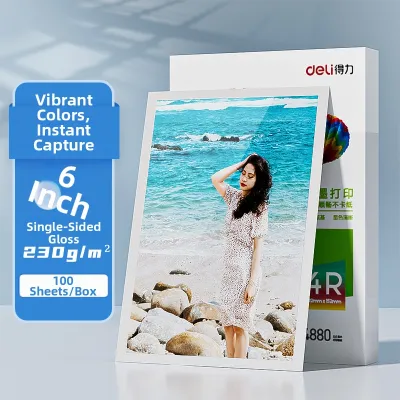
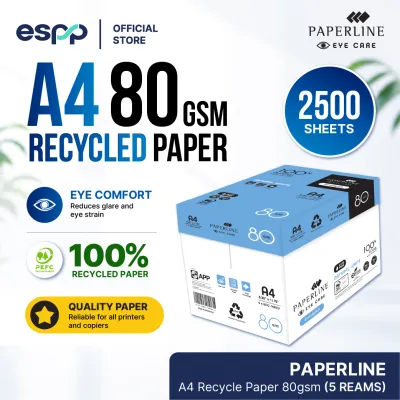
![[Singapore Stock] Bestink High Quality Inkjet Photo Paper 4R 4x 6 Semi Glossy Satin Photo Paper 240gsm 100 sheets](https://img.lazcdn.com/g/p/b2753441a54043a1a6827328f66f2c87.jpg_400x400q80.jpg_.webp)
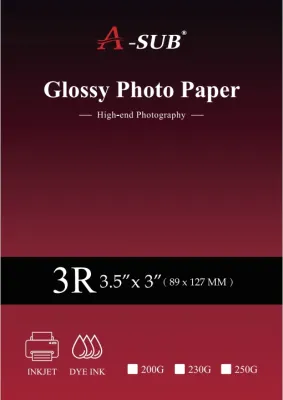

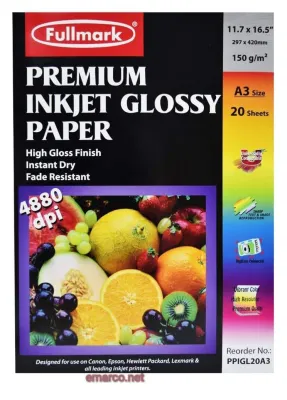
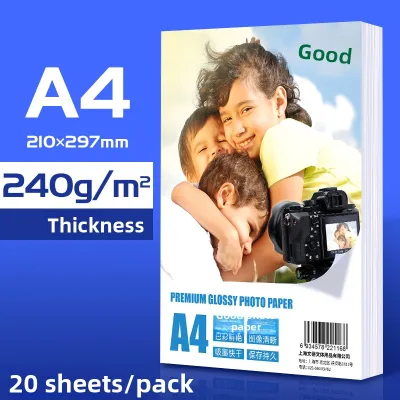
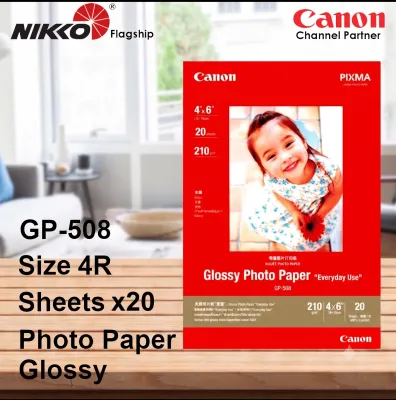
Prices are valid at publication and may change. Please refer to the product page for the latest price.
It is a common misconception that a higher GSM always translates directly to a thicker sheet of paper. In reality, physical thickness—often referred to as caliper—depends heavily on the manufacturing process, the types of fibers used, and how tightly those fibers are compressed. A highly compressed, smooth paper can have a high GSM but feel relatively thin, while a bulkier, textured paper might feel thicker despite having a lower weight.
Standard multipurpose copy paper typically ranges between 70 GSM and 80 GSM, designed primarily for high-speed laser printers and copiers that use dry toner. Specialized inkjet papers, however, are engineered to handle liquid ink and are available in a much wider range of weights. It is important to note that a higher GSM does not automatically guarantee better print quality; without a dedicated inkjet-receptive coating, liquid ink will simply pool or spread on a heavy, uncoated sheet.
How Paper Weight Affects Print Quality and Ink Absorption
Inkjet printers work by spraying microscopic droplets of liquid ink onto the surface of the paper. Because this process introduces moisture to the paper fibers, the weight and structure of the sheet directly influence how the ink behaves. When liquid ink hits a lightweight paper, the moisture causes the wood fibers to expand. If the paper lacks sufficient mass, this expansion leads to uneven warping, curling, or “cockling.”

Lighter papers are also highly susceptible to bleed-through, where ink saturates completely through the sheet, and feathering, where ink spreads laterally along the fibers to create blurry edges. These issues are particularly noticeable in areas of high ink saturation, such as solid color blocks, charts, or photographic elements. When paper warps severely during a print job, it can even rise up and scrape against the moving printhead, causing unsightly ink smudges and potential hardware damage.
Heavier papers provide a much more stable and rigid foundation that can absorb a larger volume of liquid ink without losing structural integrity. This stability keeps the sheet perfectly flat during and after the printing process, which helps maintain precise dot placement and color vibrancy. Furthermore, quality inkjet papers feature specialized chemical coatings that lock the ink pigments near the surface, preventing lateral spreading and ensuring sharp, high-contrast details regardless of the base paper weight.
Matching GSM to Your Printing Tasks
To get the best results from your inkjet printer, you should match the paper weight to the specific requirements of your document or project. Using the wrong weight can lead to poor print quality, wasted ink, or printer feed issues.
Everyday Documents and Drafts (70 GSM to 90 GSM)
This lightweight range is the standard for high-volume, everyday printing. It is highly cost-effective and ideal for text-heavy, single-sided documents such as emails, text drafts, and basic black-and-white copies. Because these sheets are thin, they are prone to show-through and warping under heavy ink loads, making them unsuitable for double-sided printing or colorful graphics.
Presentations, Flyers, and Professional Reports (100 GSM to 150 GSM)
This mid-range weight offers a noticeable step up in quality and professionalism. These papers are dense enough to support double-sided (duplex) printing with minimal show-through, making them excellent for business proposals, newsletters, and color presentations. They handle moderate ink coverage well, maintaining their flatness and providing a smooth, substantial feel in hand.
Photographs, Fine Art, and Heavy Brochures (170 GSM to 300+ GSM)
Heavyweight papers are designed for maximum ink load capacity, durability, and premium presentation. This category includes professional photo papers, cardstocks, and fine art media. These thick sheets can handle dense layers of color ink without warping or bleeding, making them the standard choice for archival prints, portfolio displays, greeting cards, and high-resolution photography.
Checking Printer Compatibility and Paper Handling
Before purchasing heavyweight inkjet paper, you must verify that your printer can physically handle the thickness and rigidity of the sheets. Every printer has specific mechanical limits regarding the maximum paper weight it can feed without jamming or causing internal wear.
Always consult your printer’s manual or the manufacturer’s specification sheet to find the maximum supported GSM. Standard home office printers often cap their paper weight compatibility around 220 GSM, while specialized photo and professional art printers can often accommodate media up to 300 GSM or higher. Attempting to feed paper that exceeds your printer’s limit can damage the feed rollers or cause severe internal paper jams.
Pay close attention to your printer’s paper feed path. Printers with bottom-loading paper cassettes require the sheet to make a sharp U-turn as it travels through the printing mechanism, which can easily cause stiff, heavyweight papers to get stuck. For thick or rigid media, always use the rear-feed slot or manual bypass tray if your printer has one, as this provides a much straighter path that minimizes bending.
Finally, remember to adjust your printer’s software settings before sending a job to print. In your computer’s print dialog box, select the media type that matches your paper (such as “Heavyweight Matte” or “Ultra Glossy Photo”). This setting tells the printer to adjust the height of the printhead to accommodate the thicker paper, slow down the feed rate to allow proper drying time, and optimize the ink volume for the best possible output.
Frequently Asked Questions (FAQ)
Can I use standard heavyweight copy paper in my inkjet printer?
While standard heavyweight copy paper or laser paper (such as a 120 GSM sheet) will physically feed through your inkjet printer, it may not produce high-quality results. Standard copy papers lack the specialized, microscopic inkjet-receptive coating required to quickly absorb and lock down liquid ink. Without this coating, the ink is likely to pool on the surface, dry very slowly, smudge easily, and feather along the paper fibers, resulting in fuzzy text and dull, washed-out colors. For the best results, always look for paper explicitly labeled as inkjet-compatible.
Does a higher GSM always mean the paper is thicker?
No, a higher GSM does not guarantee a thicker sheet of paper. GSM measures the mass of the paper per unit area, whereas thickness (caliper) is a measure of the physical distance between the two surfaces of the sheet. The manufacturing process plays a major role here; for example, a highly compressed, smooth, and glossy 200 GSM photo paper may actually feel thinner and more flexible than a highly textured, low-density 200 GSM matte fine art paper. When selecting paper, consider both the GSM for weight and the manufacturer’s description of the paper’s texture and stiffness.

Community discussion
Share your experience or ask a question. Comments are reviewed before publication.