
Your transit card is much more than a convenient ticket for Singapore’s MRT trains and public buses. It also functions as a highly versatile, contactless stored-value card accepted at thousands of retail outlets, dining establishments, and service points across Singapore. By understanding how to navigate retail terminals, verify your card status, and manage your balance, you can turn your daily transit companion into a seamless payment tool for your everyday errands.
Using this card for retail purchases helps streamline your wallet, reducing the need to carry physical cash or multiple payment cards for small-value transactions. Whether you are grabbing a quick breakfast, purchasing groceries, or buying a cold drink from a vending machine, a simple tap can complete your transaction in seconds. Knowing where and how to use your card effectively ensures a smooth checkout experience every time.
Where You Can Use Your EZ-Link Card for Daily Purchases
Retail acceptance for the card is widespread across Singapore, making it highly practical for quick, everyday transactions. Major convenience store chains, including 7-Eleven and Cheers, are fully equipped with compatible terminals, allowing you to pay for snacks, drinks, and emergency personal care items instantly. These high-traffic environments are optimized for fast contactless payments, making your checkout process incredibly swift.
Products mentioned in this guide
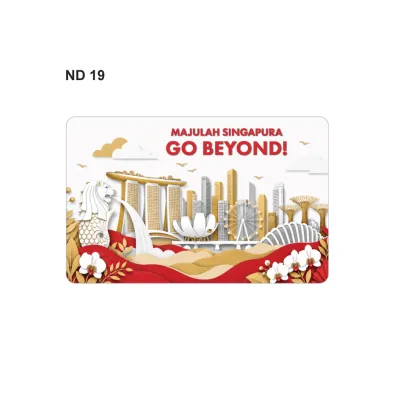
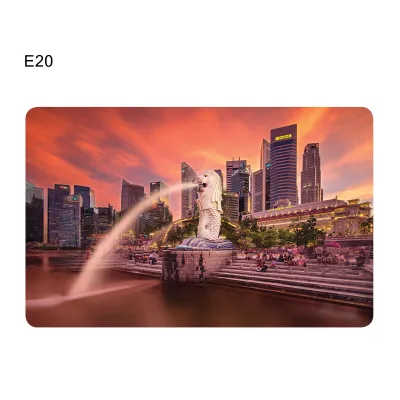
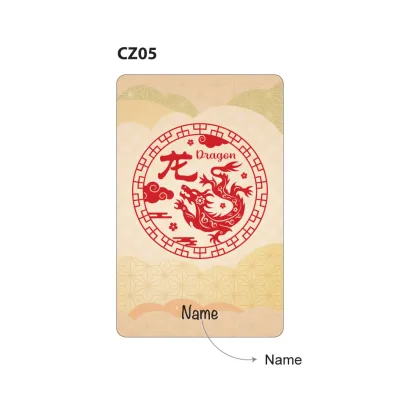
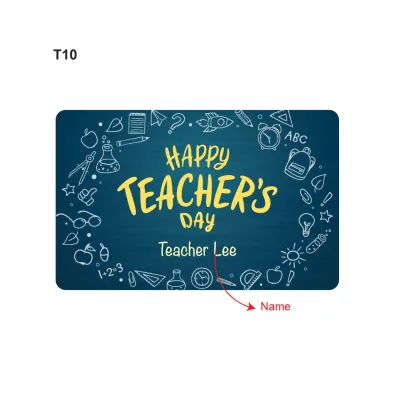
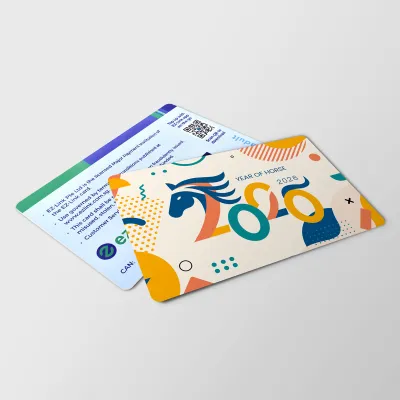
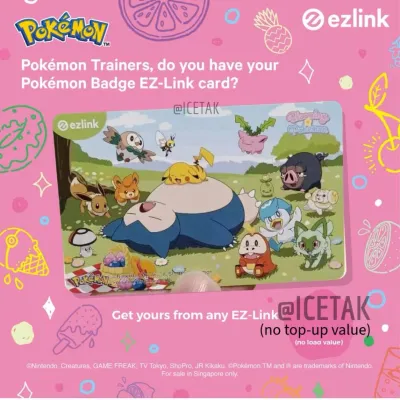
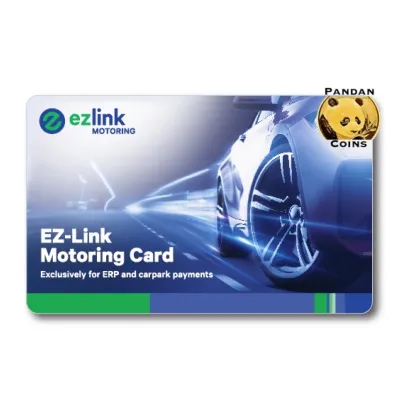
Prices are valid at publication and may change. Please refer to the product page for the latest price.
Supermarkets also widely support this payment method, allowing you to use your stored value for your regular grocery runs. You can tap your card at major supermarket chains such as Prime Supermarket, Giant, and selected FairPrice outlets. This is particularly useful for quick trips when you only need to grab a few essential household items and want to bypass longer credit card queues.
For dining, you can use your card at various food courts, coffee shops, and hawker centres across the island. Large food court operators, such as Kopitiam, Koufu, and Food Junction, feature stalls with integrated card readers at their ordering counters. Additionally, many automated drink and snack vending machines located in housing estates, schools, and offices accept this card as a primary payment method.
To identify whether a merchant accepts this payment method, look closely at the point-of-sale terminal or the storefront signage. Merchants who accept the card will display the official logo or the Contactless e-Purse Application System (CEPAS) logo near the cashier counter. The CEPAS standard is the underlying technology that enables multi-purpose smart card payments across different merchant networks in Singapore.
Even if you spot the logo, it is highly recommended to verbally confirm acceptance with the cashier before placing your order or scanning your items. Individual store terminals may occasionally experience network connectivity issues, or specific franchise outlets may have localized payment policies. A quick verbal check prevents unnecessary delays and ensures you can prepare an alternative payment method if the terminal is offline.
How to Prepare Your Card Before Checkout
Before you approach the cashier counter, it is important to ensure your card is in optimal physical condition. The card relies on an internal radio frequency identification (RFID) antenna that runs along its outer edge to communicate with payment readers. Severe bending, deep scratches, or physical delamination can fracture this delicate internal antenna, rendering the card unreadable at retail terminals even if it still occasionally works at transit gates.

It is also essential to distinguish between a standard card and a bank-issued SimplyGo card. Standard physical cards store their monetary value directly on the card’s internal chip, which is read and updated locally by the merchant’s terminal. In contrast, some bank-issued SimplyGo credit or debit cards route transactions directly through banking networks; depending on the issuer’s settings and the merchant’s specific terminal configuration, these cards may not support non-transit retail CEPAS payments.
Maintaining a sufficient balance on your card is the most critical preparation step for a successful retail transaction. Unlike credit cards or mobile wallets linked to open credit lines, a retail terminal must be able to deduct the exact purchase amount from your card’s stored value. If your purchase total exceeds your remaining balance by even a few cents, the transaction will be declined immediately.
Most retail point-of-sale terminals in Singapore do not support split-payment transactions for stored-value cards. This means you cannot pay a portion of your bill using your card and cover the remaining balance with cash or a credit card. You must ensure your card contains enough funds to cover the entire transaction amount before the cashier initiates the payment process.
Step-by-Step Instructions for Paying at the Counter
Step 1: Notify the cashier of your payment method Before the cashier finalizes your bill on the cash register, state clearly that you wish to pay using your card or CEPAS. Cashiers must manually select the correct payment mode on their point-of-sale system to route the transaction to the contactless card terminal. Initiating this communication early prevents the system from defaulting to cash or credit card modes.
Step 2: Wait for the terminal to activate Look at the customer-facing payment terminal and wait for the screen to prompt you to tap your card. Do not tap or hold your card against the reader while the cashier is still scanning items or processing the previous transaction. Tapping prematurely can cause a communication timeout or trigger an error message on the cashier’s screen, requiring them to reset the entire transaction.
Step 3: Tap your card flat against the reader Hold your card flat and parallel to the surface of the contactless reader, centering it over the designated sensor area. Avoid tapping the card at an awkward angle or waving it quickly past the sensor, as this reduces the signal strength between the reader and the card’s internal antenna. If your card is a co-branded card with an exposed metallic chip, follow the cashier’s instructions if the terminal requires chip insertion instead of a tap.
Step 4: Hold the card steady until confirmed Keep your card completely still against the reader for one to two seconds until you hear a distinct confirmation beep. The terminal screen will display an “Approved,” “Success,” or green light indicator to signal that the transaction is complete. Removing your card too quickly can interrupt the data transfer, which may result in a failed transaction or a temporary balance lock on your card.
Step 5: Collect and check your printed receipt Once the payment is approved, the register will print a transaction receipt. Collect this receipt and take a moment to verify that the deducted amount matches your purchase total. The receipt will also display your updated remaining stored value, giving you an immediate and accurate record of your card’s balance for your next purchase.
How to Check Your Balance and Reload Your Card
Monitoring your stored value regularly is key to avoiding embarrassing payment failures at the retail counter. The quickest way to check your current balance is to look at the bottom of your latest printed retail receipt, which lists your remaining funds. Alternatively, you can tap your card on any SimplyGo Kiosk, ticketing machine, or assisted service counter located at MRT stations and bus interchanges across Singapore.
For a more modern and convenient solution, you can use the official mobile application on an NFC-enabled smartphone. By launching the app and holding your physical card against the back of your phone, you can instantly read the card’s chip to view your current balance, transaction history, and card expiry date. This allows you to check your funds anytime, anywhere, without needing to locate a physical terminal.
When it comes to reloading your card, you have access to a wide network of manual top-up locations. SimplyGo Kiosks and ticketing machines at transit stations allow you to add value using your debit card, credit card, or mobile payment. You can also top up your card at major convenience stores like 7-Eleven and Cheers, though you should note that these retail merchants may charge a nominal convenience fee (typically S$0.50) for manual top-up services.
Another convenient manual option is using an AXS Station kiosk, which allows you to top up your card using your bank card. If you prefer to automate this process entirely, you can register for the official auto-reload service (EZ-Reload) through the mobile app. This service automatically tops up your card with a pre-selected amount from your linked credit card or bank account whenever the balance falls below a specific threshold, ensuring you always have sufficient funds for daily purchases.
What to Do If Your Payment Fails
If the terminal displays a message indicating an insufficient balance, you must be prepared to switch to an alternative payment method. Since split payments are generally not supported, politely ask the cashier if you can pay the full amount using cash, a credit card, or a mobile wallet instead. Once you complete your purchase, locate the nearest ticketing machine or use your mobile app to reload your card before attempting another transaction.
In cases where the terminal displays a read error, physical interference is the most common culprit. Ensure you are not experiencing “card clash,” which occurs when you try to tap your entire wallet containing multiple contactless cards, such as credit cards or office access passes. Remove your card from your wallet or cardholder and tap it individually, ensuring it lies completely flat against the reader surface.
If the card still fails to read, inspect the surface for dirt, grease, or sticky residue that might physically distance the card from the sensor. Gently wipe the card clean with a soft, dry cloth and try tapping again. If the terminal itself appears frozen or unresponsive, ask the cashier to cancel the active session and restart the transaction on their point-of-sale system.
For persistent issues where your card is rejected across multiple different stores and transit gates, the card may have suffered internal physical damage or a software block. In this scenario, visit a SimplyGo Ticket Office located at major MRT stations. The customer service staff can test your card, diagnose physical or system faults, assist with balance transfers to a replacement card, or guide you on how to file an official refund claim.
Frequently Asked Questions (FAQ)
Can I use my EZ-Link card for online shopping?
Standard physical cards are designed exclusively for contactless, physical point-of-sale transactions and cannot be used directly for online shopping. They lack the standard credit card security features, such as a 16-digit card number, expiration date, and three-digit Card Verification Value (CVV), required by online payment gateways. For online purchases, you will need to rely on standard digital payment methods, credit cards, or virtual cards linked to your digital wallets.
Is there a maximum transaction limit for retail payments?
Yes, your maximum transaction limit at retail outlets is primarily constrained by the maximum stored-value capacity of your card, which is capped at S$500. Additionally, individual retail merchants may impose their own lower transaction limits on contactless cards to manage security risks and terminal processing policies. For high-value retail purchases, it is always best to verify the store’s specific transaction limits with the cashier before attempting to pay.
Do I earn reward points when paying with EZ-Link at retail stores?
Standard physical cards do not automatically accumulate retail reward points on their own. However, you can earn rewards by registering your card on the official mobile application, which allows you to accumulate points for every transaction made at public transit and participating retail merchants. These points can subsequently be redeemed for retail vouchers, dining discounts, and promotional deals through the app’s rewards catalog.
Community discussion
Share your experience or ask a question. Comments are reviewed before publication.