
Topping up and checking the balance on your EZ-Link card is a straightforward process that can be completed through multiple physical and digital channels. Whether you prefer using self-service transit machines at train stations, tapping your card against your NFC-enabled smartphone, or visiting a local convenience store, keeping your card funded ensures uninterrupted travel on public transport and seamless retail payments. By familiarising yourself with these methods, you can choose the most convenient option for your daily routine and avoid the inconvenience of an insufficient balance at the transit gantry.
Preparation Before Topping Up Your EZ-Link Card
Before initiating a reload transaction, it is essential to verify the physical condition and status of your EZ-Link card. A card that is physically cracked, severely bent, or heavily scratched may fail to communicate with card readers, preventing successful top-ups or fare payments. You can check the expiry date of your card at transit ticketing machines or via official mobile applications to ensure it is still within its valid operational lifespan.
Additionally, preparing your preferred payment method beforehand can streamline the reloading process. Depending on the channel you choose, you may need physical cash, a local debit or credit card, or a digital payment method linked to your mobile device. It is also wise to check the minimum top-up requirements for your chosen channel, as some self-service machines and retail outlets enforce specific minimum amounts. Be aware that certain third-party merchants may apply small administrative fees for processing manual top-ups, which can be avoided by using official transit ticketing machines.
Products mentioned in this guide
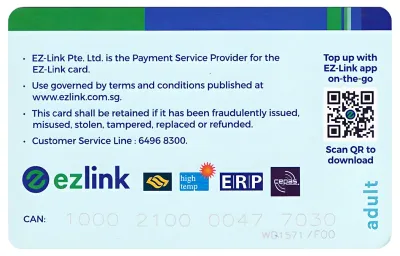
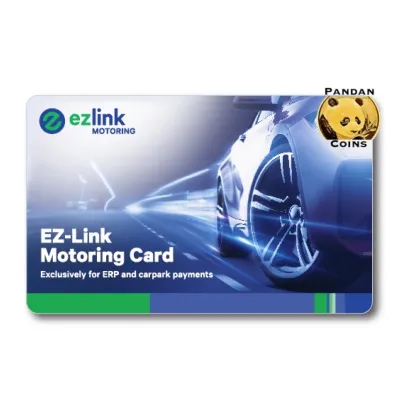
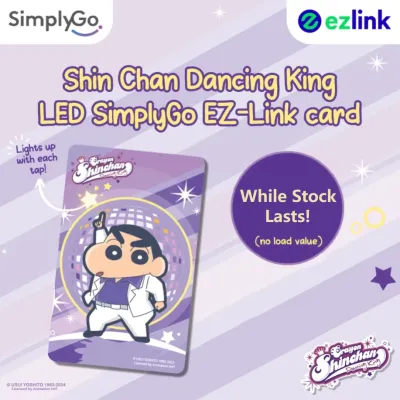
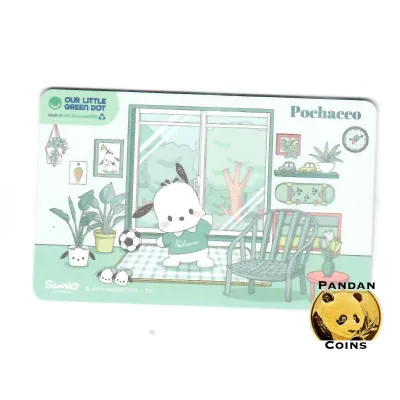
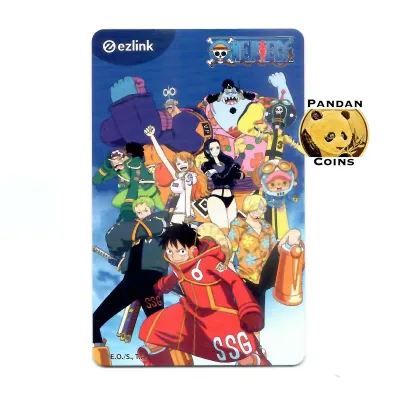
Prices are valid at publication and may change. Please refer to the product page for the latest price.
Step-by-Step Guide to Topping Up Your EZ-Link Card
Reloading your transit card can be done through several convenient methods tailored to different user preferences. Commuters can choose between physical self-service machines located at transit hubs, digital applications on NFC-enabled smartphones, or over-the-counter services at partner retail outlets. Understanding the exact steps for each method helps prevent transaction errors and ensures your funds are credited immediately.

Topping Up via Transit Ticketing Machines and Passenger Service Centres
Self-service ticketing machines located at MRT stations and bus interchanges offer a reliable, fee-free way to reload your card. To begin, locate a ticketing machine and place your EZ-Link card firmly onto the designated card reader slot. The machine’s screen will automatically display your current card details, including the remaining balance and expiry date.
Next, select the top-up option on the touch screen interface. The system will prompt you to choose your preferred payment method, which typically includes local debit cards, credit cards, or mobile payment options. Some older machines may also accept physical cash notes, though it is best to check the specific machine’s accepted payment labels before starting.
Once you select your payment method, enter or choose the desired top-up amount from the on-screen options. Follow the prompts to insert your payment card or complete the contactless payment transaction. Do not remove your EZ-Link card from the reader slot during this process, as doing so can interrupt the data-writing cycle and cause a transaction failure.
After the payment is successfully processed, the machine will update the balance on your card. Wait for the screen to display a confirmation message showing your new balance before retrieving your card. You can also choose to print a physical receipt for your records, which is highly recommended if you need to track business expenses or verify a transaction later.
If you prefer manual assistance or encounter issues with a self-service machine, you can visit a Passenger Service Centre located inside the transit station. The staff on duty can assist you with manual top-ups using supported payment cards. This option is particularly helpful for commuters who are unfamiliar with digital interfaces or require immediate troubleshooting support.
Topping Up via Mobile Apps and Online Platforms
For those who prefer a fully digital experience, topping up via a smartphone eliminates the need to queue at physical machines. To use this method, you must have a smartphone equipped with Near Field Communication (NFC) capabilities and the official EZ-Link mobile application installed. Ensure your phone’s NFC function is activated in the system settings before opening the app.
Launch the application and log into your account, or proceed as a guest if the app allows quick top-ups. Select the top-up option within the user interface. The app will prompt you to scan your physical card by holding it steadily against the NFC antenna, which is typically located on the back of your smartphone near the camera module.
Hold the card flat against the phone until the application successfully reads the card details. Once detected, the screen will display your current balance and prompt you to select a reload amount. You can then choose from various digital payment methods, such as linked bank cards, digital wallets, or local instant transfer services.
After completing the payment authorization, you must immediately hold the physical card back against the phone’s NFC antenna. The application will write the new balance data directly onto the card’s microchip. It is critical to keep the card completely stationary during this step; moving the card too early can interrupt the data transfer, leaving your bank account charged without the funds being credited to the card. Wait for the application to display a clear success screen before removing the card.
Using Auto Top-Up and Retail Outlets
To completely avoid the risk of running out of funds at a transit gantry, you can configure an automatic reload service. This service automatically triggers a top-up of a pre-selected amount whenever your card balance falls below a specific threshold during transit taps. You can apply for this service through the official mobile application or web portal by linking a valid credit or debit card.
Once the application is approved, you will receive instructions on how to activate the service at a transit ticketing machine. After activation, the automatic top-up occurs seamlessly at the gantry, and the pre-set amount is charged directly to your linked bank account. This is an ideal solution for daily commuters who want a hands-off approach to managing their transit expenses.
Alternatively, if you are already out running errands, you can top up your card at various retail outlets, including convenience stores, supermarkets, and selected pharmacies. Simply approach the cashier counter and inform the staff that you wish to reload your EZ-Link card. State your desired top-up amount and hand over your card.
The cashier will place your card on their terminal reader and process the payment. Note that while some retail partners accept cash, debit cards, or mobile payments, they may charge a nominal administrative fee for this manual service. Always confirm any additional fees with the cashier before finalizing the transaction to ensure you are comfortable with the total cost.
How to Check Your EZ-Link Card Balance
Monitoring your remaining balance regularly is the best way to ensure you always have sufficient funds for your journeys. The most common and passive way to check your balance is by observing the display screens at transit gantries. Every time you tap your card at an MRT gantry or a bus card reader, the screen will briefly display the fare deducted for that trip alongside your remaining card balance.
If you want to check your balance without traveling, you can use the official mobile application on an NFC-enabled smartphone. Simply open the app, select the balance check feature, and hold your card against the back of your phone. The app will read the chip and display your real-time balance, along with a detailed transaction history showing your recent trips and top-ups. This method is completely free and can be done anywhere at any time.
Physical ticketing machines at train stations and bus interchanges also serve as convenient balance-checking stations. Placing your card onto the reader slot of any ticketing machine will instantly display your current balance on the screen without requiring you to initiate a top-up transaction. This is a quick option if you are already at a station and want to verify your funds before passing through the gantries.
Finally, you can request a balance check at the cash registers of participating convenience stores or retail outlets. The cashier can scan your card on their terminal to read the remaining value. Checking your balance through any of these official channels does not incur any fees or deduct any funds from your card, making it easy to stay informed about your account status.
Troubleshooting Common Top-Up and Balance Issues
While reloading and checking your balance is generally a seamless process, you may occasionally encounter technical difficulties. One of the most common issues is an NFC reading failure when using a mobile application. This usually happens if the physical card is moved too quickly, if your phone case is too thick, or if the phone’s NFC antenna is not aligned correctly with the card’s chip. To resolve this, remove any thick protective cases, hold the card flat against the center-back of the phone, and keep it perfectly still until the app confirms the transaction is complete.
If a physical ticketing machine or retail terminal fails to read your card, the issue may stem from physical damage or card expiration. Over time, the internal antenna of a contactless card can degrade due to bending or exposure to moisture. If the machine displays an error message indicating the card is unreadable or expired, you will need to seek manual assistance.
In such cases, visit the nearest Passenger Service Centre at an MRT station. The transit staff can test your card on their diagnostic equipment to determine the exact issue. If the card is expired or physically faulty, they can guide you through the process of transferring your remaining balance to a new card or initiating a refund. Keeping your transaction receipts handy is always beneficial when resolving these issues, as they provide clear proof of payment in the event of a system discrepancy.
Frequently Asked Questions (FAQ)
Is there a maximum limit for the EZ-Link card balance?
Yes, there is a maximum stored value limit enforced on all standard EZ-Link cards to protect user funds in case of loss or theft. You can verify the current maximum balance limit by checking the official website or mobile application. If you attempt to top up an amount that would cause your card to exceed this limit, the ticketing machine or mobile app will display a system prompt rejecting the transaction. To avoid this, check your current balance before choosing a reload amount, ensuring the total does not exceed the allowed threshold.
Can I get a refund if a top-up transaction fails but my bank account was charged?
If a digital top-up transaction is interrupted and fails to write the data to your card, but your bank account shows a deduction, you can secure a refund. First, ensure you keep any physical receipts or digital transaction screenshots as proof of the attempt. In many cases, the payment system will automatically detect the incomplete transaction and initiate a reconciliation process, reversing the charge back to your bank account within a few business days. If the refund does not appear automatically, you should contact customer service with your card details and transaction proof to initiate a manual investigation.
Do convenience stores charge a fee for topping up?
Some retail partners, such as convenience stores and supermarkets, may charge a small administrative fee for processing manual cash top-ups at their registers. This fee covers the administrative costs of handling physical cash and processing transactions through third-party networks. If you wish to avoid these extra charges, you can use the official transit ticketing machines at MRT stations or the official mobile application, both of which offer fee-free top-up options. Always ask the cashier about potential fees before completing your transaction at a retail outlet.
Community discussion
Share your experience or ask a question. Comments are reviewed before publication.