
A customised EZ-Link card in Singapore offers a practical way to personalise your daily commute or create a memorable, functional gift for friends, family, or corporate events. Whether you want to showcase a cherished family photograph, a piece of custom digital art, or a corporate logo, the process of ordering a personalised transit card is straightforward and entirely digital. By utilizing the official customisation platforms, you can design, pay for, and receive a fully functional smart card that works seamlessly across Singapore’s public transport network, retail outlets, and motoring systems under the SimplyGo framework.
What to Prepare Before Ordering a Customised EZ-Link Card
Before diving into the design interface, gathering your digital assets and setting up your accounts will streamline the ordering process. The primary platform for customising these cards is typically accessed through the official EZ-Link app or their designated web portal. Having an active, registered account is highly recommended, as it allows you to track your order history, manage your payment methods, and easily link the new card to your profile once it arrives.
Your choice of imagery is the most critical element of the preparation phase. To achieve a crisp, professional print on the physical plastic card, you must prepare a high-resolution digital file. While the exact upload specifications can vary slightly depending on the active portal version, aiming for an image with a resolution of at least 300 DPI (dots per inch) is a reliable standard. In terms of pixel dimensions, a standard card template of 85.6mm by 53.98mm translates to approximately 1012 by 638 pixels; preparing your file close to this 1.58:1 aspect ratio prevents unwanted stretching or awkward cropping during the upload phase. Acceptable file formats generally include standard JPEG and PNG files, which balance detail retention with manageable file sizes.
Products mentioned in this guide
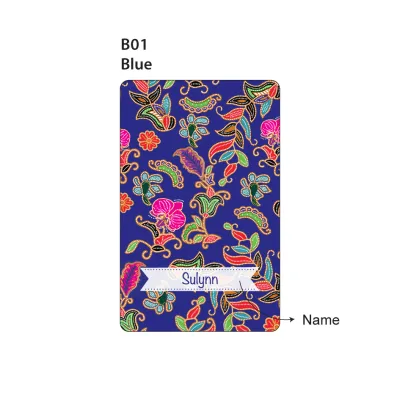
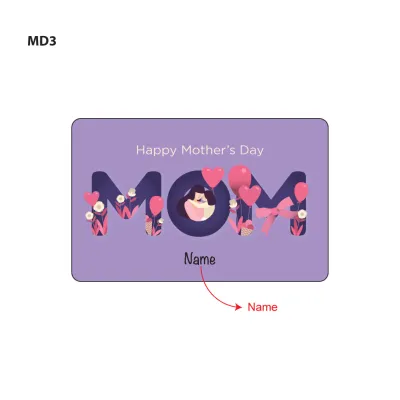
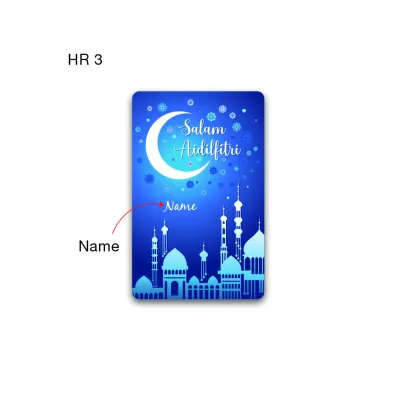
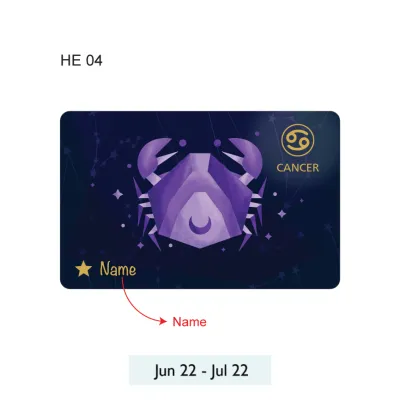
![[🇸🇬 SG SELLER]EZLINK CHARM/ EZ LINK Card customise/ Bus MRT card/ Perfect Gift/KeyChain/phone charms](https://img.lazcdn.com/g/ff/kf/S23ff41408426435a987a14e22826a8f9r.jpg_400x400q80.jpg_.webp)
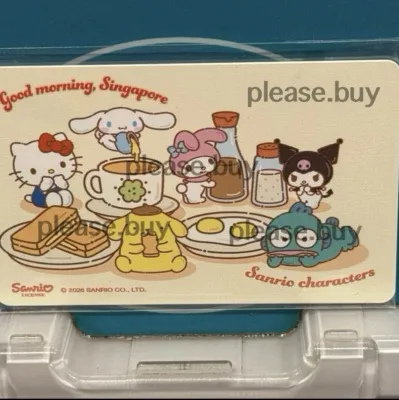
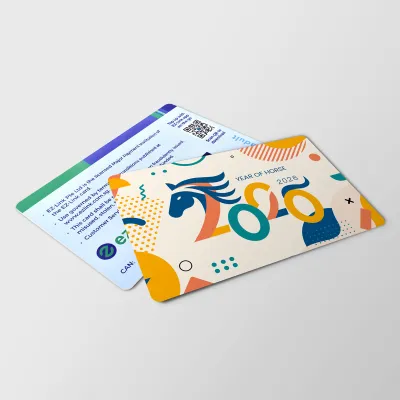
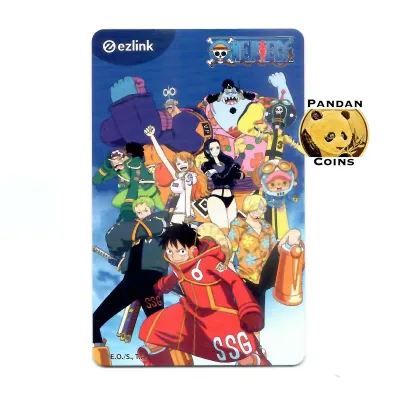
Prices are valid at publication and may change. Please refer to the product page for the latest price.
On the administrative side, ensure you have a valid digital payment method ready for checkout. The official online stores accept major credit and debit cards, as well as local digital payment gateways. Additionally, because these personalised items are physically manufactured to order, you will need to provide a complete and accurate Singapore delivery address, including the standard six-digit postal code, to ensure reliable delivery through local postal or courier services.
Step-by-Step Guide to Designing and Ordering Your Card
Navigating the customisation platform is designed to be intuitive, but paying close attention to the layout tools and payment requirements will prevent common ordering mistakes.

Uploading and Adjusting Your Custom Design
To begin, log in to the official customisation portal or open the dedicated section within the mobile app. Once you locate the custom card creation tool, you will be prompted to upload your prepared image file. The interface will display a digital mockup of the card, showing exactly how your design fits onto the physical canvas. Use the built-in editing tools to scale, rotate, crop, or reposition your image until you achieve the desired composition.
When adjusting your design, it is vital to pay attention to the “safe zone” and “bleed” boundaries indicated on the screen. The bleed area is a small margin around the outer edges of the template that may be trimmed during the manufacturing process; keeping critical design elements, text, or faces well within the safe zone ensures they are not cut off. Furthermore, take note of the physical features of the card represented on the digital preview, such as the placement of the smart chip contact points, serial numbers, or any lanyard holes. Positioning important visual elements away from these areas prevents them from being obscured or damaged by the card’s functional components.
Completing Payment and Initial Top-Up Requirements
Once you are satisfied with the digital preview of your custom creation, add the item to your shopping cart and proceed to the secure checkout page. The total cost of your order will consist of a specific card issuance fee, which covers the custom printing process and the physical card itself. It is important to note that this base issuance fee typically does not include any pre-loaded transit value, meaning the card will arrive with a S$0 balance unless you opt for an initial top-up during checkout.
During the checkout flow, review the available initial top-up options. Some ordering portals allow you to pre-load a specific stored value onto the card for an additional cost, which is highly convenient if you are purchasing the card as a ready-to-use gift. Finally, select your preferred shipping method—ranging from standard local mail to registered courier services—and verify the shipping fees before confirming the final order summary and completing your digital payment.
Official Design Guidelines and Content Restrictions
To maintain standard public decency and comply with local regulations, all custom submissions are subject to strict design guidelines and a moderation process before printing.
The issuer enforces clear content restrictions to ensure that all personalised cards are suitable for public display. Images containing offensive, explicit, violent, defamatory, or politically sensitive themes will be rejected immediately during the review phase. Similarly, designs that promote hate speech, religious disharmony, or illegal activities are strictly prohibited.
Intellectual property rights are another critical consideration when selecting your design. You must avoid using copyrighted material, registered trademarks, brand logos, or images of celebrities and public figures without explicit, written legal authorization. The review team routinely flags and rejects designs that appear to infringe on third-party intellectual property, so utilizing your own original photography or royalty-free designs is the safest path to approval.
From a technical standpoint, the design should also support high-quality printing outcomes. Avoid using low-contrast images, extremely dark backgrounds, or tiny, intricate text, as these elements often do not translate well onto plastic surfaces and may result in a muddy or illegible final product. Always refer to the latest terms and conditions published on the official provider’s website to ensure your artwork fully aligns with current compliance and printing standards.
Tracking Your Delivery and Using Your New Card
After successfully placing your order, the manufacturing and delivery phase begins, requiring a bit of patience as your bespoke card is produced.
You can monitor the progress of your order through the tracking features provided on the official app or website dashboard. Because custom-manufactured items are printed individually to order, they require a longer processing timeframe than standard, off-the-shelf transit cards; check the estimated delivery window provided during checkout to manage your expectations. You will typically receive email or SMS notifications when your design is approved, when the card enters production, and when it is finally dispatched for delivery.
Upon receiving your personalised card in the mail, the first step is to verify its functionality and activate it. Test the card at a transit gantry, a SimplyGo Kiosk, or a retail terminal to confirm that the chip is active and properly encoded. If you did not opt for a pre-loaded balance during the checkout process, you can easily top up your card using the SimplyGo app, an Add Value Machine (AVM), or at any local convenience store that supports transit card top-ups before embarking on your first journey.
Frequently Asked Questions (FAQ)
Can I change my design after submitting the order?
No, design changes, edits, or cancellations are generally not permitted once your order has been confirmed and submitted to the printing queue. Because each custom card is manufactured on a print-on-demand basis tailored specifically to your order, the production process begins almost immediately after design approval. To avoid disappointment, it is highly recommended that you thoroughly review the digital preview, crop alignment, and spelling of any custom text before finalizing your payment.
What happens if my custom card is lost or damaged?
If your physical custom card is lost, stolen, or physically damaged, the card itself is non-refundable and cannot be reprinted or replaced free of charge. However, if you have registered your card to your personal account via the official app, you can protect your stored funds. In the event of loss or damage, you can report the card through the app to block further usage and initiate the balance recovery process, which allows you to transfer the remaining stored value to a replacement card or a designated bank account.
Community discussion
Share your experience or ask a question. Comments are reviewed before publication.