
Choosing the right HP shredder capacity depends on balancing your daily paper volume, the number of active users, and the machine’s duty cycle. A small home office with one user has vastly different requirements than a bustling corporate department in downtown Singapore. To find a suitable match, you must calculate your team’s daily document output, understand how sheet-per-pass ratings translate to real-world use, and verify that the physical machine fits your workspace.
Calculate Your Office Paper Volume and User Needs
To select the right shredder, start by estimating how much paper your office actually discards. A single administrative worker might only shred a few utility bills or printed emails daily, while accounting or HR personnel often handle thick stacks of sensitive records. Multiply the estimated daily sheets per person by the number of users to establish a baseline volume. This simple calculation prevents you from purchasing an underpowered machine that struggles under daily demands.
Next, observe how your team handles document disposal throughout the day. Occasional shredding environments feature users who destroy one or two pages at a time, allowing the machine’s motor to rest frequently. Moderate environments involve scheduled weekly cleanouts, while continuous environments require the machine to run almost constantly to keep up with incoming files. Understanding these patterns helps you choose a motor designed for your specific operational pace.
Products mentioned in this guide
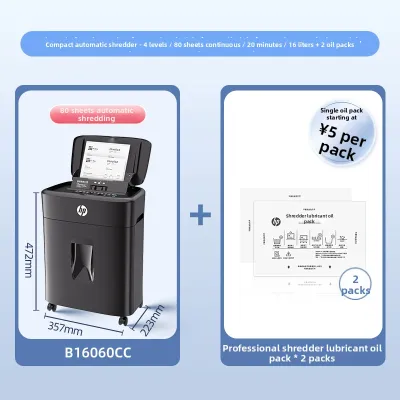
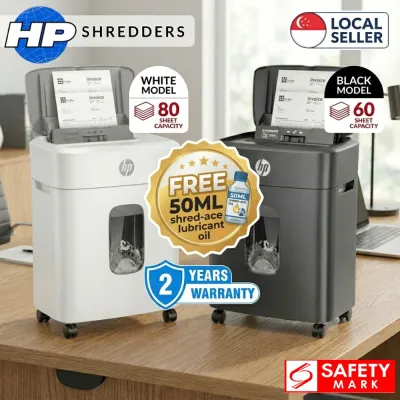
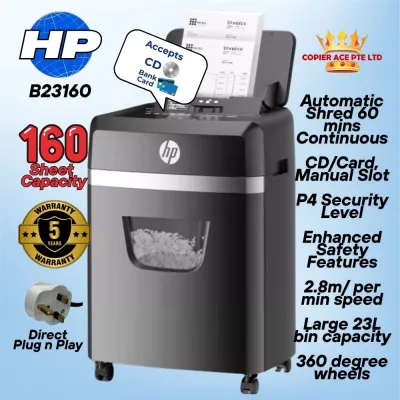
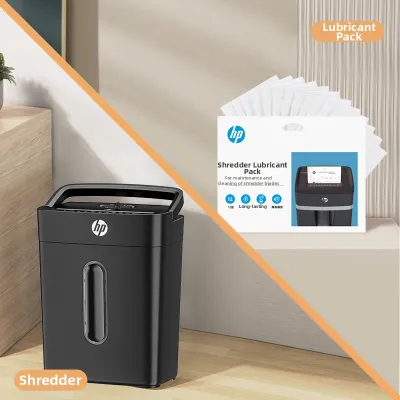
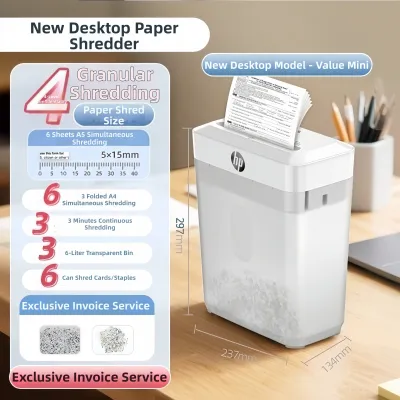
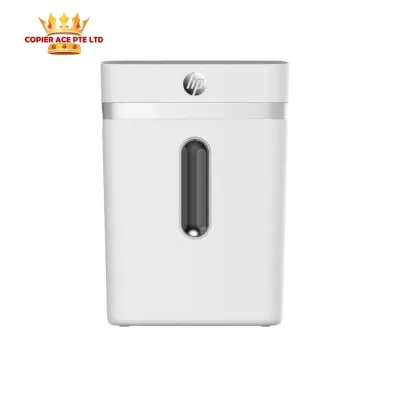
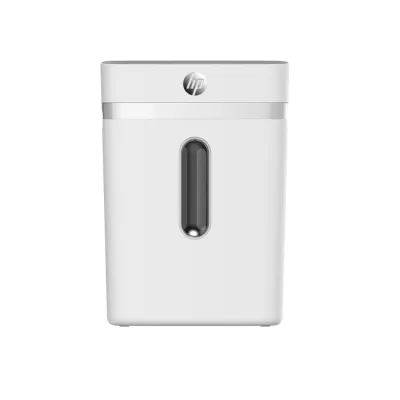
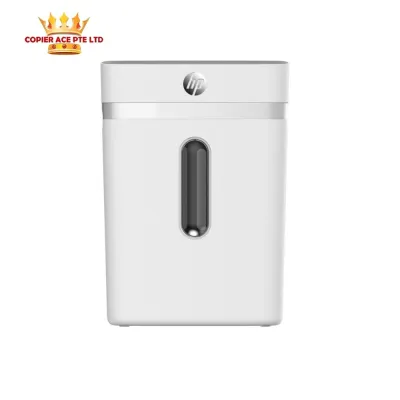
Prices are valid at publication and may change. Please refer to the product page for the latest price.
Peak shredding times often demand much higher capacity than your average daily use suggests. If your office experiences a sudden surge of document destruction at the end of the month or during annual audits, sizing your machine solely for average days will lead to bottlenecks. Plan for these high-volume periods to ensure your workflow remains smooth when deadlines loom. A machine that handles peak loads comfortably will also experience less wear and tear over its lifespan.
Translate Your Needs into HP Shredder Specifications
Once you have a clear picture of your office volume, you can match these needs to the specifications printed on the shredder’s packaging or user manual. Manufacturers typically provide a “Recommended Users” guideline alongside a “Daily Duty Cycle” rating. These ratings indicate the maximum workload the internal motor can handle before requiring a cool-down period. Matching your team size to these guidelines ensures the machine operates within its intended design limits.

The sheet-per-pass capacity is another critical metric, but it requires careful interpretation. This number represents the maximum number of standard, lightweight sheets the cutting blades can pull through at one time. In practice, heavier paper stocks, folded documents, staples, and credit cards reduce this limit, so it is wise to choose a machine with a pass capacity slightly higher than your typical stack thickness. This buffer prevents frustrating paper jams and keeps the motor running smoothly.
Bin capacity, measured in liters or gallons, dictates how often your team must empty the shredded waste. A small bin fills up quickly, especially when processing high-security micro-cut particles which, although smaller, can fluff up and trigger the full-bin sensor. Match the bin size to your office’s physical layout and your team’s willingness to perform regular maintenance. A larger bin reduces daily chores but requires more physical floor space.
Verify Physical Space and Installation Clearances
A high-capacity shredder is of little use if it cannot fit comfortably within your designated office layout. Before finalizing your choice, measure the physical footprint of the machine and compare it against your available floor space. Ensure there is enough clearance to open the cabinet door, slide out the waste bin, and maneuver the unit during delivery. Checking these dimensions beforehand prevents installation headaches and ensures a seamless integration into your workspace.
Proper ventilation is essential for preventing motor overheating, particularly during heavy-duty shredding sessions. Avoid squeezing the shredder tightly between desks or placing it inside unventilated cupboards. Leave a clear gap around the motor housing and exhaust vents to allow heat to dissipate naturally into the room. Adequate airflow protects the internal electronics and extends the overall service life of your equipment.
Consider how the machine’s operational noise will affect nearby workstations and meeting rooms. High-capacity shredders generate noticeable sound while crushing paper and plastic, which can disrupt phone calls or focused tasks. Placing the unit in a centralized copy room, a shared corridor, or near a recycling station helps maintain a quiet and productive office environment. This strategic placement balances convenience with workplace comfort.
Avoid Common Capacity and Sizing Mistakes
One of the most frequent errors is confusing a shredder’s maximum sheet capacity with its recommended continuous operating capacity. Forcing the machine to run at its absolute limit on every single pass will rapidly wear out the motor and dull the cutting blades. For optimal longevity, aim to feed the machine at roughly seventy percent of its maximum rated sheet capacity. This practice preserves the cutting cylinders and maintains consistent performance.
Another common mistake is ignoring how non-paper materials affect long-term motor wear and throughput. While many modern office shredders can handle occasional staples, paper clips, or plastic cards, constantly feeding these hard objects through a light-duty model will shorten its lifespan. Always verify the manufacturer’s guidelines regarding acceptable media types before inserting non-paper items. Protecting the blades from incompatible materials prevents premature failure.
Finally, do not overlook the physical weight and mobility of larger bin models. High-capacity commercial shredders can be exceptionally heavy, making them difficult to move without sturdy, lockable casters. Ensure your office flooring can support the weight and that the path to your main waste disposal area is free of steps or steep thresholds. Planning for these physical logistics ensures safe handling and maintenance for your administrative staff.
Frequently Asked Questions (FAQ)
Can I use a personal HP shredder for a small team of three people?
A personal shredder is generally designed for a single user who destroys documents occasionally throughout the day. Sharing such a model among three people often leads to frequent motor overheating, as the cumulative duty cycle quickly exceeds the machine’s thermal limits. To ensure reliable operation, check the specification label on the packaging to verify that the recommended user count matches your team size. Investing in a multi-user model prevents workflow interruptions and premature motor failure.
Does a larger bin capacity mean the shredder can process more sheets at once?
No, bin capacity and sheet-per-pass capacity are entirely independent specifications. The bin capacity refers to the volume of shredded waste the container can hold before it needs to be emptied. The sheet-per-pass capacity refers to the maximum number of paper sheets the cutting mechanism can safely slice through in a single feed. Always check both specifications separately in the product manual to ensure the machine meets your performance needs.
How do I know if the shredder needs to cool down during use?
Most modern shredders feature a dedicated thermal overload indicator light on the control panel that illuminates when the motor reaches its safe temperature limit. If the machine suddenly stops operating and this light turns on, it has entered its automatic cool-down cycle to prevent permanent damage. To avoid these interruptions, follow the manufacturer’s recommended continuous run time and allow the motor to rest between heavy shredding sessions.
Community discussion
Share your experience or ask a question. Comments are reviewed before publication.