
Navigating the public transportation network in Singapore is highly efficient, largely thanks to the integration of contactless smart card technology. The EZ-Link card, operating on the Contactless e-Purse Application System (CEPAS) standard, serves as the primary reloadable card for daily commuters. Whether you are boarding the Mass Rapid Transit (MRT), the Light Rail Transit (LRT), or public bus services, this card simplifies fare payment by replacing physical cash with a quick tap. Understanding how to acquire, maintain, and correctly utilize your card is essential for a seamless travel experience.
This comprehensive guide outlines the practical steps required to manage your card effectively. From locating authorized sales channels and verifying the physical condition of your card to mastering the tapping protocols at transit gantries, this article provides clear, actionable instructions. Additionally, you will learn how to handle common issues such as low balances, card expiration, and refund processes, ensuring your daily commute remains uninterrupted.
Where to Buy and Collect Your EZ-Link Card
Acquiring a physical EZ-Link card is a straightforward process, with multiple official distribution points located across the island. For immediate assistance and verified cards, commuters should visit official transit hubs. These include SimplyGo Ticket Offices and Passenger Service Centres, which are situated within most MRT stations. Purchasing directly from these official counters ensures that you receive an authentic, fully functional card ready for immediate use on the transit network.
Products mentioned in this guide
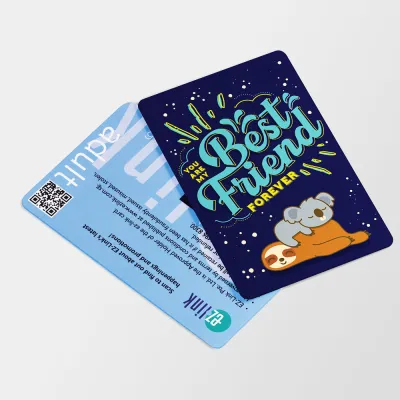
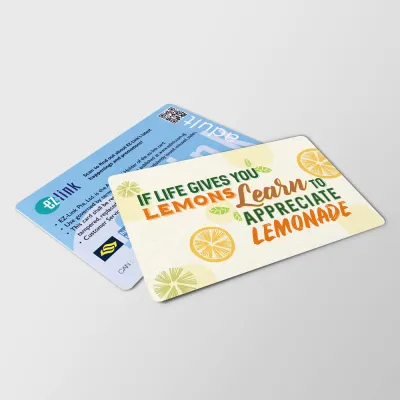
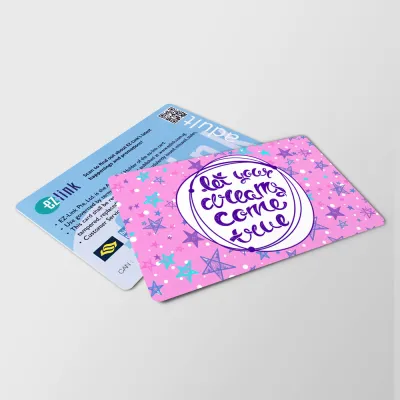
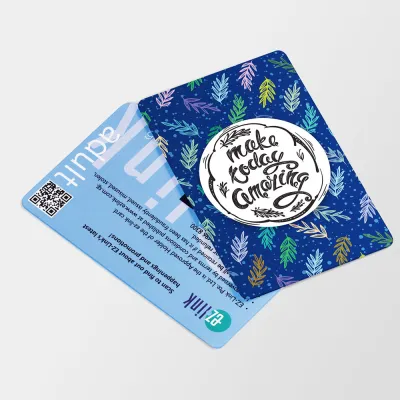
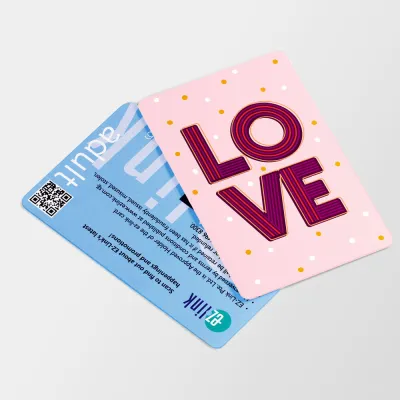
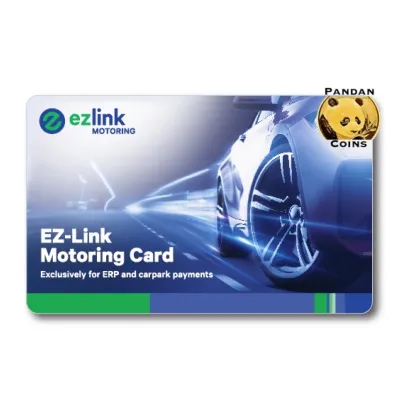
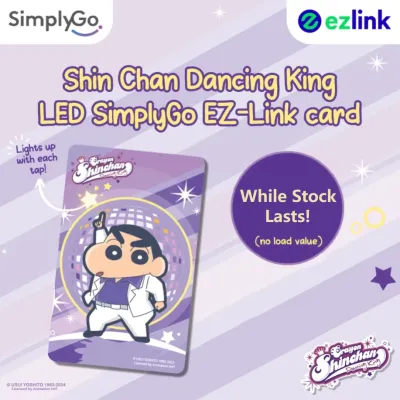
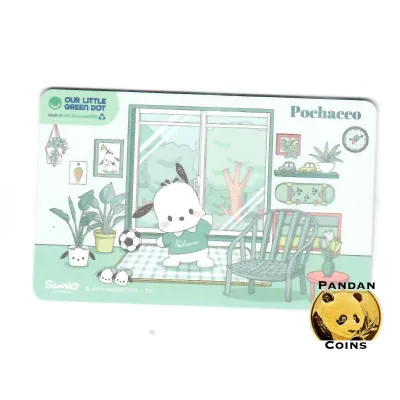
Prices are valid at publication and may change. Please refer to the product page for the latest price.
In addition to transit hubs, authorized retail partners offer convenient alternative locations to purchase a card. Selected convenience stores, such as 7-Eleven, and designated supermarkets or retail outlets stock these cards at their checkout counters. When purchasing from a retail partner, it is advisable to confirm that the outlet is an authorized distributor to ensure the card is properly activated and registered within the central transit system.
Before finalizing your purchase, always inspect the physical condition of the card. The card conforms to the standard ID-1 size (approximately 85.60 mm by 53.98 mm), designed to fit standard wallets, cardholders, and stationery lanyards. Ensure the plastic body is completely flat, free of deep scratches, and shows no signs of delamination or bending. Physical damage can sever the internal copper antenna loop, rendering the contactless chip unreadable. Finally, confirm the current non-refundable card cost in S$ at the point of purchase. The total initial price typically comprises a non-refundable card fee and a pre-loaded stored value available for immediate travel.
How to Top Up and Check Your Balance
To maintain a hassle-on-the-go commute, you must regularly monitor and replenish the stored value on your card. There are several physical top-up locations available throughout the transit network. General Ticketing Machines (GTMs) and Add Value Machines (AVMs) are located near the passenger gates at all MRT and LRT stations. Additionally, you can top up your card at SimplyGo Ticket Offices or at the cash registers of authorized retail counters, such as convenience stores, though retail partners may charge a nominal service fee per transaction.

When using ticketing machines or retail counters, it is important to verify the accepted payment methods beforehand. GTMs and AVMs primarily support cashless payment options, including local debit cards, credit cards, and compatible mobile payment platforms. Some older machines or specific retail counters may accept cash payments, but they often restrict transactions to specific cash denominations, such as S$10, S$20, or S$50 notes. Always check the on-screen prompts or counter signage before initiating the top-up process to ensure your preferred payment method is supported.
Verifying your remaining balance is a simple task that can be performed during your journey. Every time you tap your card at an MRT gantry or a bus card reader, the digital display screen will briefly show your remaining balance alongside the fare deducted for that trip. For a more detailed check, you can place your card on the reader tray of any GTM or AVM to view the exact balance and transaction history. Alternatively, you can link your physical card to the official transit mobile application on a compatible smartphone, allowing you to monitor your balance and view travel history on the go.
Step-by-Step Guide to Tapping In and Out
Using your card correctly at transit entry and exit points is crucial for ensuring accurate fare deduction and avoiding unnecessary penalties. When commuting via the MRT or LRT, approach the entry gantry and locate the yellow circular card reader. Hold your card flat and parallel to the reader surface, keeping it within a distance of 0 to 3 centimeters. Do not wave or swipe the card rapidly; a steady, flat placement allows the RFID antenna to establish a stable connection. Wait for the audible confirmation beep and the green light indicator on the gantry before walking through the gates. Repeat this exact physical process at the exit gantry when you reach your destination.
For bus travel, the tapping protocol is equally straightforward but requires diligence at both ends of your journey. Upon boarding the bus through the front doors, tap your card flat against the entry reader mounted on the stanchion. Ensure the reader emits a single beep and displays a green light. When preparing to alight from the bus, you must tap your card against the exit reader located near the rear doors before stepping off. Tapping out is essential because fares are calculated based on the distance traveled; failing to tap out will result in the system charging you the maximum possible fare for that bus route.
If you encounter an error—such as the reader flashing a red light, emitting a double beep, or the gantry gates remaining closed—do not attempt to force your way through. These errors typically indicate an insufficient balance, a card read failure, or a mismatch in your travel record. In such cases, step aside to avoid blocking other commuters and seek immediate assistance. At MRT stations, proceed to the Passenger Service Centre; on buses, consult the bus captain, who can verify the card status or guide you on how to resolve the issue.
To prevent transaction errors, always adhere to the crucial rule of using the exact same physical card to tap in and tap out for a single journey. The transit system links your entry and exit taps to calculate the correct distance-based fare. If you tap in with your physical card and attempt to tap out with a mobile-linked device, or vice versa, the system will treat these as two separate, incomplete journeys. This mismatch will result in maximum fare penalties being levied on both payment methods. Additionally, avoid keeping multiple contactless cards in the same wallet slot to prevent “card clash,” which occurs when the reader detects multiple RFID signals simultaneously and fails to process the correct card.
Managing Expiry, Replacement, and Refunds
Like all electronic smart cards, physical EZ-Link cards have a limited operational lifespan. A standard card is typically valid for transit use for up to five years from its date of encoding. You can easily perform a validity check by locating the expiry date printed on the back of the physical card, viewing the card details on a GTM screen, or checking the status via the official transit mobile application. It is highly recommended to plan for a replacement several weeks before your card reaches its expiry date to prevent any sudden disruption to your daily commute.
If your card becomes unusable, the resolution process depends on whether the card is physically defective or lost. A card that fails to read despite having no visible physical damage may be deemed defective due to internal component failure. You can bring the faulty card to any SimplyGo Ticket Office for evaluation; if confirmed defective through normal wear and tear, the remaining balance can be transferred to a new card, though you may need to purchase a new physical card if the warranty period has passed. For lost cards, protection is only available if you have previously registered your card online. Registered users can report the loss via the official portal to block the card and safeguard the remaining funds, whereas unregistered cards cannot be blocked or recovered.
Reclaiming the remaining stored value on an active or expired card is a simple administrative process. You can request a refund by presenting your physical card at any SimplyGo Ticket Office. The customer service staff will process the refund of the remaining stored value, which can be returned to you via cash or credited back to a linked bank account, depending on current administrative policies. Note that the initial cost of the physical card is non-refundable, and processing times for electronic refunds may vary. Once a card is refunded and deactivated, it cannot be re-enabled for transit use.
Frequently Asked Questions (FAQ)
Can I use one EZ-Link card for multiple passengers?
No, you cannot use a single card to pay for multiple passengers on the same journey. The public transit system operates on a strict one-card-per-person policy to ensure accurate distance-based fare calculation. Each commuter must possess their own individual card or valid transit ticket when entering the MRT network or boarding a bus. Attempting to tap the same card multiple times at an entry gantry or bus reader to let another person pass will trigger an error, lock the card, or result in fare evasion penalties.
What happens if my card has insufficient balance when tapping out?
If your card balance falls below the minimum required travel value or goes negative upon tapping out, the reader will flash red and deny exit. At an MRT station, you must proceed to the nearest Add Value Machine or the Passenger Service Centre to top up the shortfall using an accepted payment method before you can clear the gantry. On a bus, if your card fails to tap out due to insufficient funds, you must notify the bus captain to pay the remaining fare or top up your card immediately if the bus is equipped with an onboard top-up facility, ensuring your travel record is correctly closed.
Can I use my EZ-Link card for retail purchases?
Yes, your card can be used for non-transit payments, but acceptance is limited to participating merchants. Many convenience stores, supermarkets, food courts, and vending machines across the island accept card payments. Look for the official acceptance decal displayed near the cash register or payment terminal. Before making a purchase, it is advisable to check with the merchant regarding any minimum spend requirements or specific point-of-sale compatibility, as retail payment protocols may differ from transit readers.
Community discussion
Share your experience or ask a question. Comments are reviewed before publication.