
Navigating Singapore’s public transport network is highly efficient when using an EZ-Link card. This contactless, reloadable smart card serves as a primary payment companion for daily commuters. To get started, you simply need to purchase a physical card from an authorized outlet, optionally register it online for security, and keep it loaded with funds using physical or digital top-up channels. Managing your card properly ensures uninterrupted travel on the MRT (Mass Rapid Transit), public buses, and seamless transactions at various retail merchants.
Understanding the lifecycle of your transit card—from the initial purchase to daily maintenance—helps you avoid common travel disruptions. Whether you are a daily commuter or a visitor exploring Singapore, knowing where to buy, how to secure your funds, and the most convenient ways to reload your card will save you time and effort. This guide outlines the essential steps to maximize the utility of your card, troubleshoot common issues, and make informed decisions about managing your transit funds.
Where and How to Purchase an EZ-Link Card
When looking to acquire a new card, you have access to several authorized physical and digital distribution channels. The most common physical locations are Passenger Service Centres and SimplyGo Ticket Offices located within major MRT stations and bus interchanges. These transit-based counters are ideal for immediate use, as the cards sold here are pre-loaded and ready for travel. Additionally, major convenience store chains, such as 7-Eleven, regularly stock these cards at their retail counters, offering a highly accessible alternative outside of transit stations.
Products mentioned in this guide
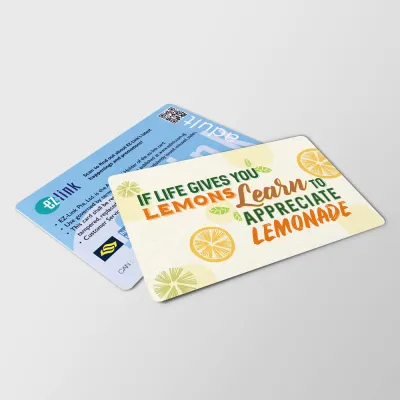
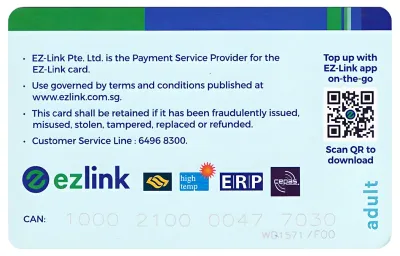
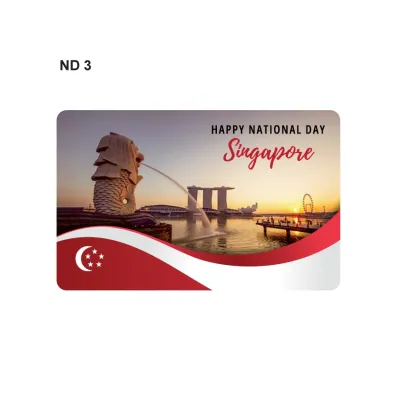
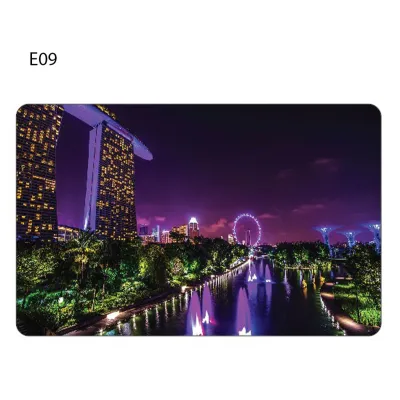
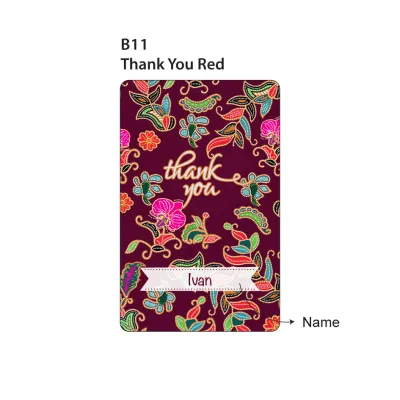
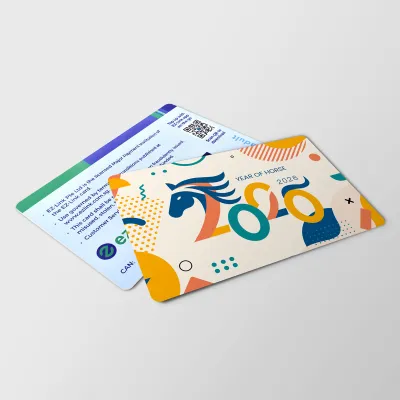
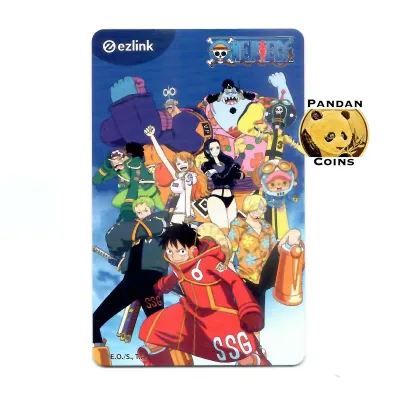
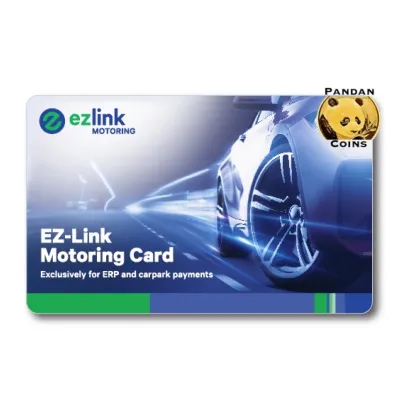
Prices are valid at publication and may change. Please refer to the product page for the latest price.
For those who prefer digital shopping, official online stores and authorized ecommerce platforms also offer a wide selection of cards. Purchasing online is particularly popular for those looking for limited-edition designs, character-themed cards, or specific collectible series. However, when buying online, you must factor in delivery times, and these cards typically arrive without any pre-loaded stored value, requiring a top-up before your first journey.
Before completing your purchase, it is crucial to verify the card type, the initial stored value, and the non-refundable card cost. A standard card purchase price generally comprises two distinct components: the cost of the physical card itself (which is non-refundable) and the initial stored travel value that you can immediately use for transit. Because these amounts can vary depending on the purchase channel and any ongoing promotional designs, always check the current pricing structure at the counter or on the product listing page before paying.
Finally, always request and retain your purchase receipt. This document serves as your official proof of purchase, which is highly valuable if you encounter any technical issues during your initial card registration or if you need to claim a warranty replacement for a defective card. Keeping the receipt secure ensures you have a clear paper trail to present to customer service representatives should any discrepancies arise with the card’s initial balance or functionality.
Should You Register Your Card?
Deciding whether to register your card is an important step in securing your transit funds. While an unregistered card functions perfectly fine for daily travel and retail payments, registering your card links it directly to your personal digital profile, unlocking several key benefits. The most significant advantage of registration is loss protection; if you misplace your physical card, you can report it lost through official channels to block further transactions and safeguard your remaining balance. Furthermore, registered users can easily track their detailed journey history, monitor transport expenditures, and participate in official loyalty or reward programs.

To determine your eligibility for card registration, you must review the standard criteria set by the transit authorities. Generally, registration is open to Singapore citizens, permanent residents, and foreign visitors holding valid identification documents, such as an NRIC, FIN, or passport. You will need to provide basic personal information, including your full name, contact number, email address, and the unique 16-digit Card Access Number (CAN) printed on the back of your physical card.
The process of linking your physical card to a personal digital account is straightforward and can be completed via the official mobile application or the dedicated web portal. After downloading the official app on your smartphone, create a user account and navigate to the card management section. Enter your card’s CAN, follow the on-screen verification prompts, and the card will be instantly linked to your profile, allowing you to view real-time balances and manage settings directly from your mobile device.
For families or individuals managing multiple cards, digital registration offers a centralized way to oversee transit cards for children or elderly relatives. By linking multiple cards to a single master account, you can monitor balances, track travel patterns, and perform remote top-ups for family members who may not have their own smartphones or digital payment methods. This centralized management adds an extra layer of convenience and security for the entire household.
Step-by-Step Guide to Topping Up Your Card
Keeping your card sufficiently funded is essential for smooth travel, and Singapore offers a diverse range of physical and digital reloading channels to suit different preferences. For physical top-ups, the most common method is using the self-service ticketing machines, such as SimplyGo Kiosks or Top-Up Kiosks, located at all MRT stations and bus interchanges. To top up at a machine, place your physical card on the designated reader tray, select your preferred payment method on the touch screen, choose the top-up amount, and complete the transaction. You can also top up via cash or card at authorized retail counters, including convenience stores and select supermarket customer service desks.
If you prefer a more seamless, hands-free experience, you can set up digital or automatic top-ups through the official mobile application. The automatic top-up service links your transit card directly to a preferred local credit card, debit card, or bank account. Once activated, whenever your card balance falls below a pre-determined minimum threshold, the system automatically reloads your card with a pre-set amount as you tap through the transit gantries. This eliminates the need to queue at ticketing machines or worry about running out of funds mid-journey.
For manual digital top-ups, you can utilize an NFC-enabled smartphone to transfer funds directly to your physical card. By opening the official app, selecting the top-up option, and placing your physical card against the back of your phone, the app uses near-field communication technology to write the new balance directly onto the card’s internal chip. This method allows you to reload your card anytime and anywhere, provided you have a stable internet connection and a compatible mobile device.
When choosing your preferred top-up channel, it is wise to review the accepted payment methods, minimum top-up limits, and any potential convenience fees. While transit station ticketing machines and official app top-ups generally do not incur additional fees, certain third-party retail counters and convenience stores may charge a nominal convenience fee per transaction. Additionally, minimum top-up amounts can vary; for instance, ticketing machines may require a minimum top-up of S$2 or S$10, whereas retail counters might have different thresholds. Comparing these factors helps you choose the most cost-effective and convenient reloading routine.
Managing Your Card and Troubleshooting Common Issues
Effective card management involves regularly monitoring your balance and knowing how to handle occasional technical glitches. To check your current balance and transaction history, you can tap your card at any transit station gantry, view it on a ticketing machine screen, or check it instantly via the official mobile app if your card is registered. Keeping a close eye on your balance prevents the inconvenience of being turned away at the transit barriers due to insufficient funds.
Occasionally, you may experience a failed top-up where funds are deducted from your bank account but do not immediately reflect on your transit card. If this occurs, do not panic; first, verify the transaction status on your banking app to confirm if the deduction is pending or fully posted. Allow standard processing and settlement time, as digital transactions can sometimes take a few business days to reconcile. If the balance is still not updated after this period, contact the official customer support helpline with your card’s CAN and the transaction reference details to initiate a resolution.
Understanding how to handle physical card issues, such as damage or expiry, is also crucial. Physical cards contain a delicate internal antenna and microchip; if the card is bent, cracked, or exposed to extreme heat, it may fail to read at transit gantries. If your card becomes physically damaged or reaches its standard expiry date (typically several years from the date of manufacture), you will need to visit a SimplyGo Ticket Office to assess the card. Staff can help you transfer any remaining stored value to a new card or guide you through the official refund process.
In the unfortunate event that you lose your registered card, immediate action is required to protect your funds. Log into your official mobile app or web portal to report the card lost and initiate a card block. Once blocked, the card cannot be used by anyone else, and the remaining balance at the time of the block can be refunded to your linked bank account or transferred to a replacement card. This highlights the immense value of taking a few minutes to register your card when you first purchase it.
Frequently Asked Questions (FAQ)
Can I use my EZ-Link card for retail purchases?
Yes, your card is highly versatile and accepted for payments far beyond public transit. You can use it to pay for purchases at participating convenience stores, supermarkets, fast-food outlets, food courts, and even select vending machines across Singapore. To determine if a merchant accepts this payment method, look for the official contactless payment decals or card reader logos displayed clearly at the checkout counter before making your purchase.
What happens to the remaining value if my card expires?
When your card reaches its expiry date, the remaining stored value is not permanently lost, but the card will no longer be accepted at transit gantries or retail terminals. You can easily check your card’s expiry date via the official mobile app or at any station ticketing machine. To recover your funds, you can visit a SimplyGo Ticket Office to request a refund of the remaining balance or have the funds transferred to a new, active card, subject to standard administrative guidelines and claim periods.
Are there any fees for topping up at convenience stores?
Yes, some third-party retail partners, particularly convenience store chains, may charge a nominal convenience fee for processing manual top-ups at their cash registers. To minimize unnecessary transaction costs, you can opt to top up your card at transit station ticketing machines or use the official mobile app, both of which typically offer fee-free reloading options.
Community discussion
Share your experience or ask a question. Comments are reviewed before publication.