
Navigating Singapore’s highly efficient public transport network is incredibly straightforward when you have the right fare payment method. The most common and versatile tool for commuters is the contactless e z link card, a reloadable smart card that allows you to tap in and out of buses and MRT trains seamlessly. Beyond transit, this card serves as a convenient payment method for retail, dining, and motoring charges across the island.
Understanding how to acquire, register, and top up your card ensures a hassle-free travel experience. By managing your card digitally, you can also protect your funds and track your travel expenses in real time. This guide outlines the essential steps to help you get the most out of your card.
Where to Buy Your e z link card in Singapore
Acquiring a standard physical card is easy, with multiple physical distribution points located across Singapore. The most reliable locations are SimplyGo Ticket Offices (formerly TransitLink Ticket Offices) and Passenger Service Centres, which you can find inside most major MRT stations. Staff at these counters can assist you with your purchase and answer basic questions about card usage.
Products mentioned in this guide
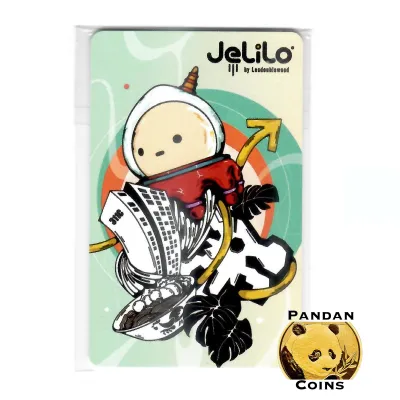
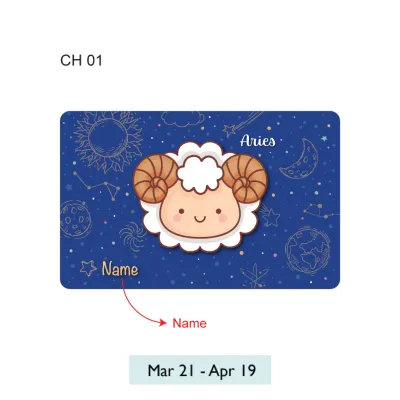
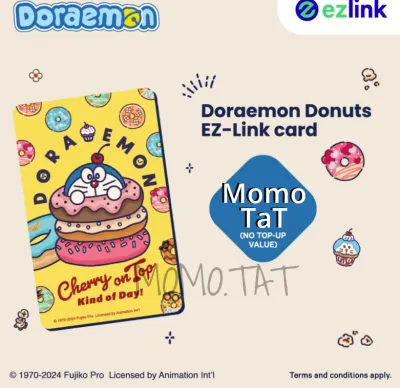

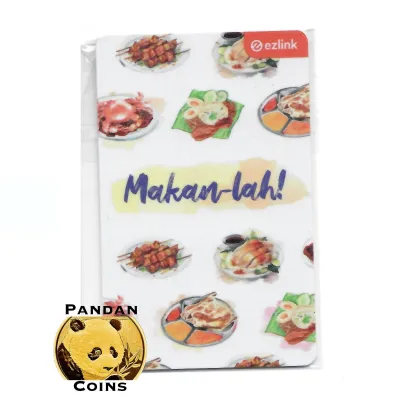



Prices are valid at publication and may change. Please refer to the product page for the latest price.
For those who are not near an MRT station, authorized convenience stores such as 7-Eleven and Cheers offer a highly accessible alternative. These locations are open 24/7, making them ideal for tourists or residents who need to purchase a card outside of standard transit office operating hours. Keep in mind that stock levels can vary by store, so it is best to check with the cashier upon entering.
Major transit hubs, bus interchanges, and select MRT stations also feature dedicated self-service vending machines. These machines provide a quick, cashless option where you can purchase a card instantly. Vending machines often feature unique, limited-edition card designs that are popular among collectors.
If you prefer to shop from home, physical cards can be purchased through official online marketplaces and e-commerce platforms. Keep in mind that online orders typically incur delivery fees and require a few business days for shipping. Alternatively, you can activate digital cards directly within the official mobile application if you prefer a completely cardless experience.
When purchasing your card, verify the current price and what it includes. Typically, a standard card purchased at an MRT station costs S$10, which includes a S$5 non-refundable card fee and S$5 of initial stored value. Cards purchased at convenience stores may cost S$10 or S$12, containing different amounts of pre-loaded value, so always check the packaging or ask the cashier to confirm the exact breakdown.
How to Register Your Card for Balance Protection
Registering your card is one of the most important steps you can take immediately after purchase. The primary benefit of registration is balance protection, which ensures that if your card is lost or stolen, your remaining stored value is secured and can be recovered. Additionally, registering your card unlocks advanced features like transaction history tracking, automatic top-ups, and convenient digital management.

To begin the registration process, download the official mobile app from your device’s app store. Open the app and create a new user account by providing a valid email address, a local mobile number, and setting up a secure password. You will receive a one-time password (OTP) via SMS to verify your mobile number and complete the account setup.
Once logged in, navigate to the card management section of the app and select the option to add or register a new card. You will need to enter the card’s 16-digit CAN (Card Account Number), which is clearly printed on the back of the physical card.
If your smartphone supports Near Field Communication (NFC), you can simplify this step by choosing the scan option. Simply hold your physical card against the back of your phone, and the app will automatically read and populate the CAN, eliminating the risk of manual entry errors.
Follow the on-screen prompts to verify your identity details, which may include linking your card to a local identification number or using Singpass for secure verification. Once verified, the card is permanently linked to your digital account, and you will receive a confirmation message indicating that your balance protection is active.
It is critical to note that unregistered cards are treated exactly like physical cash. If you lose an unregistered card, there is no way for the transit authority or customer service to block the card, track its usage, or refund the remaining balance to you. Registering your card immediately after purchase is the only way to safeguard your funds.
Step-by-Step Methods to Top Up Your EZ-Link Card
To ensure smooth daily travel, keeping an eye on your card balance is essential. If your card balance falls below the minimum entry requirement (typically S$3 for MRT journeys), you will be unable to pass through the transit gantries, which can cause unexpected delays. Fortunately, there are several convenient digital and physical top-up methods available to suit your preferences.
Using the EZ-Link App with NFC
For ultimate convenience, you can reload your card directly from your smartphone using the official mobile app. Log into your account, select the registered card you wish to top up, and choose your desired top-up amount. You can complete the payment securely using linked credit or debit cards, or via local payment methods like PayNow.
After completing the payment, the app will prompt you to write the new balance to the physical card. Hold your card firmly against the back of your NFC-enabled smartphone. Keep the card in place for a few seconds until the app displays a success screen confirming that the funds have been successfully transferred to the card.
If your phone fails to read or write to the card, try removing any thick protective phone cases, as these can interfere with the NFC signal. Additionally, ensure that your phone’s NFC setting is turned on and try slowly moving the card across the back of the phone to locate the exact position of the internal NFC antenna.
Top-Up at MRT Stations and TransitLink Counters
Every MRT station in Singapore is equipped with self-service ticketing machines, such as General Ticketing Machines (GTMs) and SimplyGo Kiosks. To top up, place your card on the designated reader tray, select the top-up option on the touch screen, choose your payment method, and follow the prompts. These machines accept a variety of payment methods, including NETS, credit cards, and debit cards, while select older machines may still accept cash.
If you prefer human assistance or need a cash receipt, you can top up your card over the counter at any SimplyGo Ticket Office or Passenger Service Centre. This is often the best option if you encounter machine errors, want to pay with physical cash, or need to clarify any issues regarding your card’s transaction history.
Reloading at Convenience Stores and Retailers
You can easily top up your card while running daily errands at various retail locations across Singapore. Authorized retail partners include major convenience stores like 7-Eleven and Cheers, as well as selected supermarkets and petrol stations.
To reload your card at a store, simply hand your physical card to the cashier and state the exact amount you wish to add. You can pay for the top-up using cash, NETS, or credit/debit cards depending on the store’s accepted payment methods. Once the transaction is processed, the cashier will return your card along with a receipt showing your new balance.
Before topping up at a retail store, check for any store-specific terms or signage. Some convenience stores may charge a small convenience fee (typically around S$0.50) per top-up transaction, or they may require a minimum purchase of store goods before allowing you to reload your card.
How to Check Your Balance and Handle Card Expiry
Monitoring your balance regularly helps you avoid the inconvenience of a declined transaction. The quickest way to check your balance is by looking at the display screen on the MRT gantry or bus card reader whenever you tap in or out. Alternatively, you can use the mobile app on an NFC-enabled phone to scan your card instantly, or place your card on any station ticketing machine reader to view your current balance and recent transaction history.
Every card has a limited lifespan, typically expiring five years from the date of its manufacture or initial issuance. Once a card reaches its expiry date, it can no longer be used for public transit fares or retail payments, even if it still holds a positive cash balance.
You can easily check your card’s exact expiry date by logging into the mobile app and viewing your registered card details. You can also view the expiry date on the screen of any self-service ticketing machine at an MRT station when you place your card on the reader.
If your card is nearing its expiry date or has recently expired, you can transfer the remaining balance to a new card. To do this, visit any SimplyGo Ticket Office. The customer service officer will help you transfer the funds to an active card, though you may need to purchase a new replacement card if you do not already have one. Be sure to address this promptly, as there may be administrative time limits for claiming refunds on expired cards.
Frequently Asked Questions (FAQ)
Can I use my EZ-Link card for retail purchases?
Yes, the card can be used for small-value cashless payments at thousands of participating merchants across Singapore. Look for the EZ-Link or CEPAS acceptance logo at payment terminals in food courts, convenience stores, supermarkets, and vending machines. Note that some merchants may set their own minimum or maximum transaction limits for card payments.
What happens if I lose my unregistered EZ-Link card?
If you lose an unregistered card, the stored value is considered lost, much like losing physical cash. Because there is no personal identity tied to the card, transit operators cannot block the card or refund the remaining balance to you. For registered cards, however, you can instantly report the card as lost via the mobile app to block further transactions and initiate a refund of the remaining balance.
Is there a maximum storage limit on the card?
Yes, the card has an official maximum storage limit of S$500 to ensure financial security and prevent unauthorized large-scale transactions. If you attempt a top-up that would cause your card’s balance to exceed this threshold, the ticketing machine, app, or retail terminal will automatically reject the transaction.
Community discussion
Share your experience or ask a question. Comments are reviewed before publication.