
Finding the right label maker brand for everyday name stickers depends on matching the machine’s printing technology and tape specifications to your specific environment. Whether you are labeling school water bottles to withstand daily washing, organizing pantry containers in a humid kitchen, or managing office files, there is no single universal winner. Instead, the ideal sticker name label setup is determined by evaluating core decision factors: label width options, lamination requirements, device connectivity, and long-term consumable costs. By understanding how different brand ecosystems approach these features, you can select a system that delivers durable, legible, and cost-effective labels tailored to your daily routine.
Key Specifications to Compare Across Label Maker Brands
When comparing label maker brands, the first technical specification to evaluate is label width and length adjustability. For everyday name stickers, you need a machine that can handle various tape widths, typically ranging from 6mm for slim items like pens and cables to 12mm or 24mm for larger storage bins and folders. Some brands offer automatic cutters that trim labels to precise lengths, while others rely on manual cutters, which can sometimes lead to tape wastage.
The underlying printing technology is equally critical for durability and clarity. Direct thermal printing uses heat-sensitive paper or plastic, which is excellent for quick, short-term labeling but prone to fading when exposed to heat, sunlight, or friction. In contrast, thermal transfer printing uses an ink ribbon to fuse text onto the tape. Many premium brands utilize a laminated thermal transfer process, sandwiching the printed text beneath a protective clear layer. This makes the sticker name label highly resistant to water, smudging, and abrasion—essential for items that undergo frequent handling or washing.
Products mentioned in this guide
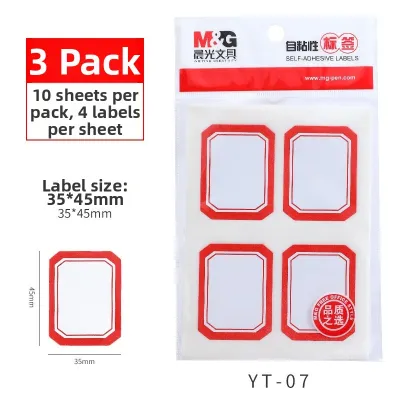
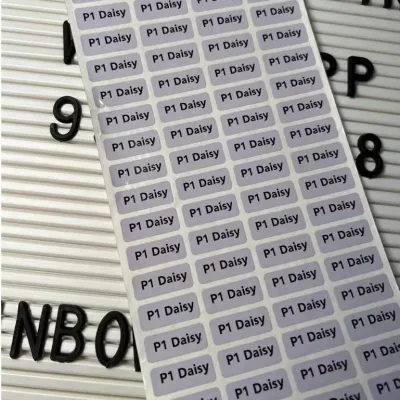
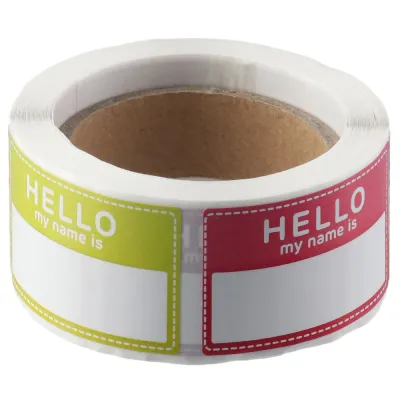
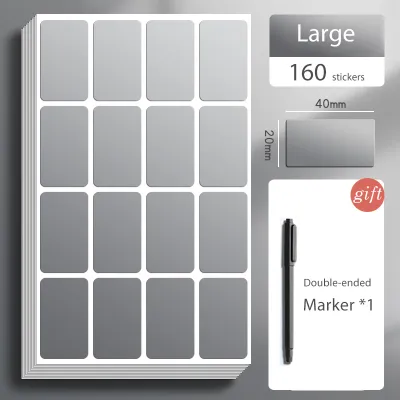
Prices are valid at publication and may change. Please refer to the product page for the latest price.
Finally, consider the connectivity and interface options. Standalone label makers feature physical keyboards (often QWERTY or ABC layouts) and small built-in screens. These are highly portable and require no external devices, making them ideal for quick, straightforward labeling tasks. On the other hand, Bluetooth-enabled, app-driven label makers connect directly to your smartphone or tablet. These companion apps offer vast design flexibility, allowing you to choose from hundreds of fonts, borders, and custom icons, which is particularly useful for creating personalized name stickers.
Matching Brand Categories to Everyday Naming Scenarios
Different label maker brand ecosystems prioritize distinct applications, meaning a machine that excels in a corporate office might be unnecessarily bulky for home crafting. Some brands focus on heavy-duty, industrial-grade durability with rugged physical designs, while others emphasize sleek, highly portable, and aesthetically pleasing devices meant for casual home organization. Aligning your primary use case with the right brand category ensures you do not overpay for features you do not need, or end up with labels that peel off prematurely.

School Supplies and Children's Belongings
Labeling school gear requires name stickers that can survive rough handling, outdoor play, and frequent trips through the dishwasher. For these high-wear environments, prioritize brands that support narrow label widths, such as 6mm to 12mm, which fit perfectly on pencils, cutlery, and small toys.
When choosing a brand for children’s items, check the manufacturer’s specifications for water and abrasion resistance. Look for laminated tape options that protect the printed text from sweat, sunscreen, and friction. Additionally, app-connected brands are highly advantageous here, as their companion software often includes extensive libraries of playful icons, emojis, and custom fonts. This allows you to create visually distinct name labels that young children can easily recognize even before they learn to read.
Office Files and Home Organization
For professional environments and systematic home storage, the priority shifts toward legibility, uniformity, and high-volume printing. Here, you should evaluate brands that support wider tape options, such as 18mm to 24mm. These wider formats allow for multi-line printing, larger fonts, and clear category headings on document binders, archiving boxes, and shelving units.
Look for brands that offer robust batch-printing capabilities. Many desktop-oriented label makers allow you to import data directly from spreadsheets or database files, enabling you to print dozens of unique name labels in a single run. Furthermore, professional brand ecosystems typically provide access to clean, highly legible font libraries and standardized templates, ensuring a consistent and polished look across all your organizational systems.
Evaluating Tape Compatibility and Durability Standards
The long-term satisfaction of owning a label maker is heavily tied to the performance and cost of its consumables. Before committing to a specific brand, it is essential to read the manufacturer’s specifications for environmental resistance rather than assuming all tapes perform equally. In a hot and humid climate, standard non-laminated adhesives can degrade over time, leading to sticky residue or peeling edges. If you plan to use labels on food containers stored in the freezer or items exposed to direct sunlight, verify that the brand offers specialized tape lines rated for extreme temperatures and UV exposure.
Surface compatibility is another critical factor. Standard adhesive tapes work best on flat, smooth plastic or paper surfaces. However, if you need to label curved items like cables, textured surfaces like matte plastic bins, or fabric items like school uniforms, you must check if the brand offers specialized consumables. These include flexible ID tapes, extra-strength adhesive tapes, and iron-on fabric ribbons. Applying a standard tape to a highly curved surface often results in the edges flagging and lifting over time.
Finally, calculate the ongoing cost of ownership. Many prominent brands use proprietary tape cartridges with built-in sensors or chips that prevent the machine from operating with third-party supplies. While proprietary tapes often guarantee optimal print quality and durability, they can be significantly more expensive per roll than generic alternatives. If you anticipate high-volume printing, check if the brand’s ecosystem allows for third-party compatible cartridges, and read user feedback regarding how well these alternative tapes feed through the machine without causing jams or print head wear.
Decision Framework: Selecting Your Ideal Label Maker Setup
To narrow down your choice, use this condition-based framework to match your daily labeling needs to the right system:
- Choose an app-connected portable brand if your primary goal is creative personalization, such as designing custom sticker name labels with unique fonts, borders, and icons. This setup is ideal for home organization, crafting, and labeling children's school items, offering maximum design freedom directly from your smartphone.
- Choose a standalone desktop brand if you require a reliable, high-volume workhorse for office filing, warehousing, or systematic home storage. These machines do not require a smartphone or wireless connection to function, allowing you to type, print, and cut labels rapidly using a physical keyboard.
- Verify tape specifications first if you have demanding physical requirements. If your labels must survive the dishwasher, microwave, outdoor weathering, or need to adhere to fabric and textured surfaces, select a brand known for its specialized, high-durability laminated tape ecosystems, regardless of the machine's interface.
Frequently Asked Questions (FAQ)
Can I use third-party label tape in branded label makers?
Whether you can use third-party tape depends entirely on the brand and model of your label maker. Some brands design their machines with physical or electronic sensors that detect proprietary cartridges, blocking the use of generic alternatives. Before purchasing third-party tapes, check the manufacturer’s warranty terms, as using non-original consumables can sometimes void your coverage. If you decide to try third-party options, run a small test print first. Observe the print clarity, check if the adhesive holds well on your target surface, and ensure the tape feeds smoothly through the cutter without sticking or jamming.
How do I ensure name stickers adhere properly to curved or textured surfaces?
To ensure your sticker name label adheres securely, proper surface preparation is essential. Clean the target surface thoroughly with isopropyl alcohol or mild soapy water to remove dust, oils, and fingerprints, then allow it to dry completely before applying the label. For curved surfaces like pens or cables, standard stiff tapes will often peel back at the edges. Instead, select flexible nylon or specialized cable-wrap tapes designed to bend without lifting. After applying the label, press firmly along the entire surface, especially the edges, to activate the pressure-sensitive adhesive, and allow it to cure for 24 hours before exposing it to moisture or heavy handling.

Community discussion
Share your experience or ask a question. Comments are reviewed before publication.