
Choosing the right shredder depends on three main variables: the volume of paper you need to destroy daily, the sensitivity of the information you handle, and the number of users sharing the device. With the strict requirements of Singapore’s Personal Data Protection Act (PDPA), failing to properly dispose of physical documents can lead to significant compliance risks for businesses and schools alike. Finding the right hp shredder requires balancing these operational factors with the physical constraints of your workspace. By matching these variables to the correct machine specifications, you can ensure smooth daily workflows while protecting sensitive information.
Assess Your Workspace Shredding Needs
To select an appropriate machine, you must first quantify your daily shredding volume and identify how many people will rely on the device. A single-user environment, such as a private desk, an executive office, or a small home-based tuition centre, has vastly different demands than a shared space. In these low-volume setups, a compact machine that handles a few sheets at a time is usually sufficient, as the primary goal is convenience and immediate disposal of occasional documents.
Conversely, multi-user environments like a shared staff room, a school general office, or an open-plan corporate workspace demand a centralized, high-capacity solution. In these settings, multiple employees or teachers will need to destroy documents throughout the day, often leading to bottleneck points if the machine cannot handle continuous use. Estimating the average number of sheets each user destroys daily helps prevent underestimating your needs and buying a machine that quickly struggles under heavy workloads.
Products mentioned in this guide
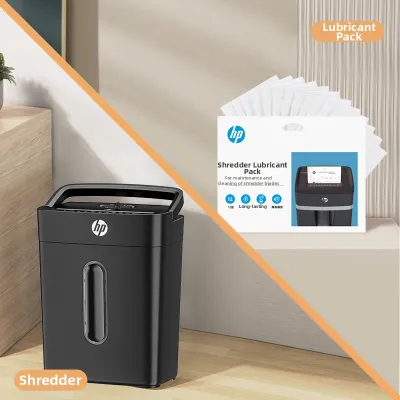
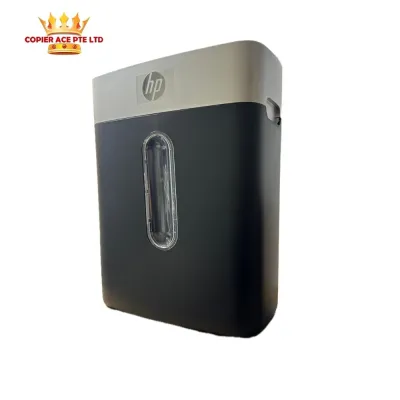
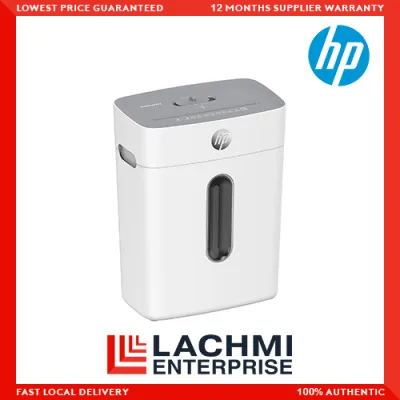
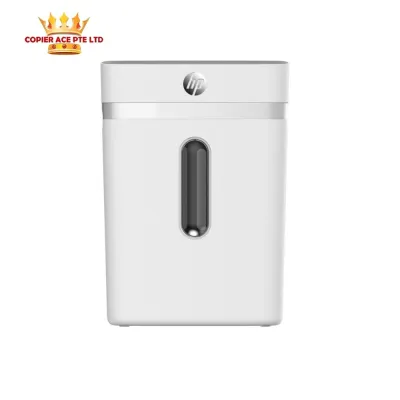
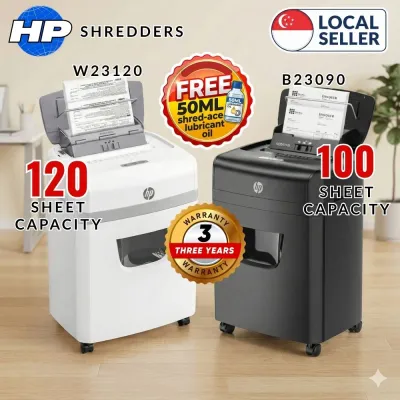
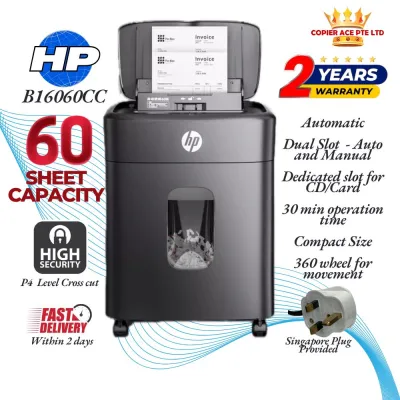
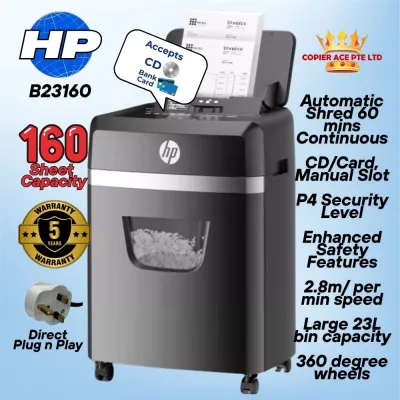
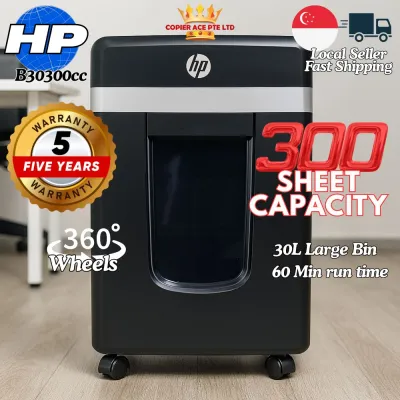
Prices are valid at publication and may change. Please refer to the product page for the latest price.
Physical footprint and noise levels are also critical considerations, especially in quiet areas like school libraries, exam preparation rooms, or close-quarters offices. A loud shredder can disrupt lessons, phone calls, and deep-focus work, making decibel levels an important specification to check before purchasing. Compact vertical designs are highly beneficial in Singapore’s commercial spaces, where floor area is optimized and every square meter counts.
Finally, identify the exact materials your organization needs to destroy on a regular basis. While standard A4 paper is the most common medium, you may also need to dispose of continuous computer forms, old optical media like CDs and DVDs, or expired corporate credit cards. Understanding these material requirements ensures you select a machine with the appropriate feed mechanism and cutting blade durability to handle mixed media without sustaining damage.
Understanding Cut Types and Security Levels
The cutting mechanism of a shredder directly determines the level of security it provides, the capacity of its waste bin, and its compliance with data protection laws. Strip-cut shredders represent the most basic tier of document destruction, slicing paper into long, continuous vertical strips. While this process is exceptionally fast and ideal for processing high volumes of non-sensitive materials like general school worksheets or basic recycling drafts, it offers minimal security. Because the strips can be reconstructed relatively easily, strip-cut machines are generally unsuitable for confidential business or student data.

Cross-cut shredders offer a significant step up in security by cutting paper diagonally from two directions, turning a single sheet into hundreds of small rectangular pieces. This cut type is the industry standard for everyday office documents, student academic records, internal corporate memos, and standard business correspondences. Beyond the added security, cross-cut particles compact much more efficiently inside the waste bin than long strips, which drastically reduces the frequency of trips to empty the bin.
For highly sensitive information, micro-cut shredders provide the ultimate level of protection by rendering documents into tiny, confetti-like particles. This level of destruction is indispensable for financial ledgers, human resource files, medical records, and highly confidential school administration documents. The microscopic size of the shredded output makes reconstruction virtually impossible, ensuring full compliance with strict organizational policies and national data protection regulations. Additionally, micro-cut waste achieves the highest level of compaction, allowing the waste bin to hold significantly more shredded paper before requiring attention.
When comparing options, you should always verify the specific DIN 66399 security level printed on the product label or technical specification sheet. This international standard rates security from P-1 (lowest security, largest strips) to P-7 (highest security, smallest particles). For standard business and educational compliance under Singapore’s regulatory framework, a minimum rating of P-4 (cross-cut) or P-5 (micro-cut) is highly recommended to guarantee that personal data is completely unrecoverable.
Key Performance Features of an HP Shredder to Evaluate
Evaluating technical specifications is essential to find a machine that integrates seamlessly into your daily workflow without causing operational frustration. The sheet capacity per pass refers to the maximum number of paper sheets the machine can accept and shred simultaneously. While it is tempting to choose a model based solely on speed, overloading a machine close to its limit increases the risk of paper jams and motor strain. A practical approach is to select a model with a sheet capacity slightly higher than your typical document batch size to ensure smooth, effortless operation.
Run time and cool-down periods represent another critical performance metric, particularly for shared office spaces. Every shredder motor has a duty cycle, which is the maximum continuous operating time before the motor overheats and requires a cool-down period. Personal models may only run for 3 to 10 minutes before needing a 30-minute rest, which can cause significant delays in a busy office. High-performance, office-grade models offer extended run times of 30 to 60 minutes, or even continuous operation, allowing teams to complete large shredding tasks without interruption.
The choice between auto-feed and manual feed mechanisms depends heavily on how your organization handles document disposal. Auto-feed shredders feature a secure tray where you can stack a large volume of papers—often 100 sheets or more—and walk away while the machine automatically feeds and shreds the documents. This is highly efficient for administrative staff who manage bulk archiving or end-of-term cleanups. Manual feed slots, on the other hand, require you to feed sheets by hand, making them better suited for quick, on-the-spot destruction of daily mail, sticky notes, or occasional rigid items like credit cards.
Anti-jam technology is an invaluable feature that prevents motor burnout and minimizes maintenance downtime. Modern machines often include active sensors that measure paper thickness before feeding, preventing jams before they start. If an overload does occur, auto-reverse functions automatically reverse the direction of the cutting blades to back out the excess paper, allowing you to clear the feed slot safely and quickly.
Lastly, consider the design and capacity of the waste bin, which is measured in litres. A larger bin reduces the frequency of maintenance, but it also increases the physical footprint of the machine. Pull-out drawer designs are generally preferred over lift-off head models, as they allow you to empty the paper waste cleanly without lifting a heavy motor assembly. Transparent viewing windows and electronic full-bin indicators are also highly useful features, preventing overfills that can force shredded paper back up into the blades and damage the cutting mechanism.
Matching HP Shredder Categories to Your Setup
To simplify your decision, you can categorize available models into distinct performance tiers designed for specific workspace scales. The Personal and Home Office Tier consists of compact, lightweight cross-cut shredders designed for individual desks or small home-based tutoring setups. These models typically feature shorter continuous run times, smaller sheet capacities, and compact waste bins under 15 litres. They are highly efficient for a single user who needs to destroy occasional documents immediately without taking up valuable floor space.
The Small Office and Classroom Tier comprises medium-capacity models engineered for shared use among one to three people. These machines offer longer continuous run times, larger waste bins (typically 15 to 25 litres), and more robust cutting assemblies capable of processing standard staples and credit cards. This tier is highly suitable for small corporate departments, school faculty rooms, or specialized administrative offices that require reliable daily performance without the need for heavy-duty industrial capacities.
For larger environments, the Departmental and School Administration Tier offers high-capacity, micro-cut machines designed for five or more active users. These heavy-duty models feature auto-feed trays, continuous-duty motors, large pull-out waste bins of 30 litres or more, and advanced anti-jam mechanisms. They are engineered to handle massive volumes of highly sensitive data, such as student registration files, payroll records, and confidential corporate strategy documents, ensuring maximum security and zero workflow bottlenecks.
Before making your final purchase, consult a quick checklist to ensure seamless integration into your local environment. Verify that the machine is designed to operate on Singapore’s standard electrical supply of 230V and 50Hz to prevent safety hazards or performance issues. Additionally, check for local warranty coverage and the availability of authorized service centers in Singapore, ensuring you have access to professional technical support and replacement parts should the machine require maintenance.
Daily Operation and Maintenance Best Practices
Implementing proper operational habits and routine maintenance is the most effective way to protect your investment and extend the lifespan of your office equipment. Safe operation should always be the top priority in any workspace, especially in school environments where children may be present. Keep hands, loose clothing, ties, lanyards, and long hair far away from the feed slot at all times. If you are installing a shredder in a classroom or a shared school area, select a model equipped with safety locks or touch-sensitive safety sensors that instantly disable the cutting blades if a hand comes into contact with the entry slot.
To maintain optimal performance, establish a routine for emptying the waste bin before it reaches its absolute maximum capacity. Allowing the bin to overfill can cause shredded paper to back up into the cutting head, which tightly packs paper between the blades, strains the motor, and can lead to permanent mechanical failure. Regularly checking the viewing window or responding promptly to full-bin indicators prevents these issues entirely.
Lubrication is another essential maintenance task that is frequently overlooked. As the cutting blades slice through paper, paper dust accumulates and absorbs the natural moisture on the metal, leading to friction, increased noise, and motor strain. Consult your user manual for the manufacturer-approved lubrication schedule, which typically involves running specialized shredder oil or pre-saturated lubricant sheets through the feed slot. Regular oiling—ideally every time you empty the waste bin or at least twice a month for active office machines—keeps the blades running smoothly and quietly.
Finally, adhere strictly to material restrictions to prevent immediate blade damage or motor failure. Unless your specific model’s manual explicitly states it can handle them, never feed plastics, adhesive labels, sticky tape, plastic document sleeves, or thick corrugated cardboard into the machine. Adhesives can melt under the friction heat of the blades, leaving a sticky residue that binds the cutting assembly, dulls the edges, and can ultimately seize the motor.
Frequently Asked Questions (FAQ)
Can HP shredders handle staples, paper clips, and credit cards?
Many modern cross-cut and micro-cut models are engineered with robust, hardened steel blades that can safely process standard staples, small paper clips, and plastic credit cards. However, feeding these hard materials into entry-level or strip-cut models can dull or chip the cutting edges over time, reducing performance. Always consult your specific model’s user manual or look for explicit compatibility icons on the product packaging before attempting to shred anything other than standard paper.
Why does my shredder stop working before the bin is full?
The most common cause of sudden shut-offs is thermal overload protection, a safety feature that automatically disables the motor to prevent overheating when the maximum continuous run time is exceeded. If this occurs, the machine will require a cool-down period—often between 20 and 40 minutes—before it can resume operation. Other common triggers include minor paper jams deep within the cutting channel, a misaligned waste bin drawer that fails to depress the safety interlock switch, or paper dust blocking the optical sensors, which falsely signals that the bin is full.
Community discussion
Share your experience or ask a question. Comments are reviewed before publication.