
Selecting the right pointer stick is more than just picking a tool to wave at a board; it is about matching your teaching style, classroom layout, and display technology to a device that enhances student focus. The ideal choice depends on whether you are writing on a traditional whiteboard, projecting slides in a large lecture theatre, or engaging young learners with interactive displays. By understanding the physical and technical characteristics of telescopic, laser, and light-up pointers, you can select a tool that improves lesson delivery while ensuring classroom safety.
An effective pointer acts as an extension of an educator’s presence, bridging the gap between the lesson plan and student attention. In modern classrooms, where teaching mediums range from physical whiteboards to high-definition interactive screens, a single pointer type may not suit every scenario. Evaluating your specific classroom environment and the age of your students will help you make an informed decision that protects your equipment and keeps your audience engaged.
Understanding Pointer Stick Types for Different Presentation Surfaces
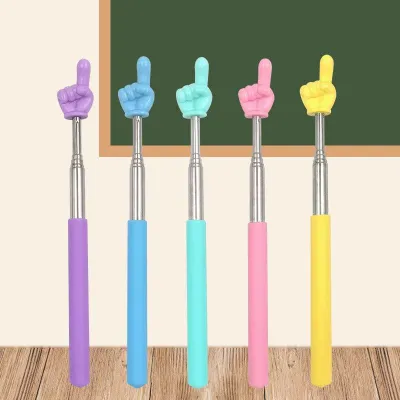
Different classroom displays require specific pointer technologies to ensure visibility and prevent surface damage. Traditional whiteboards, chalkboards, and printed maps rely on physical contact or close-range gesturing. For these surfaces, telescopic pointer sticks are highly effective. These classic tools feature a retractable metal rod that extends your physical reach, allowing you to tap key terms or trace diagrams without blocking the students’ line of sight. Because they do not project light, telescopic pointers remain perfectly visible under bright classroom lighting or direct sunlight, and they provide excellent tactile feedback when touching a solid surface.
Products mentioned in this guide
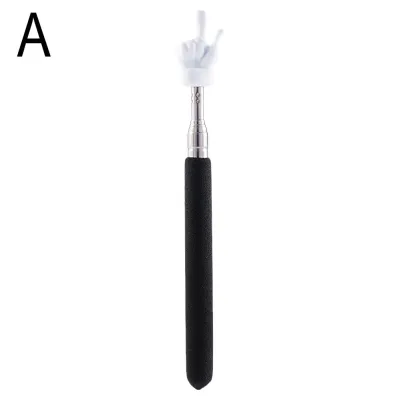
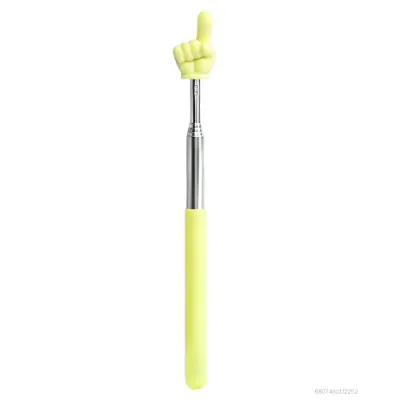
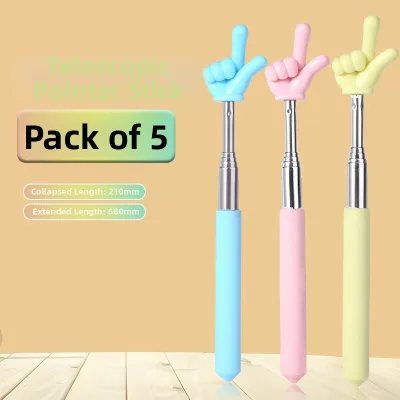
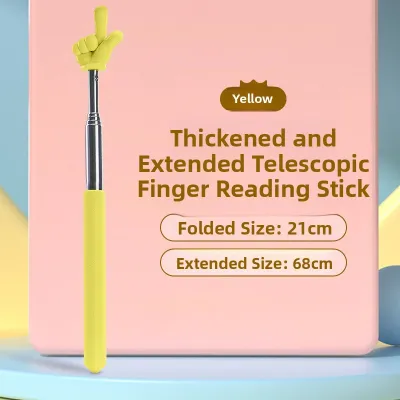
Prices are valid at publication and may change. Please refer to the product page for the latest price.
Laser pointers are designed for digital projection screens and large-scale displays where physical contact is either impossible or impractical. They project a highly concentrated beam of light—typically red or green—that remains sharp and visible over long distances. This allows you to highlight specific data points or text from anywhere in the room, giving you the freedom to move around and manage classroom dynamics. However, standard laser beams can reflect harshly off glossy surfaces, and they may be completely absorbed or scattered by modern LED video walls and highly reflective glass panels, rendering them difficult to see.
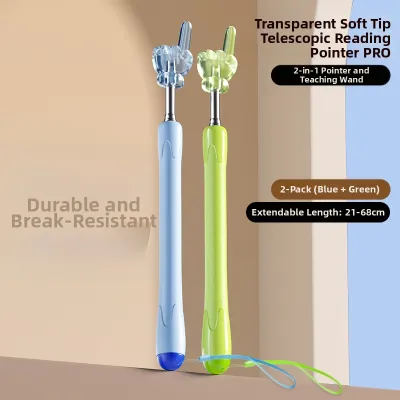
Light-up or LED pointers bridge the gap between physical rods and light-emitting devices. These pointers typically feature a soft, illuminated tip shaped like a hand, star, or simple dome, designed to glow brightly without projecting a distant beam. They are highly effective in low-light environments, such as during a slide presentation or film screening, where a standard physical pointer would be invisible. Because the light is diffused and localized to the tip, these tools are exceptionally safe for close-up work and highly engaging for students tracking visual cues on non-reflective boards.
Selecting the Right Pointer by Grade Level and Classroom Size
Classroom dimensions and student age groups play a decisive role in determining which pointer stick is most appropriate. In primary school environments, where students are highly active and visual, safety and durability are the top priorities. Young children are naturally curious and may reach for or handle teaching tools during interactive lessons. For these settings, short, lightweight telescopic pointers with soft felt or silicone tips are ideal. They minimize the risk of accidental scratches on whiteboards and are safe if a student handles them. Light-up pointers with playful designs also work exceptionally well here, as the glowing tips help maintain focus during phonics or reading exercises without posing any eye-safety hazards.

As students transition to secondary school, classrooms become larger, and lessons involve more complex diagrams, maps, and equations. Teachers in these settings require tools that offer greater versatility. Standard telescopic pointers are excellent for daily whiteboard work, allowing educators to stand to the side of the board so they do not block the view of students sitting at the back. For slide presentations, a low-power laser pointer provides the flexibility to move around the classroom, managing student behavior through proximity while still directing attention to the screen.
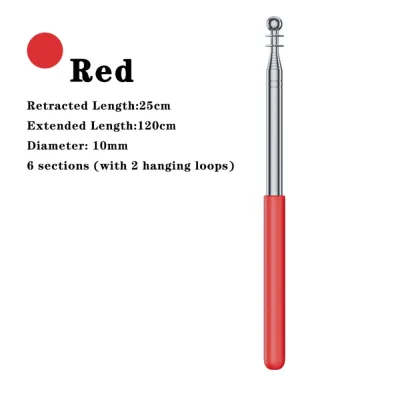
In tertiary institutions, polytechnics, and large lecture halls, the physical distance between the presenter and the screen can be substantial. Here, high-visibility laser pointers are the standard. Green laser pointers are particularly effective because the human eye is naturally more sensitive to green light, making the dot easier to track on large, bright projection screens. If a physical pointer is preferred, an extended telescopic rod that stretches up to 1.2 meters allows the lecturer to reach high points on a physical board without straining. These extended rods are also useful in science laboratories for pointing out details on high shelves or demonstration equipment safely.
Key Specifications and Safety Labels to Check Before Buying
Before purchasing a pointer stick, it is essential to verify its technical specifications and safety certifications to ensure it is suitable for an educational environment. When buying a laser pointer, always check the laser safety classification printed on the product packaging or label. Look for Class 1 or Class 2 laser certifications. Class 2 lasers operate at a low power level (typically under 1 milliwatt) and are generally considered safe for classroom use because the natural human blink reflex protects the eyes from accidental exposure. Avoid unlabelled pointers or those marked as Class 3R, 3B, or Class 4, as these higher-power devices can cause permanent eye damage in a fraction of a second and are entirely unsuitable for school environments.
For telescopic pointers, the build quality and locking mechanisms are the most critical features to inspect. Look for rods constructed from stainless steel or brass, which resist bending, rusting, and joint wear. When extending the pointer, the joints should slide smoothly but offer enough resistance to stay locked in place at any length. A loose joint will cause the pointer to collapse unexpectedly during a lesson, which can be highly disruptive. Additionally, look for an ergonomic, slip-resistant grip made of textured rubber or high-density foam to ensure comfort during long teaching blocks.
Power sources are another practical consideration that affects daily usability and long-term costs. Pointers that use standard AAA or AA batteries are highly convenient because you can quickly swap out dead batteries mid-lesson, provided you keep spares in your desk drawer. However, built-in rechargeable lithium-ion batteries, which charge via a standard USB port, are increasingly popular. They eliminate the ongoing cost of replacement batteries and are highly reliable for teachers who can simply plug the device in at the end of the school day. Typical prices for reliable classroom pointers range from S$5 for basic telescopic models to S$30 for rechargeable multi-functional devices at local stationery distributors.
Maximizing Versatility and Maintaining Your Pointer Stick
To get the most value out of your purchase, consider combination devices that merge multiple functions. Many modern pointers feature a telescopic metal rod with a built-in laser pointer or LED light at the tip, and some even include a soft conductive silicone dome that doubles as a stylus for interactive touchscreens. These multi-functional tools allow you to transition seamlessly from writing on a physical whiteboard to navigating a digital slide deck or tapping on a smartboard, reducing the number of individual items you need to carry.
Proper maintenance extends the lifespan of your pointer and ensures it remains reliable throughout the school year. For telescopic models, always retract the rod fully before storing it to prevent the thin metal segments from bending or snapping. Store the pointer in a dedicated pencil case, desk organizer, or protective sleeve rather than letting it roll loose in a drawer. For laser and LED pointers, keep the lens clean by wiping it gently with a dry microfiber cloth. Dust, fingerprints, or oil on the lens can scatter the light beam, making the pointer appear dim or blurry.
Even high-quality stationery items eventually wear out and require replacement. It is time to replace your telescopic pointer if the joints become so loose that the rod collapses under its own weight, or if the metal segments begin to rust or bend. For electronic pointers, look out for warning signs such as a flickering beam, a significantly dimmed light even with fresh batteries, or a loose power switch that fails to stay on. Replacing a failing pointer before it breaks completely ensures your lessons remain smooth and uninterrupted.
Frequently Asked Questions (FAQ)
Are laser pointers safe for use in primary school classrooms?
Laser pointers should be used with extreme caution in primary schools and generally kept out of students’ hands. If you choose to use a laser pointer for instruction, ensure it is a certified Class 1 or Class 2 device. Establish strict classroom rules: the laser must never be pointed at anyone’s face, and students should not handle the device without direct teacher supervision. For student-led activities, physical telescopic pointers or light-up LED wands are much safer alternatives that eliminate any risk of accidental eye injury.
Can I use a standard laser pointer on an interactive smartboard?
Standard laser pointers are often ineffective on interactive smartboards and modern flat-panel displays. Many smartboards feature anti-glare glass coatings that diffuse or absorb laser light, making the red or green dot incredibly faint or completely invisible to students sitting at an angle. Furthermore, a standard laser beam cannot interact with the board’s touch sensors. To navigate a smartboard, you should use the manufacturer-provided digital stylus or a physical pointer with a soft, non-abrasive silicone tip designed specifically for capacitive screens.
Community discussion
Share your experience or ask a question. Comments are reviewed before publication.