
Choosing the right A4 paper is more than just grabbing the first ream you see on the shelf. The difference between 70gsm, 80gsm, and 100gsm A4 paper lies in their weight, density, opacity, and suitability for different printing tasks. Selecting the wrong weight can lead to frustrating printer jams, ink bleed-through, or a document that feels flimsy and unprofessional. Understanding these physical properties allows you to optimize print quality, protect your office equipment, and manage your stationery budget effectively.
What Does GSM Actually Mean for A4 Paper?
GSM stands for “Grams per Square Meter.” This is the standard metric unit used globally to measure the weight and density of paper. To understand how this works, imagine a single sheet of paper that measures exactly one square meter (known as an A0 sheet). If that sheet weighs 80 grams, the paper is classified as 80gsm. Because an A4 sheet is exactly one-sixteenth the size of an A0 sheet, a single sheet of 80gsm A4 paper weighs exactly 5 grams.
A common misconception is that GSM measures the physical thickness of the paper. While heavier paper is generally thicker, GSM strictly measures mass per unit area. The actual thickness, or caliper, can vary between brands even if they share the exact same GSM. This variation occurs because different manufacturers use different wood pulp blends, binding agents, and calendering processes—the step where paper is pressed between heavy rollers to smooth it out. Consequently, a highly compressed 80gsm sheet might feel thinner but smoother than a less compressed 80gsm sheet from a competitor.
Products mentioned in this guide
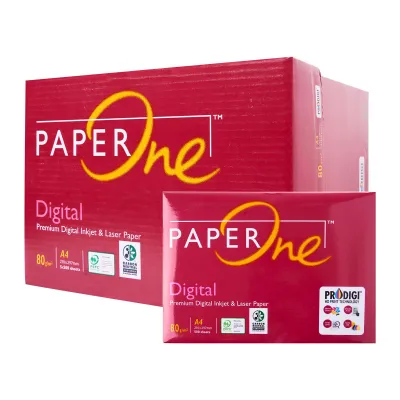
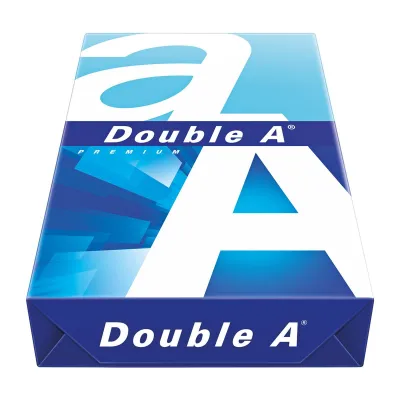
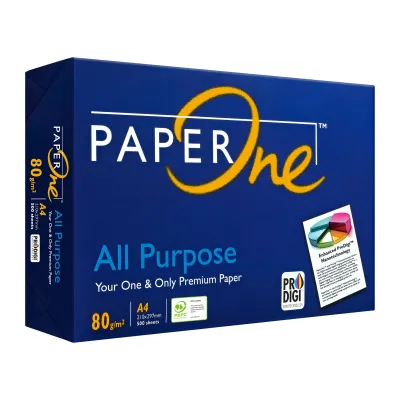
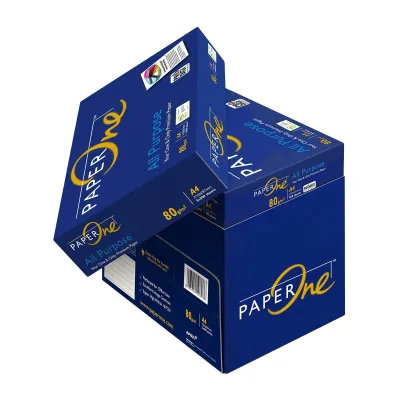
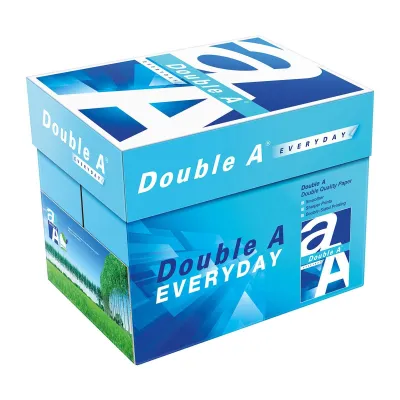
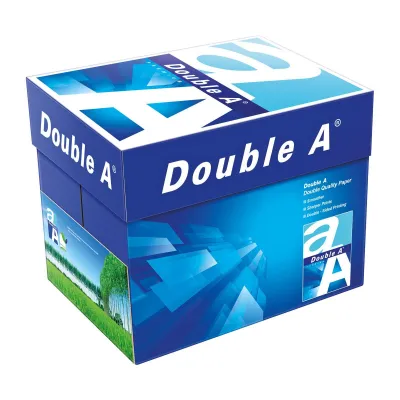
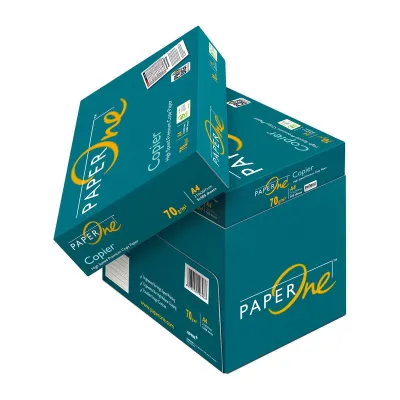
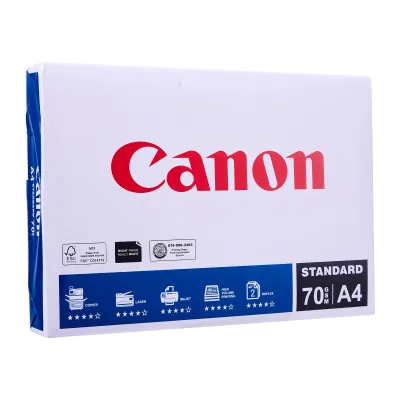
Prices are valid at publication and may change. Please refer to the product page for the latest price.
Ultimately, a higher GSM does not automatically equate to superior quality. Instead, it indicates a heavier, denser sheet of paper. High-quality paper is defined by how well its physical properties match your specific printing task. Whether you need a lightweight sheet for quick drafts or a thick, rigid sheet for a client presentation, matching the GSM to the job is the key to achieving professional results.
70gsm vs 80gsm vs 100gsm: Comparing Feel, Opacity, and Use Cases
To help you visualize the physical differences and practical applications of these three standard weights, consider how they compare across key performance dimensions:

| Paper Weight | Thickness & Feel | Opacity (Show-through) | Ideal Use Cases |
|---|---|---|---|
| 70gsm | Thin, highly flexible, light texture | Low opacity; text on the reverse side is clearly visible | High-volume internal drafts, utility bills, single-sided temporary documents |
| 80gsm | Balanced, standard stiffness, smooth | Moderate opacity; suitable for standard double-sided text | Everyday office copying, general correspondence, school homework, reports |
| 100gsm | Substantial, rigid, premium smooth feel | High opacity; minimal show-through even with heavy ink | Client-facing proposals, resumes, certificates, color presentations, flyers |
At the lighter end of the spectrum, 70gsm paper is thin and highly flexible. Because it contains less fiber mass, it has low opacity, meaning light passes through it easily. If you attempt to print on both sides of a 70gsm sheet, the text from the reverse side will show through clearly, making it difficult to read. This makes 70gsm paper best suited for single-sided, high-volume utility printing where cost-efficiency is the primary concern.
Moving up to 80gsm brings you to the standard office benchmark. This weight offers a reliable balance of stiffness and opacity. It feels substantial enough for daily business interactions and provides sufficient opacity to handle standard double-sided text printing without distracting show-through. Most office copiers and printers are engineered to run most reliably with this specific weight.
At 100gsm, the paper enters the premium tier. It feels noticeably heavier, stiffer, and smoother in the hand. The dense fiber structure provides excellent opacity, ensuring that even heavy color graphics or dark inks do not bleed or show through to the other side. This makes it the preferred choice when you want the physical feel of the document to convey quality and professionalism.
It is important to note that brightness and whiteness are entirely separate specifications from GSM. Paper brightness refers to the percentage of light reflected off the page, while whiteness refers to the shade of white (often enhanced with blue optical brighteners). You can easily find a budget-friendly 70gsm paper with high brightness, or a premium 100gsm paper with a softer, natural cream finish. Always check the packaging for these optical ratings separately from the weight.
How Paper Weight Affects Printer Compatibility and Jams
Your choice of paper weight directly impacts how smoothly your printer operates. Printer feed mechanisms rely on a precise balance of friction and flexibility to pull a single sheet from the paper tray. Lightweight 70gsm paper is highly flexible, making it susceptible to curling and static buildup. In high-speed office copiers or highly humid environments, this limpness often causes the rollers to grab multiple sheets at once, or causes the paper to crumple as it navigates the tight bends of the internal paper path, resulting in frequent paper jams.
Conversely, heavier 100gsm paper presents a different challenge. Because of its stiffness, older or entry-level home printers with weaker feed motors may struggle to pull the paper around the internal rollers. This can result in “no paper” errors, misfeeds, or stubborn jams mid-print.
Ink and toner handling also vary significantly by weight. Inkjet printers deposit liquid ink onto the paper surface. Thinner 70gsm paper absorbs this liquid quickly, but the limited fiber mass can cause the paper to warp, buckle, or “cockle” under heavy ink saturation. 100gsm paper has the density required to absorb the liquid carrier of the ink, allowing heavy color prints to dry flat and sharp. For laser printers, which use heat and pressure to fuse dry toner powder, 80gsm and 100gsm papers provide the structural integrity needed to resist curling under the high temperatures of the fuser unit.
For automatic duplex (double-sided) printing, paper weight is critical. During duplexing, the printer must pull the paper back inside, flip it over, and run it through the heating or ink-deposition process a second time. Lightweight 70gsm paper is generally too fragile to handle this double pass reliably without jamming. Using 80gsm or 100gsm paper is highly recommended for automatic duplexing to ensure smooth feeding and prevent reverse-side ink bleed.
Before purchasing paper in bulk, always check your printer’s user manual. Look for the technical specifications section to find the supported paper weight range (usually expressed in gsm). While most standard office printers easily support weights from 60gsm up to 120gsm, some home models have tighter limits.
How to Choose the Right A4 Paper Weight for Your Tasks
To maximize cost-efficiency and performance, match your paper selection to the specific lifecycle and audience of your documents.
High-Volume Internal Use
For raw data dumps, internal financial ledgers, packing slips, and temporary rough drafts, 70gsm paper is the most practical choice. It reduces stationery costs significantly when printing in bulk. Additionally, because 70gsm sheets are thinner, a stack of 500 sheets takes up less physical space, allowing you to fit more documents into filing cabinets, binders, and archive boxes.
Standard Office & Home Use
For everyday contracts, school assignments, emails, general reports, and daily business correspondence, stick to 80gsm paper. It is the most versatile default option, offering excellent compatibility with almost all printer brands and feed mechanisms. It provides a professional look for daily operations while remaining highly economical for double-sided printing.
Professional & Premium Documents
When sending a proposal to a major client, printing a resume, presenting legal documents, or distributing marketing flyers, opt for 100gsm paper. The tactile feedback of a heavier, stiffer sheet immediately signals attention to detail and premium quality. It is also the ideal choice for any document featuring high-density color graphics, charts, or logos.
Storage Tips for Humid Climates
Paper is highly hygroscopic, meaning it readily absorbs moisture from the surrounding air. In humid climates, open paper reams can quickly absorb ambient moisture, causing the edges of the sheets to wavy-curl. This distortion is a primary cause of multi-sheet feeds and printer jams, regardless of whether you use 70gsm, 80gsm, or 100gsm paper.
To prevent this, always store your paper flat in its original, moisture-resistant wrapper. Only open a new ream when you are ready to load it into the printer. If your printer sits idle for several days in a non-air-conditioned room, consider loading only the amount of paper you plan to use immediately, keeping the remaining sheets sealed in their protective packaging.
Frequently Asked Questions (FAQ)
Does higher GSM mean the paper is brighter or whiter?
No. GSM only measures the physical weight and density of the paper per square meter. Brightness and whiteness are optical properties determined by the quality of the wood pulp, the bleaching process, and the addition of optical brightening agents. You can easily find highly bright 70gsm paper, as well as premium 100gsm paper with a softer, natural off-white tone.
Can I use 100gsm paper in a standard home inkjet printer?
Most modern home inkjet printers can comfortably handle 100gsm paper through their standard paper tray. However, some older, ultra-compact, or entry-level budget printers may struggle with the stiffness of heavier sheets, leading to feed failures. Always consult your printer’s user manual to verify its maximum supported paper weight before printing.
How should I store A4 paper to prevent printer jams in a humid climate?
Store paper reams completely flat in a cool, dry, air-conditioned room. Keep them sealed inside their original moisture-barrier wrapper until you are ready to use them. Avoid storing paper cartons directly on concrete floors or near open windows where they can easily absorb rising dampness or humid outdoor air.
Community discussion
Share your experience or ask a question. Comments are reviewed before publication.