
Choosing the right printing paper weight is essential for achieving professional results, preventing printer jams, and managing office budgets. The choice between 70gsm, 80gsm, and 100gsm paper depends on how you plan to use the document, whether you need double-sided printing, and the capabilities of your printer. While lighter paper is highly cost-effective for high-volume drafts, heavier paper offers the opacity and premium feel required for client-facing presentations. Understanding these physical differences allows you to select the ideal specification for every print job.
What GSM Means for Printing Paper
GSM stands for Grams per Square Meter, which is the standard metric used globally to measure paper density and weight. Rather than measuring the physical thickness of a single sheet directly, GSM calculates how much a single square meter of that specific paper would weigh in grams. Consequently, a higher GSM value indicates a denser, heavier sheet of paper, which typically translates to increased stiffness, greater opacity, and better overall durability.
However, GSM is not a direct measurement of physical thickness. Because different paper manufacturers use varying wood pulps, fillers, and pressing techniques, two different brands of 80gsm paper may have slightly different physical thicknesses or textures. When selecting paper, look at the GSM as a reliable indicator of the paper’s weight class and general sturdiness, but expect minor tactile variations between different brands.
Products mentioned in this guide


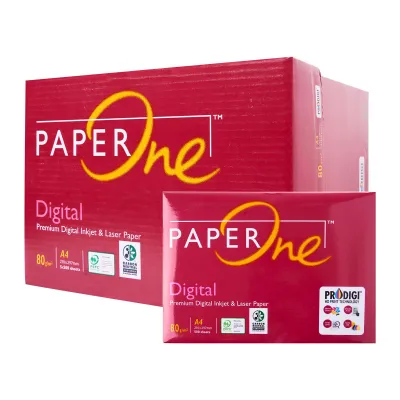
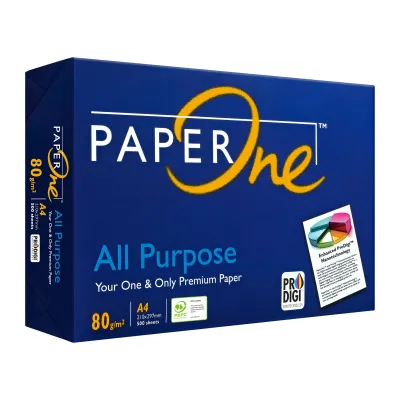
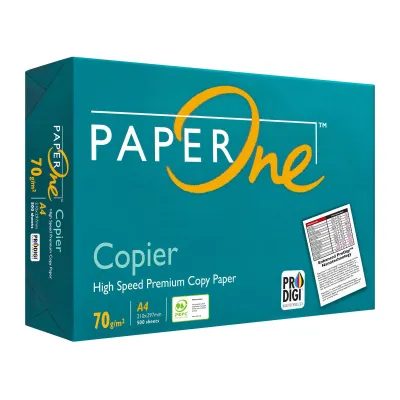
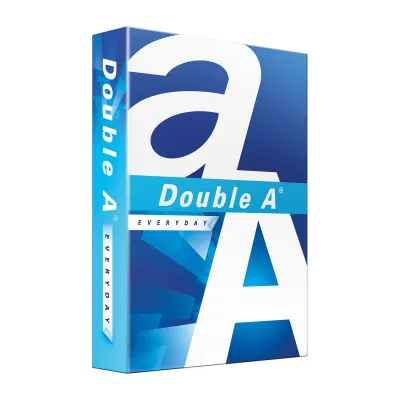
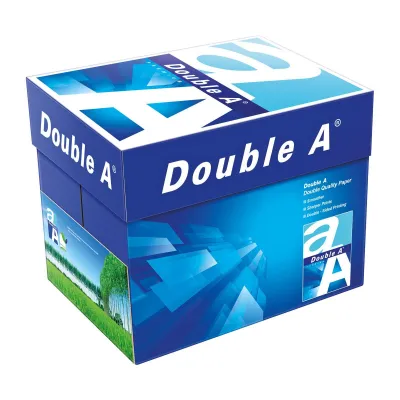
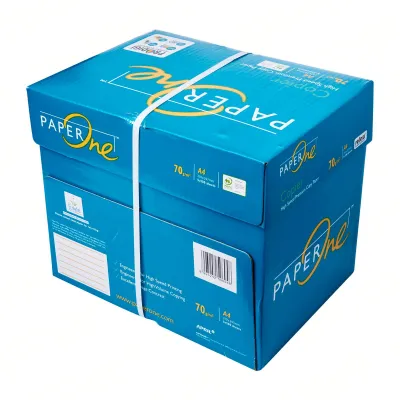
Prices are valid at publication and may change. Please refer to the product page for the latest price.
Practical Differences Between 70gsm, 80gsm, and 100gsm
The transition from 70gsm to 100gsm represents a noticeable step up in paper substance, stiffness, and light-blocking capability. Each of these three common weights serves a distinct purpose in daily printing tasks, balancing the trade-offs between cost, professional appearance, and ink absorption. Selecting the wrong weight can lead to issues like excessive ink show-through on double-sided prints or unnecessary spending on internal documents.

70gsm: Everyday Drafts and High-Volume Printing
At 70gsm, the paper is thin, highly flexible, and lightweight. This lower density means the paper has reduced opacity, making it easy to see text or images through the sheet when held up to the light. Because of this characteristic, 70gsm paper is best reserved for single-sided printing, internal office memos, rough drafts, and high-volume utility printing where presentation quality is not a priority.
The primary advantage of 70gsm paper is its cost-efficiency and reduced physical bulk, which is beneficial for archiving large volumes of files. However, the trade-off is a higher risk of ink show-through, especially when using inkjet printers. The paper can also feel somewhat flimsy to the touch, which may not convey the desired professional image for external communications.
80gsm: The Standard for Professional Documents
The 80gsm weight is the universal standard for office copy paper and general business printing. It offers a balanced combination of stiffness, opacity, and cost-effectiveness, making it highly versatile for everyday professional tasks. This weight is sturdy enough to handle standard double-sided printing with minimal ink show-through, provided the document consists primarily of text rather than heavy color graphics.
Most standard office copiers, laser printers, and inkjet devices are optimized to feed 80gsm paper smoothly. It passes through feeding rollers with minimal friction, reducing the likelihood of multi-sheet feeds or paper jams. For general reports, external correspondence, and daily office documentation, 80gsm paper provides a reliable, professional baseline.
100gsm: Premium Presentations and Double-Sided Prints
Upgrading to 100gsm paper introduces a distinct premium feel, characterized by high rigidity, excellent opacity, and a smooth tactile finish. This weight is thick enough to block light effectively, making it the ideal choice for double-sided documents containing rich color graphics, charts, or heavy ink coverage. The risk of ink bleeding or showing through to the opposite side is significantly reduced.
This heavier weight is highly recommended for client proposals, marketing flyers, and high-impact presentations where the physical feel of the document influences the reader’s perception. The trade-offs are practical and financial: 100gsm paper is more expensive per sheet, and a standard ream of 500 sheets takes up significantly more physical space in storage and in the printer tray.
Printer Compatibility and Paper Feeding
Before purchasing a large quantity of any paper weight, verify your printer’s compatibility by checking the manufacturer’s user manual or specification sheet. While almost all modern office and home printers easily handle paper weights ranging from 70gsm to 100gsm, the feeding mechanisms and rollers may interact differently with each weight class. Extremely light paper can sometimes cause multi-sheet feeds, while heavier paper requires more grip to pull through the paper path.
When printing on 100gsm paper, you may need to adjust the paper type settings in your printer driver to ‘Heavy Paper’ or ‘Bond’. This adjustment signals the printer to slow down the feeding speed slightly, allowing laser printers to apply the correct amount of heat to fuse the toner properly. Exceeding your printer’s maximum recommended GSM limit can lead to frequent paper jams, incomplete toner fusing, or accelerated wear on the internal rubber rollers.
How to Choose the Right Weight for Your Documents
To choose the right paper weight, assess the document’s audience, the total print volume, and whether you plan to print on both sides. For internal reference materials, high-volume data logs, and temporary drafts, 70gsm paper offers the lowest cost per sheet and saves valuable storage space. If you are printing standard business letters, contracts, or daily office reports, 80gsm paper provides the best overall value and a professional appearance.
For high-stakes client presentations, marketing materials, or documents with heavy color graphics, investing in 100gsm paper ensures a premium presentation that prevents distracting show-through. Keep in mind that heavier paper reams will fill your printer’s input tray faster, meaning you will need to reload the tray more frequently. If you are switching to a new brand or a different paper weight, it is always wise to purchase a single test pack to verify feeding reliability and print quality before committing to a bulk order.
Frequently Asked Questions (FAQ)
Can I mix different paper weights in the same printer tray?
It is highly recommended to avoid mixing different paper weights, such as 70gsm and 100gsm, in the same printer input tray. Printer feeding rollers rely on consistent friction to pull a single sheet at a time; mixing weights can disrupt this balance, leading to double-feeding, misfeeds, or paper jams. If you need to use different weights for a single print job, utilize your printer’s manual feed slot or assign different weights to separate paper trays.
Does a higher GSM always mean better print quality?
A higher GSM does not automatically guarantee better print quality, as GSM only measures the weight and density of the paper, not its surface characteristics. The actual clarity, sharpness, and color vibrancy of a print depend heavily on the paper’s coating, brightness, smoothness, and how well it interacts with your specific printer’s ink or toner. While 100gsm paper prevents ink show-through and feels more premium, a high-quality, coated 80gsm paper can often deliver equal or better image resolution than an uncoated 100gsm sheet.
Community discussion
Share your experience or ask a question. Comments are reviewed before publication.